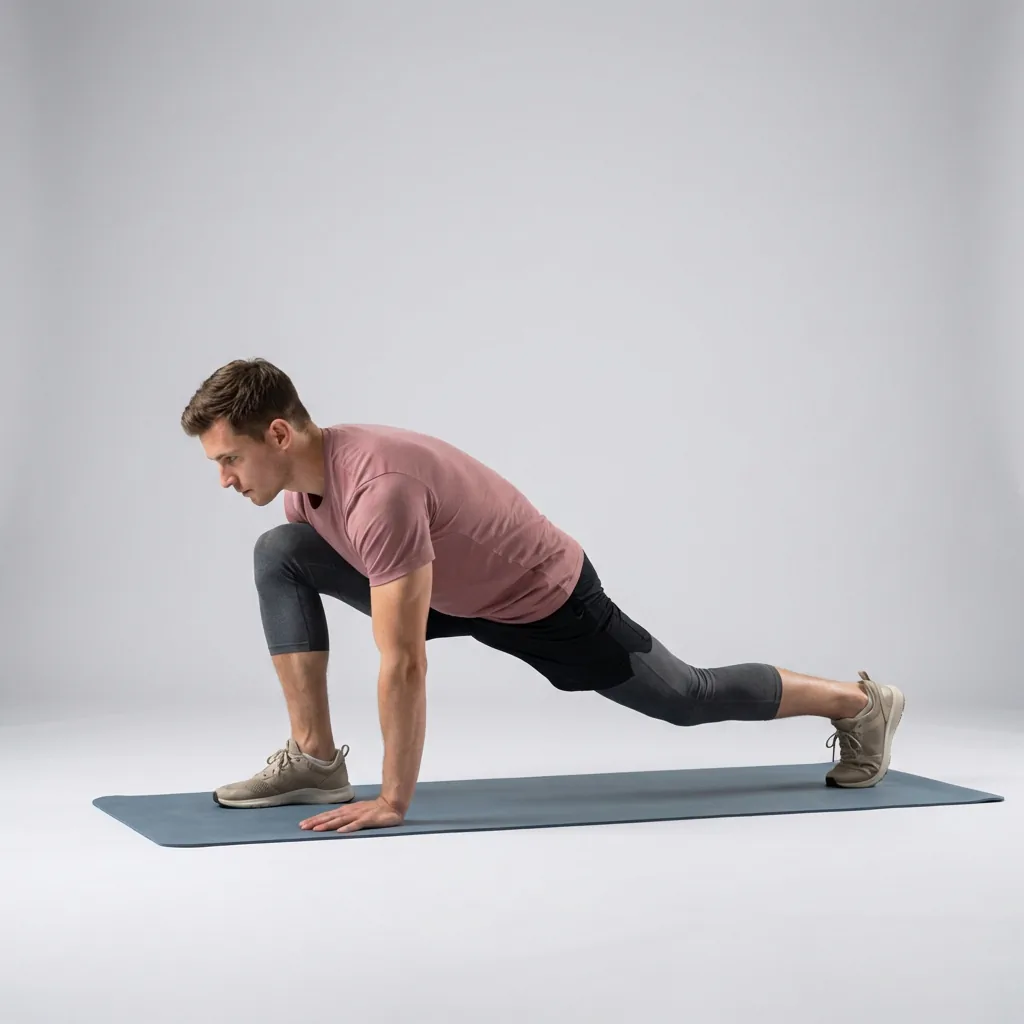
Custom routine builder
Build the routine you actually want to do.
Sometimes you know exactly what you need. Flexor's custom routine builder lets you assemble your own guided session from its exercise library—choose the movements, set how long each one lasts, order them the way you like, then save it to run again whenever you want.
Pick your movements
Search and filter the library by focus area and difficulty.
Set the timing
Adjust how long each exercise runs to suit your pace.
Order it your way
Hold and drag to reorder steps into the flow you want.
Save and repeat
Keep it in My Routines and start it again in one tap.
Your library, your routine
The custom builder opens straight into Flexor's exercise library. You can search by name or filter by focus area and difficulty, then add the movements you want to include. Each one keeps the same clear video demonstration and spoken guidance as the ready-made routines, so a routine you build yourself still plays like a guided session.
This is for the times a recommendation or ready-made routine is not quite right—when you want a specific warm-up before a sport, a targeted sequence for one area, or simply the stretches you personally find most useful in one place.
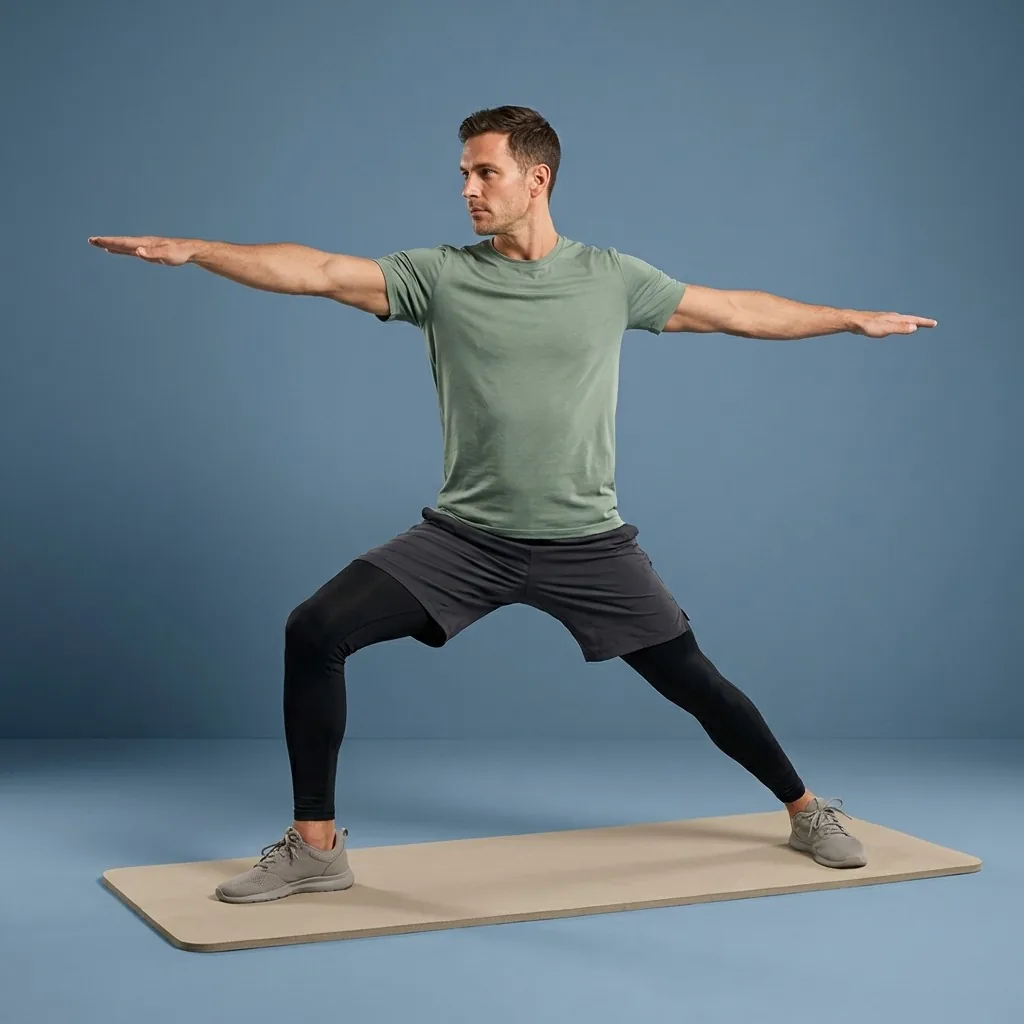
How to build one
Building a routine is a short, direct workflow rather than a form to fill in:
- Add exercises from the library using search and focus-area or difficulty filters.
- Set each exercise's duration up or down to match your pace.
- Hold and drag to reorder the steps, or remove any you change your mind about.
- Name the routine, add an optional description, pick a hero image, and save.
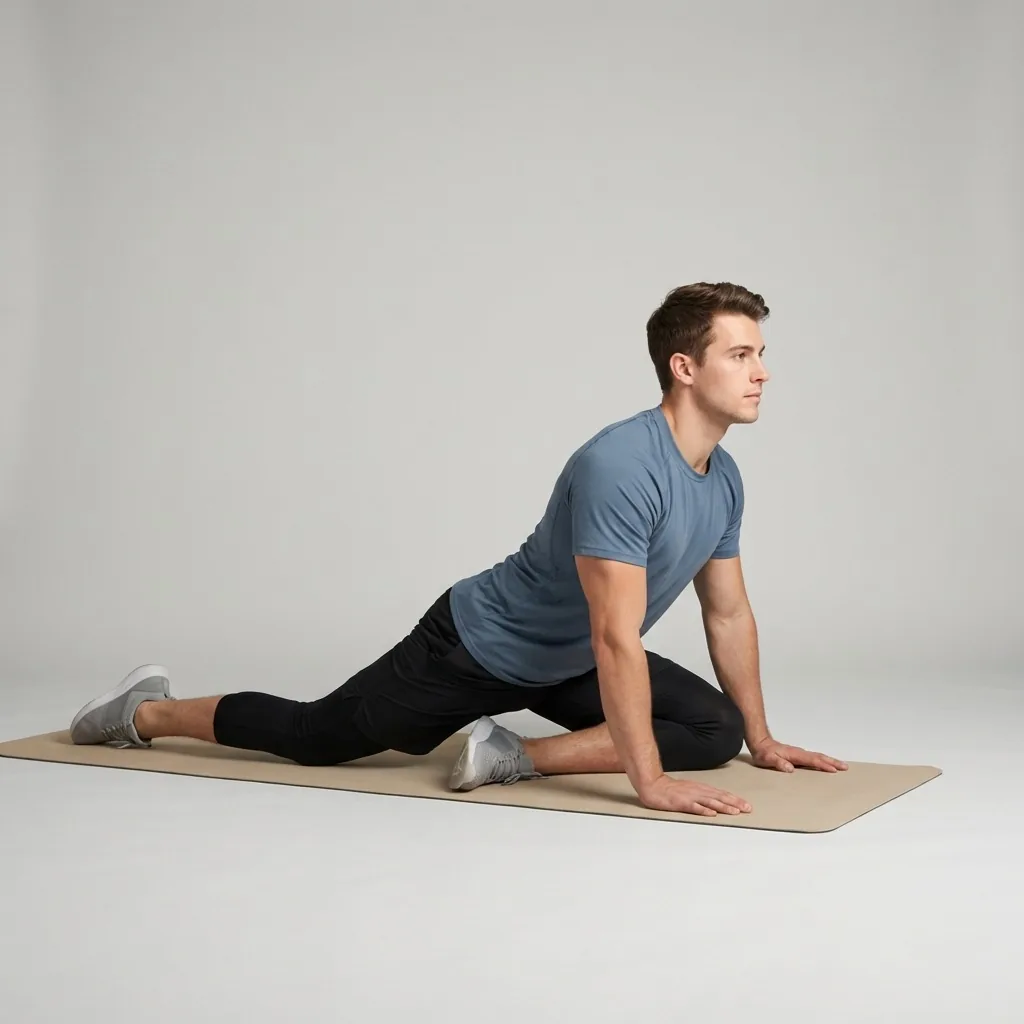
In Flexor: Deeper stretch options when you want more range.
Build the session you keep repeating.
Pick exercises from the library, set the order and durations, then save it for next time.
Saved to your device, ready to reuse
Saved routines live in your My Routines list, so a session you spent time building is one tap away next time. You can edit the exercises, timing, and order later, or delete a routine when you no longer need it—everything stays on your device.
Custom routines sit alongside Flexor's guided catalogue, multi-day plans, and daily recommendations. Build the sessions you keep coming back to, and let the rest of the app handle discovery when you are less sure what to do.
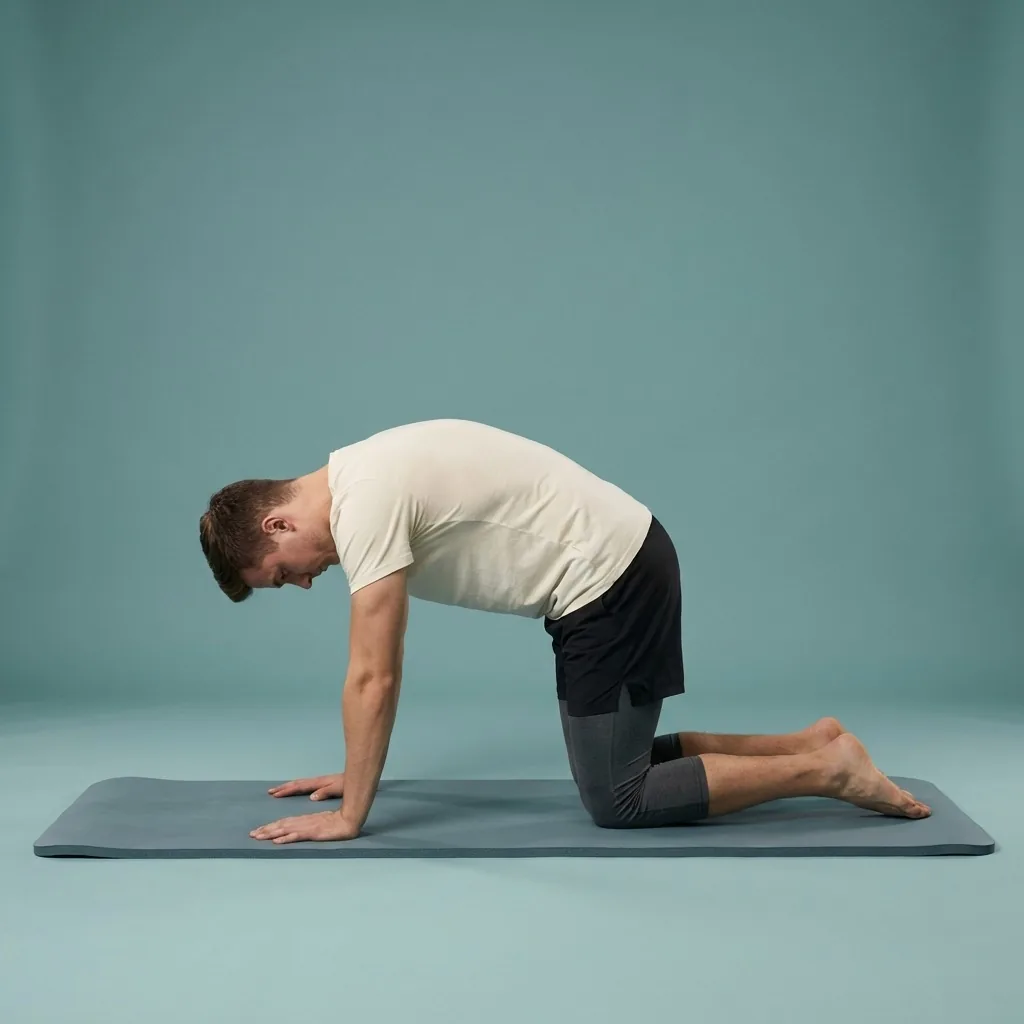
Build sensibly and stay comfortable
Because you choose the movements and timing, a custom routine is only as suitable as the choices you make. Pick exercises and durations that match your experience, keep transitions realistic, and include a gentle warm-up or cool-down where it makes sense.
Flexor provides the movements and guided playback; it does not assess whether a particular combination is right for your body. Work within a comfortable range, move with control, and stop if a movement causes pain or concerning symptoms.
Quick facts
- Feature
- Custom routine builder
- Source
- Flexor's full exercise library
- Control
- Pick movements, timing and order
- Playback
- Same video demos and spoken cues
- Storage
- Saved on your device in My Routines
How to build a custom routine
-
Add exercises
Search or filter the library by focus area and difficulty, then add movements.
-
Set the timing
Adjust how long each exercise runs to match your pace.
-
Order the steps
Hold and drag to reorder, or remove anything you change your mind about.
-
Name and save
Add a name, optional description and hero image, then save it to reuse.
Where to start
You know exactly what you want
Build it yourself in the custom routine builder.
You would rather describe a goal
Use AI routines to draft a session for you.
You want a longer structured path
Follow a curated multi-day plan instead.
Safety and limits
- A custom routine is only as suitable as the movements and timing you choose.
- Pick exercises and durations that match your experience, and include a warm-up or cool-down where sensible.
- Flexor does not assess whether a combination is right for your body.
- Move within a comfortable range and stop if a movement causes pain or concerning symptoms.
Custom routines are general fitness and wellness content, not a substitute for advice from a qualified healthcare professional.
Read the full wellness disclaimerRelated routines
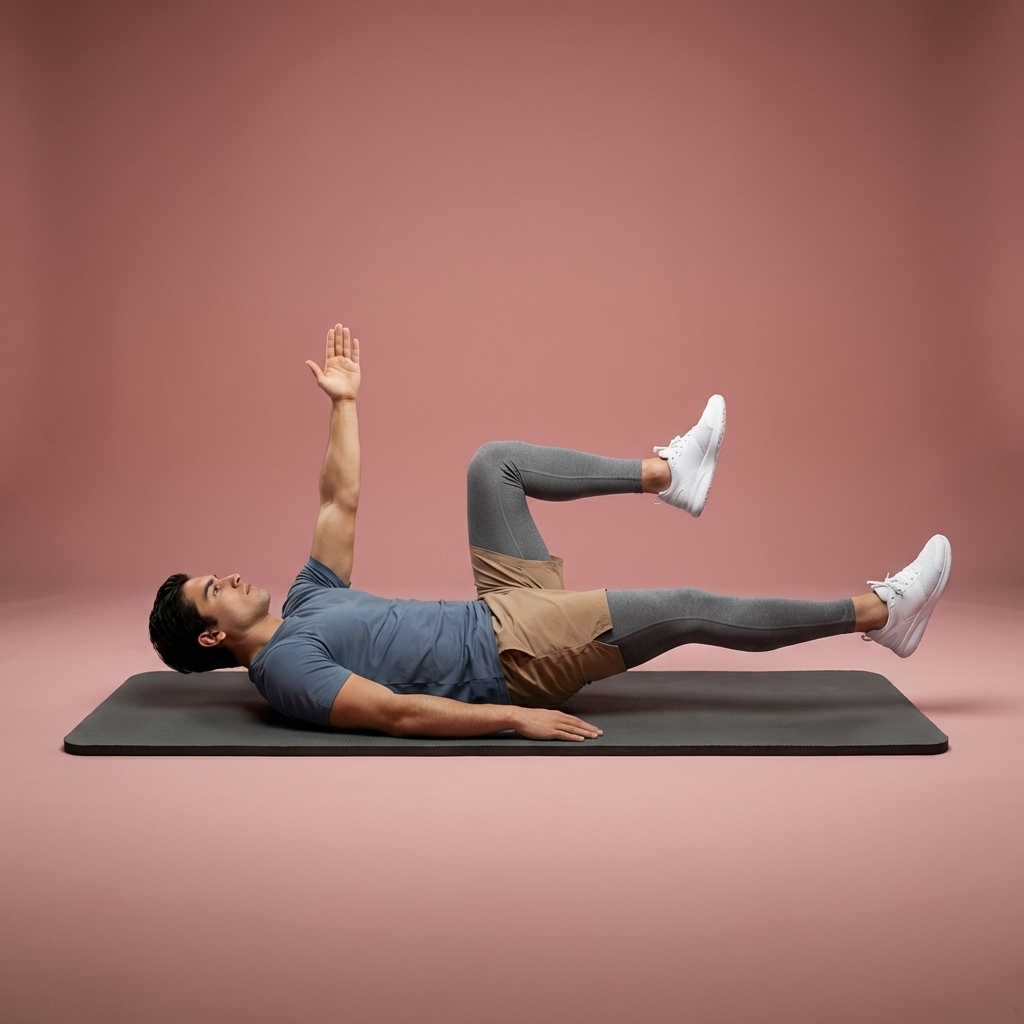
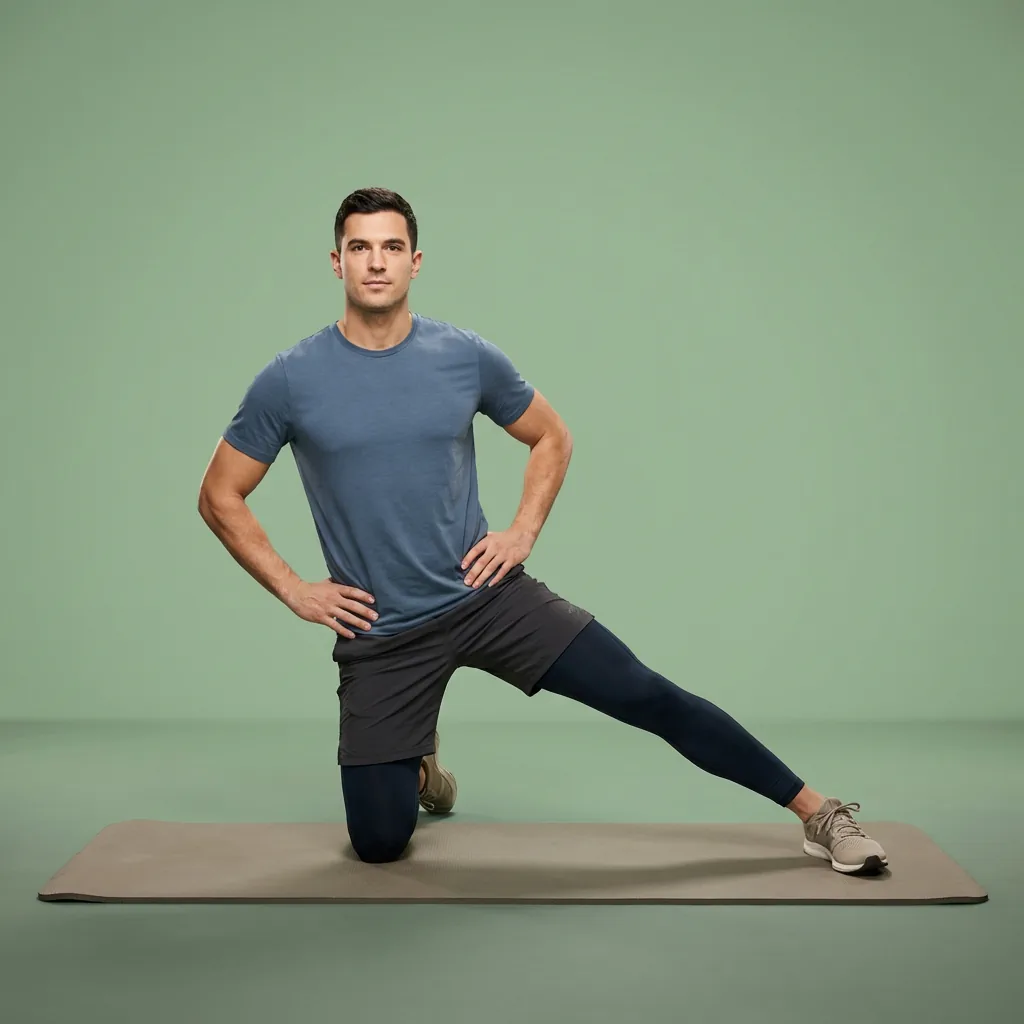
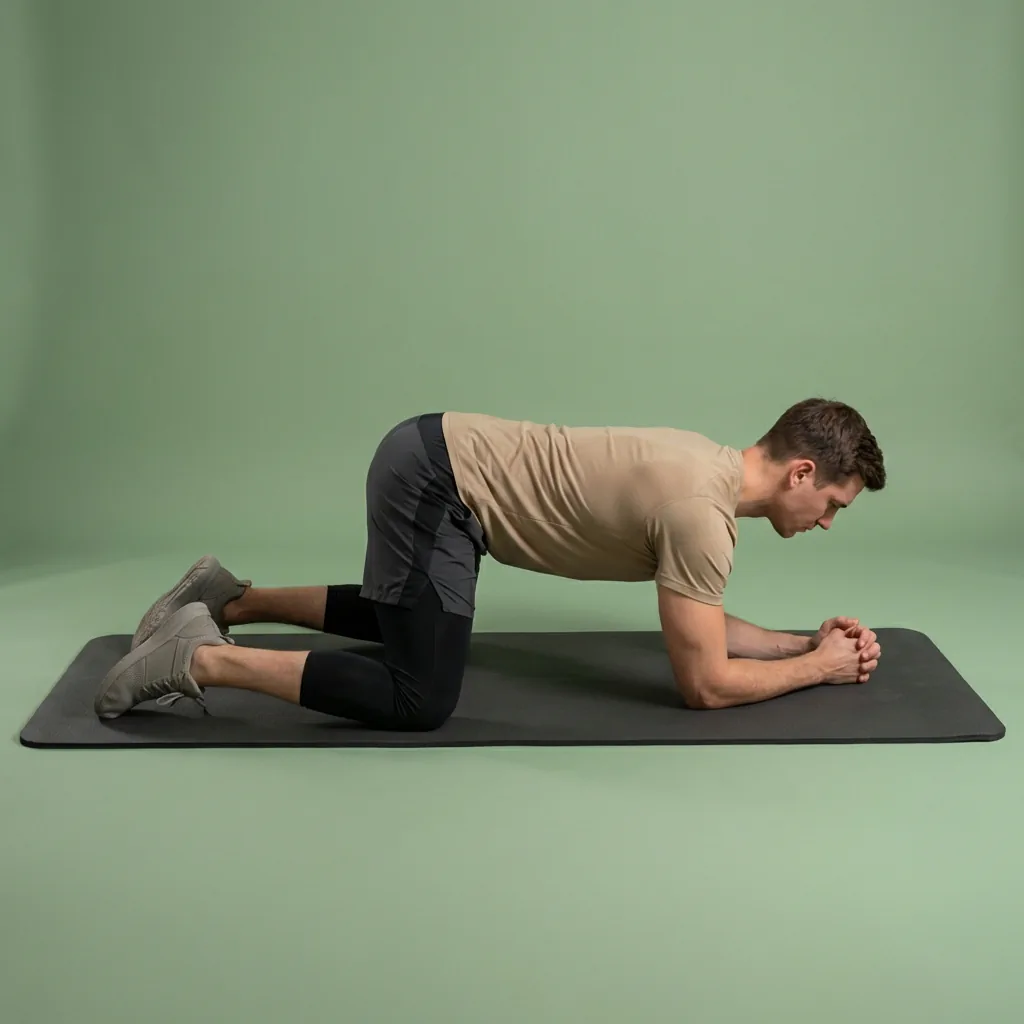
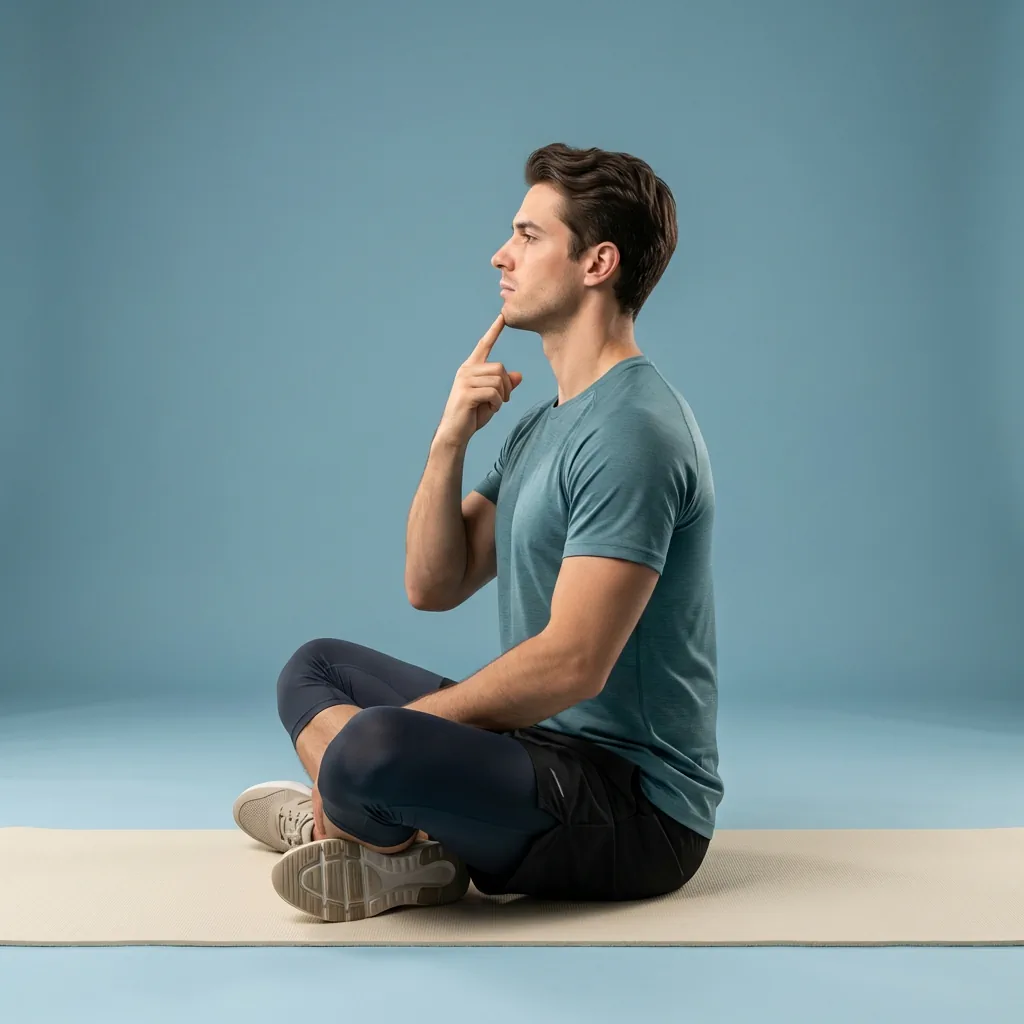
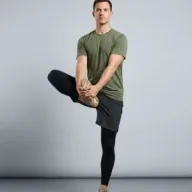
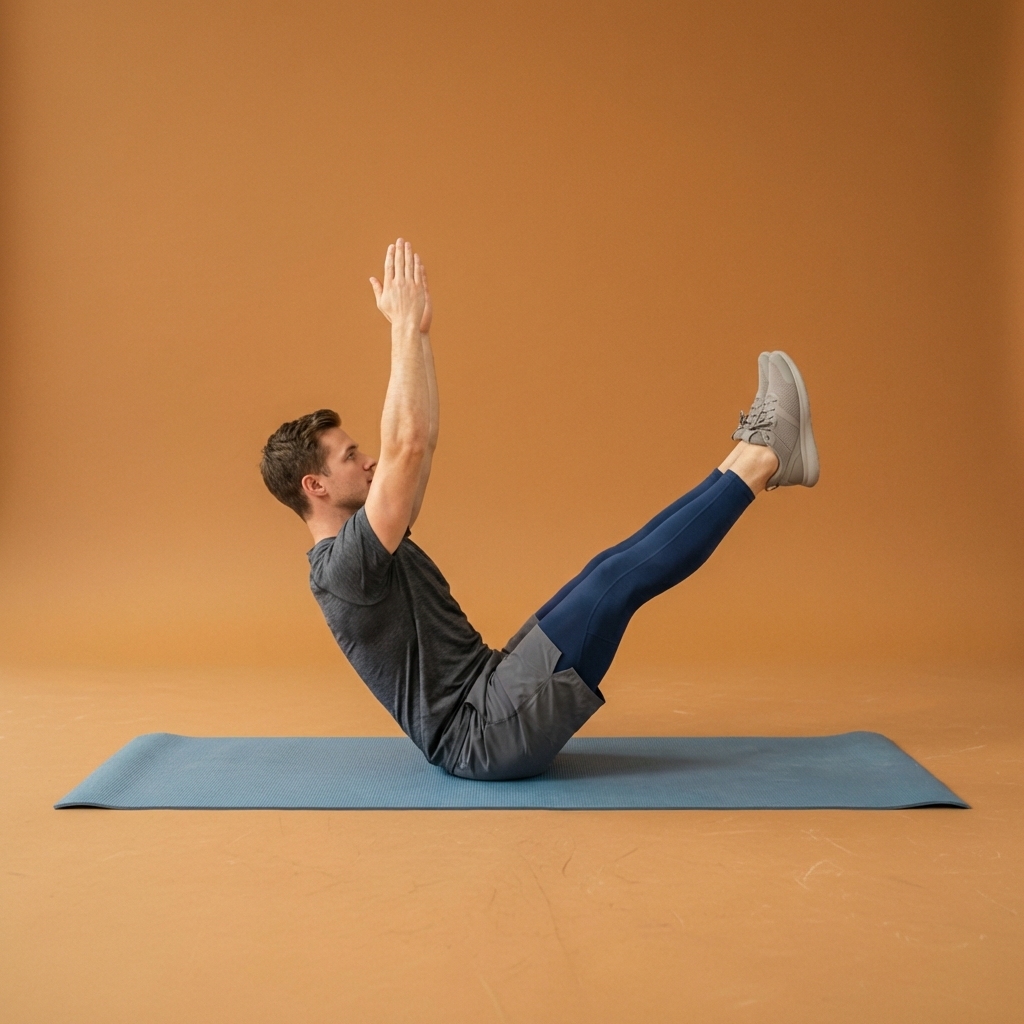
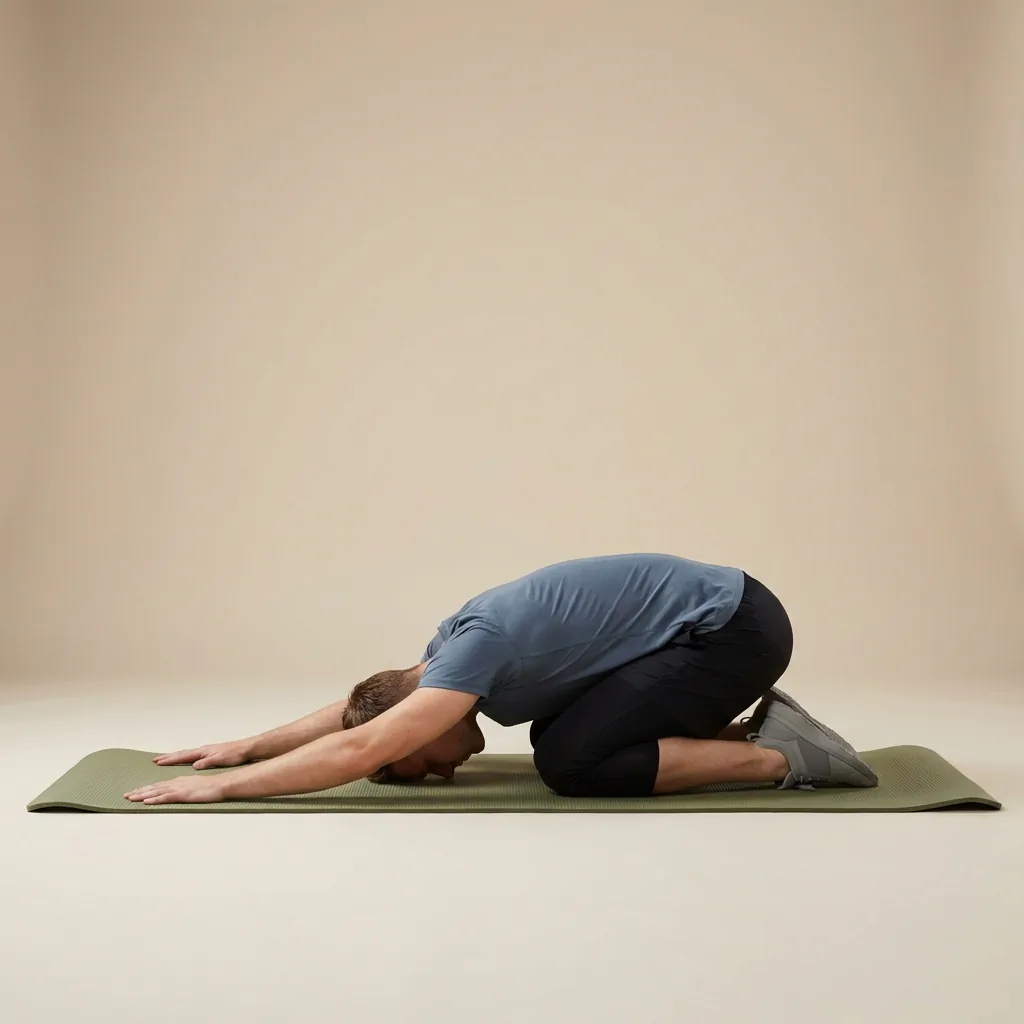
Browse guided Flexor sessions that match this page, then open any routine for steps and cues.




























Common questions
Frequently asked questions
How do I build a custom routine in Flexor?
Open the custom routine builder and add exercises straight from Flexor's library, using search or filters for focus area and difficulty. For each movement you can set how long it runs, and you can hold and drag to reorder the steps or remove any you do not want. Once the sequence looks right, give the routine a name, add an optional description, choose a hero image, and save it. It then plays with the same video and audio guidance as Flexor's ready-made routines.
Can I edit or delete a custom routine later?
Yes. Every custom routine you save appears in your My Routines list and stays fully editable. You can change which exercises are included, adjust each one's duration, reorder the steps, or rename the routine at any time. If you no longer need a routine, you can delete it, which permanently removes it and its exercises from your device. Nothing is locked once saved, so a routine can evolve as your preferences or focus areas change over time.
Do custom routines include video and audio guidance?
They do. A routine you build yourself uses the same exercises as Flexor's ready-made catalogue, so each movement keeps its clear video demonstration and spoken cues during playback. The result plays like any other guided Flexor session, with timing, transitions, and guidance handled for you. The difference is simply that you chose the movements, their durations, and their order, rather than following a routine that Flexor or its AI assembled for you.
How is building a routine different from using AI routines?
The custom builder puts you in full manual control: you pick every exercise, set its duration, and order the steps yourself. AI routines take the opposite approach—you describe what you want and Flexor creates or recommends a session from its library for you to review. Both save into your routines for reuse. Choose the builder when you already know exactly what you want, and AI when you would rather describe a goal and let Flexor draft the session.
Keep exploring
More guides on stretching, mobility, routines, and Flexor features.
Follow-along, start to finish
Guided stretching that leads each session—not just a list of moves.
Follow timed stretching sessions with clear video demonstrations, spoken guidance and smooth exercise transitions at hom...
Read more Routine chooser
Choose a stretching or mobility routine by what you need now.
Choose a Flexor routine for mornings, desk breaks, workout warm-ups, cool-downs, flexibility, mobility, recovery, and ev...
Read more Flexor features
Everything the Flexor app does, in one place.
See how the Flexor app works: AI routines, personalised daily recommendations, a custom library, plans, progress, remind...
Read more