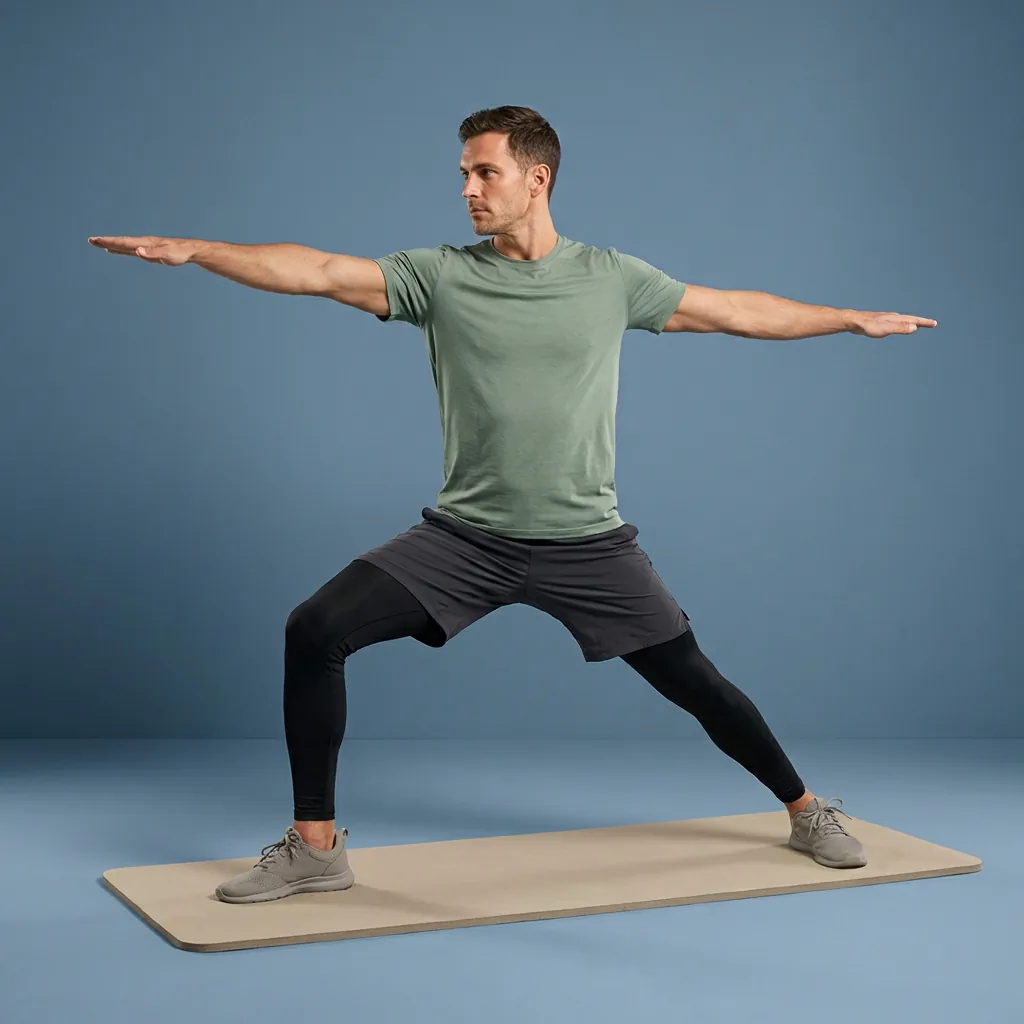
Flexor features
Everything the Flexor app does, in one place.
Flexor is a complete stretching and mobility app built from a set of connected features: guided routines, AI suggestions, daily recommendations, a custom routine builder, multi-day plans, progress tracking, reminders, offline access, and TV casting. This hub explains what each feature does, and links to the ten detailed guides behind them.
Guided and personal
Guided routines plus recommendations shaped by your goals and time.
AI when you want it
Describe what you need and Flexor suggests a routine to review.
Yours to keep going
Plans, progress, streaks, reminders, favourites, and custom routines.
Flexible playback
Follow routines offline and cast them to a larger screen.
In this section
Pick the guide closest to what you need.
- AI routine generator Create or find a stretching and mobility routine from your goals, focus areas, time, experience and constraints using Flexor AI, with clear limits. Read the guide
- Apple Watch Follow guided Flexor stretching routines from your wrist: routine timing and cues on Apple Watch, with the paired iPhone handling AI, purchases and detail. Read the guide
- TV playback Follow Flexor on a larger screen using AirPlay Screen Mirroring from iPhone or Google Cast from Android, while keeping routine controls on your phone. Read the guide
- Custom routine builder Build your own guided routine from Flexor's exercise library, set each exercise's duration, reorder the steps, then save it for repeat sessions. Read the guide
- Today for You Flexor's Today for You suggests a relevant session each day from your goals, focus areas, experience, available time and recent sessions. Read the guide
- Offline access Use Flexor's routine catalogue, plans, library and player without a continuous connection once content is on your device. AI and purchases need internet. Read the guide
- Multi-day plans Follow Flexor plans from three to twenty-one sessions—match level, focus, and length, with clear next steps and saved progress. Read the guide
- Progress & streaks See completed sessions, streaks, consistency and focus areas in one Flexor dashboard. Detailed statistics and insights may require Premium. Read the guide
- Reminders Set helpful reminders for stretching, mobility, desk breaks and daily sessions so movement becomes a consistent part of your regular daily routine. Read the guide
- Try Something Different When you keep working the same areas, Flexor's Try Something Different suggests under-trained body areas so your routine stays balanced over time. Read the guide
How Flexor's features work together
Rather than handing you a wall of individual exercises, Flexor connects a handful of features so you can open the app and start moving. Guided routines give you the ordered steps, timing, and cues; personalisation and AI help you decide what to do; and progress features help you keep the habit going.
This page is the map. Each feature listed above has its own detailed guide covering exactly what it does, how to use it, and where its limits are. Feature pages explain the how; the commercial pages explain why Flexor might suit you.
- Guided routines with video demonstrations and spoken cues.
- AI routine suggestions and personalised daily recommendations.
- Custom routine builder, multi-day plans, favourites, and reminders.
- Progress, streaks, offline access, and casting to a larger screen.
Feature guides you can explore now
Ten feature guides are live today, covering how the core of Flexor works. The AI routines guide shows how Flexor turns a plain-language request into a routine you can review. Daily recommendations explains Today for You, the daily pick built from your goals and recent sessions. Try Something Different covers the carousel that nudges you toward under-trained areas. Custom routines walks through building your own session from the library, and multi-day plans explains following curated sequences with saved progress.
The progress dashboard guide covers streaks, consistency, and where Premium detail comes in, and cast to TV explains following a session on a larger screen using AirPlay or Google Cast while your phone stays the controller. Offline access explains how the core app works without a connection, and stretching reminders covers gentle timed nudges that build a habit. The Apple Watch guide explains following routine timing and cues from your wrist while the paired iPhone handles AI, purchases and detail.
- AI routines: describe a goal and review a generated guided routine.
- Daily recommendations and Try Something Different: a relevant, balanced daily pick.
- Custom routines and multi-day plans: build your own or follow a curated sequence.
- Progress dashboard, cast to TV, offline access, and reminders: track, cast, and keep the habit going.
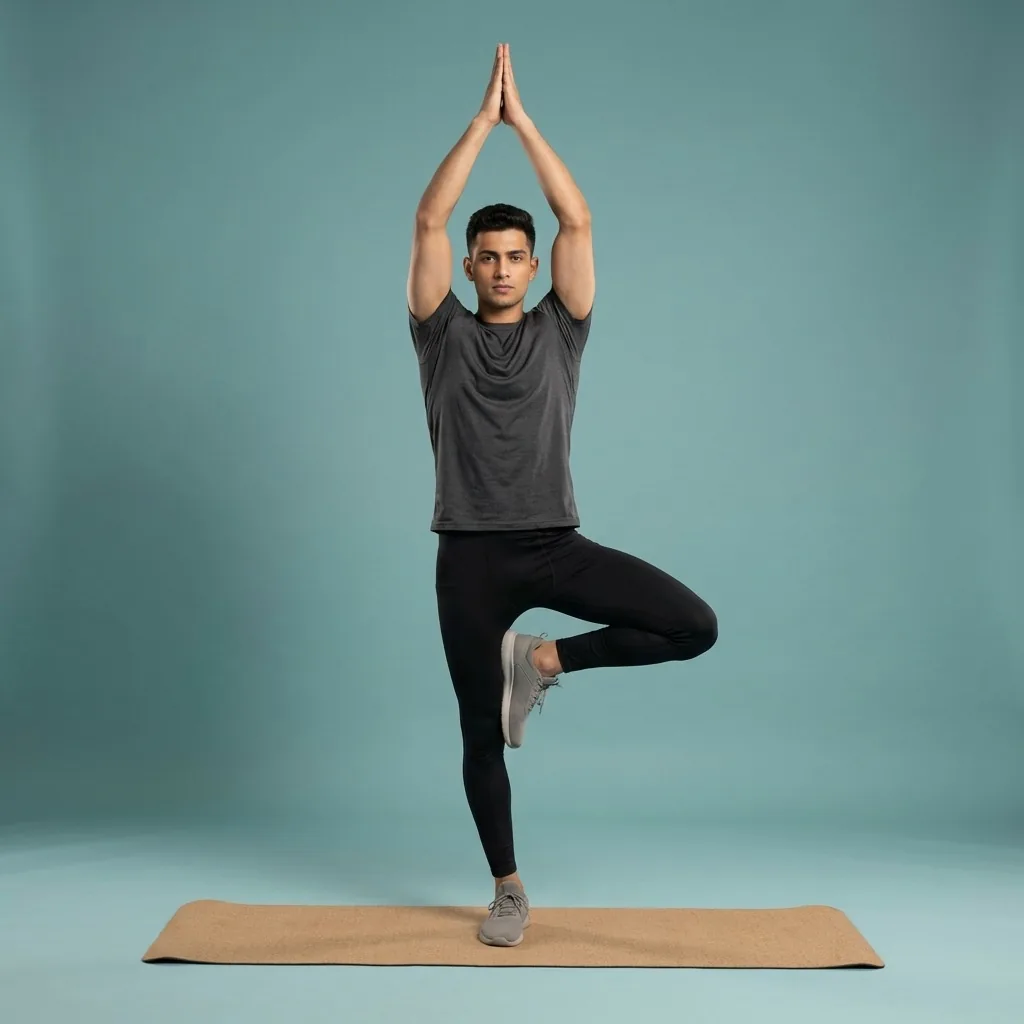
In Flexor: Personalised recommendations you can start immediately.
The parts, and how they fit.
Guided routines to follow, personalisation to help you choose, and progress features to keep you going.
Where personalisation comes from
Flexor personalises what you see using the information you give it: your goals, experience level, focus areas, the time you have, and the sessions you have recently completed. That keeps recommendations relevant without scanning your body or judging your form.
Because no app can feel how a movement lands in your body, Flexor's guidance stays general fitness and wellness support—not a diagnosis, treatment plan, or mobility assessment. Use a comfortable range, move with control, and stop if something causes pain or concerning symptoms.
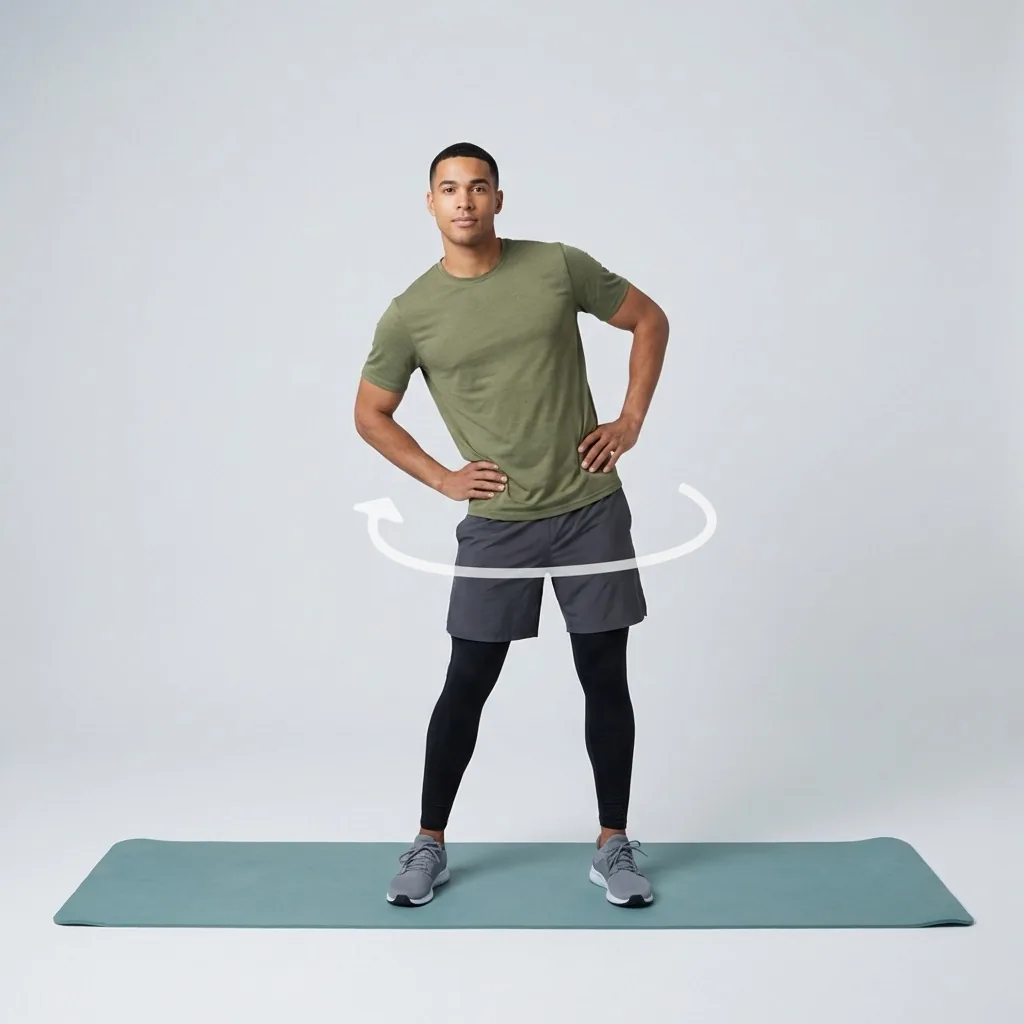
Quick facts
- Page type
- Feature hub
- Live guides
- Ten feature guides
- Covers
- AI, personalisation, plans, progress, offline and more
- Personalisation
- From your inputs, never a body scan
Where to start
You want Flexor to suggest what to do
Read daily recommendations and Try Something Different.
You want to create a session
See AI routines or the custom routine builder.
You want to keep the habit going
Explore plans, the progress dashboard, and reminders.
You want flexible playback
See offline access, cast to TV, and Apple Watch.
How Flexor personalises this
Flexor personalises what you see from the information you give it: goals, experience, focus areas, available time and recent sessions. It never scans your body or grades your form, so guidance stays general fitness and wellness support.
See daily recommendationsSafety and limits
- Flexor's guidance is general fitness and wellness support.
- No feature provides a diagnosis, treatment plan, or mobility assessment.
- Move within a comfortable range and stop if something causes pain or concerning symptoms.
Flexor is not a substitute for advice from a qualified healthcare professional.
Read the full wellness disclaimerRelated routines
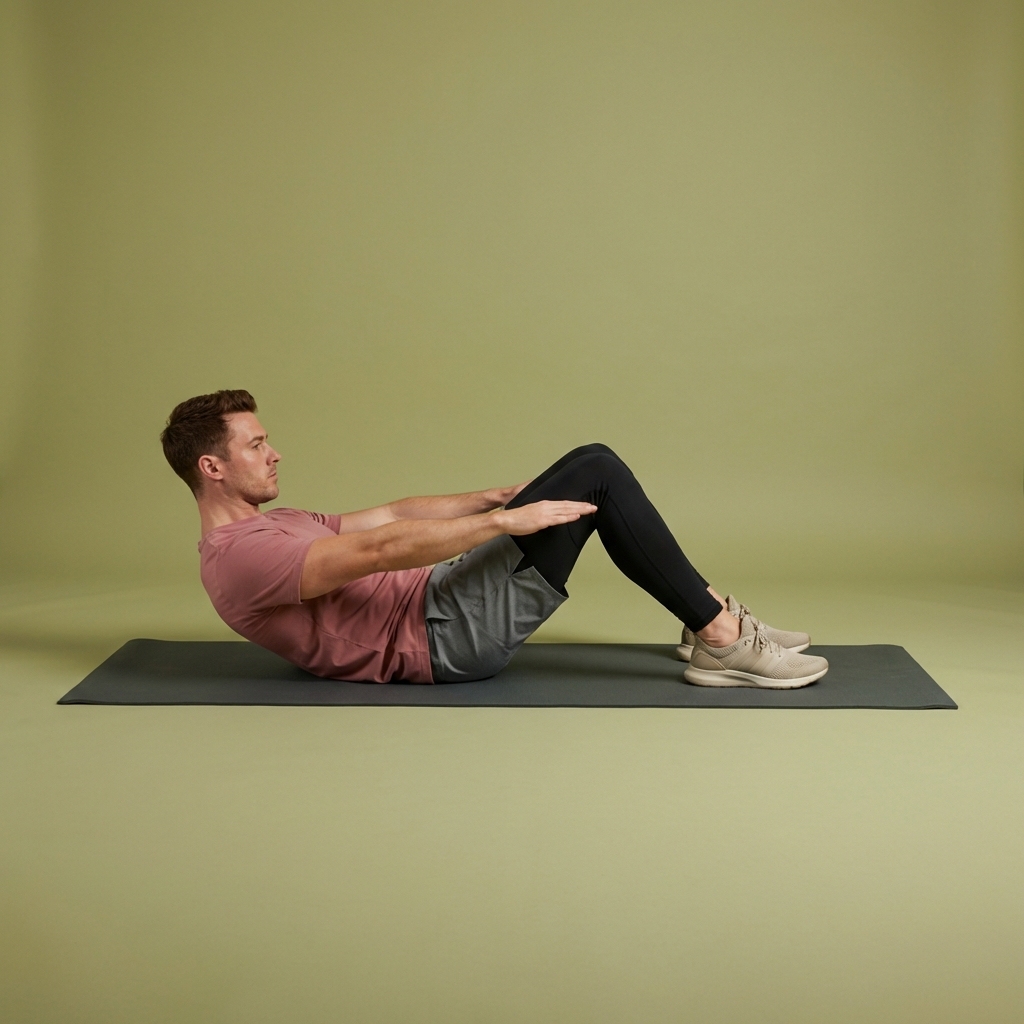
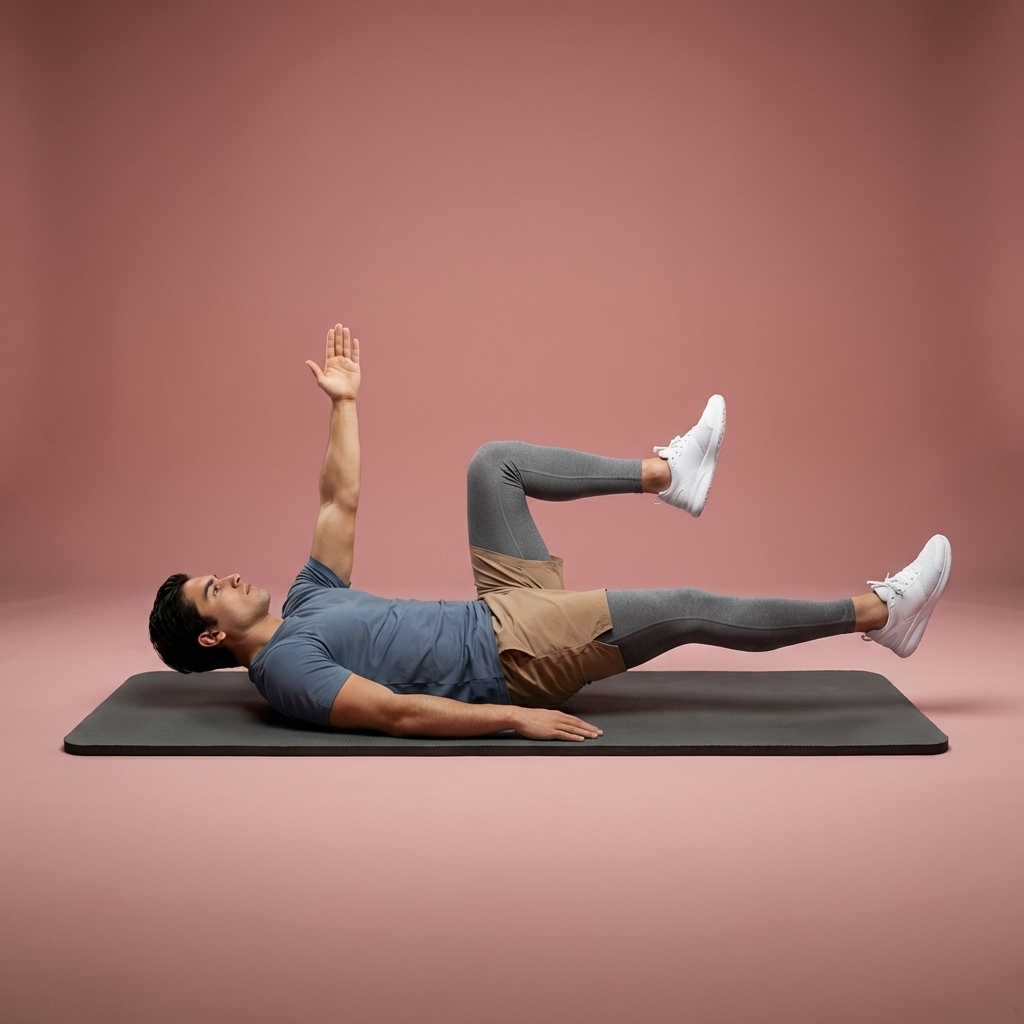
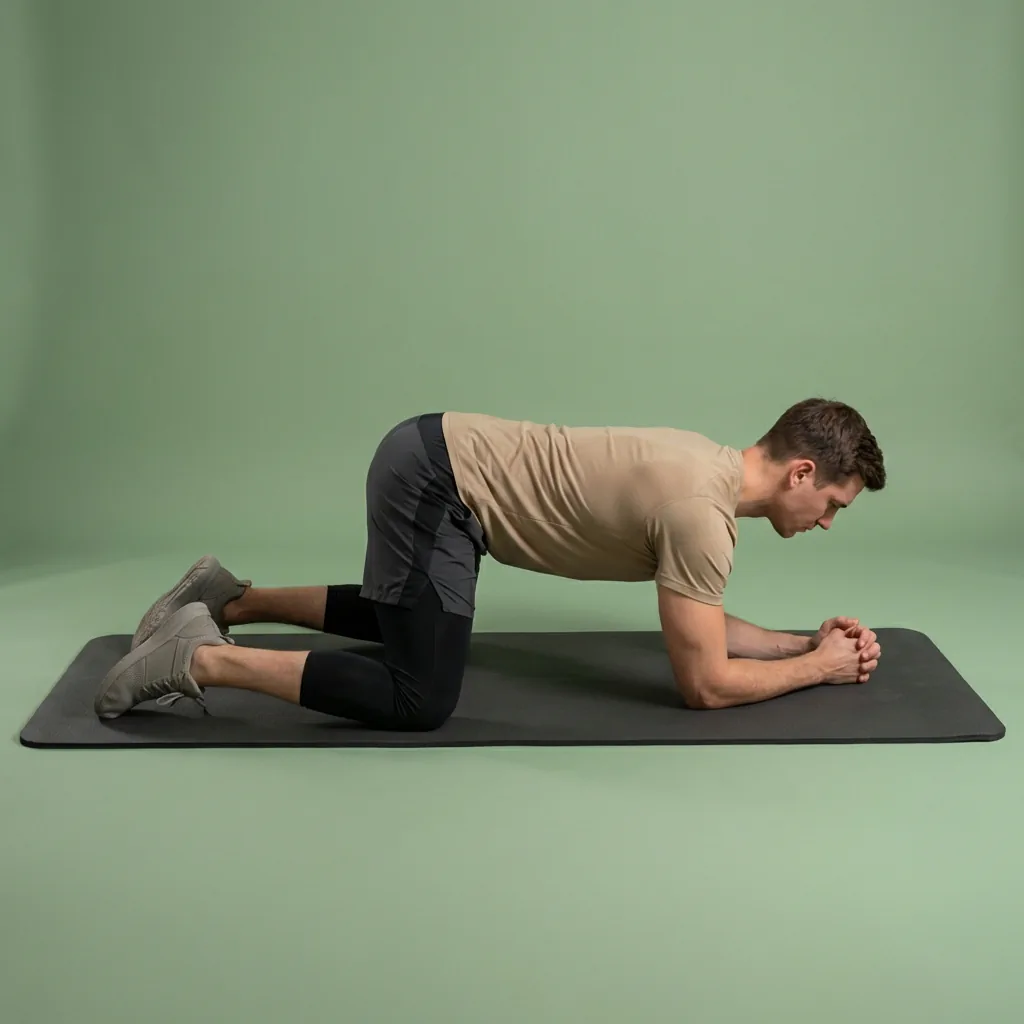
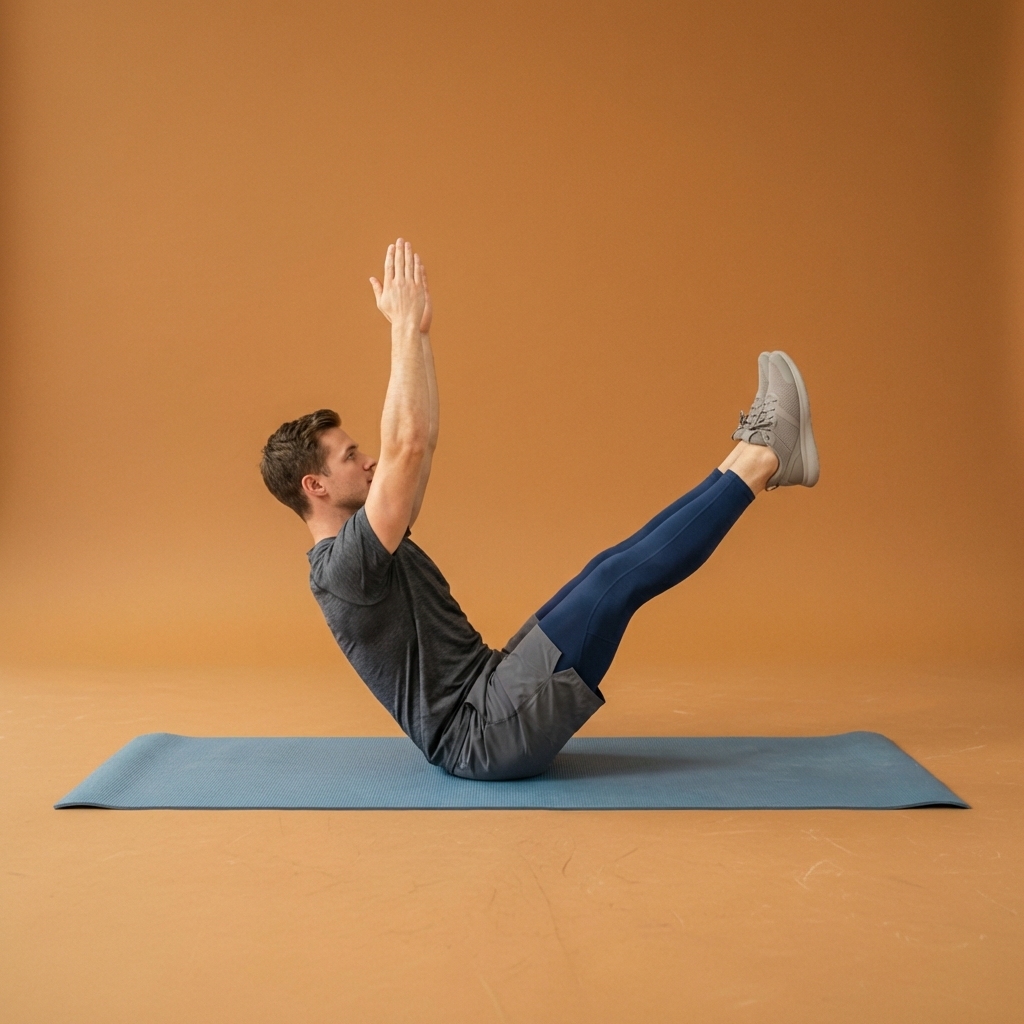
Browse guided Flexor sessions that match this page, then open any routine for steps and cues.





















Common questions
Frequently asked questions
What are the main features of the Flexor app?
Flexor combines guided stretching and mobility routines with features that help you choose and stick with them. Those include AI routine suggestions, personalised daily recommendations, a custom routine builder, multi-day plans, progress and streaks, reminders, favourites, offline access, and casting routines to a larger screen. Each feature has its own guide explaining what it does, how to use it, and where its limits are, so you can decide what fits your routine.
Which Flexor feature guides can I read right now?
Ten detailed feature guides are live today: AI routines, personalised daily recommendations, Try Something Different, custom routines, multi-day plans, the progress dashboard, cast to TV, offline access, stretching reminders, and Apple Watch. Together they cover how Flexor helps you decide what to do, build or generate sessions, follow structured plans, track consistency, keep going offline, and follow a routine from your wrist. This hub links to each one so you can always find the deeper explanation.
Where should I start if I am new to Flexor?
Start with the routines library or Today for You rather than trying every feature at once. Choose a short beginner routine that matches your available time and focus area, then use favourites, reminders, plans, custom routines, or AI-assisted discovery only when they solve a clear need. The core library and guided player remain useful without configuring every optional feature.
Keep exploring
More guides on stretching, mobility, routines, and Flexor features.
Free guided stretching exercises app
A full stretching and mobility app—free to download, ready to use.
Download Flexor free—guided stretching routines, multi-day plans, daily recommendations, reminders, and offline access....
Read more Simple pricing information
Flexor is free to start, with optional Premium.
Flexor is free to use with optional Premium at £9.99 monthly or £24.99 yearly in the UK, with equivalent local-currency...
Read more Flexor for you
Stretching and mobility, matched to how you live.
Find guided Flexor stretching and mobility routines shaped for desk workers, seniors, athletes, gym-goers, travellers an...
Read more