
Offline access
Stretch anywhere, connection or not.
A dropped signal should not end a session. Flexor is built so the core of the app—its routine catalogue, plans, library, and guided player—works without a continuous connection once content is on your device. This is on-device access to what is already there, not a user-run “export” product, and a few online-only features are called out honestly below.
Core app works offline
Routines, plans, library, and the player run without a live connection.
On-device, not exported
Access to content already on your device—not a routine you download.
Sessions keep recording
Completed sessions, streaks, and basic progress update offline.
Honest online limits
AI requests and store purchases still need the internet.
What “offline” really means in Flexor
Offline access here is simple: the app's core content lives on your device, so you can open Flexor and follow a full guided routine even with no signal. You do not export individual routines as separate files to take offline—the routine catalogue, plans, library, and player are simply available on-device, and the guided experience plays the same way whether or not you are connected.
That distinction matters. Flexor is not selling exported workout files; it is a local-first app whose everyday features keep working when the connection does not. This is general fitness and wellness content, available wherever you are.

What works without a connection
Most of what you do day to day does not depend on the internet. When you are offline you can still:
- Browse and follow the ready-made routine catalogue with full guidance.
- Use the exercise library, multi-day plans, custom routines, and favourites.
- Follow the guided player with timing, video demonstrations, and spoken cues.
- Record completed sessions and keep streaks and basic progress up to date.

In Flexor: Spinal mobility to counter long periods of sitting.
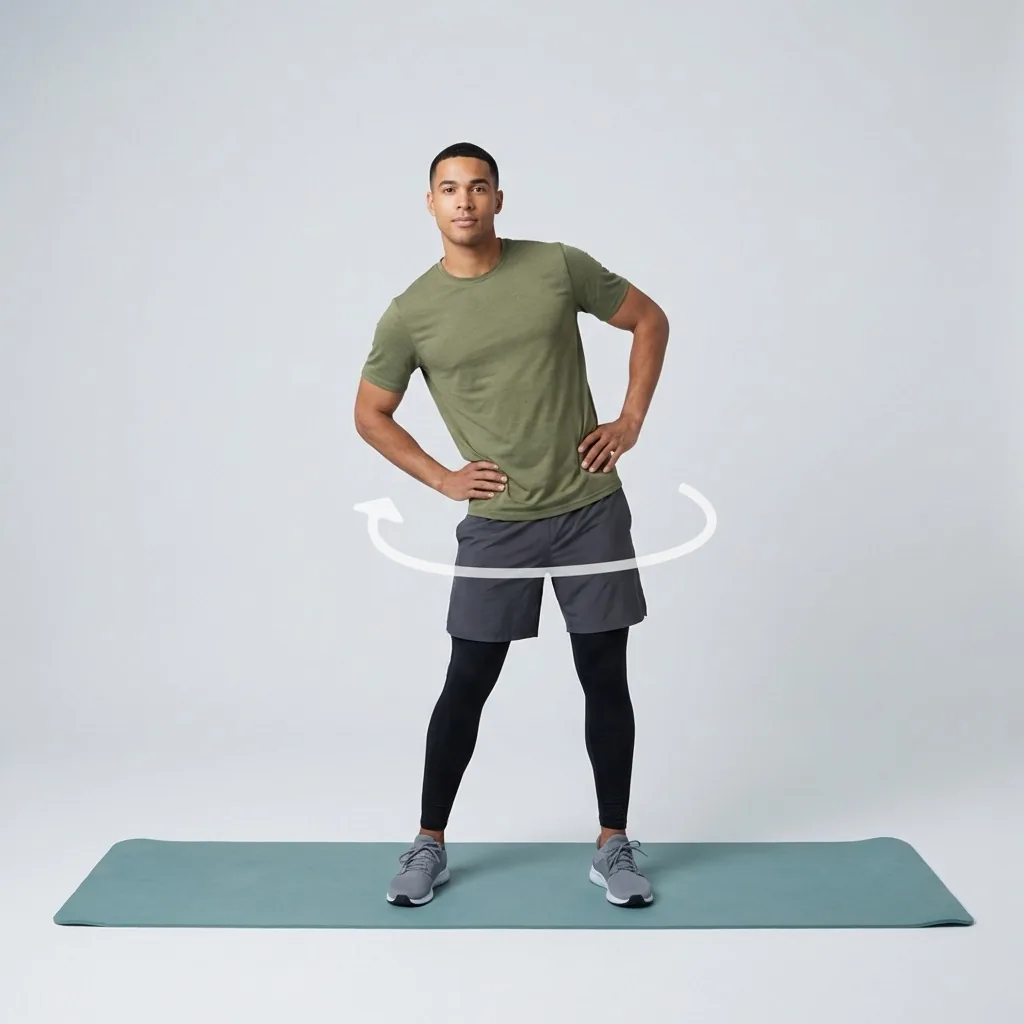
No signal, same session.
The catalogue, plans, and player work from your device once the content is there. AI and purchases still need internet.
What still needs the internet
Being honest about the limits matters as much as the offline strengths. A few things genuinely require a connection, because they reach a server or a store rather than your device.
Flexor AI requests need the internet, because generating or recommending a routine happens online and uses your Flexor AI credits. Buying or managing a subscription goes through the Apple App Store or Google Play, which also needs a connection. And the first time you set up the app or receive updated content, an initial connection brings that content onto your device.

Why local-first is the right design
Stretching often happens exactly where signal is poor—on a plane, in a basement gym, on a commute, or in a hotel with patchy Wi-Fi. A guided session that stalls buffering is a session you skip, so Flexor keeps the core experience on-device by design.
It also keeps things private and dependable: following a routine does not require sending anything anywhere, and your practice does not hinge on a stable connection. Use a comfortable range, move with control, and stop if a movement causes pain or concerning symptoms, connected or not.
Quick facts
- Feature
- On-device offline access
- Works offline
- Catalogue, library, plans, custom routines, player
- Progress
- Sessions and streaks update offline
- Needs internet
- AI requests and store purchases
- Model
- Local-first, not exported files
How offline access works
-
Content lives on your device
An initial connection brings the catalogue and content on-device.
-
Open Flexor anywhere
Follow the guided player with timing, video and cues without a signal.
-
Keep progressing
Completed sessions, streaks and basic progress update offline.
-
Reconnect for online-only parts
AI requests and app-store purchases need a connection.
Where to start
You are on a plane or somewhere with no signal
Browse the catalogue, follow a plan, or use a custom routine.
You want an AI-generated routine
Reconnect first; AI generation needs the internet and credits.
You want a relevant pick without a connection
Open Today for You; the daily pick is generated on-device.
Safety and limits
- Offline routines are general fitness and wellness content.
- Move within a comfortable range whether connected or not.
- Stop if a movement causes pain or concerning symptoms.
Flexor does not assess your movement on or offline, and is not a substitute for advice from a qualified healthcare professional.
Read the full wellness disclaimerRelated routines
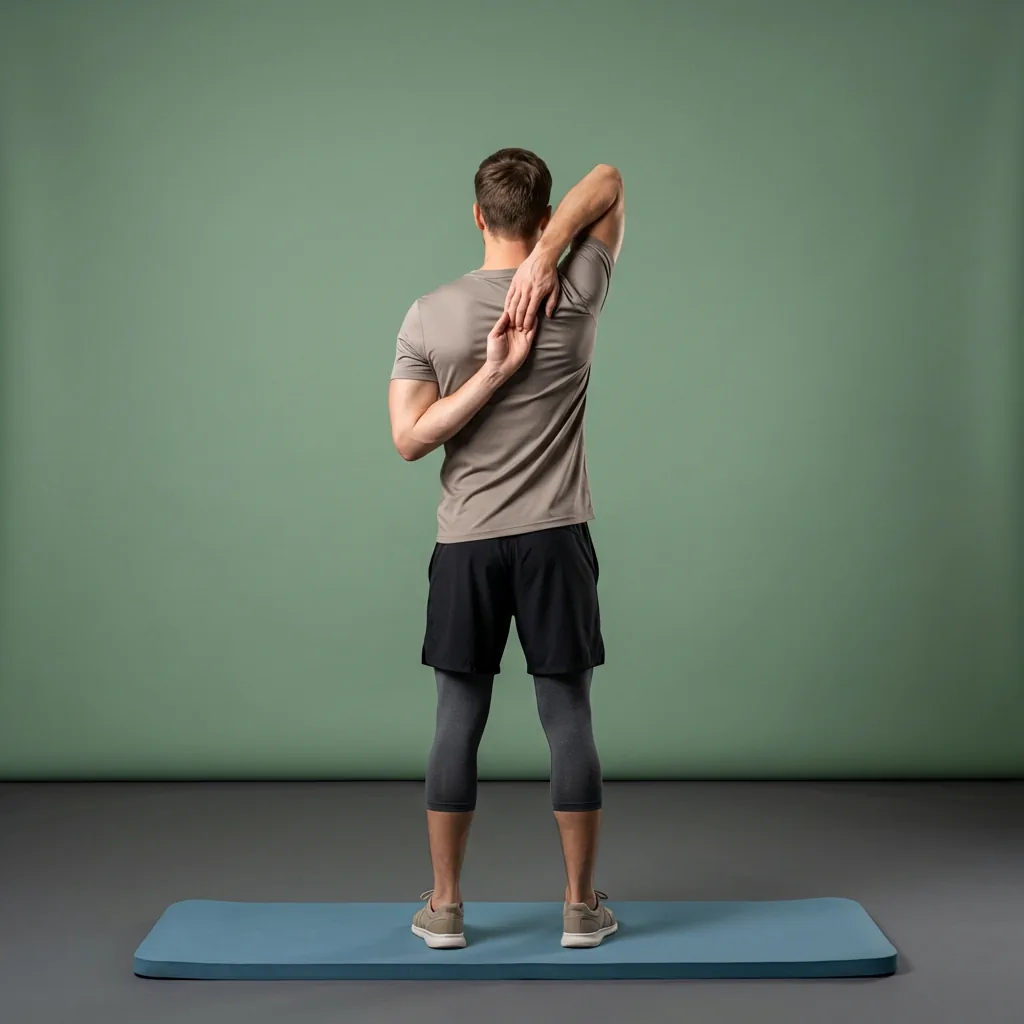
Browse guided Flexor sessions that match this page, then open any routine for steps and cues.








































Common questions
Frequently asked questions
Does Flexor work without an internet connection?
Yes. The core of the app works offline once content is on your device: the ready-made routine catalogue, the exercise library, multi-day plans, custom routines, favourites, and the guided player with timing, video, and spoken cues. Completed sessions, streaks, and basic progress also update offline. Only a few features need a connection, mainly Flexor AI requests and app-store subscription actions. So you can follow a full guided session on a plane, a commute, or anywhere the signal is unreliable.
Do I need to download each routine before going offline?
No. Flexor is not a store of exported routine files you download one by one; its core content is on-device, so the catalogue, plans, library, and player are simply available whether or not you are connected. An initial connection when you set up the app or receive updated content brings that content onto your device, and after that the everyday experience does not depend on staying online. There is no per-routine download step to remember before you head somewhere without signal.
Which features still need the internet?
A few features reach beyond your device and therefore need a connection. Flexor AI requests are online, because creating or recommending a routine happens on a server and uses your AI credits. Buying or managing a subscription goes through the Apple App Store or Google Play, which needs the internet. Setting up the app for the first time or receiving updated content also uses a connection. Everything else—browsing, following routines, plans, and progress—works offline once content is on your device.
Does progress still update when I am offline?
Yes. When you complete a session offline, Flexor records it on your device, so your streaks and basic progress stay up to date without a connection. The guided player, session recording, and the progress features that live on your device all work the same way whether or not you are online. Detailed statistics and any Premium analytics behave as they normally would; the essential tracking that keeps a habit going does not depend on you being connected during the session.
Keep exploring
More guides on stretching, mobility, routines, and Flexor features.
Flexor features
Everything the Flexor app does, in one place.
See how the Flexor app works: AI routines, personalised daily recommendations, a custom library, plans, progress, remind...
Read more Follow-along, start to finish
Guided stretching that leads each session—not just a list of moves.
Follow timed stretching sessions with clear video demonstrations, spoken guidance and smooth exercise transitions at hom...
Read more The Flexor home stretching app
Turn a corner of your home into a guided stretching studio.
Follow guided stretching and mobility routines at home with no specialist equipment, using sessions matched to your time...
Read more Flexor for travellers
Move well on the road, in the air, and after long journeys.
Use short guided mobility routines after flights, car journeys or long periods of sitting, with no specialist equipment...
Read more