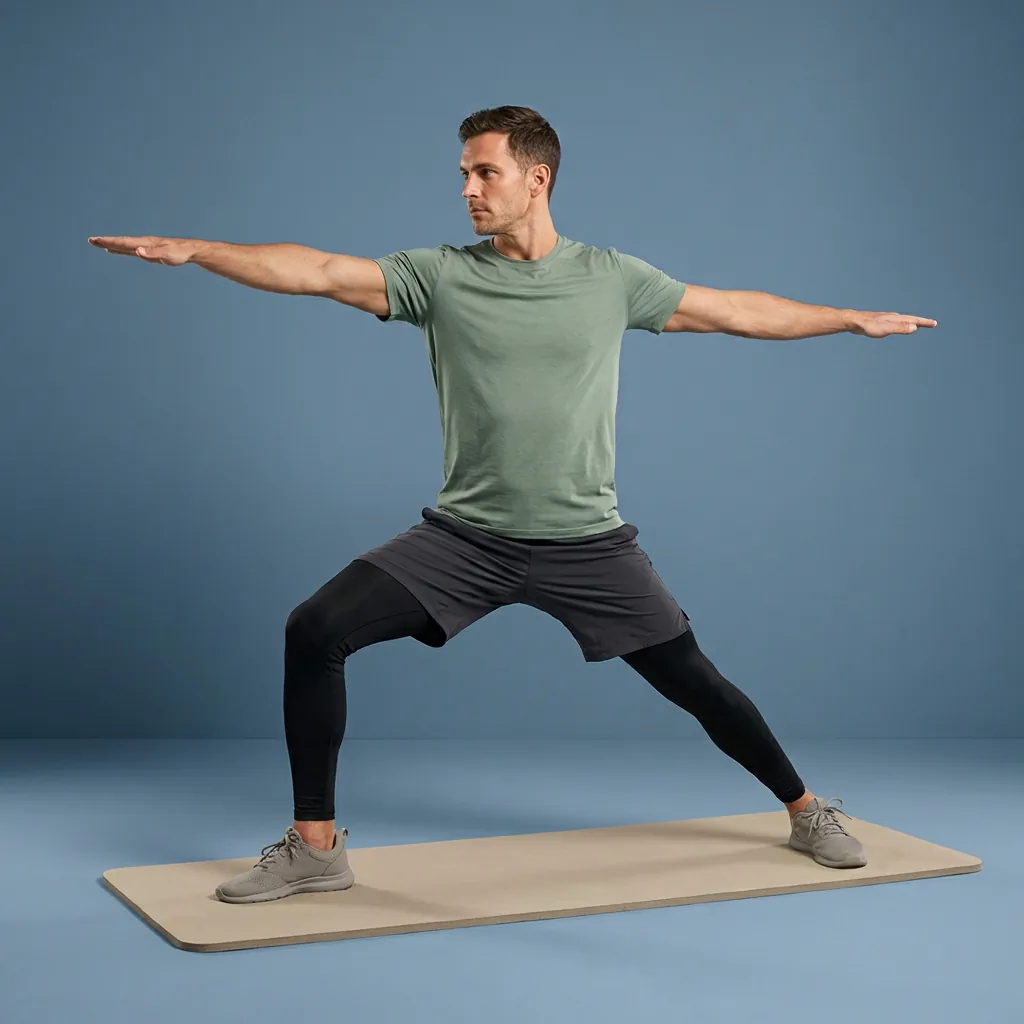
Follow-along, start to finish
Guided stretching that leads each session—not just a list of moves.
Flexor runs the whole session for you: clear video demonstrations, spoken cues, and timed transitions from one exercise to the next. Press play, follow along, and keep your attention on moving well—not on counting seconds or wondering what comes next.
Watch and mirror
A clear video demonstration for every exercise in the routine.
Listen, don't stare
Spoken cues let you move without fixing your eyes on the screen.
Timed transitions
Each hold is timed and flows smoothly into the next movement.
Home or away
Follow along offline once content is on your device—or cast to a TV.
What 'guided' really means here
Plenty of apps show you an exercise and leave you to manage the rest—how long to hold, when to switch sides, what comes next. Flexor runs the whole session for you. Press play and it moves through an ordered sequence with timing, on-screen demonstrations, and spoken guidance, so following along takes no mental effort.
That is the difference between a reference and a coach-like experience. You are not assembling a workout; you are being led through one you can simply follow.
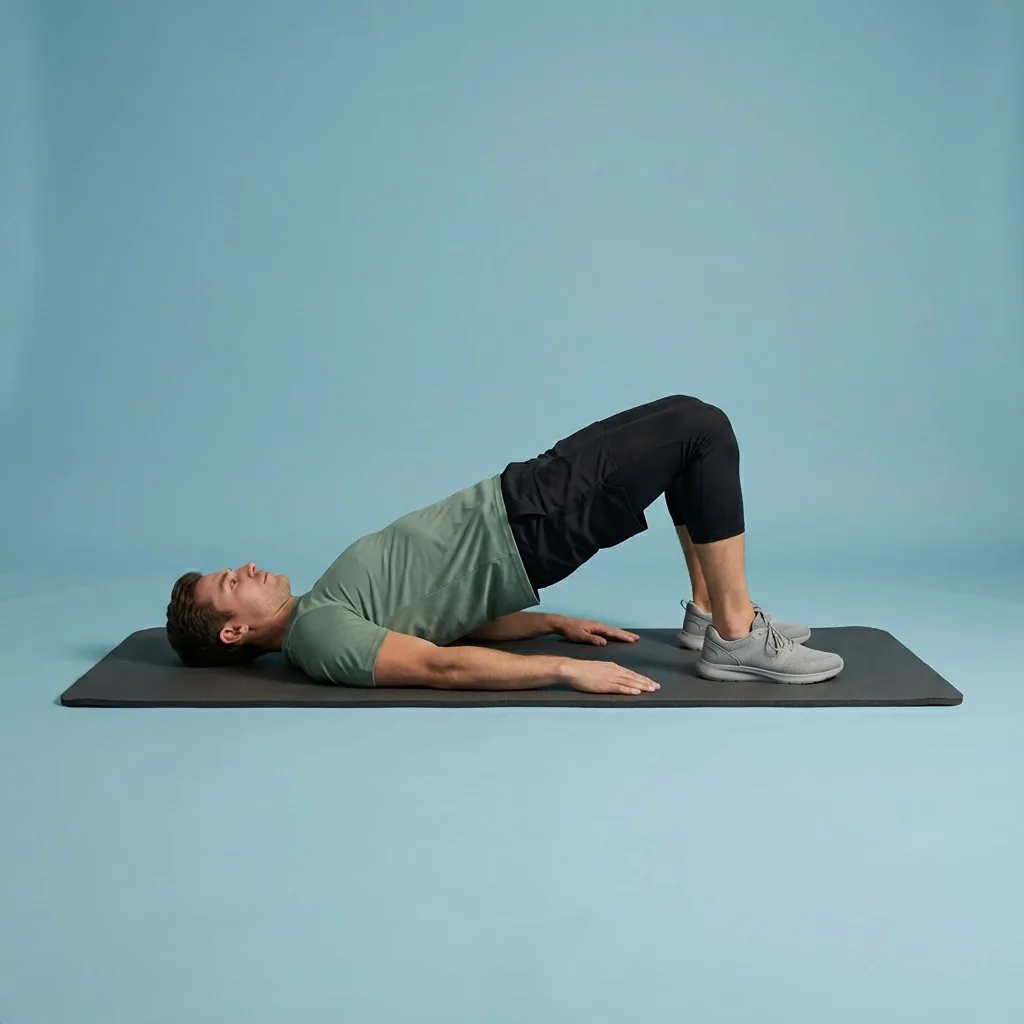
Clear video demonstrations you can mirror
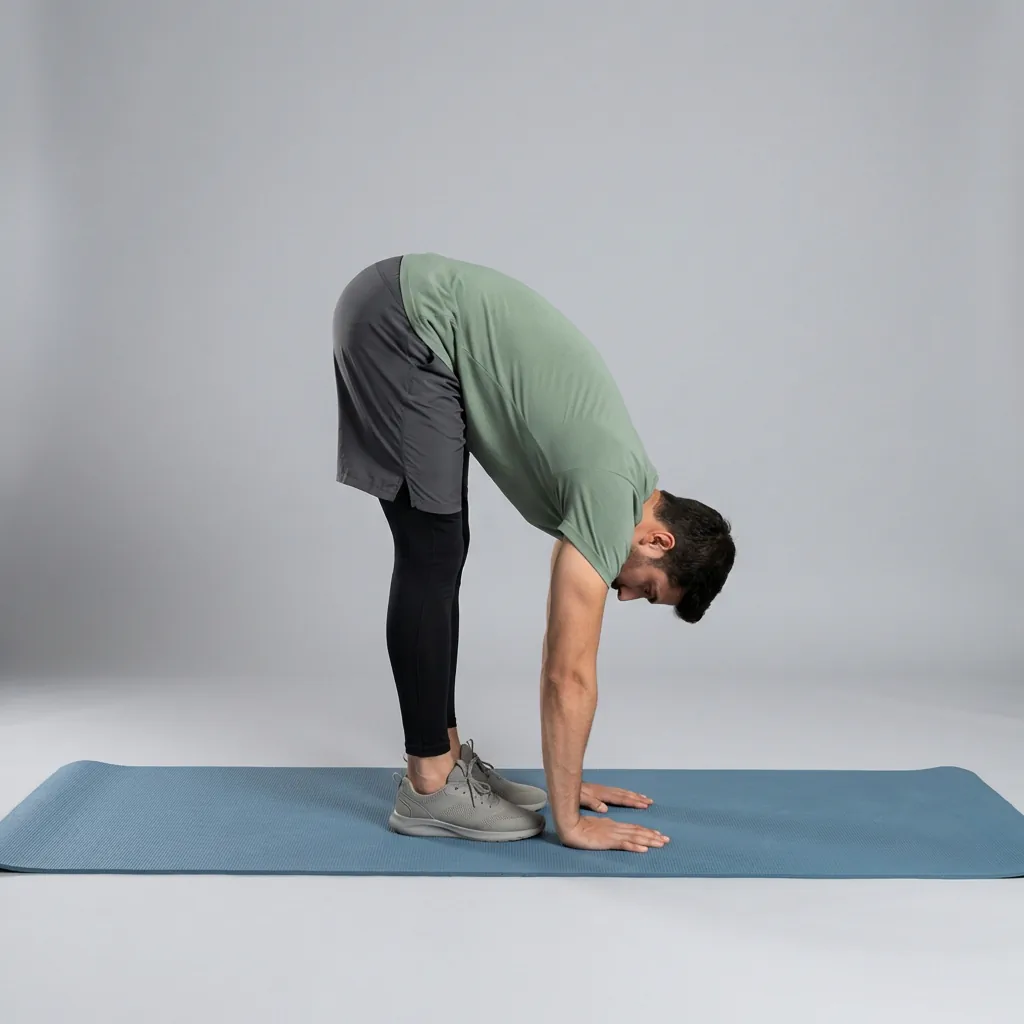
Every exercise includes a demonstration that shows the shape and the movement, so you can see exactly what to do before you settle in. Seeing the position—rather than reading a description—makes it far easier to find the right stretch and avoid the common tweaks that send tension to the wrong place.
You do not need to match the range on screen. Use a comfortable range, move with control, and let the demonstration guide the shape rather than the depth.
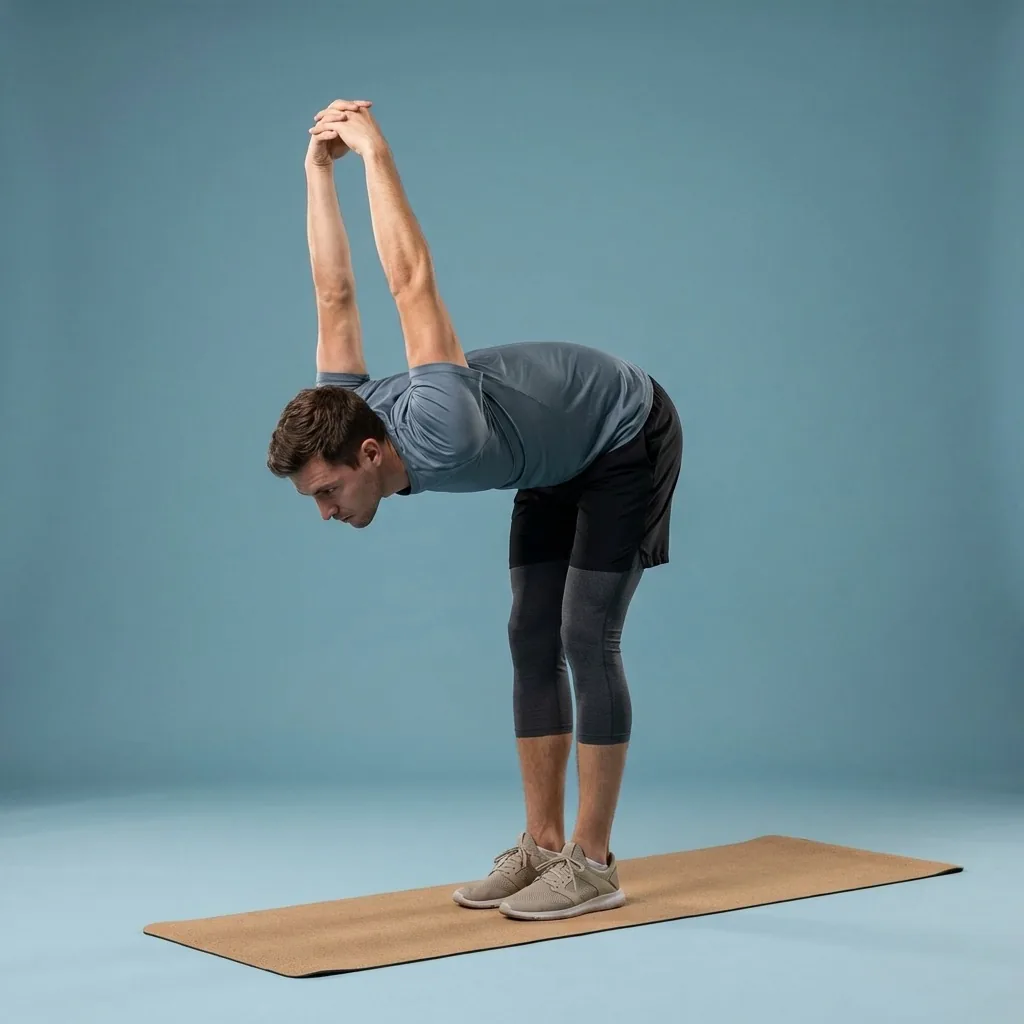
In Flexor: Guided stretching sequences with clear shape and timing.
Press play and follow along.
Ordered steps, spoken cues, and timing, so you are never wondering what comes next.
Spoken guidance and timing that flow
Audio cues tell you when to ease in, when to breathe, and when to change sides, so you can close your eyes or look away from the screen and still stay with the session. Timed holds and smooth transitions keep the routine moving without awkward pauses or fumbling for the next step.
It works well hands-free—on a mat, in a hotel room, or beside a desk—because the session carries itself once you press play.
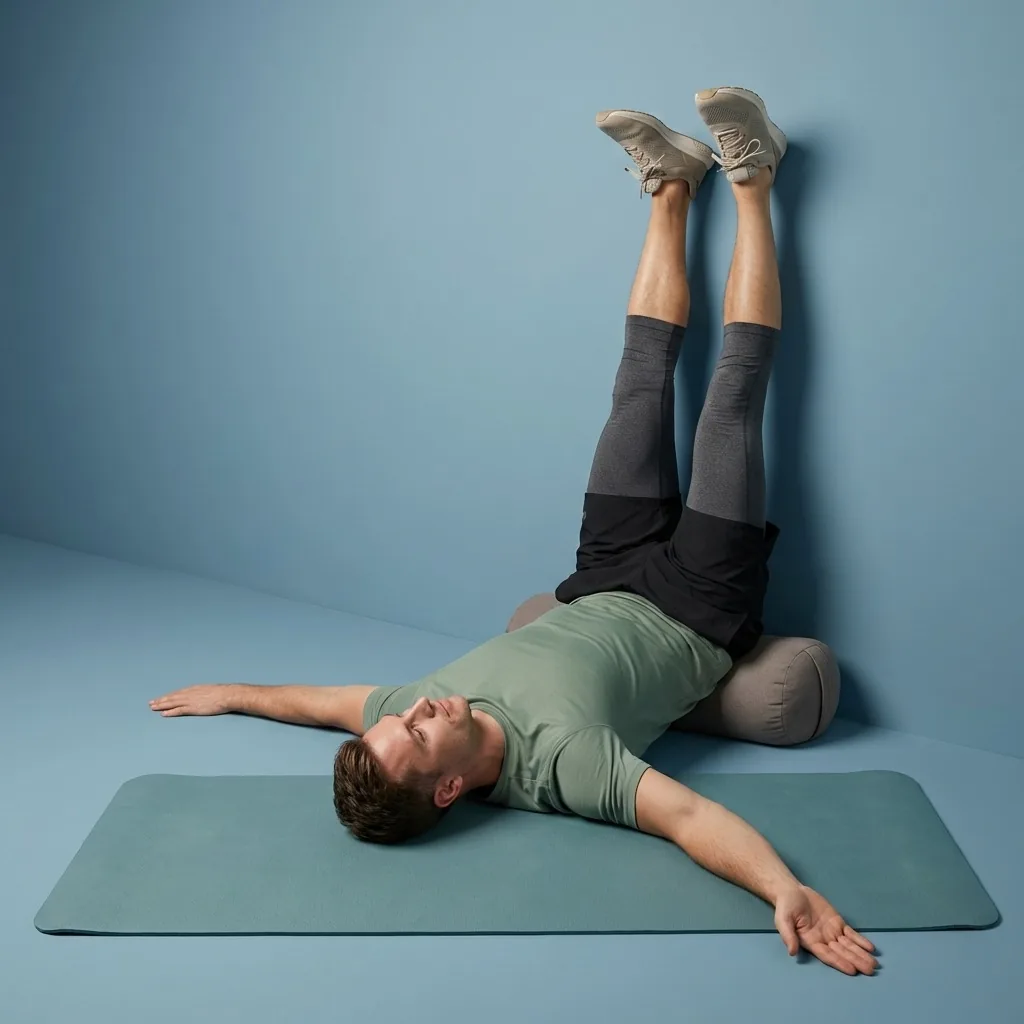
Follow along anywhere, on any screen
The guided routines, player, plans, and library work offline once content is on your device, so you can follow a full session on a flight or a weak connection. When you want a bigger picture, cast or mirror the routine to a TV and keep your phone as the controller.
Guidance means clear demonstrations, cues, and timing—not live form correction. Flexor cannot see you or judge your movement, so listen to your body, use a comfortable range, and stop if anything causes pain or concerning symptoms. This is general wellness guidance, not medical care.
Quick facts
- Format
- Timed follow-along with video demonstrations and spoken cues
- Hands-free
- Move by ear once you know a routine
- Transitions
- Timed holds flow smoothly into the next movement
- Playback
- Works offline once on your device; cast to a TV
- Guidance
- Demonstrations, cues, and timing—not live form correction
Press play and follow along
-
Pick a routine
Choose a guided session by focus area, difficulty, and time.
-
Press play
The session runs an ordered sequence with timing, so there is nothing to count.
-
Watch or listen
Mirror the demonstration, or move by ear using the spoken cues.
-
Follow anywhere
Go hands-free offline, or cast to a TV with your phone as the controller.
Where to start
You want to press play and be led through a session
The guided stretching app is built for hands-free follow-along.
You want to follow on a larger screen
Cast or mirror the routine to a TV while your phone stays the controller.
You are new and want gentle pacing
The beginners page starts easy and builds the habit first.
A relevant guided session to follow
You want to press play on something that fits right now rather than build a session. Flexor uses your goals, focus areas, available time, and recent sessions to surface a guided routine you can start immediately and simply follow along.
See how daily recommendations workGuidance, not live correction
- Guidance means demonstrations, cues, and timing—Flexor cannot see you or correct your form.
- Use the demonstration as a visual reference and keep to a comfortable range.
- Stop if a movement causes pain or concerning symptoms.
This is general wellness guidance, not medical care. Seek qualified advice if an injury or condition affects safe participation.
Read the full wellness disclaimerRelated routines
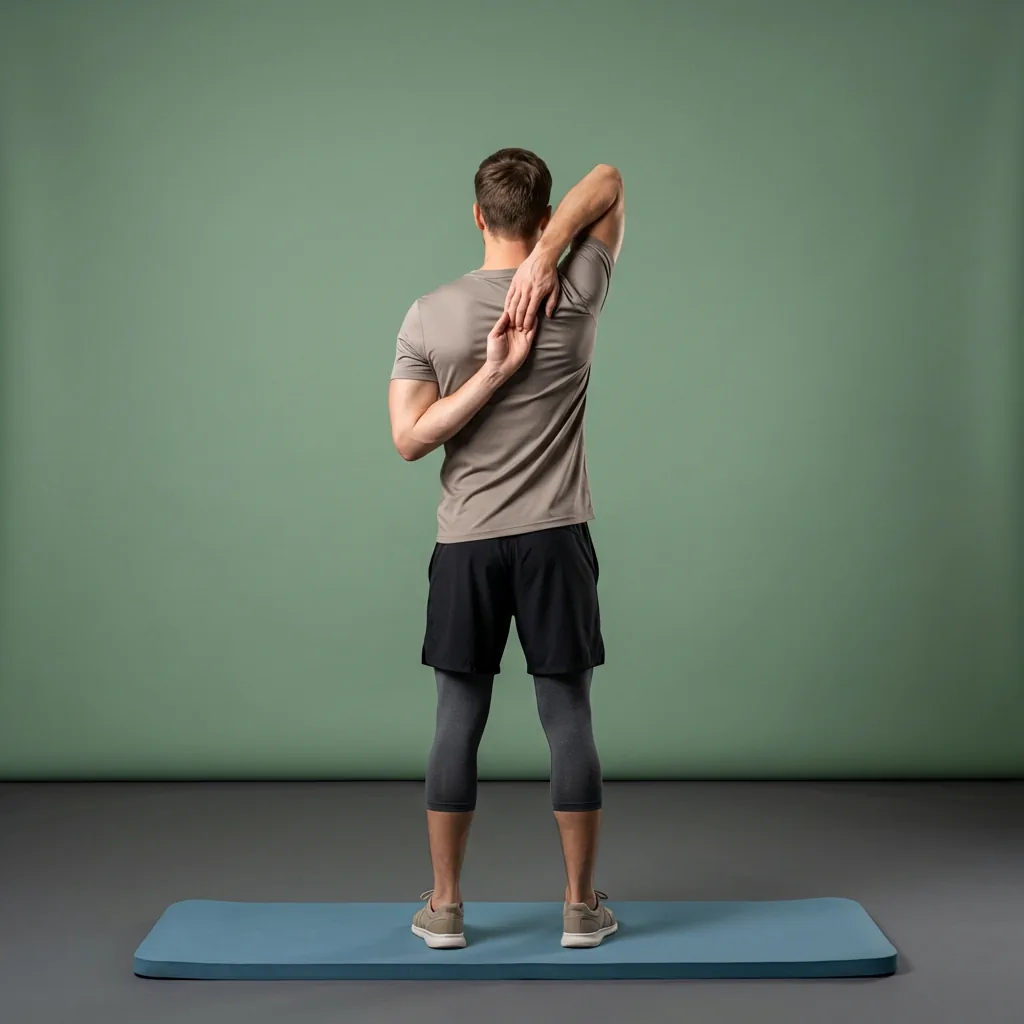
Browse guided Flexor sessions that match this page, then open any routine for steps and cues.
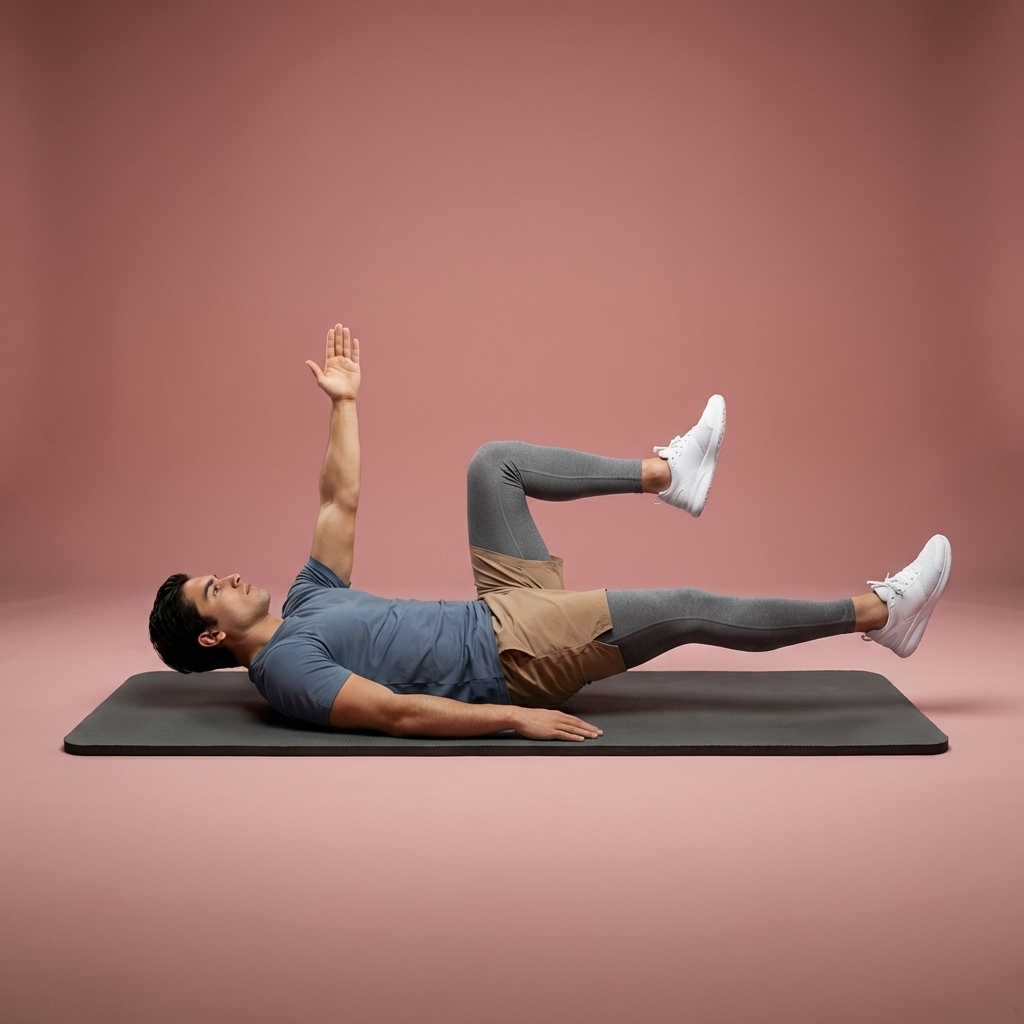





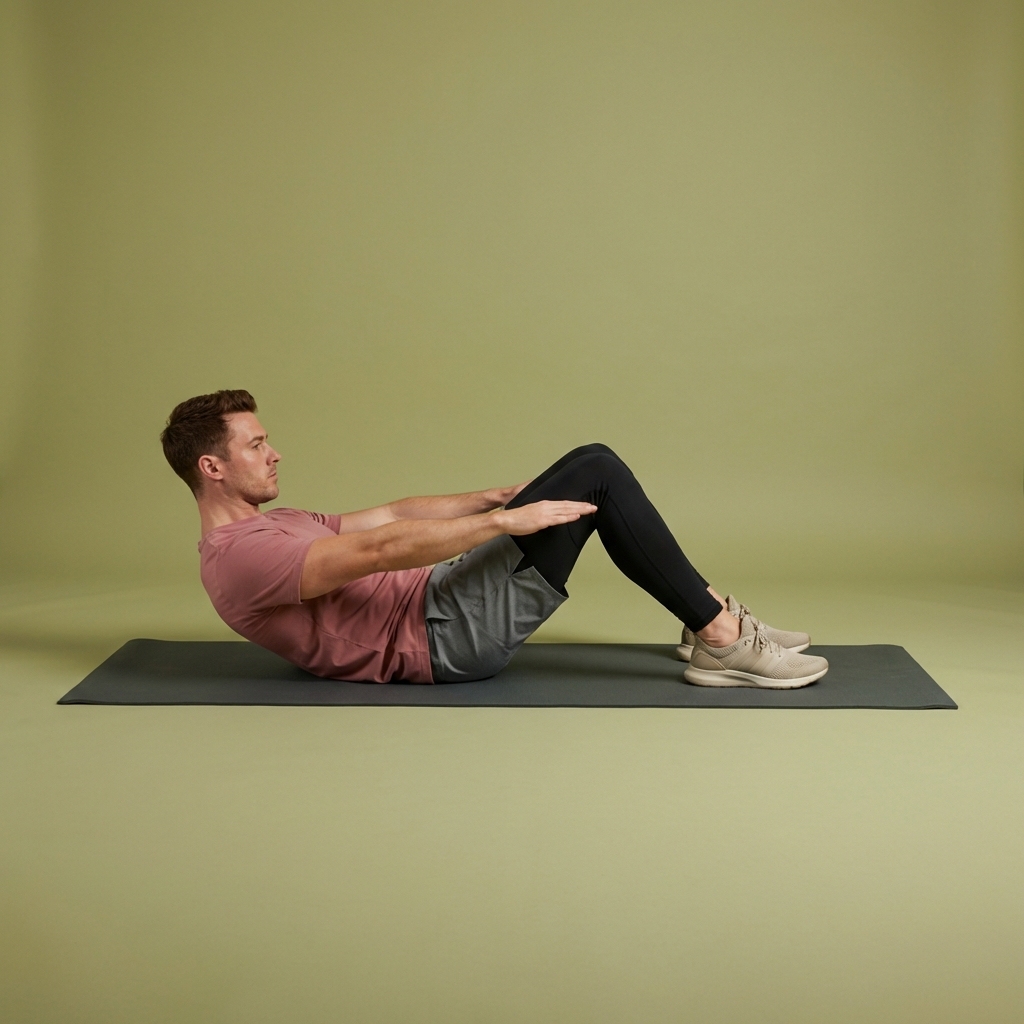




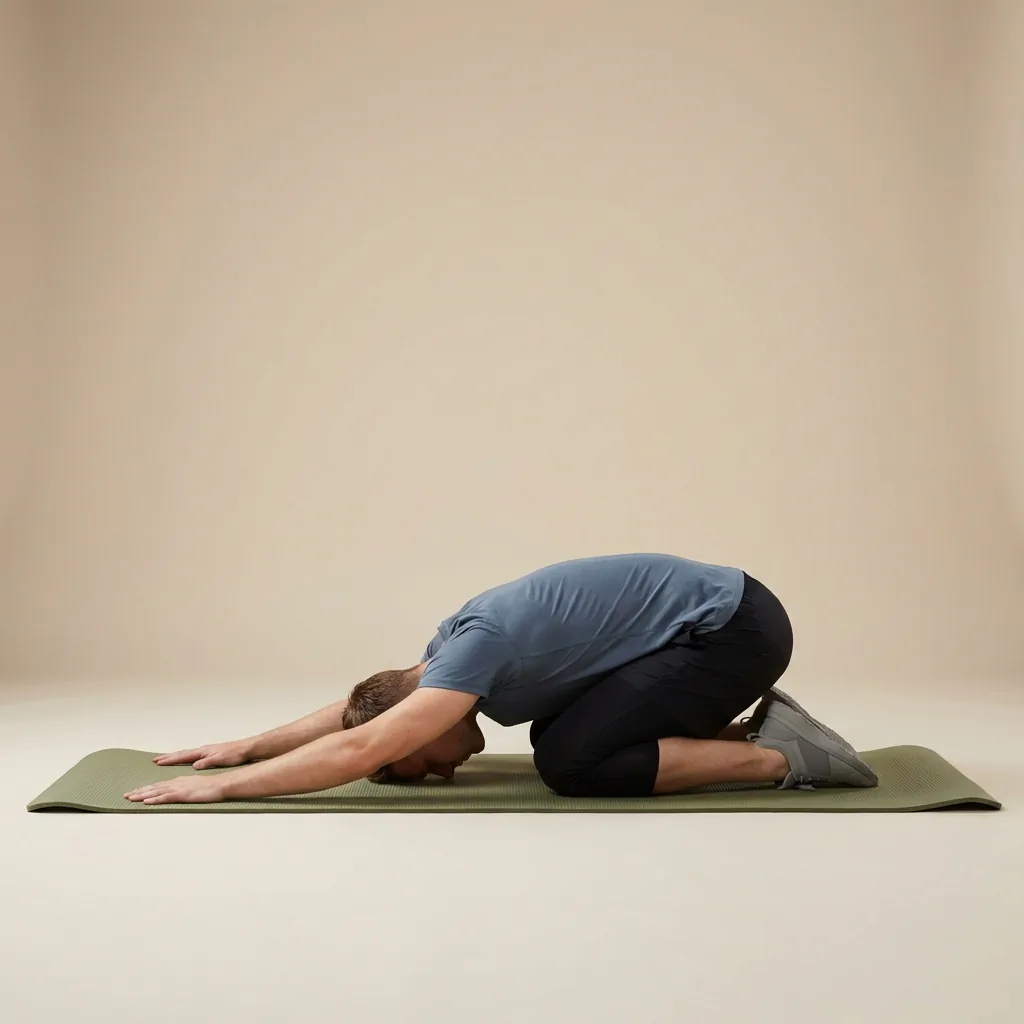










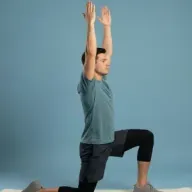

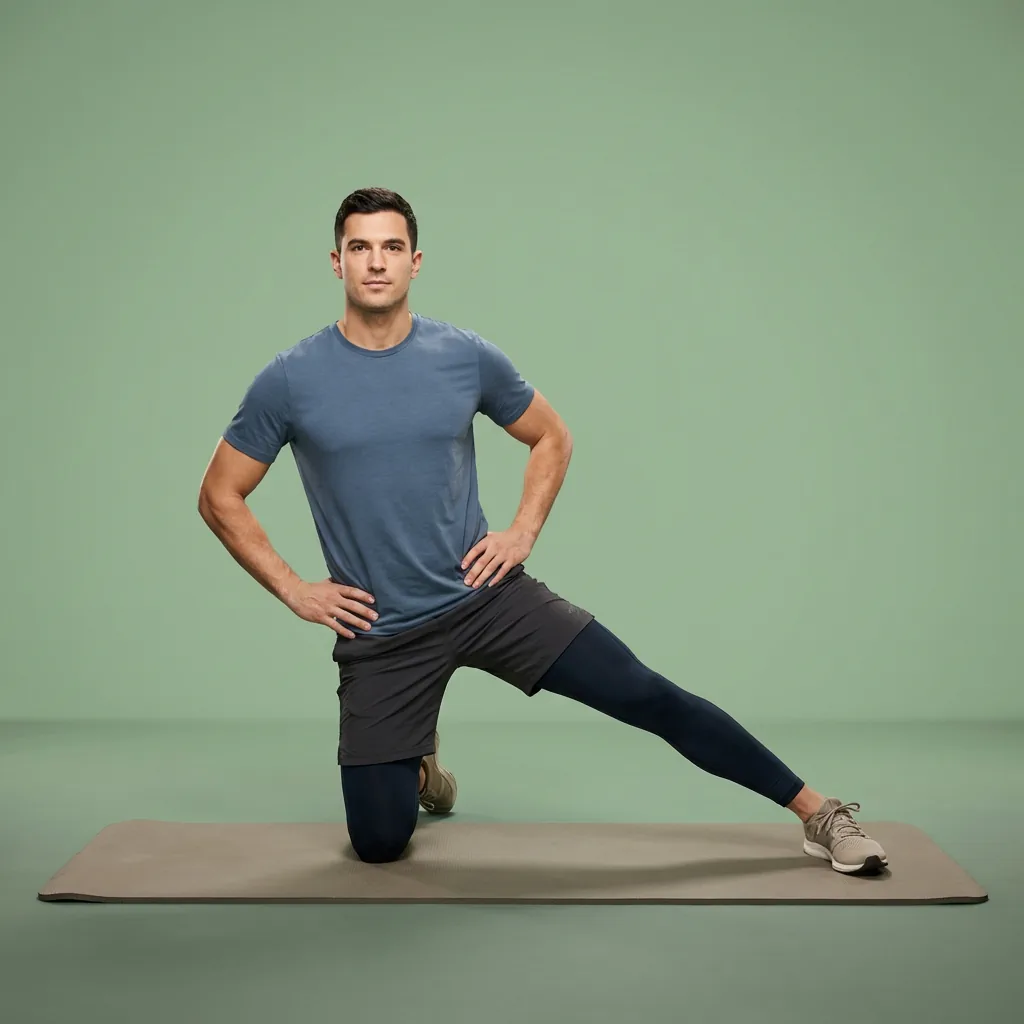

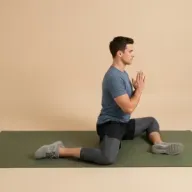


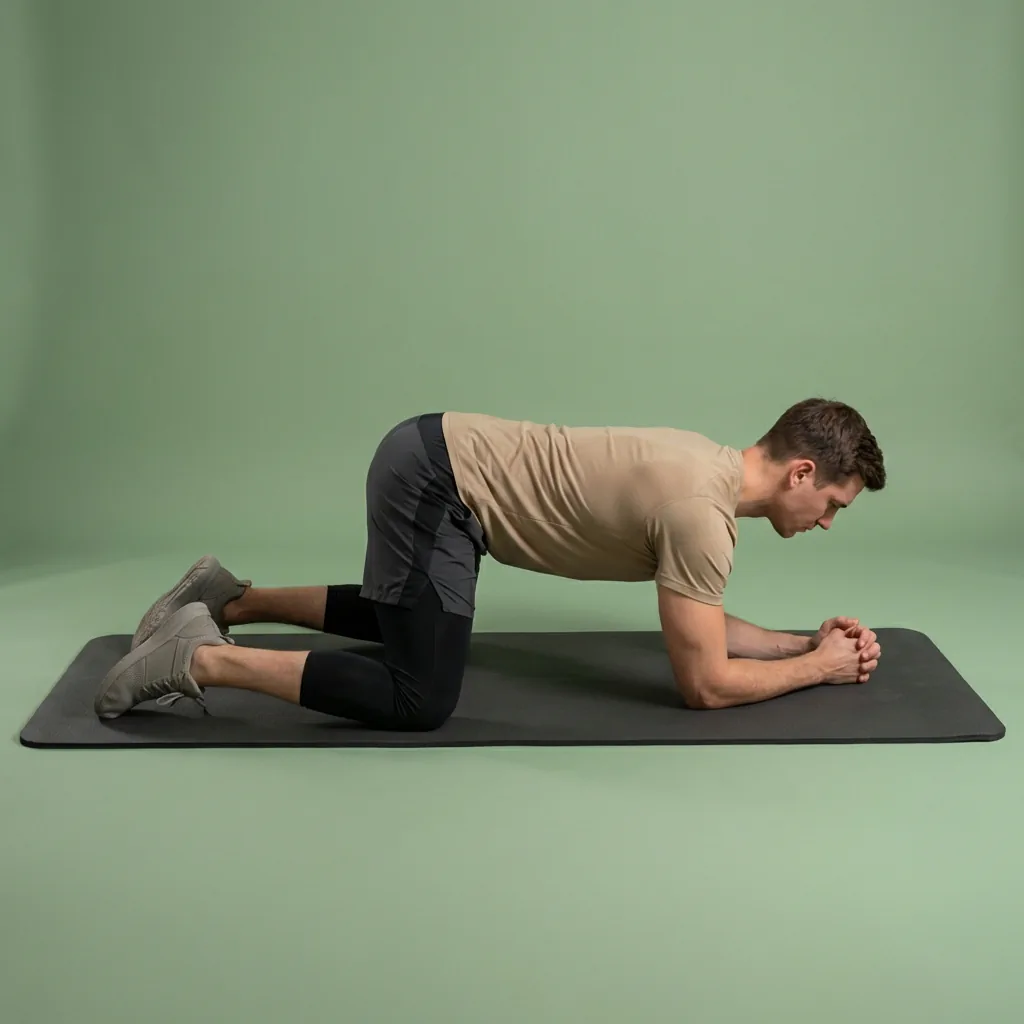






Common questions
Frequently asked questions
Does every stretch include a video demonstration and audio?
Flexor's guided routines play each exercise with a clear video demonstration and spoken guidance, with timing that moves you from one movement to the next. The visuals show you the shape to mirror, while the audio cues let you look away from the screen and still follow along. This combination is designed so you can complete a full session hands-free, keeping your attention on moving comfortably rather than on managing a timer or scrolling instructions.
Can I follow a guided session without looking at my phone?
Largely, yes. Spoken cues signal when to ease into a stretch, when to breathe, and when to switch sides, so once you know a routine you can follow much of it by ear. Glancing at the demonstration still helps for unfamiliar movements, which is why both are provided. For a bigger view you can cast or mirror the session to a TV while your phone stays the controller, making hands-free follow-along easier still.
Does the guided app correct my form or watch how I move?
No. Guidance in Flexor means demonstrations, spoken cues, and timing to follow—not live form correction. The app cannot see you, measure your movement, or tell you whether a position is right for your body, and it does not use a camera or sensor. Use the demonstration as a visual reference, keep to a comfortable range, and stop if a movement causes pain or concerning symptoms. Seek qualified advice if an injury or condition affects safe participation.
Do the guided routines work offline?
Yes. Once routines and their content are on your device, the guided player, plans, custom routines, library, favourites, and reminders all work without a continuous connection, so you can follow a full session on a flight or with patchy signal. Internet is only needed for Flexor AI requests and for buying or managing a subscription through your app store. Everyday guided follow-along, including basic progress and streaks, keeps working offline.
Keep exploring
More guides on stretching, mobility, routines, and Flexor features.
Free guided stretching exercises app
A full stretching and mobility app—free to download, ready to use.
Download Flexor free—guided stretching routines, multi-day plans, daily recommendations, reminders, and offline access....
Read more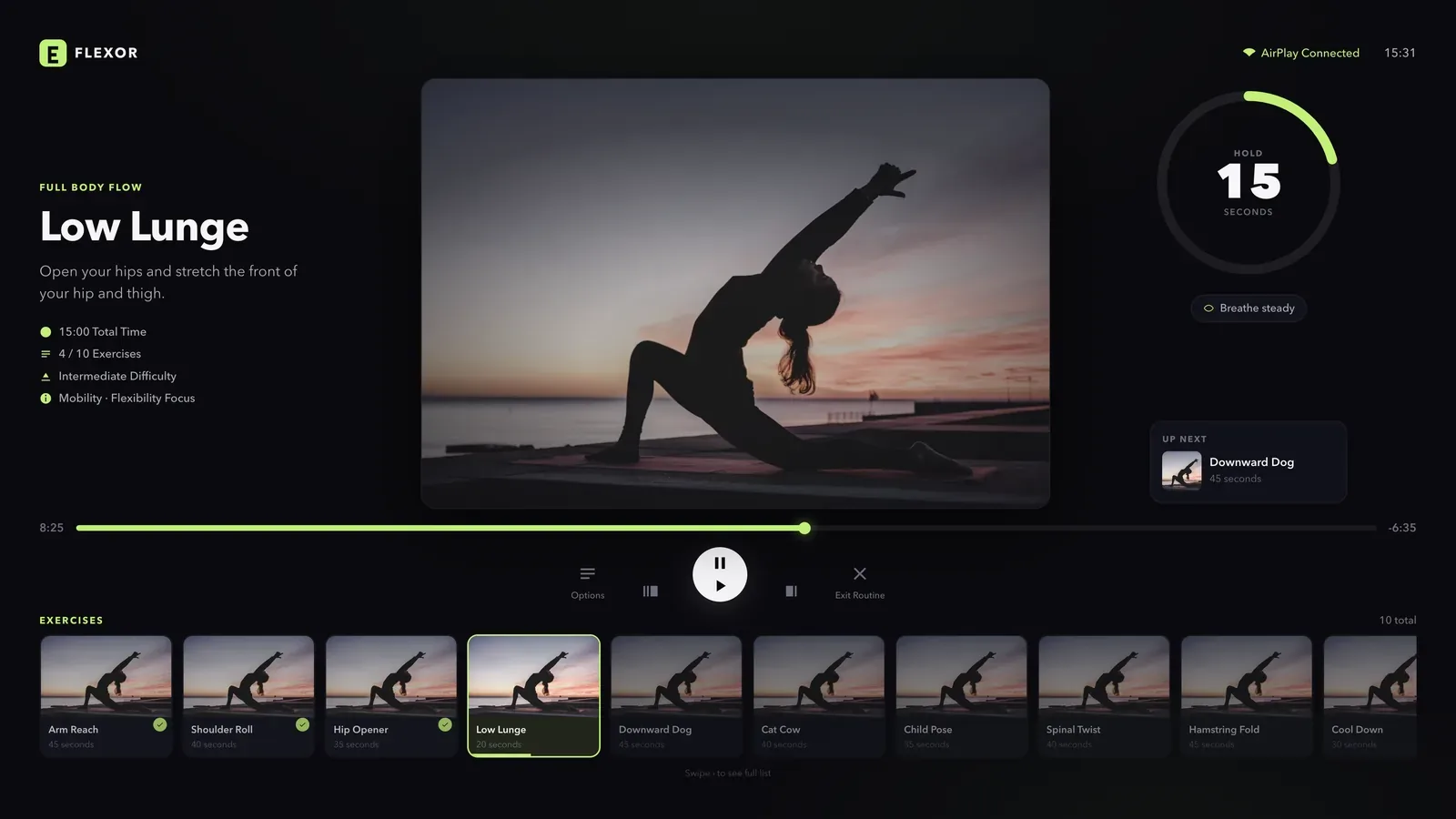
TV playback
Put the routine on your TV. Keep control on your phone.
Follow Flexor on a larger screen using AirPlay Screen Mirroring from iPhone or Google Cast from Android, while keeping r...
Read more Offline access
Stretch anywhere, connection or not.
Use Flexor's routine catalogue, plans, library and player without a continuous connection once content is on your device...
Read more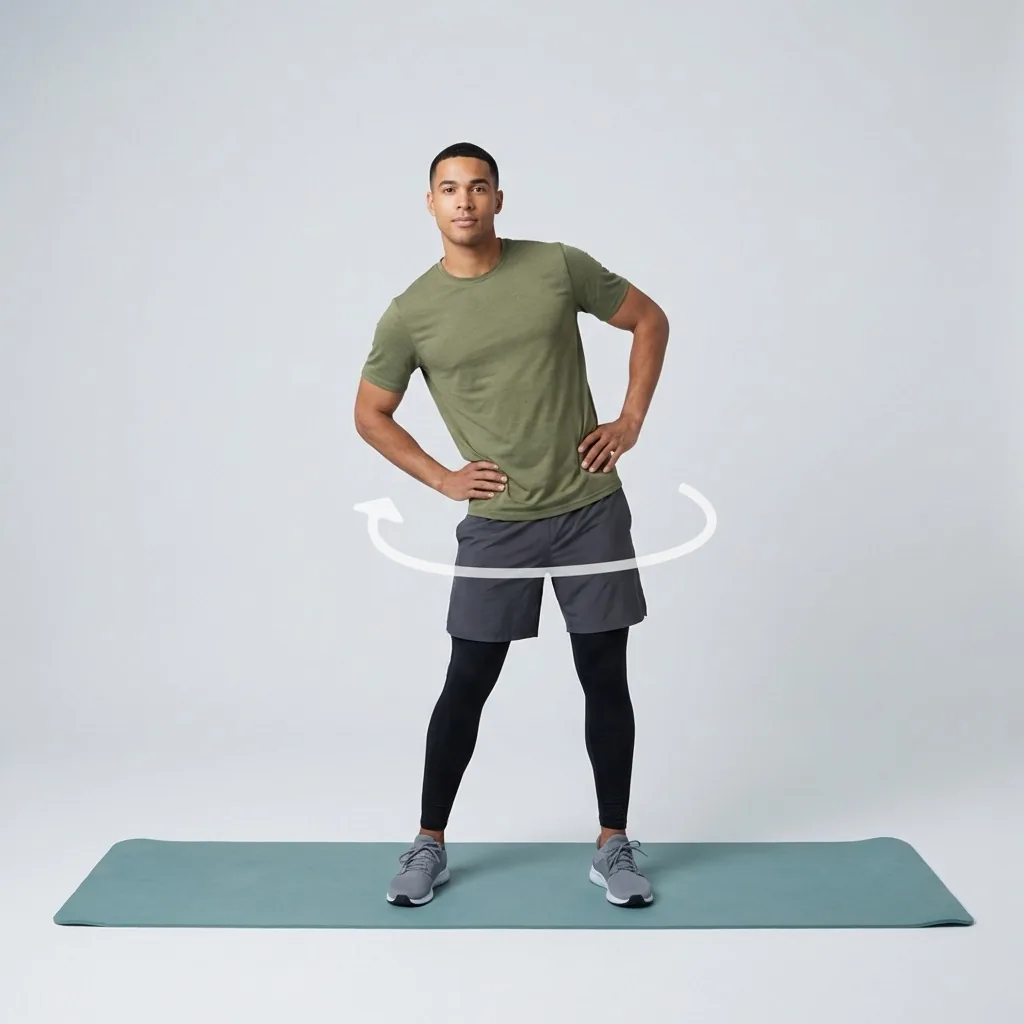
Mobility for fitness and everyday movement
Build controlled, usable movement—one short guided session at a time.
Improve mobility with guided routines, progress tracking and personalised daily recommendations designed around how you...
Read more