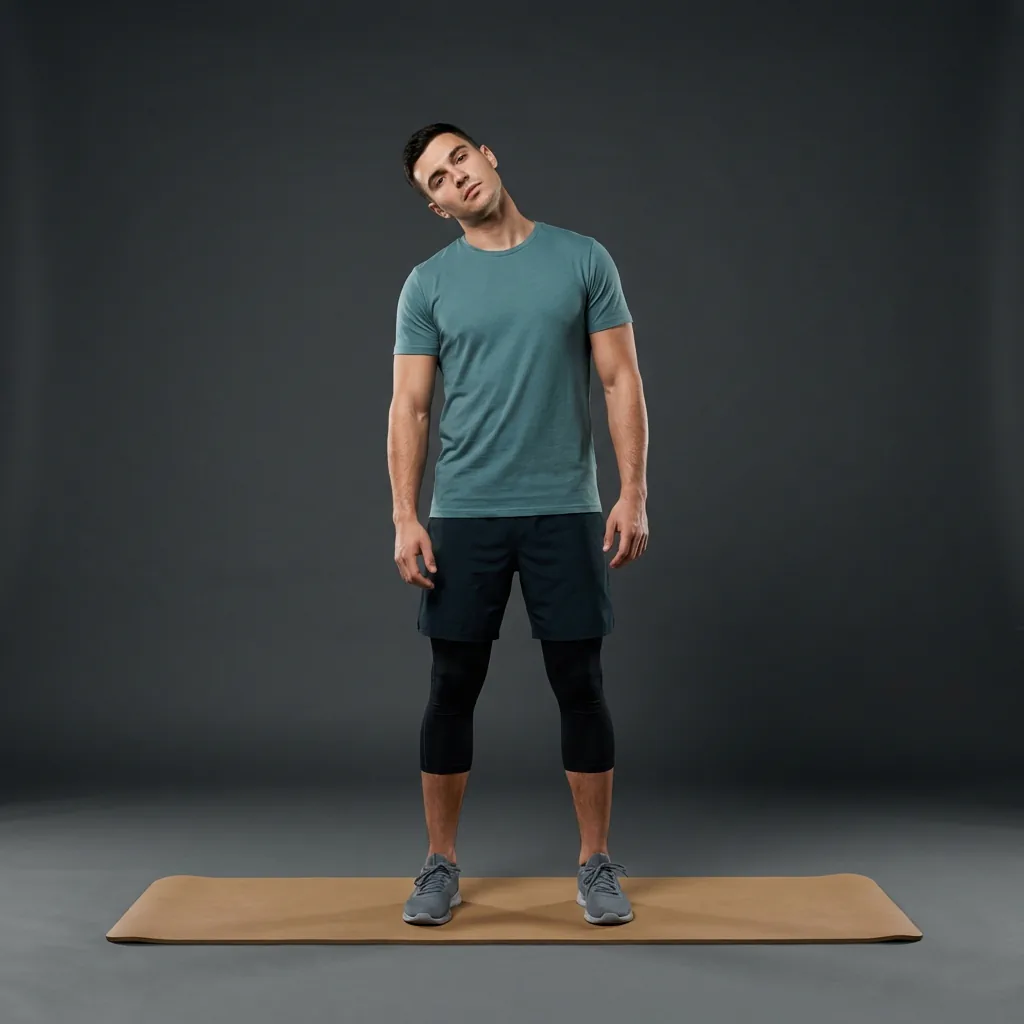
Desk stretching
Break up the workday with short, guided desk stretches.
Long stretches of screen time leave the neck, shoulders, back, hips and wrists feeling stuck. Desk stretching is simply the habit of changing position and moving those areas through a comfortable range every hour or two. Flexor turns that into short guided sessions you can start between tasks, without leaving your workspace.
Two to ten minutes
Micro-breaks between meetings or a longer reset at lunch.
Common desk areas
Neck, shoulders, upper back, hips, and wrists in one place.
Seated or standing
Options that work at a desk, chair, or beside it.
Reminders that help
Nudge yourself to move before stiffness builds up.
What desk stretching actually helps with
Sitting for hours is not harmful because of one bad posture; it is the lack of movement variety that tends to make the neck, shoulders and hips feel tight. Desk stretching is about interrupting long static periods, not holding a perfect position. A short, controlled sequence gives those areas a change of position and a little more range before you settle back into work.
This is general movement for comfort and habit, not a treatment for a specific condition. If discomfort is persistent, worsening, or unusual, that deserves proper assessment rather than another stretch.
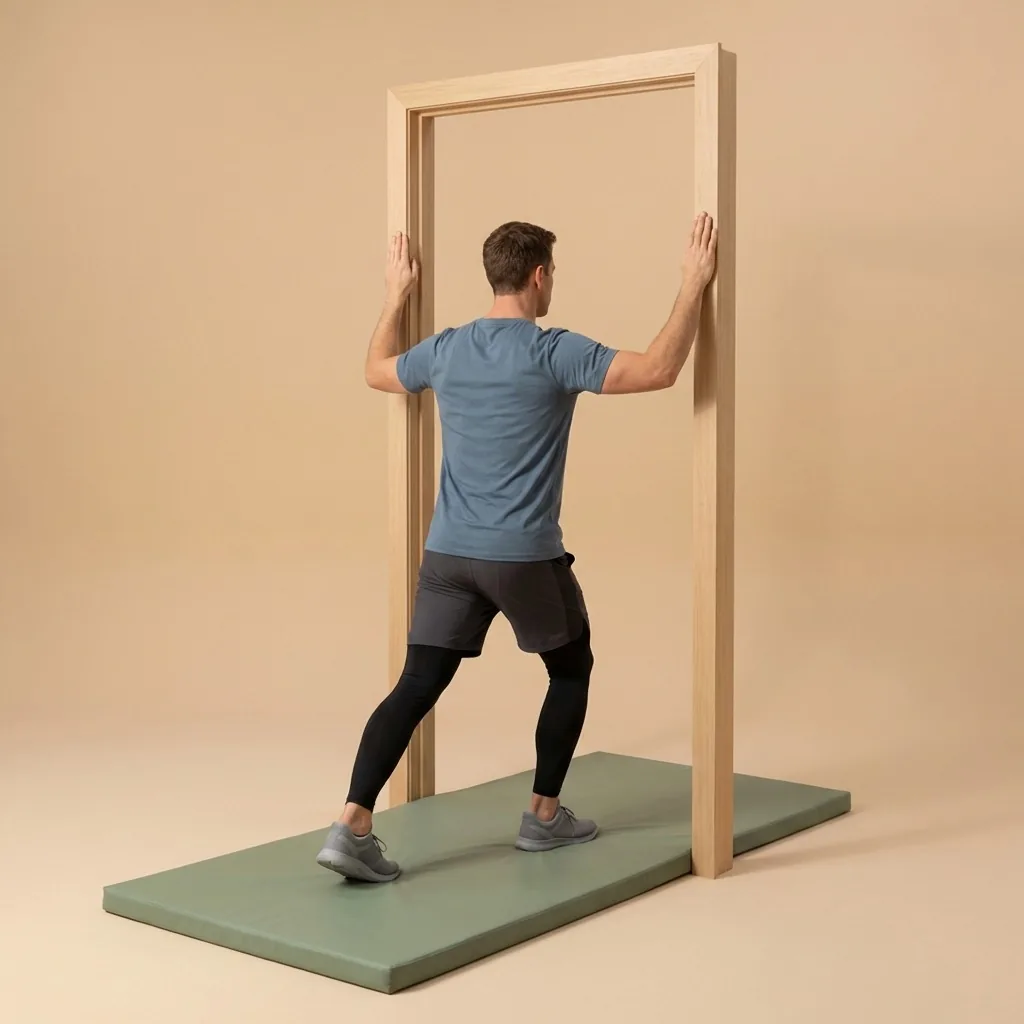
A practical way to fit it into a workday
The best desk routine is the one you will actually repeat. Rather than a single long session, most people do better with short breaks spread across the day, matched to how they feel and how much time they have between tasks.
- Mid-morning: a two-minute neck and shoulder reset between calls.
- Lunch: a longer upper-body and hip sequence away from the screen.
- Mid-afternoon: a quick standing mobility break to change position.
- End of day: a slower cool-down to unwind after sitting.
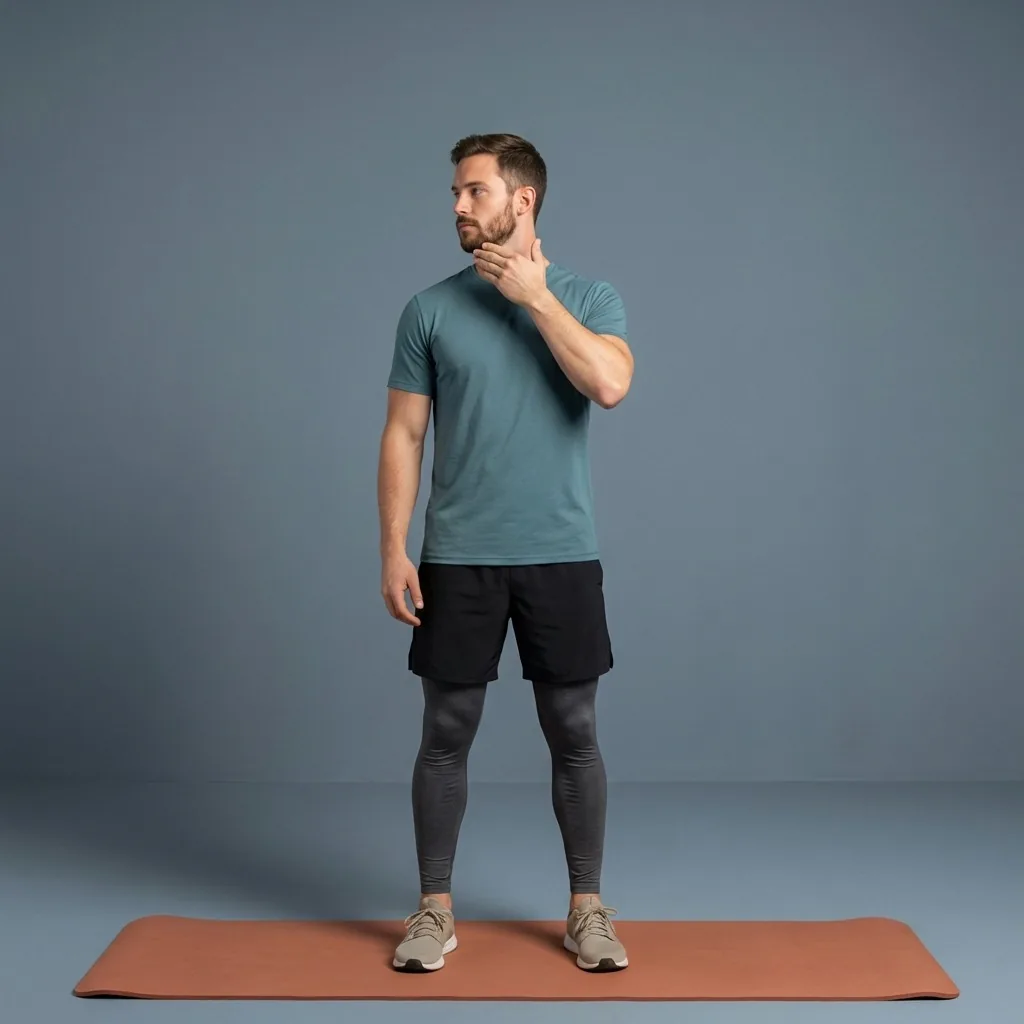
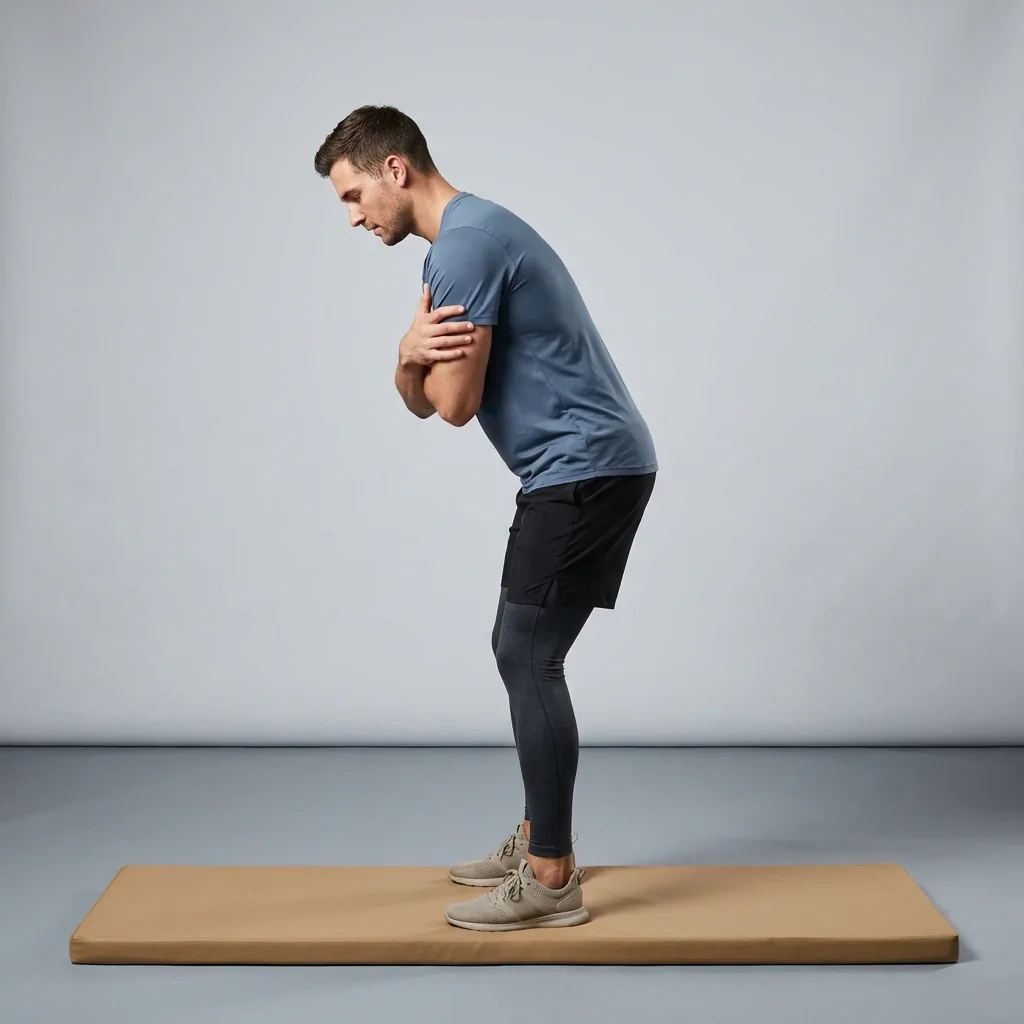
In Flexor: Short neck mobility you can do at a desk.
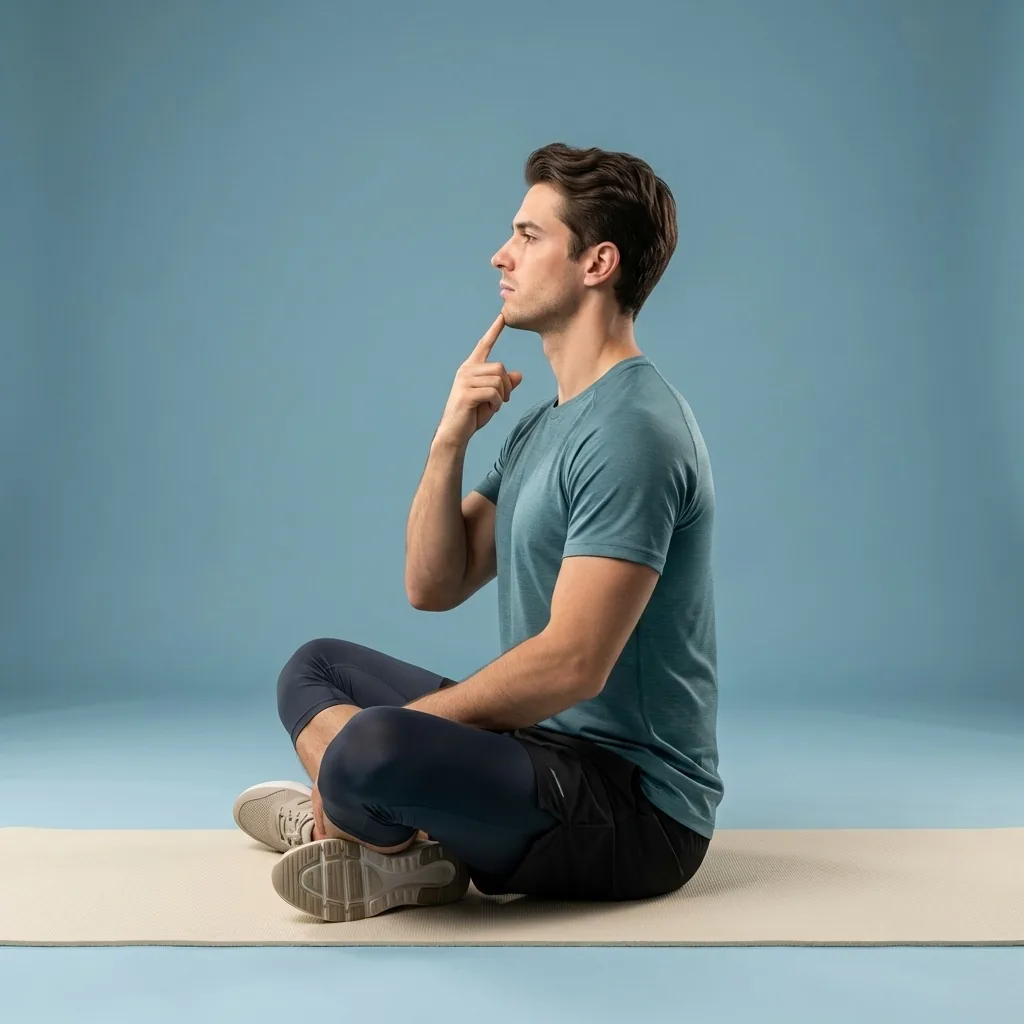
Reset between blocks of screen time.
Short desk-friendly sequences for hips, neck, and upper back.
How Flexor keeps a desk habit going
Open Flexor, filter by a desk, neck, shoulder, or upper-body focus and the minutes you have, then follow the ordered steps with timing and cues. Reminders can prompt a break before stiffness builds, and daily recommendations keep the sessions varied instead of repeating the same area every time.
Everything you need for a desk break works offline, so a dropped connection in the office does not stop a session. Flexor never scans your body or judges your posture; you choose the range and pace that feel right.
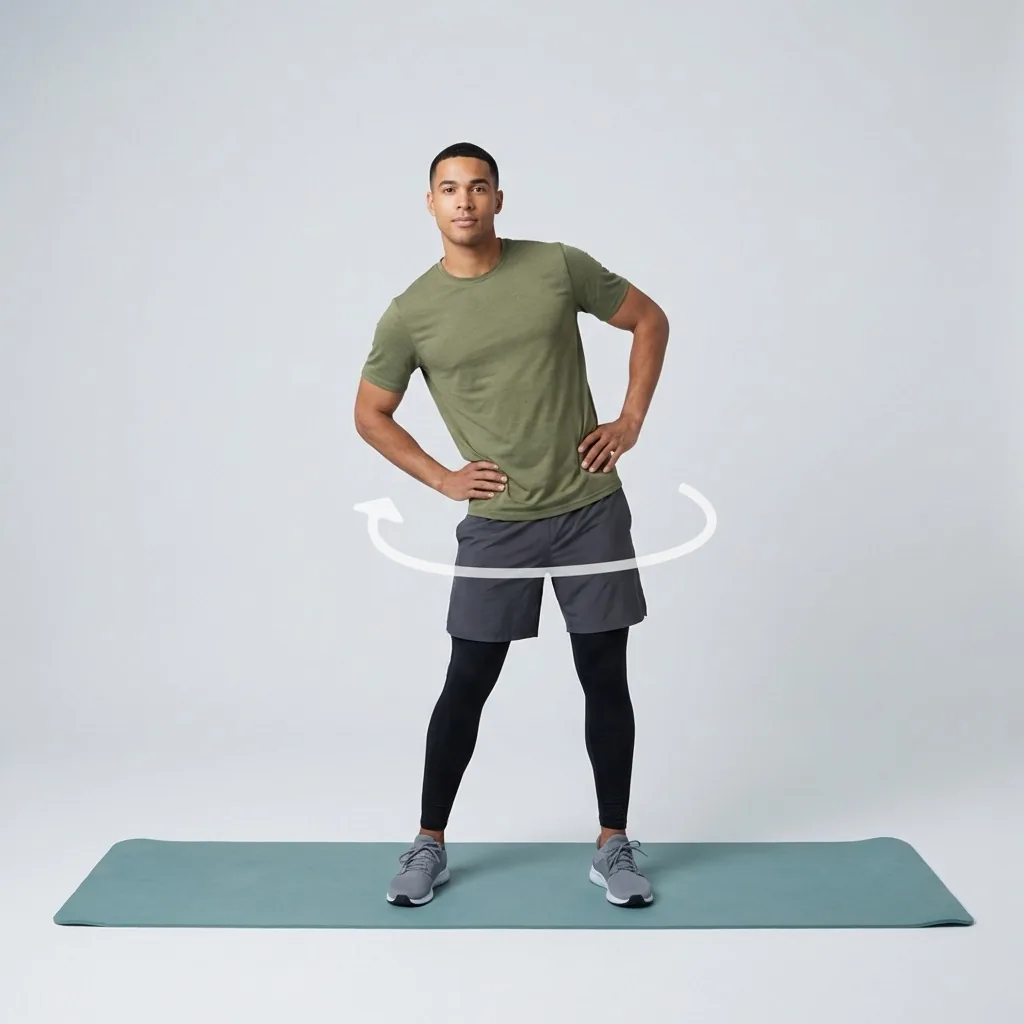
Desk stretching and the areas it touches
Because desk work loads several areas at once, it helps to know which body-area guides go deeper. The neck and shoulders carry screen and mouse tension; the hips and lower back adapt to long sitting; the wrists and forearms respond to typing. Use the desk sessions for a quick whole-body reset, then the body-area guides when you want to focus.
Sources and further reading
These independent sources support the general guidance on this page. They do not endorse Flexor.
Quick facts
- Goal
- Break up the workday with movement
- Session length
- Two to ten minutes
- Focus areas
- Neck, shoulders, upper back, hips, wrists
- Setting
- Seated or standing at a desk
Where to start
You have two minutes between calls
Run a quick neck and shoulder reset.
You have a full lunch break
Do a longer upper-body and hip sequence away from the screen.
You want the whole product for desk life
See the desk-workers audience page.
Picks that keep desk breaks varied
Left to habit, most people stretch the same neck and shoulders every time. Flexor uses your focus areas, available time and recent sessions to vary what it suggests, so more of the body gets a turn across the day. It never scans your body or judges your posture.
See how daily recommendations workSafety and limits
- General movement for comfort and habit, not treatment for a condition.
- Keep each break comfortable and never force a position.
- Seek an appropriate assessment for persistent, worsening or unusual discomfort.
Flexor does not assess your posture or movement and is not a substitute for advice from a qualified professional.
Read the full wellness disclaimerRelated routines
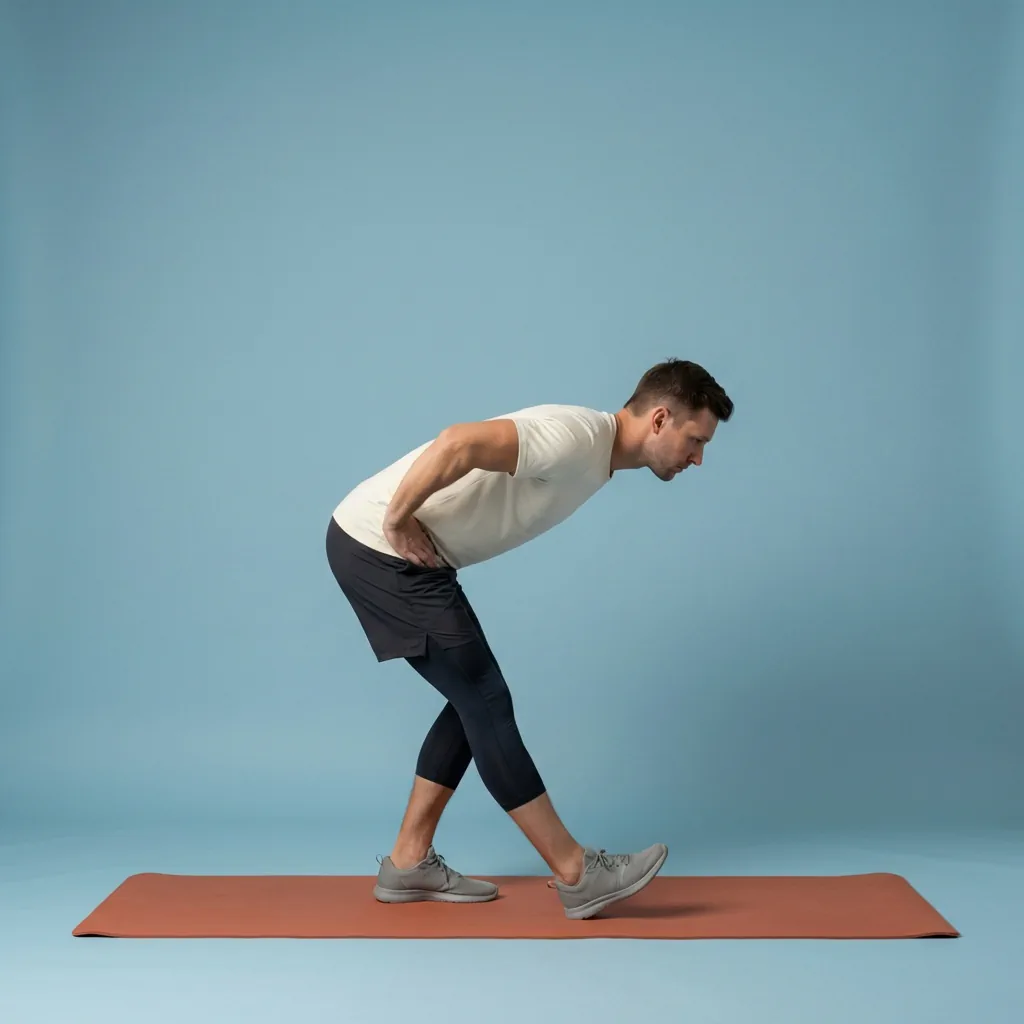
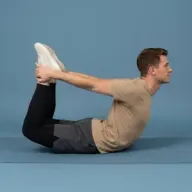
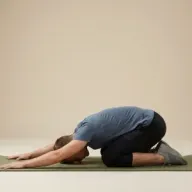
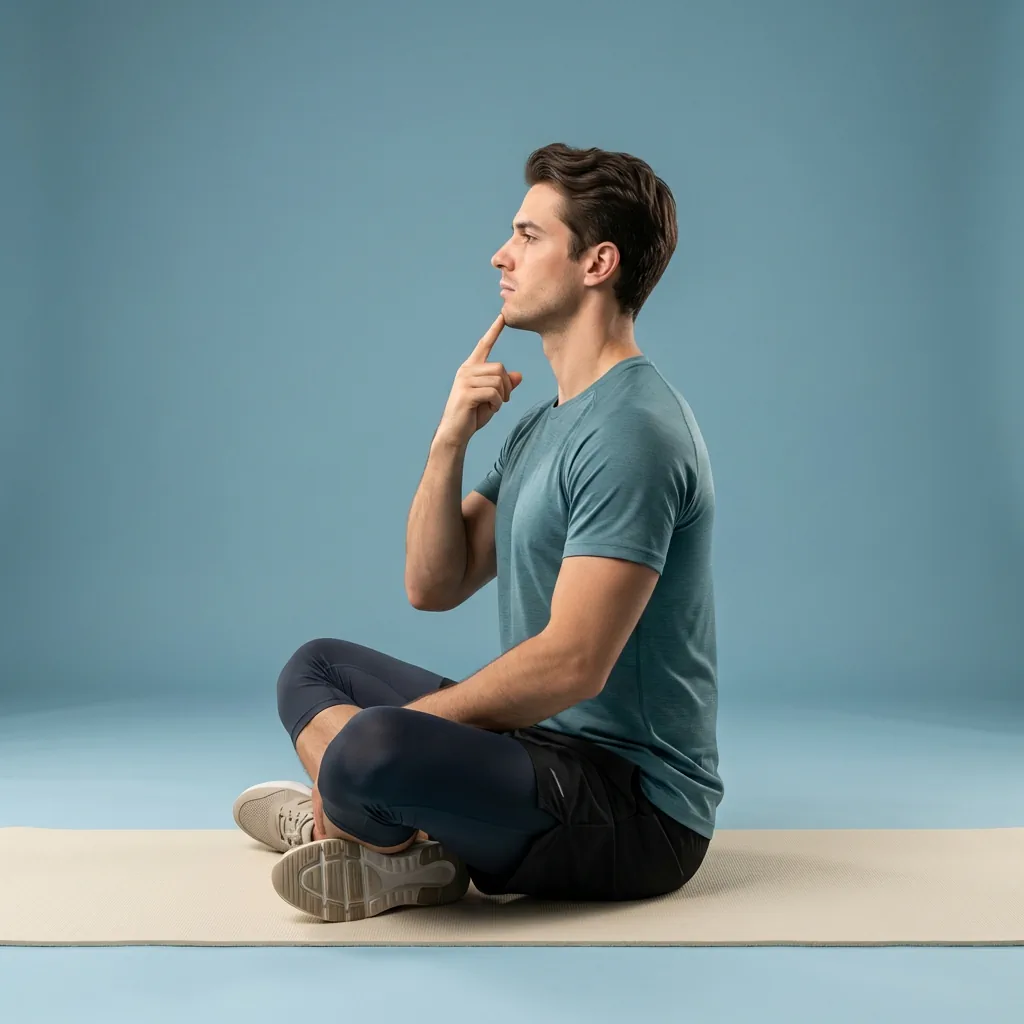
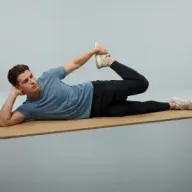
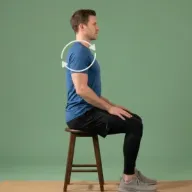
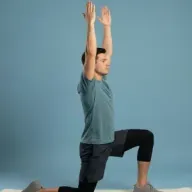
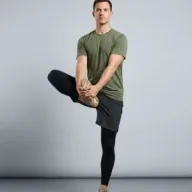
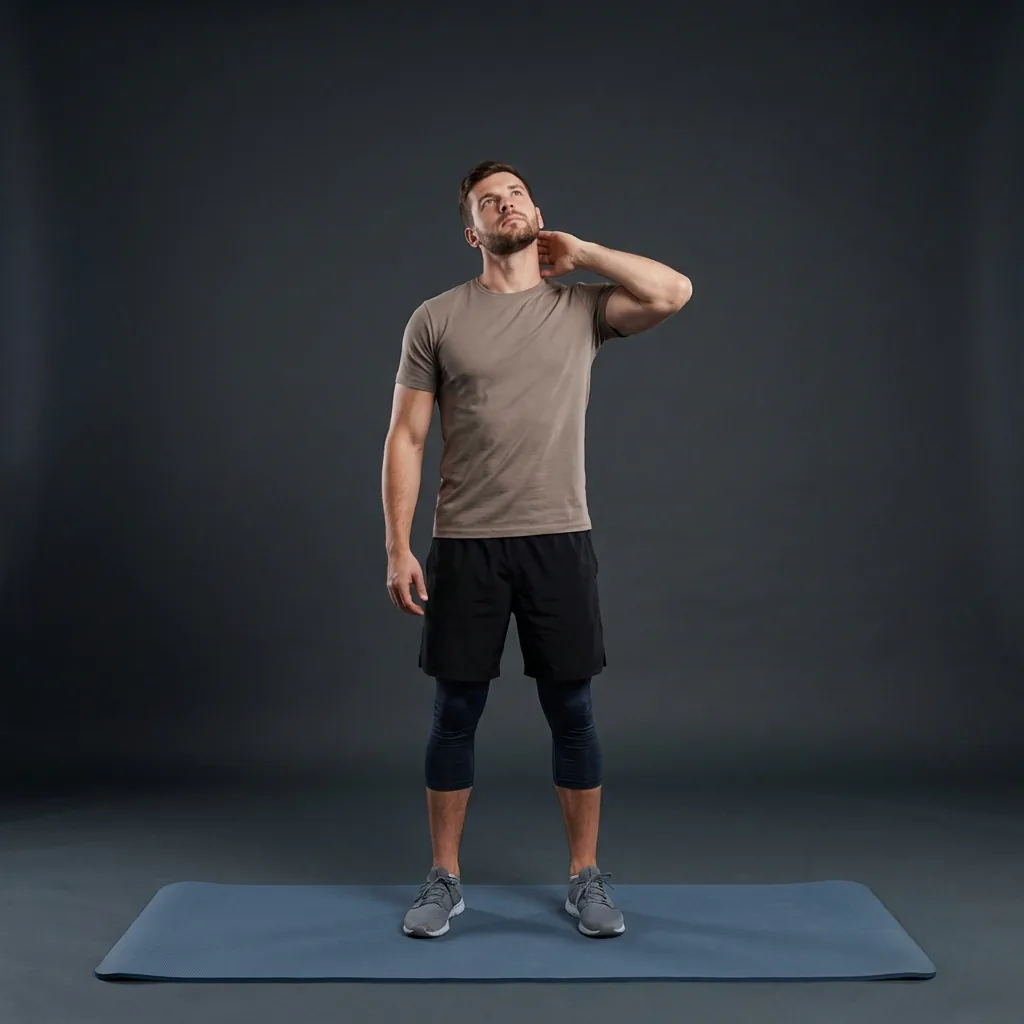
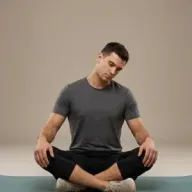
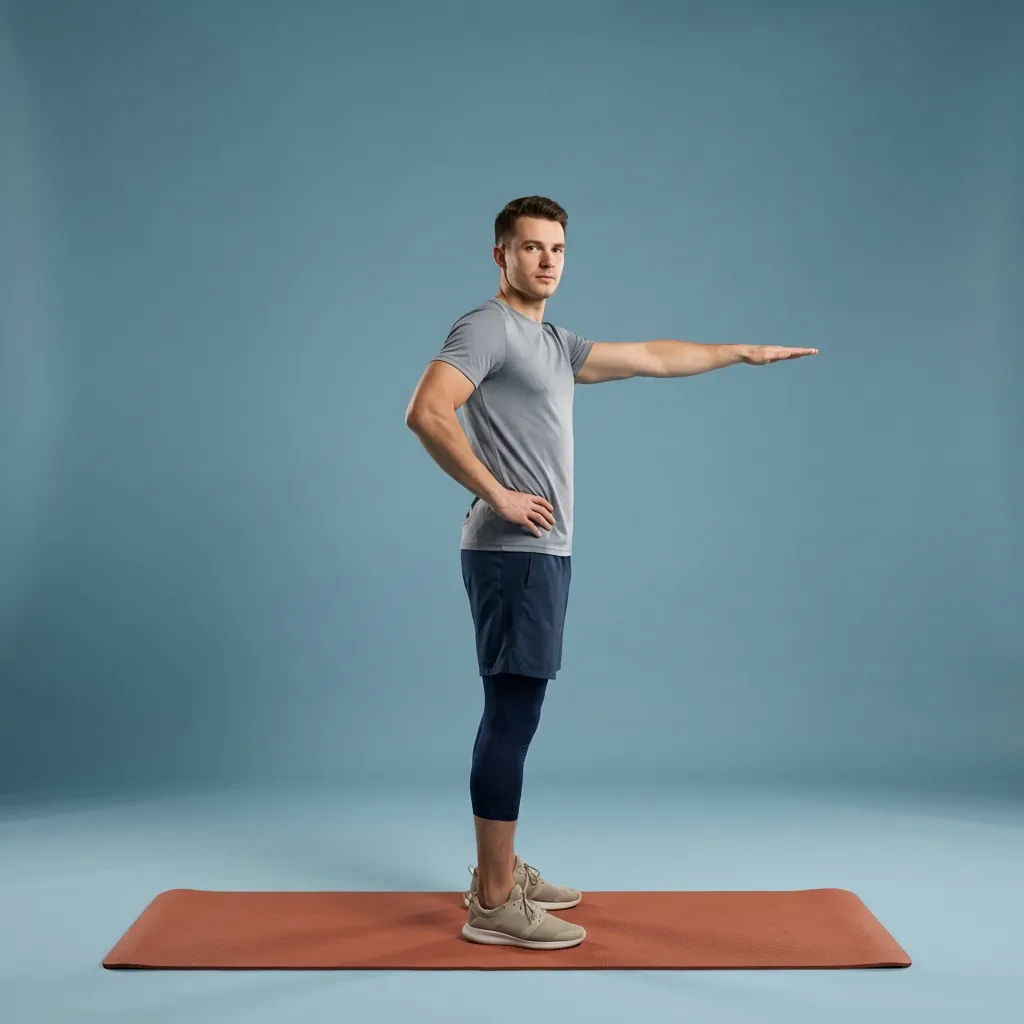
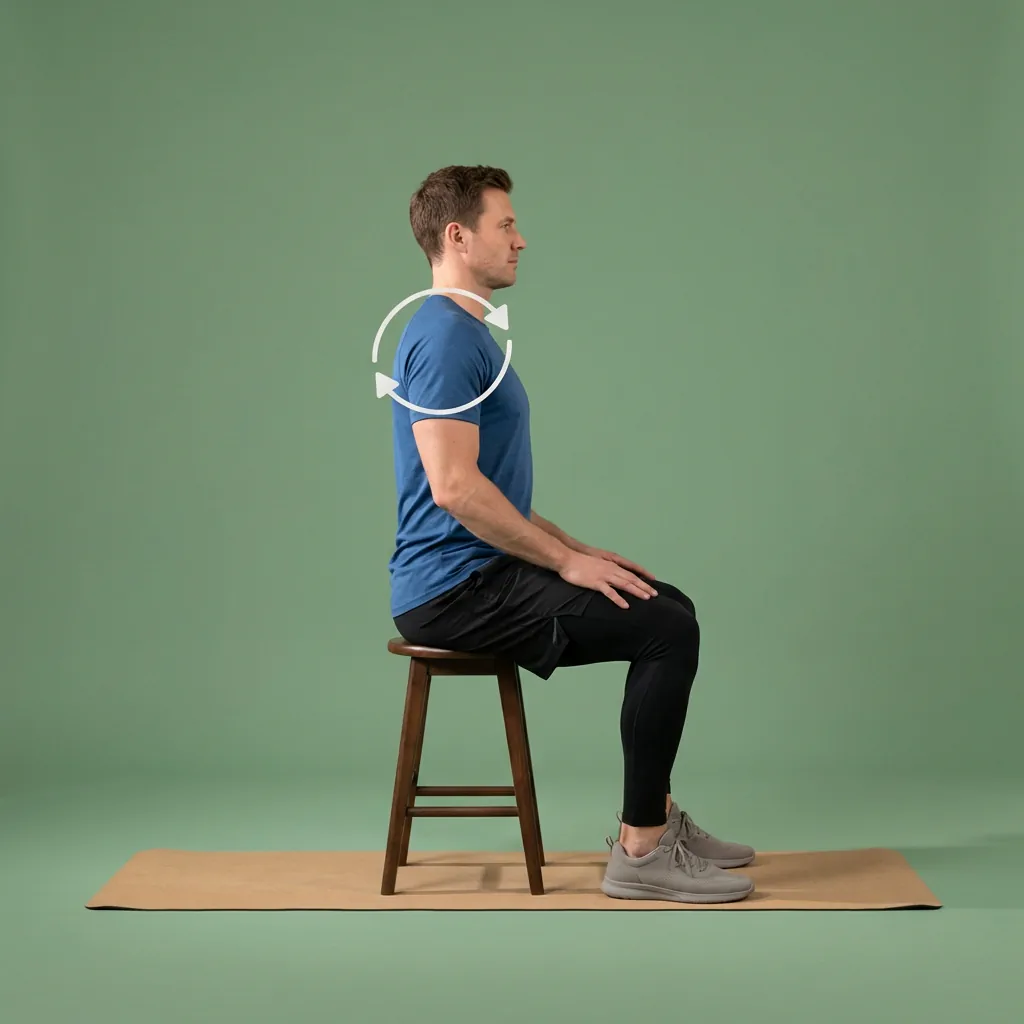
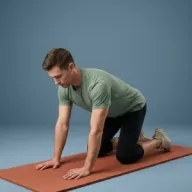
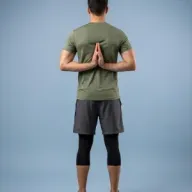
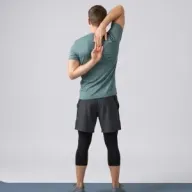
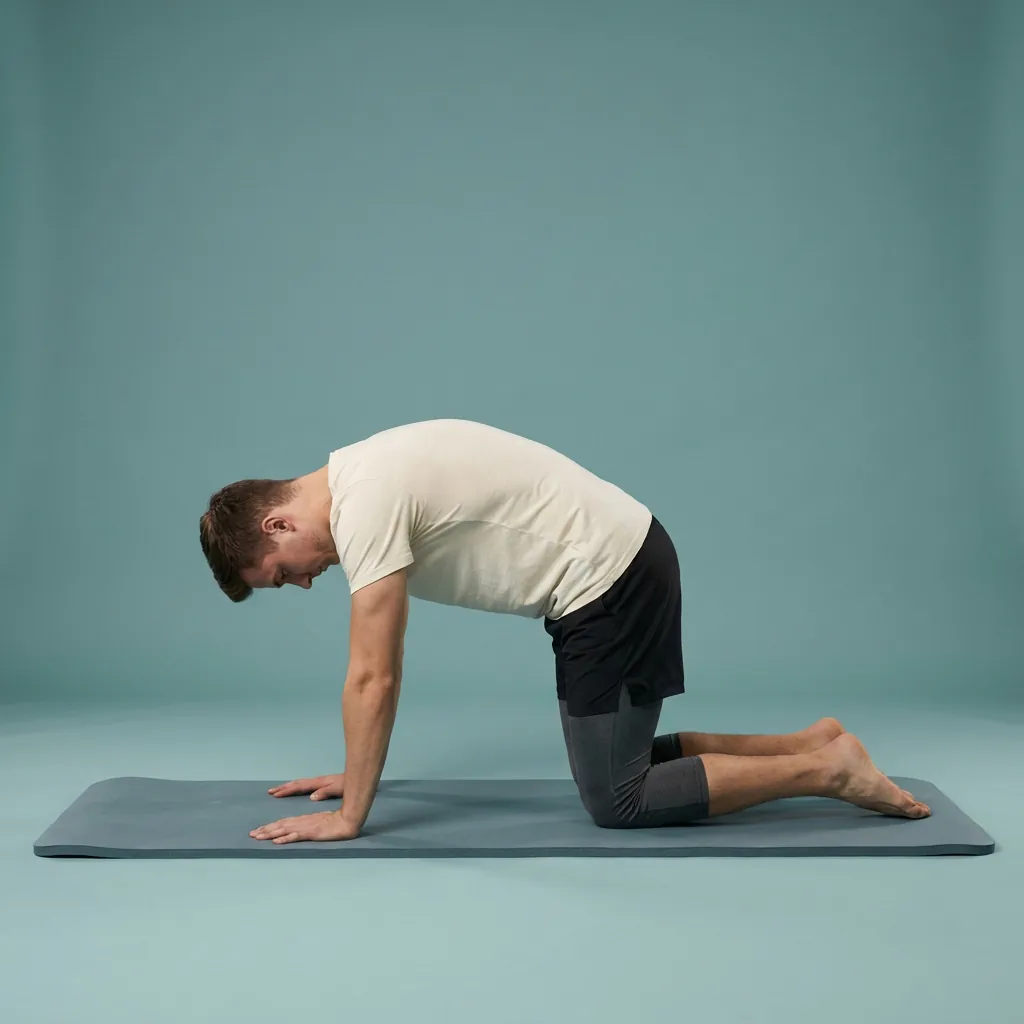
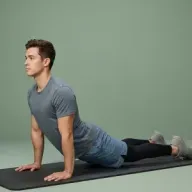
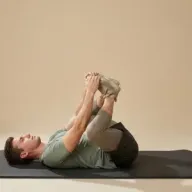
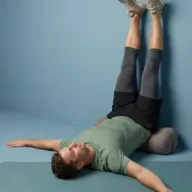
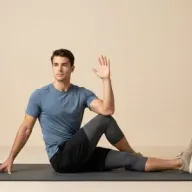
Browse guided Flexor sessions that match this page, then open any routine for steps and cues.






Explore related body areas
Go deeper on a single area with its own exercises, routines, and guidance.
Common questions
Frequently asked questions
How often should I stretch at my desk?
There is no single rule, but breaking up long static periods matters more than any exact schedule. Many people find a short movement break every hour or so keeps the neck, shoulders and hips feeling less stuck. Match the frequency to how you feel and how much time you have, keep each break comfortable, and use Flexor reminders if you tend to forget once work absorbs your attention.
Can I do these desk stretches while seated?
Many desk movements work seated, and Flexor includes sessions designed to stay in a chair for the neck, shoulders, upper body and wrists. Some sequences add standing steps for the hips and legs, using the chair or a wall for support. Do not assume every standing movement has a safe seated version; if standing is not appropriate, choose a routine built to remain seated and keep the chair stable throughout.
Will desk stretching fix my posture?
No routine can guarantee a posture change or identify why an area feels uncomfortable. Desk stretching helps you vary position and move regularly after sitting, rather than hold one supposedly perfect posture all day. Adjust your workspace separately where that helps, take frequent movement breaks, and seek an appropriate assessment when discomfort is persistent, worsening, or accompanied by other symptoms rather than relying on stretches alone.
How is this different from the desk-workers page?
This page is a goal: the practical habit of stretching during a workday, useful to anyone who sits a lot. The desk-workers audience page instead covers the whole Flexor product for that group, including reminders, plans and how personalisation fits a working routine. Start here if you want the movement itself, and visit the audience guide if you want to see how the app supports desk life more broadly.
Keep exploring
More guides on stretching, mobility, routines, and Flexor features.
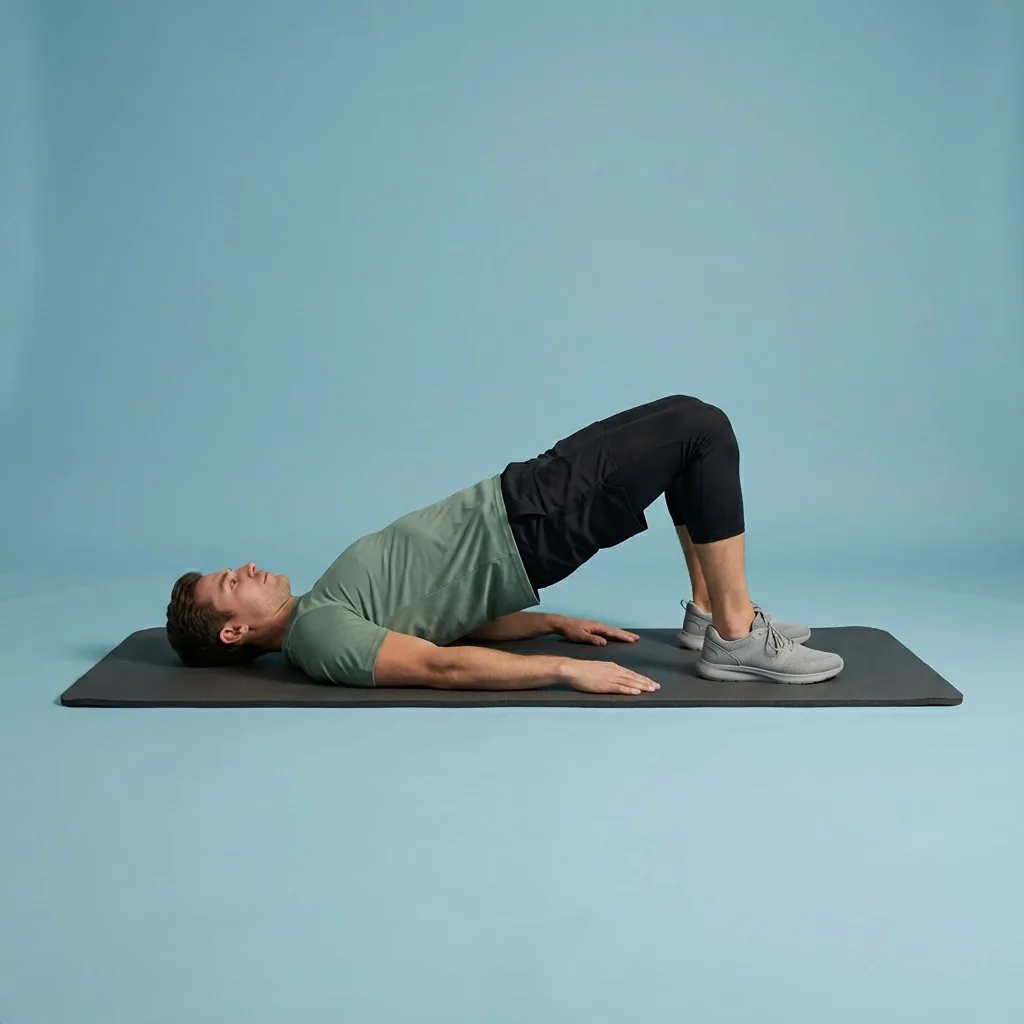
Flexor for desk workers
Stretching and mobility built around a working day at a desk.
Use short guided sessions for common desk-work focus areas, with reminders and recommendations based on your time and re...
Read more Flexor for you
Stretching and mobility, matched to how you live.
Find guided Flexor stretching and mobility routines shaped for desk workers, seniors, athletes, gym-goers, travellers an...
Read more Mobility for fitness and everyday movement
Build controlled, usable movement—one short guided session at a time.
Improve mobility with guided routines, progress tracking and personalised daily recommendations designed around how you...
Read more Routine chooser
Choose a stretching or mobility routine by what you need now.
Choose a Flexor routine for mornings, desk breaks, workout warm-ups, cool-downs, flexibility, mobility, recovery, and ev...
Read more