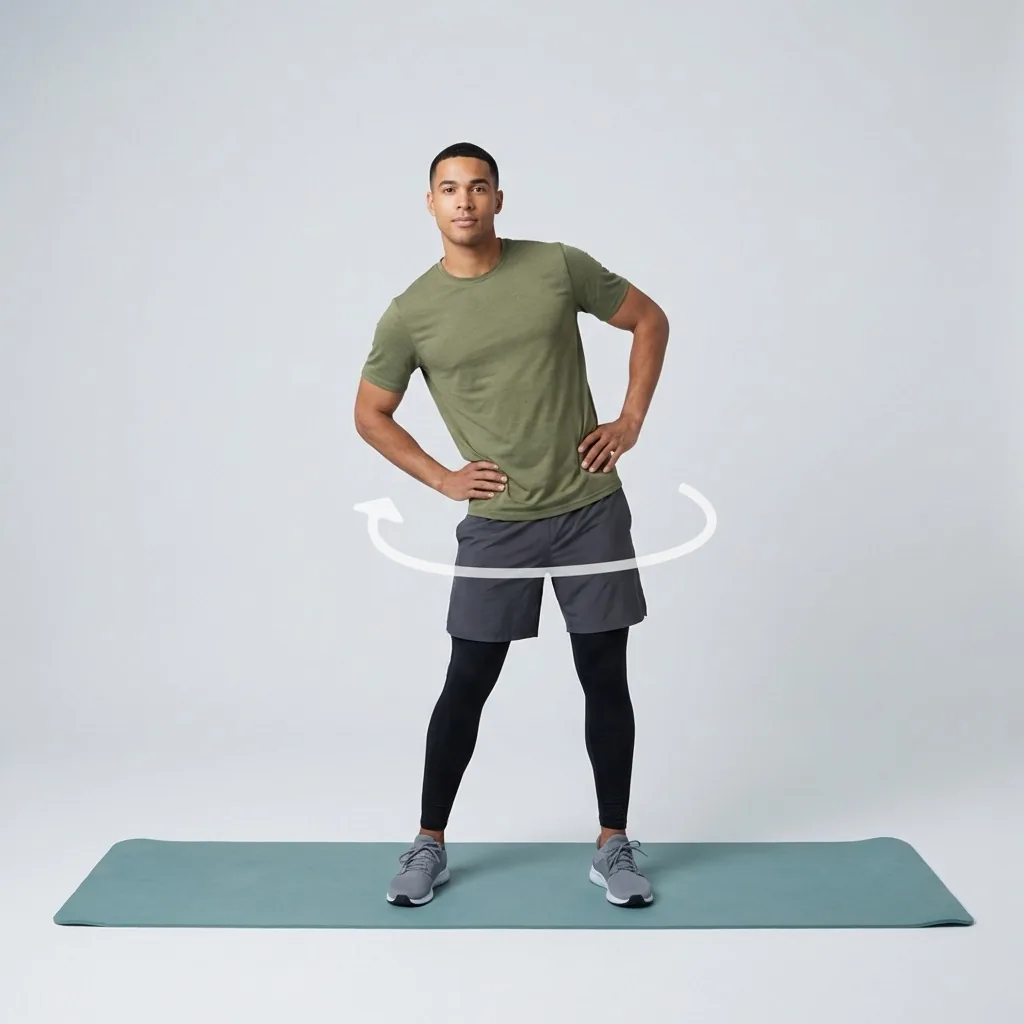
Mobility for fitness and everyday movement
Build controlled, usable movement—one short guided session at a time.
Flexor is a mobility app for people who want movement they can actually use: hips that open for a deep squat, shoulders that travel overhead, a spine that rotates without stiffness. Choose a focus and a time, follow the guided session, and let daily recommendations keep the work relevant.
Move with control
Guided drills that build active range, not just passive flexibility.
Focus where it matters
Hips, spine, shoulders, ankles—browse by body area and goal.
Fit your day
Match the session to the minutes you have, morning or evening.
Stay on track
Progress, streaks, and daily recommendations shaped by recent sessions.
Mobility is the movement you can control, not just the range you can reach
Flexibility is the range available around a joint when something else moves you into it. Mobility is what you can reach and control under your own power—actively lowering into a squat, driving an arm overhead, or rotating through the spine without bracing everywhere else. Both matter, but mobility is what carries over into training and daily life.
That is why Flexor mobility sessions blend controlled movement with stretching rather than long passive holds alone. You work through a useful range with timing and cues, so the range you build is range you can actually use when you need it.
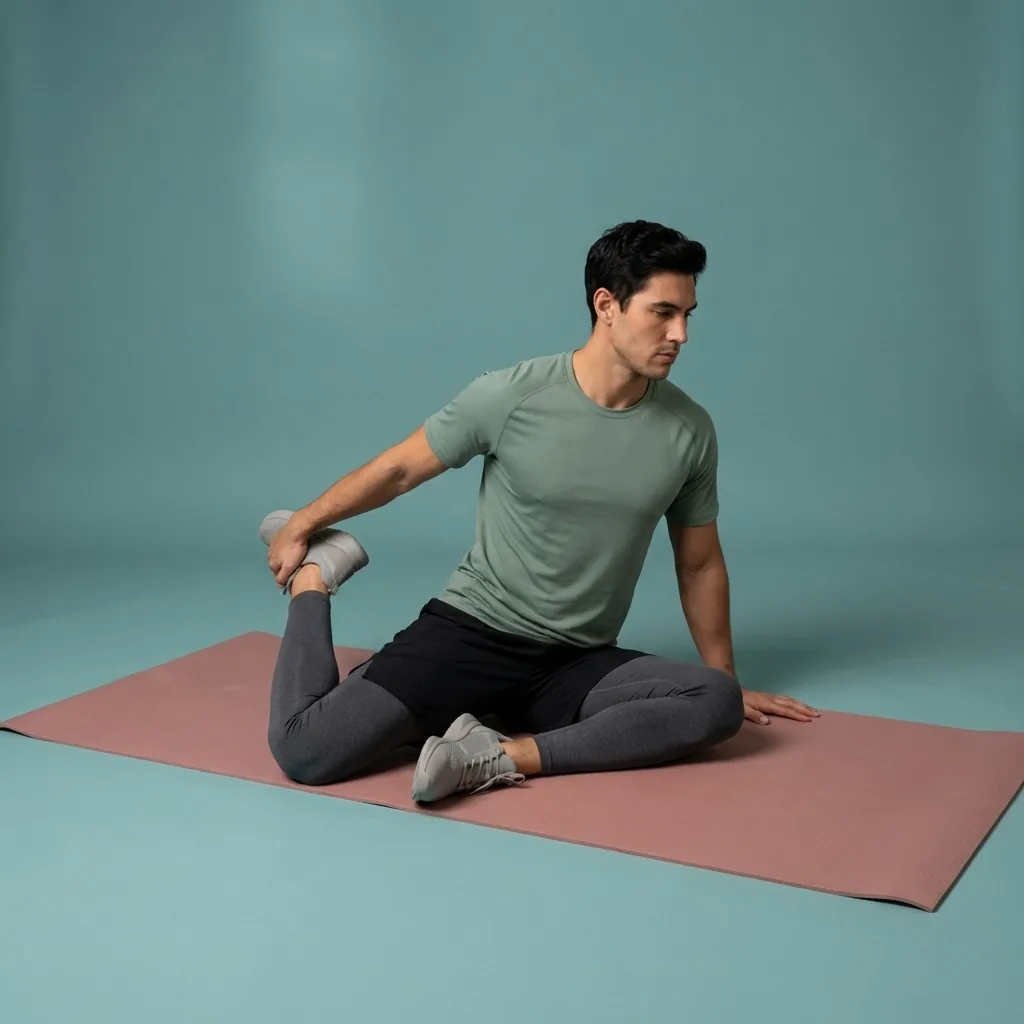
A practical way to choose today's session
Instead of hunting for the perfect exercise, start from context. These questions narrow the choice in seconds without pretending an app can assess an injury or judge how a movement feels in your body.
- What comes next—starting the day, desk work, training, travel, or winding down?
- Do you want dynamic preparation, controlled mobility, or slower stretching?
- Which area needs attention, and what range feels comfortable today?
- How many minutes can you repeat consistently this week?
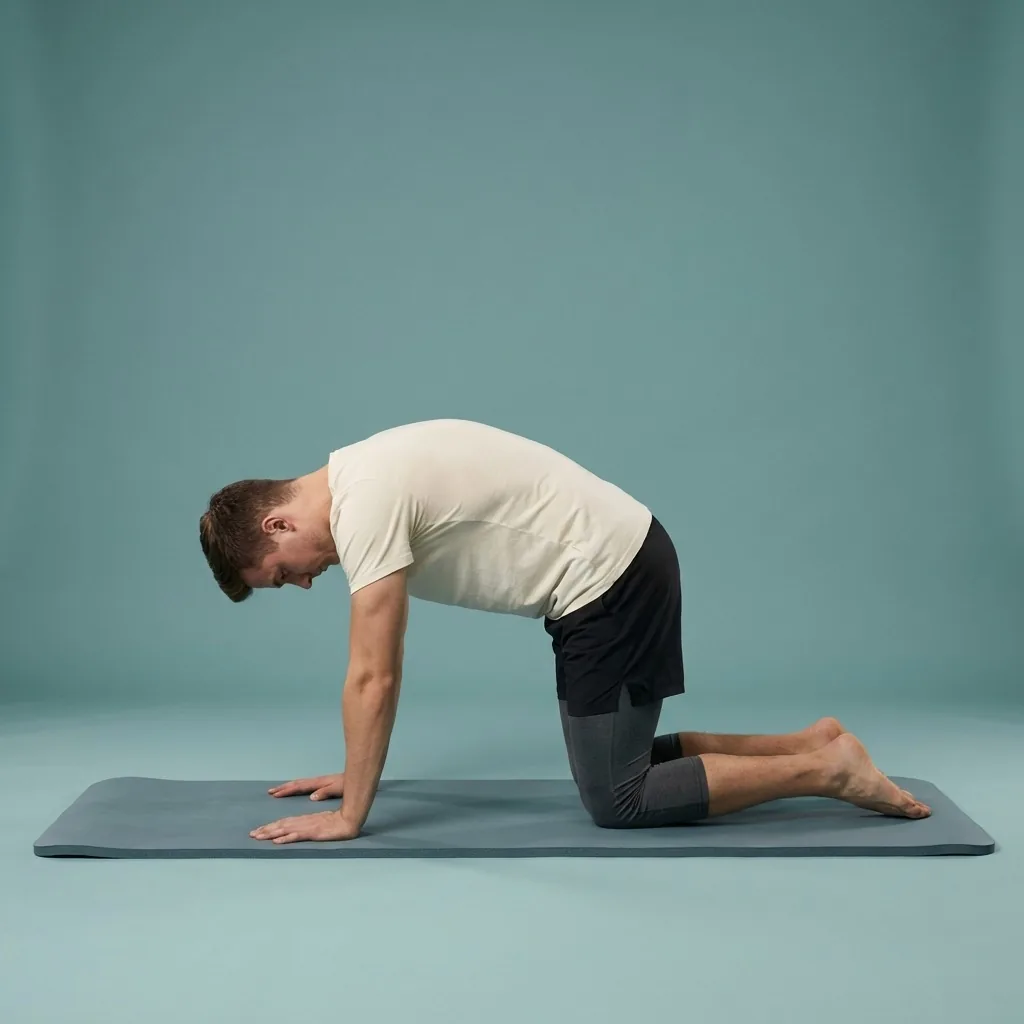
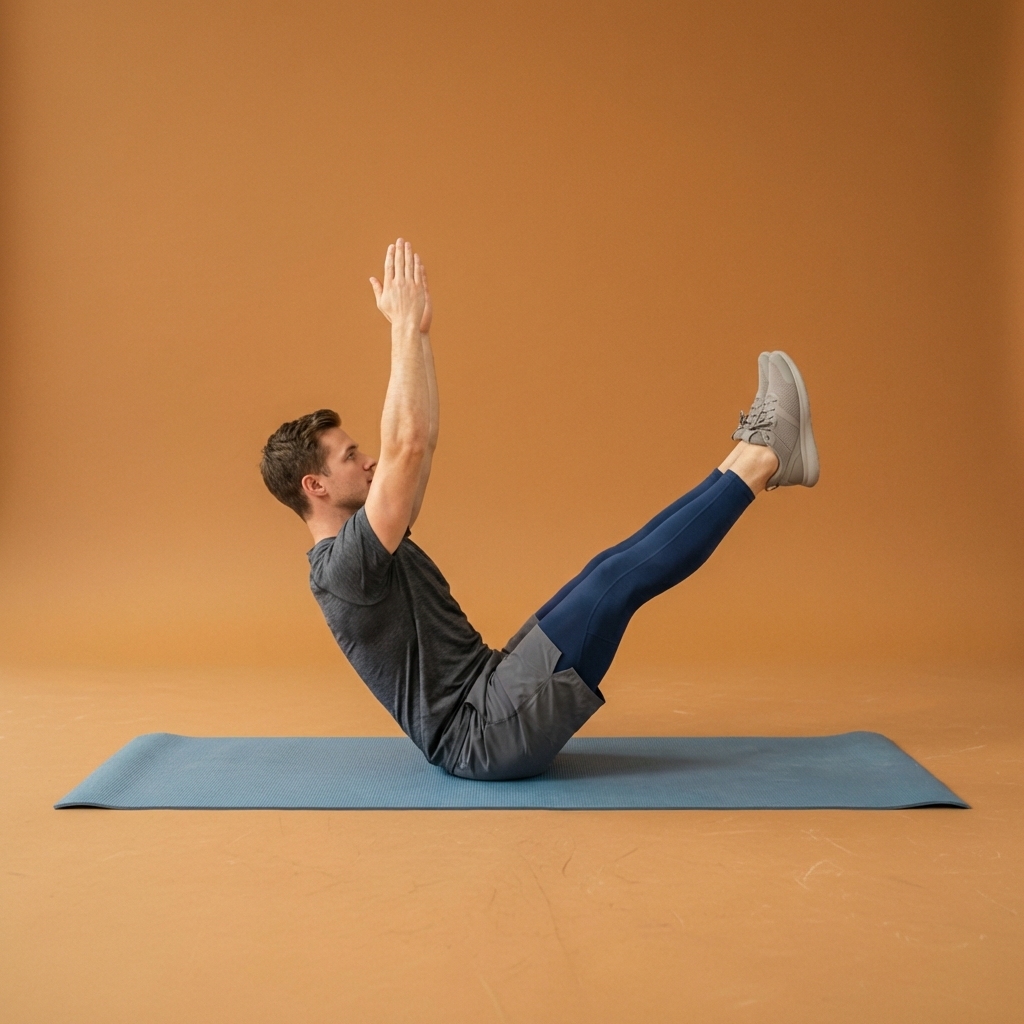
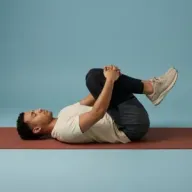
In Flexor: Spinal mobility to counter long periods of sitting.
Personalised daily recommendations that stay relevant
Open Flexor and it suggests something worth doing today, drawn from the goals you set, your experience level, the focus areas you care about, the time you have, and the sessions you have recently completed. If you have hit hips three days running, it can steer you toward something more balanced.
Recommendations are built entirely from the information you give the app. Flexor does not scan your body, grade your posture, or run a mobility assessment—so you stay in charge of the range and intensity that feel right, and you can always browse the full library yourself.
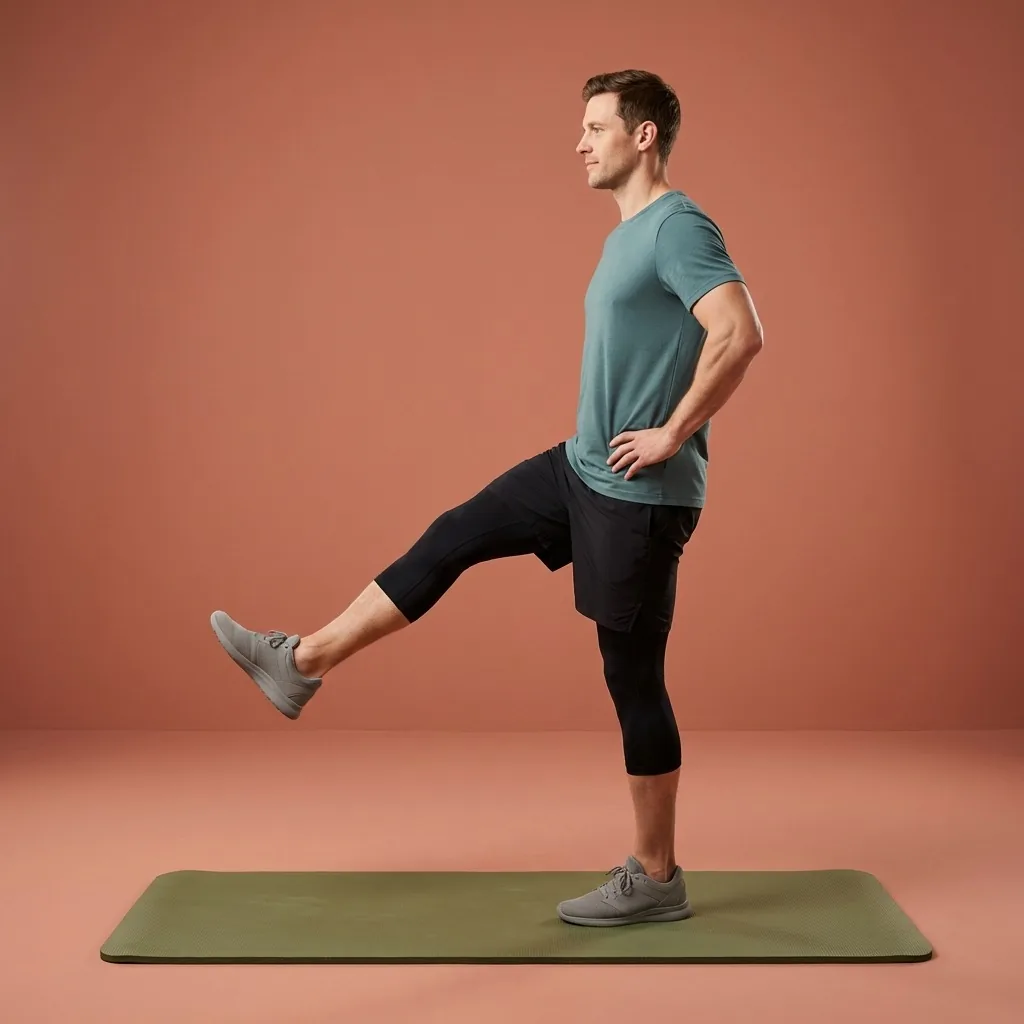
Mobility that fits the day you are in.
Warm up, reset between meetings, or wind down—guided by time and focus area.
See consistency add up
Mobility responds to repetition more than intensity, so Flexor keeps the feedback simple and motivating. Completed sessions, streaks, and focus-area history show where you have been consistent and where an area has been quietly neglected.
Basic progress and streaks are free. Optional Flexor Premium adds more detailed statistics and insights for people who want a closer look at how their training is distributed over time.
Build gradually and stay comfortable
A short session done with control beats forcing a range you cannot own yet. The NHS advises building flexibility work up gradually and moving only as far as is comfortable. Flexor supplies the structure, timing, and cues; you decide the range and stop if a movement causes pain or concerning symptoms.
This is general fitness and wellness guidance—not a diagnosis, treatment plan, or mobility assessment. If pain, an injury, or a health condition affects safe movement, get advice from a qualified professional before you begin.
Sources and further reading
These independent sources support the general guidance on this page. They do not endorse Flexor.
Quick facts
- Focus
- Active, controlled range you can actually use
- Areas
- Hips, spine, shoulders, ankles, and full-body movement
- Sessions
- Blend controlled movement with stretching, not long passive holds alone
- No assessment
- Recommendations come from your inputs—no body scanning
- Progress
- Basic progress and streaks are free; detailed statistics are in Premium
How a mobility session comes together
-
Pick an area and a purpose
Choose warm-up preparation, controlled mobility, or a slower cool-down.
-
Set the time you have
Match the session to the minutes you can repeat consistently.
-
Move through the range with control
Follow the timing and cues, working actively rather than forcing depth.
-
Watch consistency add up
Completed sessions and focus-area history show where you have been steady.
Where to start
You want active, controlled range for training and daily life
The mobility app fits—sessions blend controlled movement with stretching.
You mainly want to lengthen tissue and increase reach
The flexibility app leans into longer, controlled holds.
You want a general everyday overview of Flexor
The stretching app page covers the whole product.
Daily recommendations that stay balanced
You have trained hips three days running and want to keep things even. Flexor draws on your goals, experience, available time, and recent sessions to steer you toward an under-trained area today—without ever scanning your body or judging your form.
See how daily recommendations workBuild range gradually
- Build flexibility and mobility work up gradually, moving only as far as is comfortable.
- A short session done with control beats forcing a range you cannot own yet.
- Stop if a movement causes pain or concerning symptoms.
This is general fitness and wellness guidance, not a diagnosis, treatment plan, or mobility assessment. If pain, an injury, or a health condition affects safe movement, get professional advice first.
Read the full wellness disclaimerRelated routines
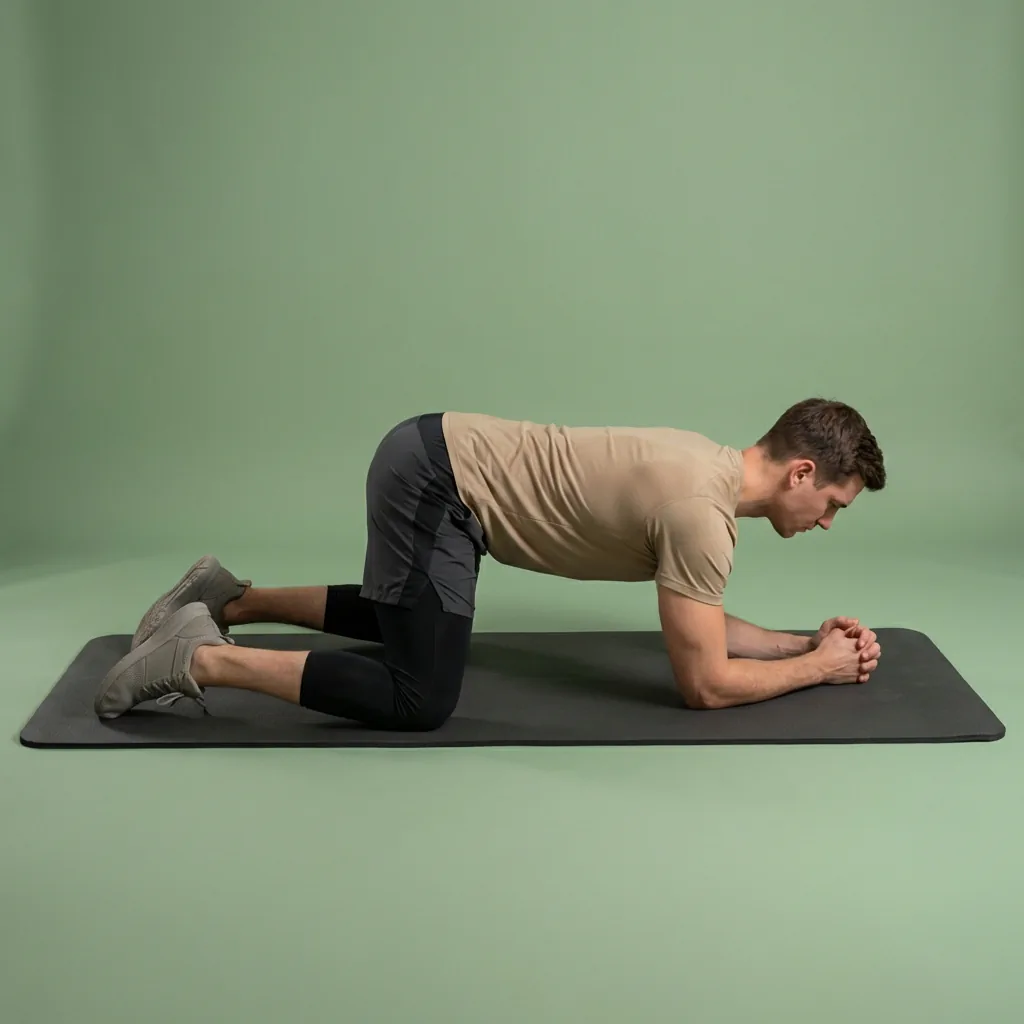
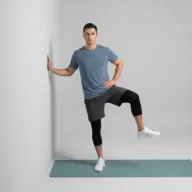
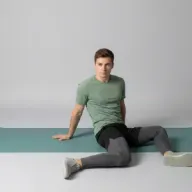
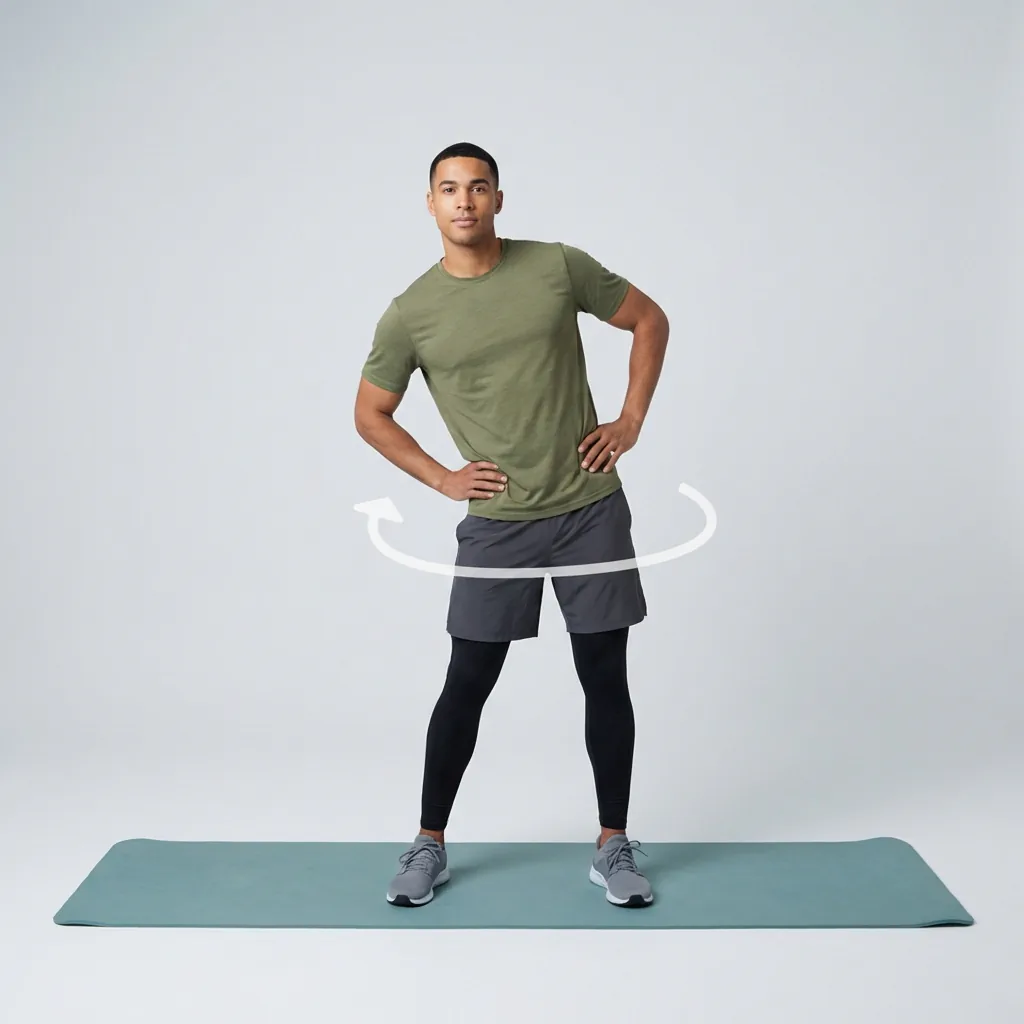
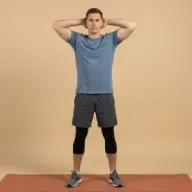
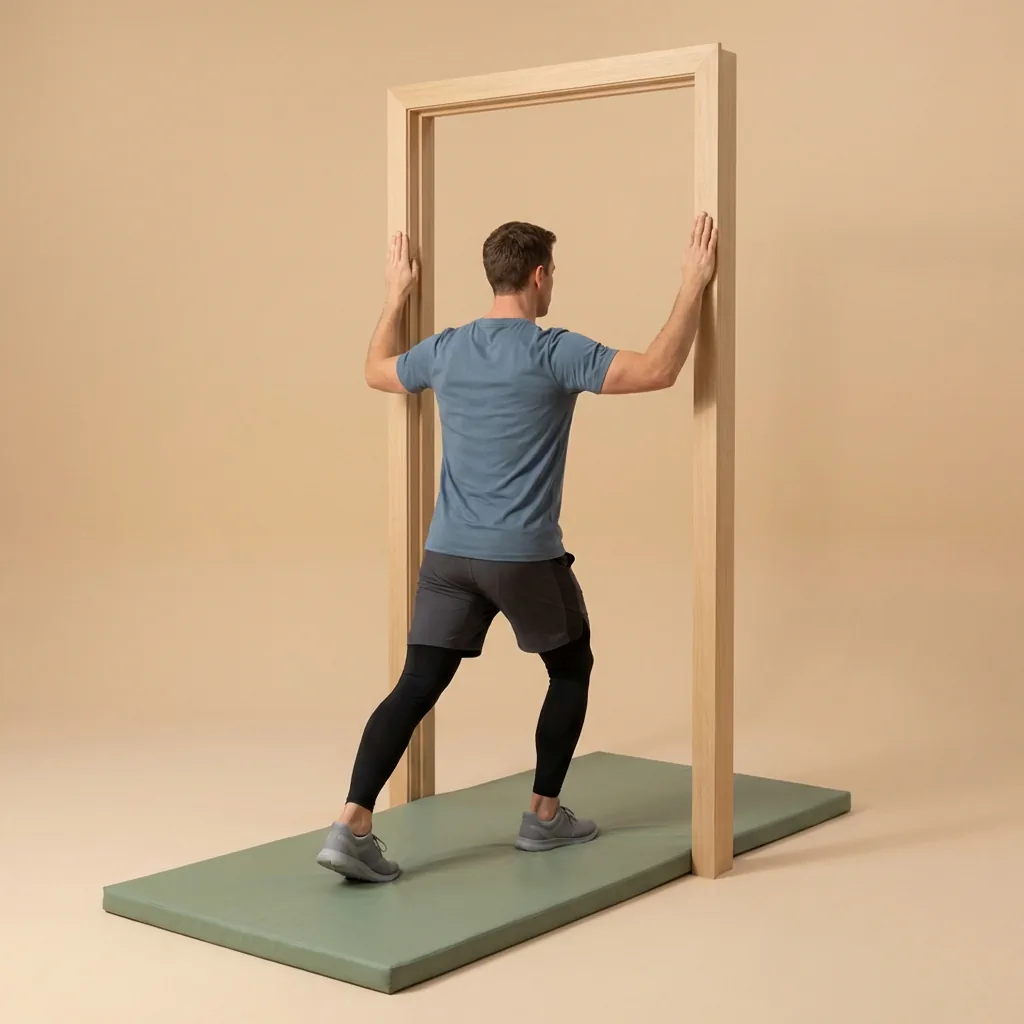
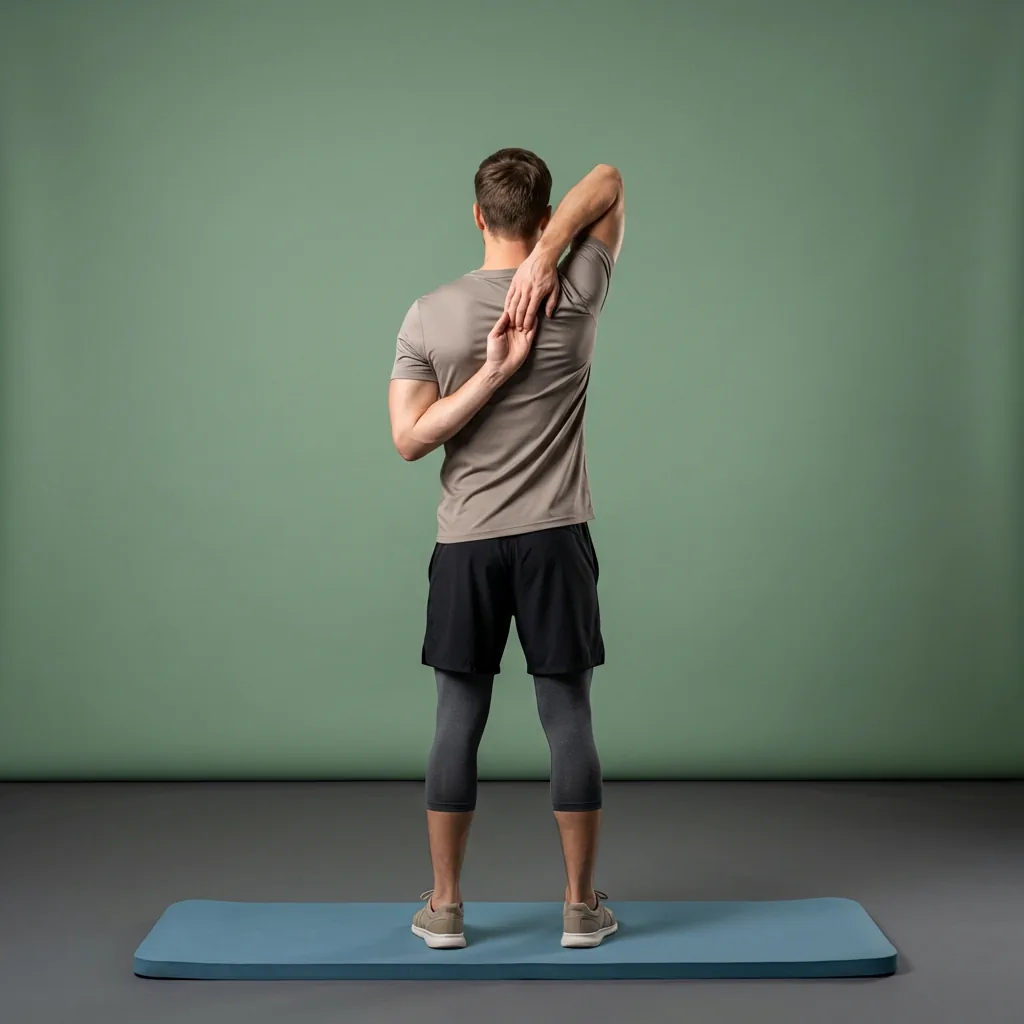
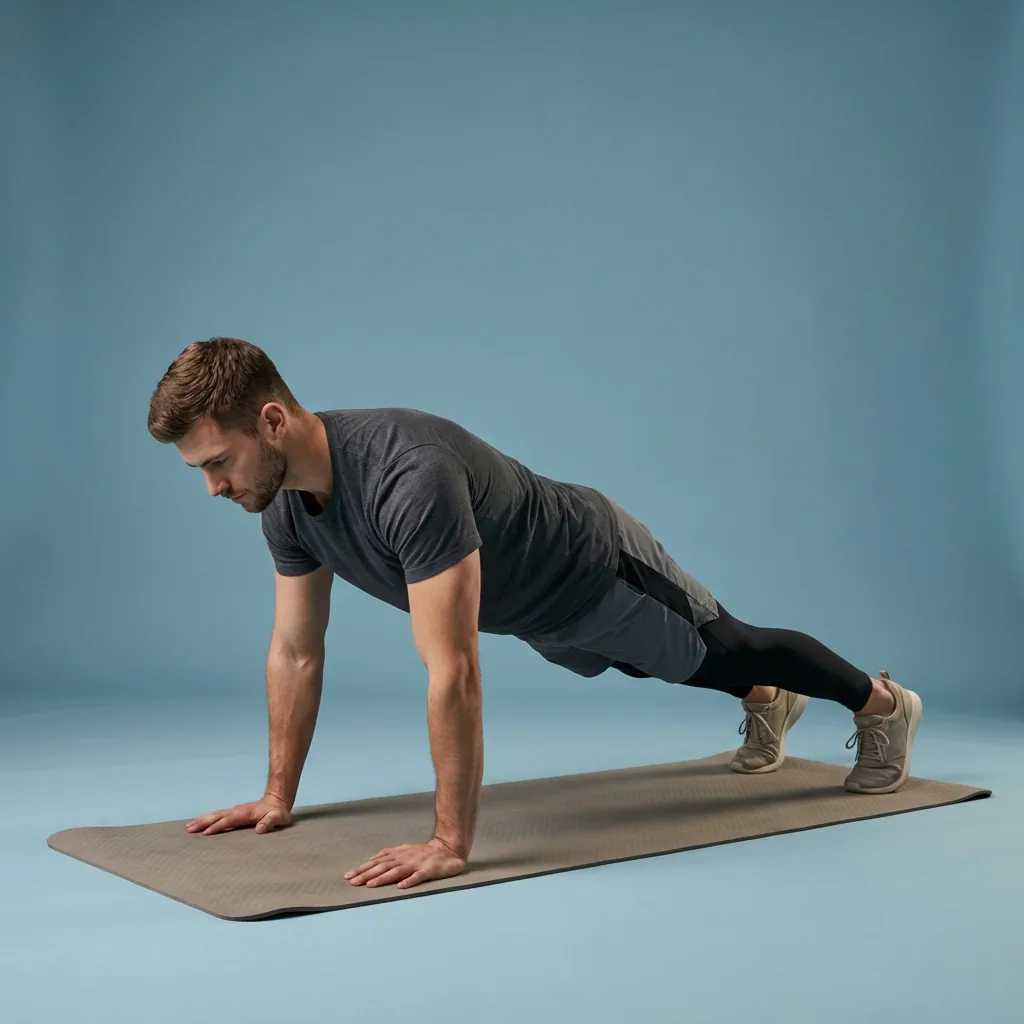
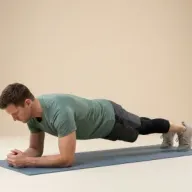
Browse guided Flexor sessions that match this page, then open any routine for steps and cues.







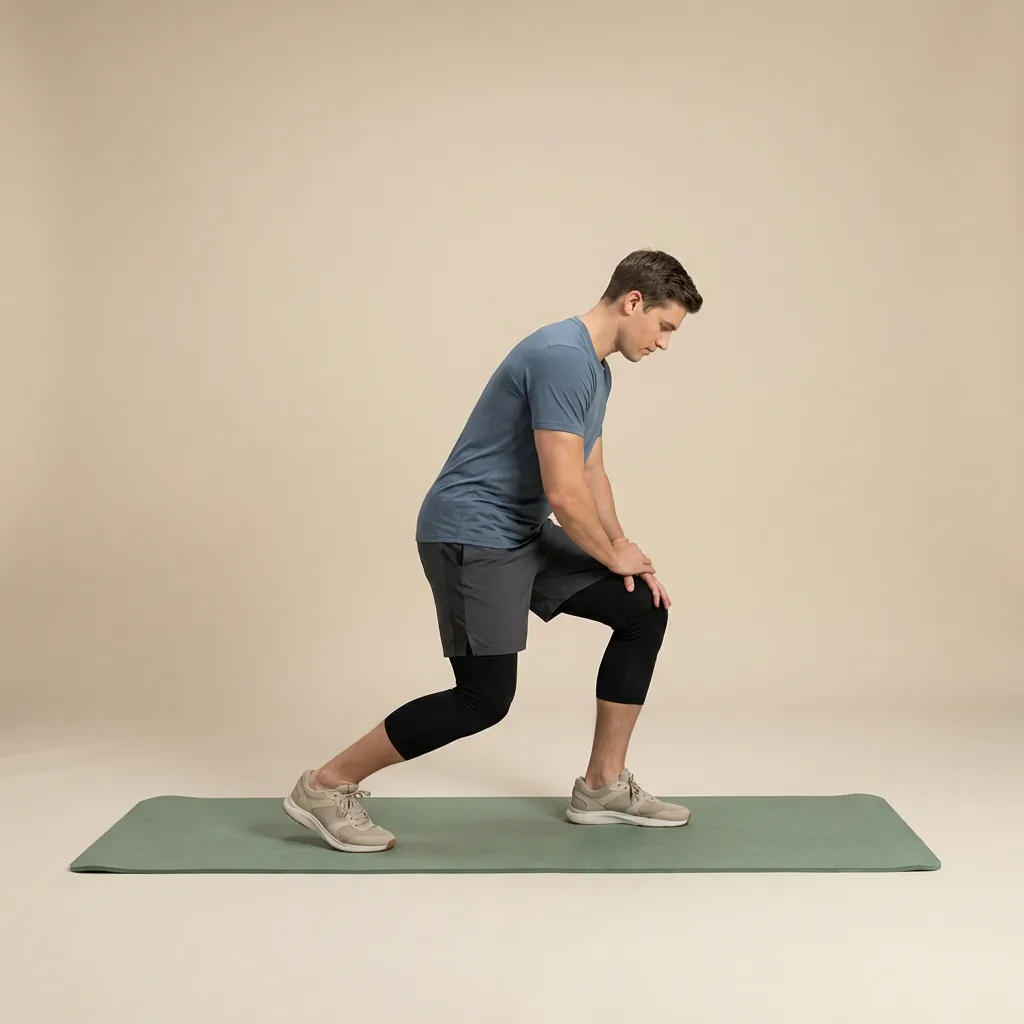


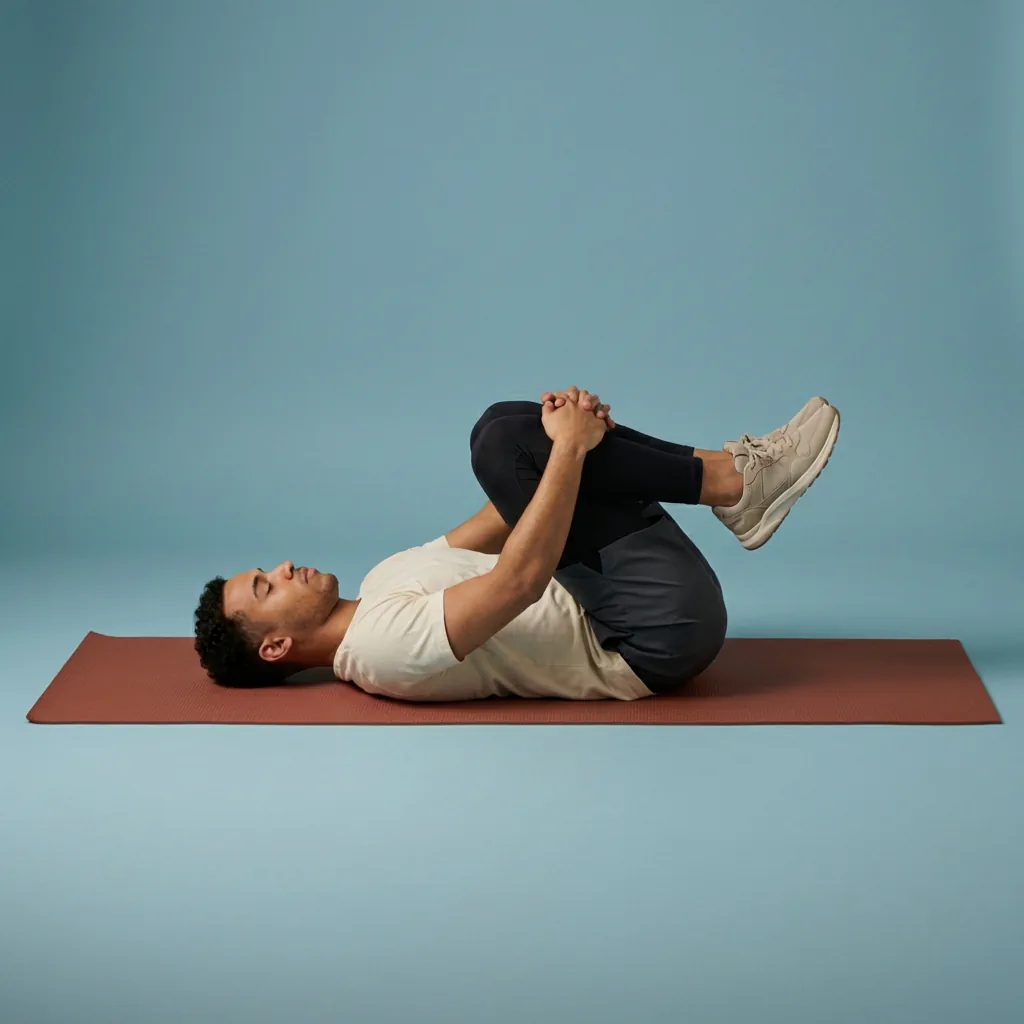




Common questions
Frequently asked questions
What does a mobility app actually do?
A mobility app organises guided sessions that combine controlled joint movement, active range-of-motion work, and stretching. Flexor adds an ordered sequence, timing, audio and visual cues, and filters for goals, body areas, difficulty, sport, and duration. It takes the planning effort out of a session and keeps you consistent, but it cannot measure your movement quality or decide what is medically appropriate for you—that judgement stays with you and, when needed, a professional.
Should I do mobility work before or after a workout?
Match the session to the purpose. Before training, controlled dynamic movement and patterns relevant to the activity ahead usually fit better than an intense static stretch. After activity, lower the pace first; gentler mobility or stretching then suits a cool-down. Flexor keeps warm-up and cool-down goals separate in the library, so you can pick a session designed for that exact point in your day rather than guessing which one is appropriate.
How is a mobility app different from a flexibility app?
The difference is emphasis, and Flexor covers both. Flexibility work focuses on lengthening tissue and increasing the range you can reach, often with longer holds. Mobility work focuses on controlling that range actively—loading a deep squat or driving overhead with intent. In practice most people want a mix, so Flexor lets you filter by goal and body area and blends controlled movement with stretching inside a single guided session.
How often should I train mobility?
There is no single schedule that suits everyone. Start with a short routine you can repeat comfortably, notice how your body responds during and afterwards, and increase frequency, range, or difficulty gradually rather than changing everything at once. A little most days tends to work better than one long occasional session. Your training load, goals, health, and any current symptoms all matter, so seek professional guidance when those factors make exercise selection uncertain.
Keep exploring
More guides on stretching, mobility, routines, and Flexor features.
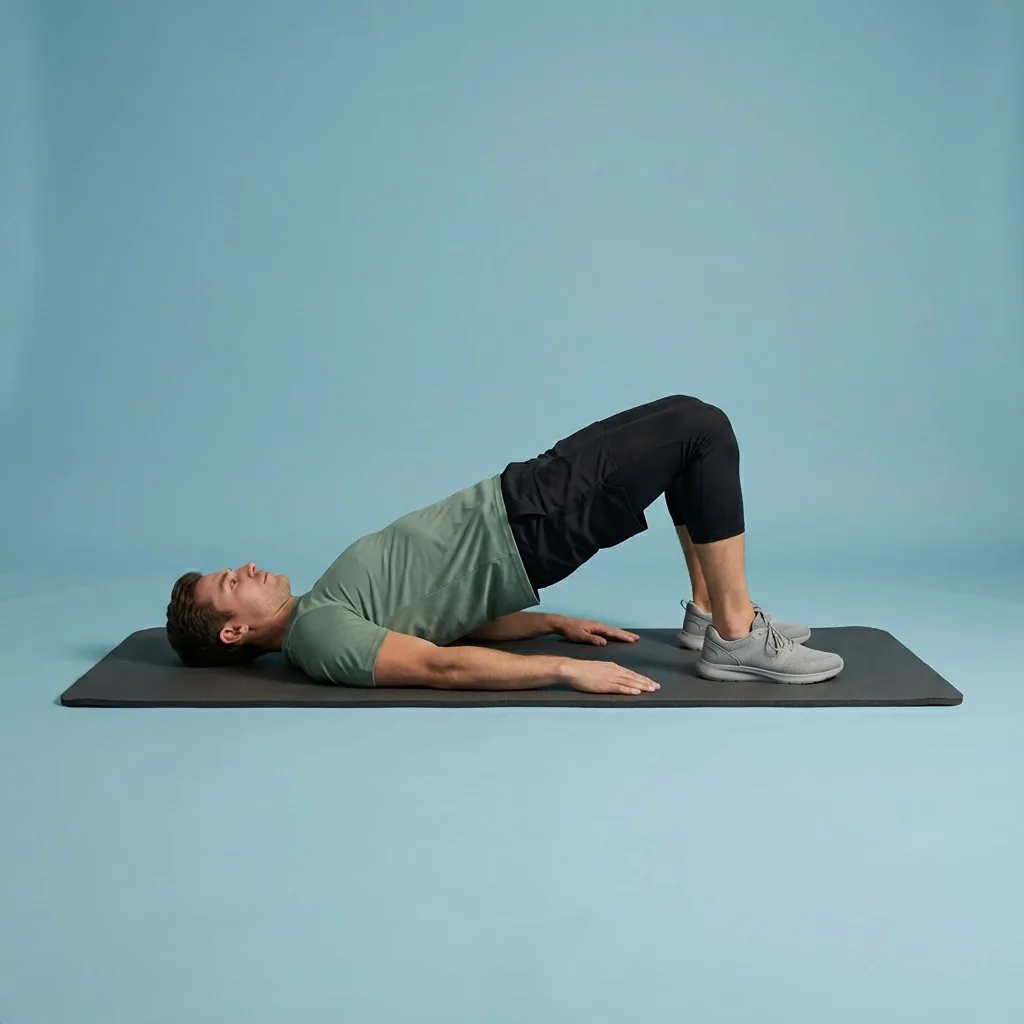
Free guided stretching exercises app
A full stretching and mobility app—free to download, ready to use.
Download Flexor free—guided stretching routines, multi-day plans, daily recommendations, reminders, and offline access....
Read more Flexibility, built gradually
Lengthen, open, and hold—flexibility that improves because you keep showing up.
Build flexibility with guided routines, clear exercise demonstrations, progress tracking and recommendations matched to...
Read more AI that helps you start
Tell Flexor what you need. Get a guided routine you can start now.
Describe what you need and let Flexor create or recommend a guided stretching or mobility routine from its structured ex...
Read more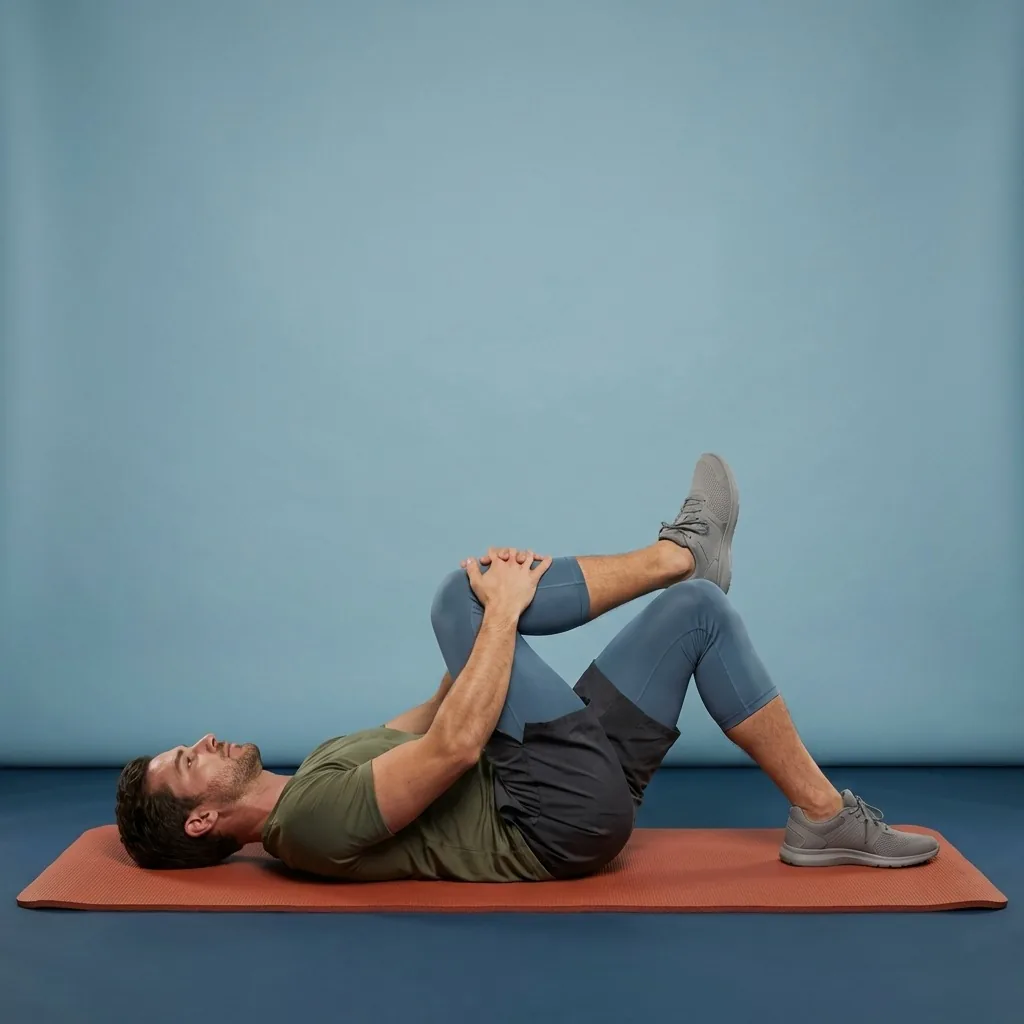
Pain Relief
Gentle stretching and mobility for everyday body comfort.
Pain Relief in Flexor: 35 unique guided routines across eight collections for everyday comfort. General wellness only, n...
Read more