Reminders
Gentle nudges that turn stretching into a habit.
The hardest part of stretching is remembering to do it. Flexor's reminders solve that with gentle, timed nudges for stretching, mobility, desk breaks, and daily sessions—set to the moments that actually suit your day, so movement becomes part of your routine rather than something you keep meaning to start.
Timed to your day
Choose times that fit your mornings, breaks, or evenings.
For the right moment
Prompts for daily sessions, mobility, or desk breaks.
Gentle, not nagging
Encouragement to move, easy to adjust or turn off.
Builds consistency
Regular nudges help a habit stick where willpower alone fades.
Why reminders make the difference
Most people do not stop stretching because they decide it is not worth it—they simply forget once the day gets busy. A well-timed reminder closes that gap, prompting a short session before work absorbs your attention or a break before a long sitting spell takes hold. The point is not pressure; it is a small nudge at the moment you are most likely to act on it.
Reminders support general fitness and wellness movement. They encourage a habit; they do not tell you that you must move or make any medical judgement about your body.
How to set reminders that stick
Reminders work best when they land at times you can realistically act on and are tied to moments that already exist in your day.
- Pick times that fit your routine—after waking, mid-morning, lunch, or the evening.
- Anchor a reminder to an existing habit, such as a first coffee or a wind-down.
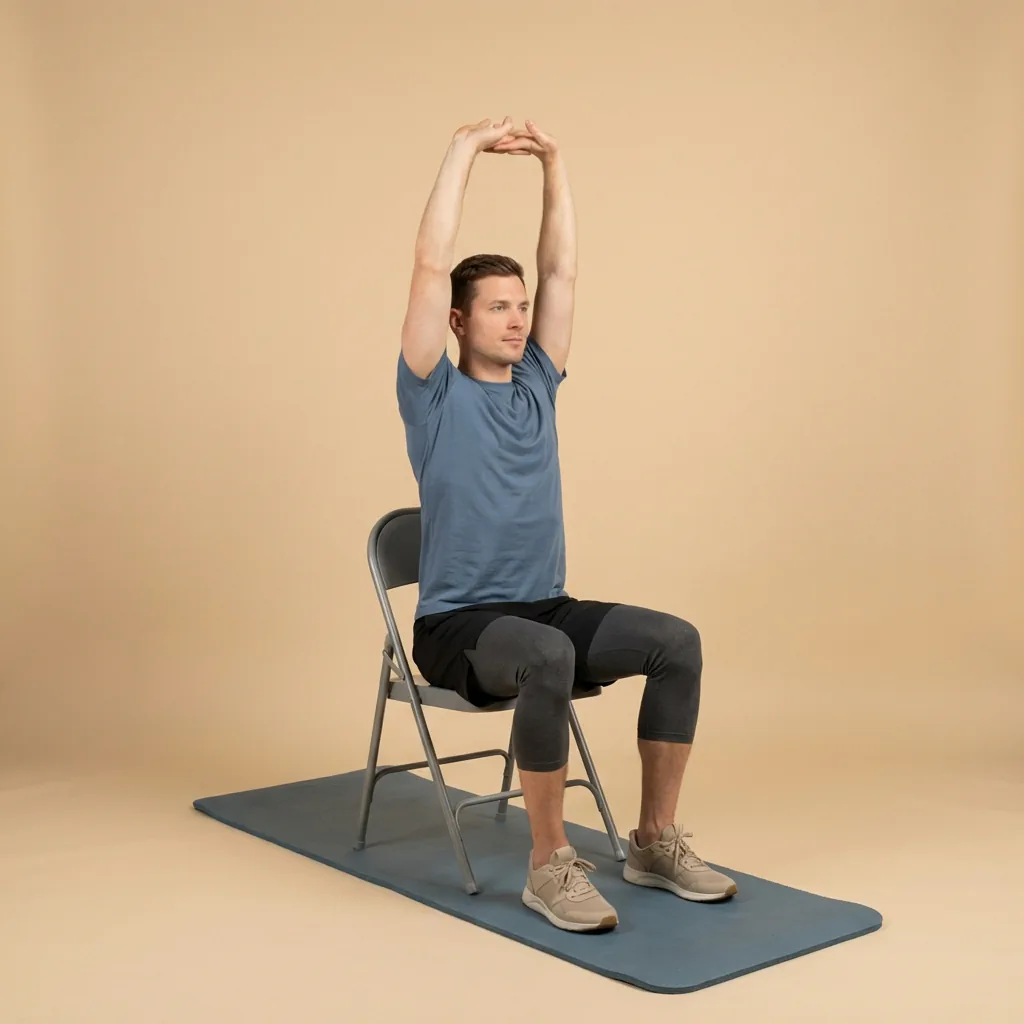
- Use desk-break prompts to interrupt long stretches of sitting.
- Adjust, snooze, or turn reminders off whenever your schedule changes.
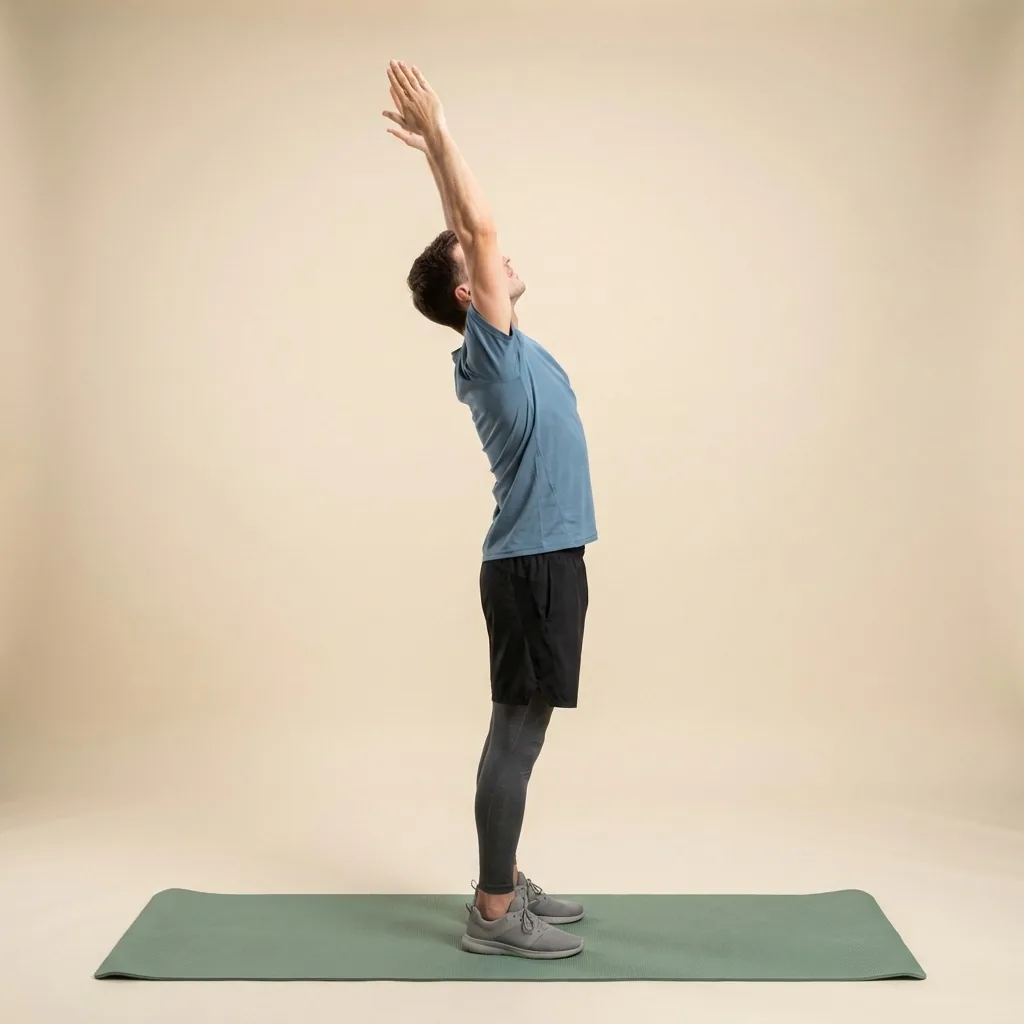
In Flexor: Gentle morning movement to wake up with control.

A nudge at the right hour.
Reminders you set yourself, timed to the parts of the day when you actually have five spare minutes.
How reminders work with the rest of Flexor
A reminder gets you to open the app; the rest of Flexor makes the session easy once you do. Daily recommendations suggest something relevant so you are not left deciding, short routines filter by the minutes you have, and progress and streaks turn each prompt you act on into visible momentum. Multi-day plans give clear next steps when you want more structure than a single reminder.
Reminders draw on nothing more than the times and prompts you set. Flexor does not track your location or scan your body; you stay fully in control of when it nudges you and can change or silence reminders at any time.
Keeping reminders helpful, not overwhelming
More reminders are not always better. A couple of well-placed nudges you act on beat a dozen you learn to dismiss, so start with one or two and build from there. If a prompt arrives at a bad moment, snooze it or move it rather than ignoring it into background noise.
Notification behaviour also depends on your phone's own settings, so if reminders are not appearing, check that notifications are enabled for Flexor. The aim is a gentle system that supports consistency without becoming something you tune out.
Quick facts
- Feature
- Timed stretching reminders
- For
- Daily sessions, mobility, and desk breaks
- Control
- Adjust, snooze, or turn off any time
- Based on
- The times and prompts you set
- No tracking
- No location or body monitoring
How to set reminders that stick
-
Pick realistic times
Choose moments you can act on: after waking, mid-morning, lunch or the evening.
-
Anchor to an existing habit
Tie a reminder to something like your first coffee or a wind-down.
-
Start with one or two
A couple of well-placed nudges beat many you learn to dismiss.
-
Adjust as your day changes
Snooze, move, or switch reminders off whenever your schedule shifts.
Where to start
You keep forgetting to stretch
Set one or two reminders anchored to existing habits.
Reminders are not arriving
Enable notifications for Flexor and check Do Not Disturb.
You want something to do once prompted
Open Today for You for a relevant daily pick.
Safety and limits
- Reminders encourage a habit; they make no medical judgement about your body.
- Notification delivery also depends on your phone's own settings.
- Move within a comfortable range and stop if a movement causes pain or concerning symptoms.
Reminders are general fitness and wellness support, not medical advice.
Read the full wellness disclaimerRelated routines
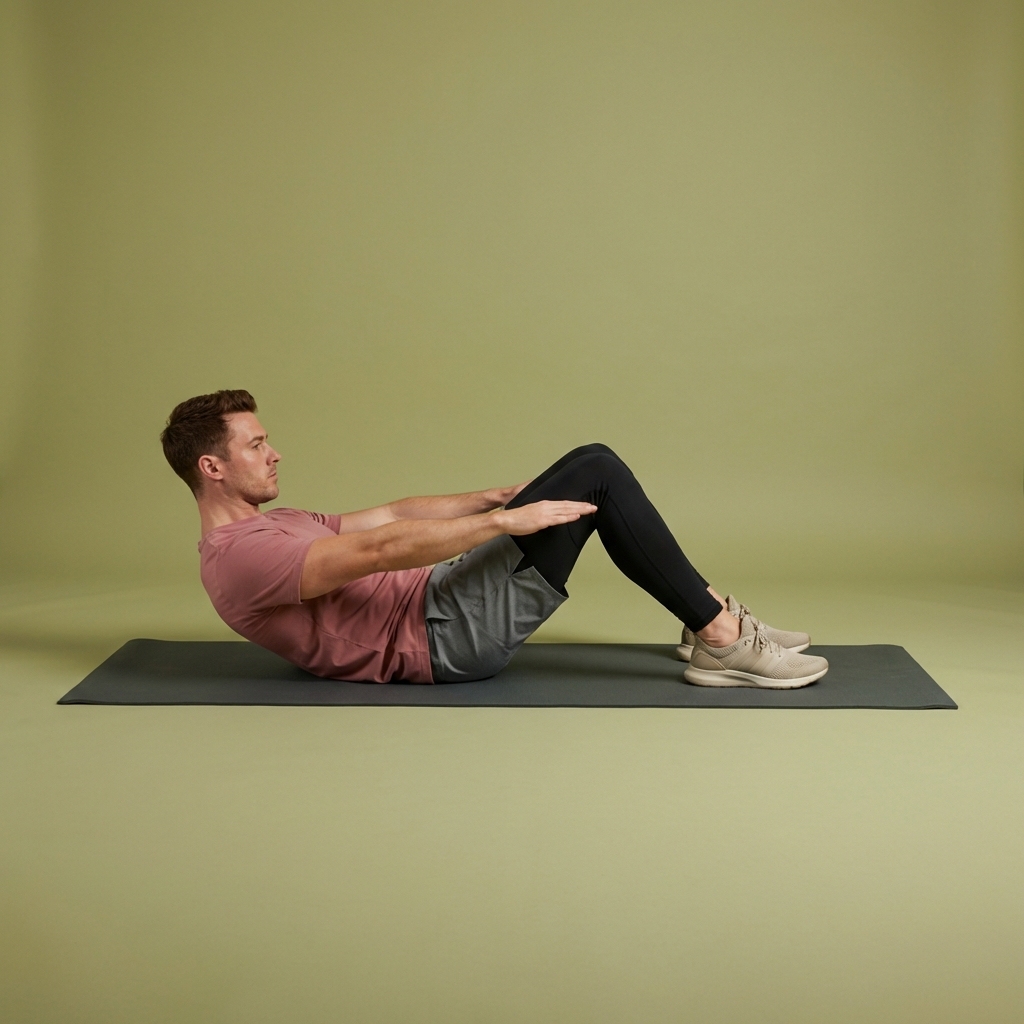
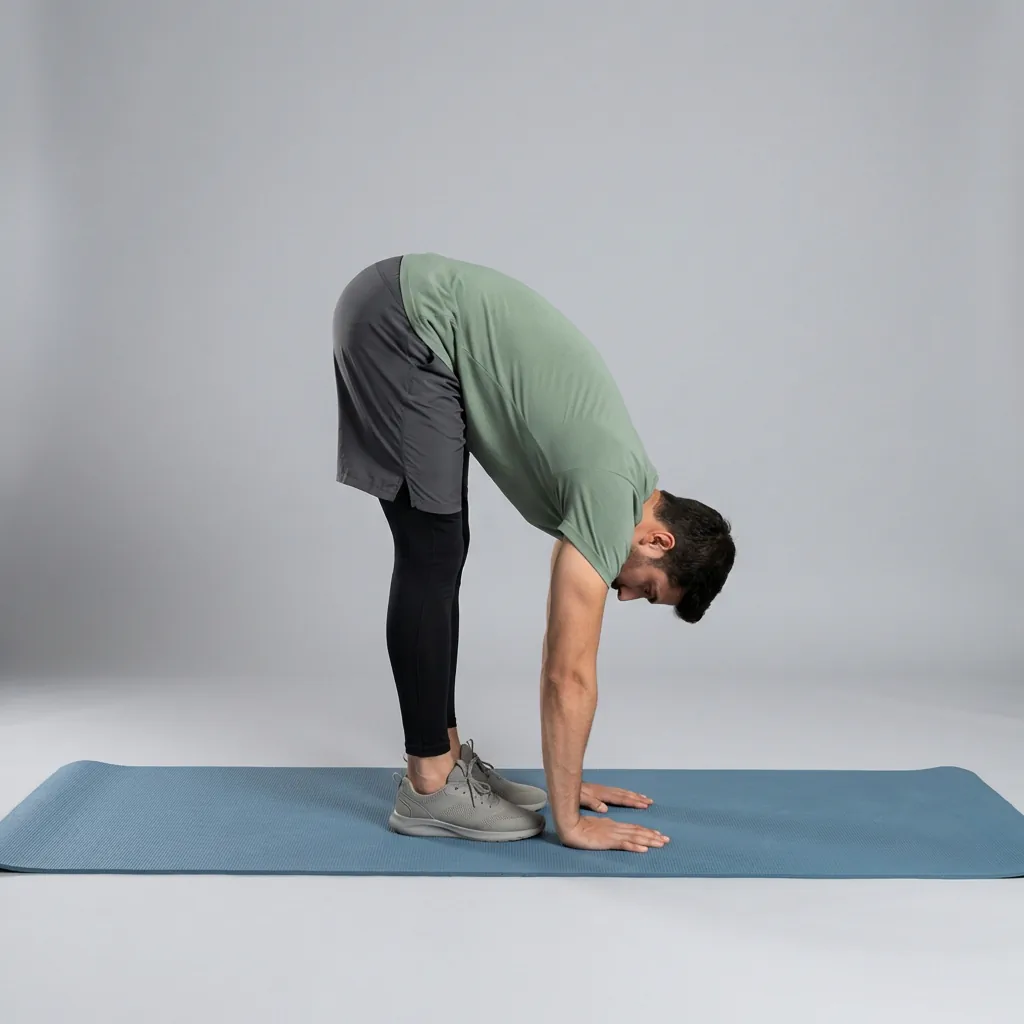
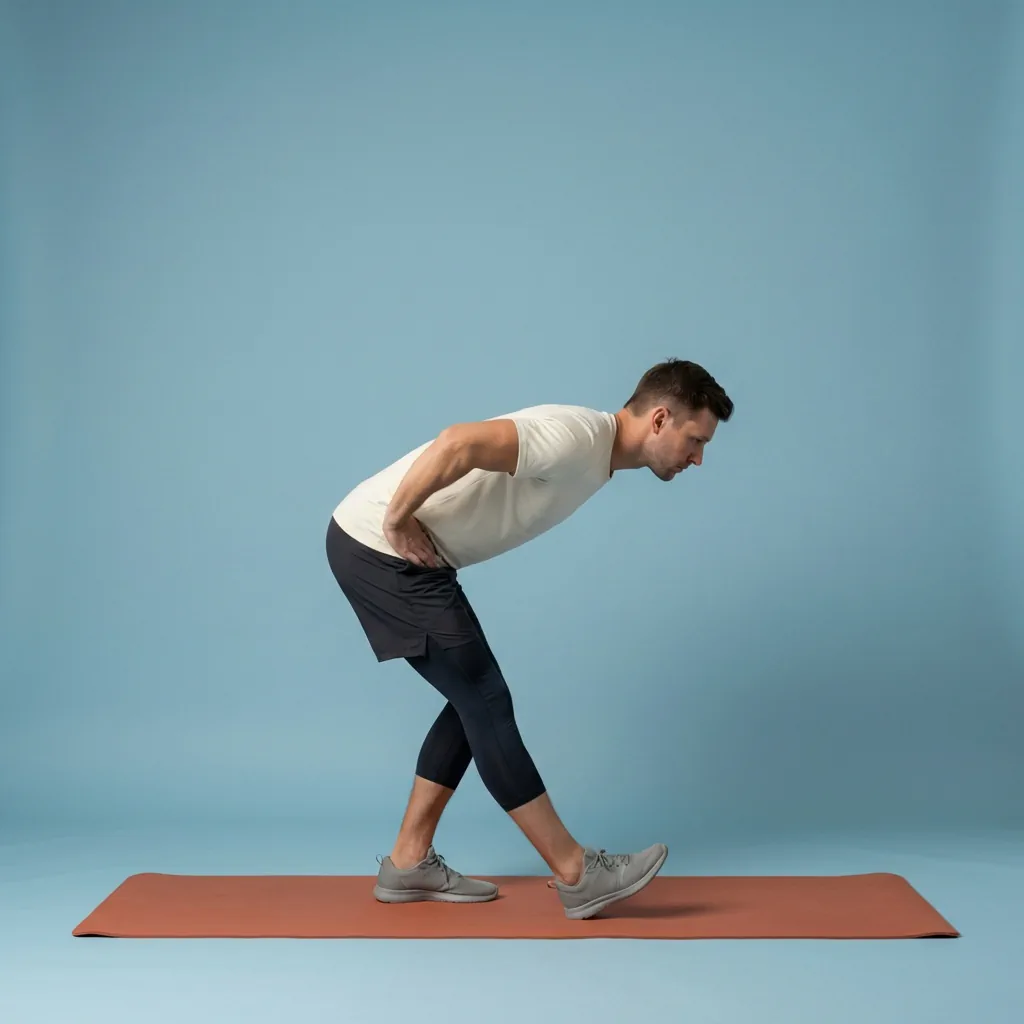
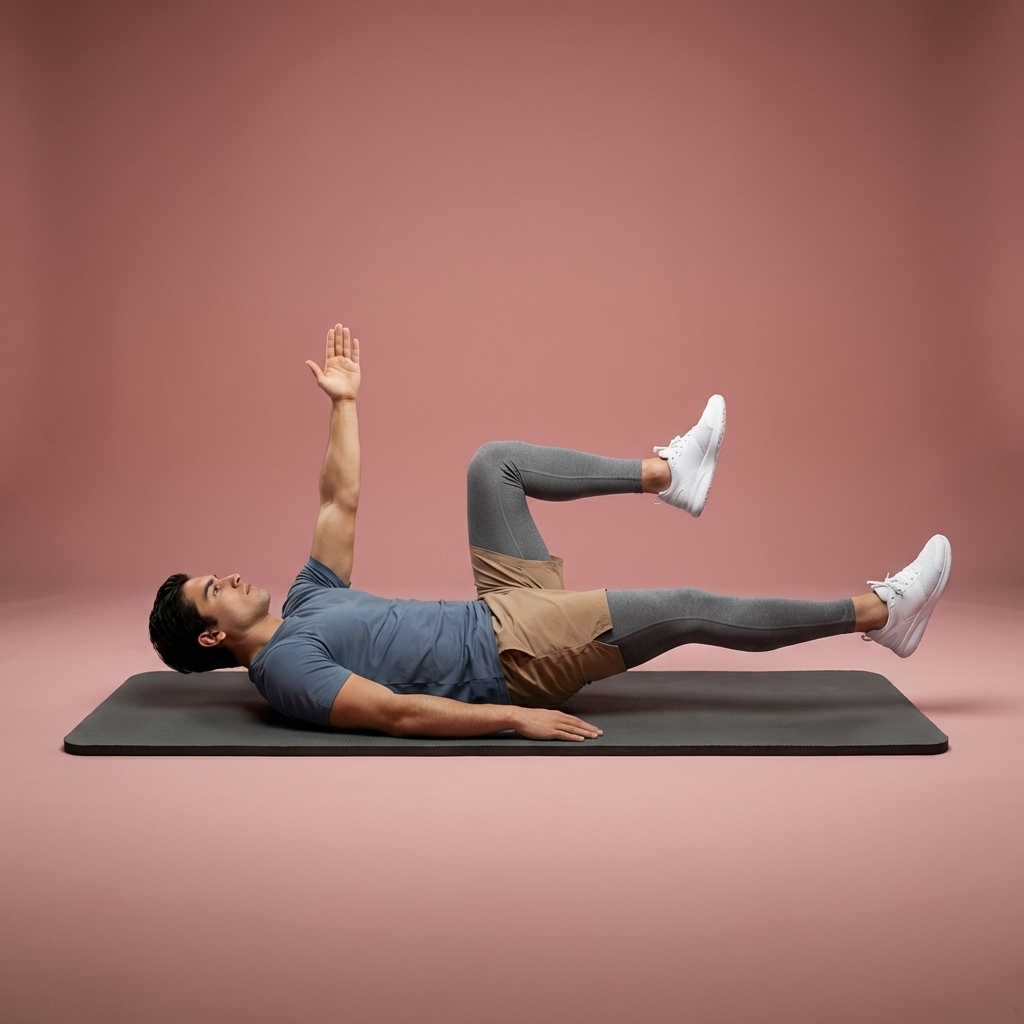
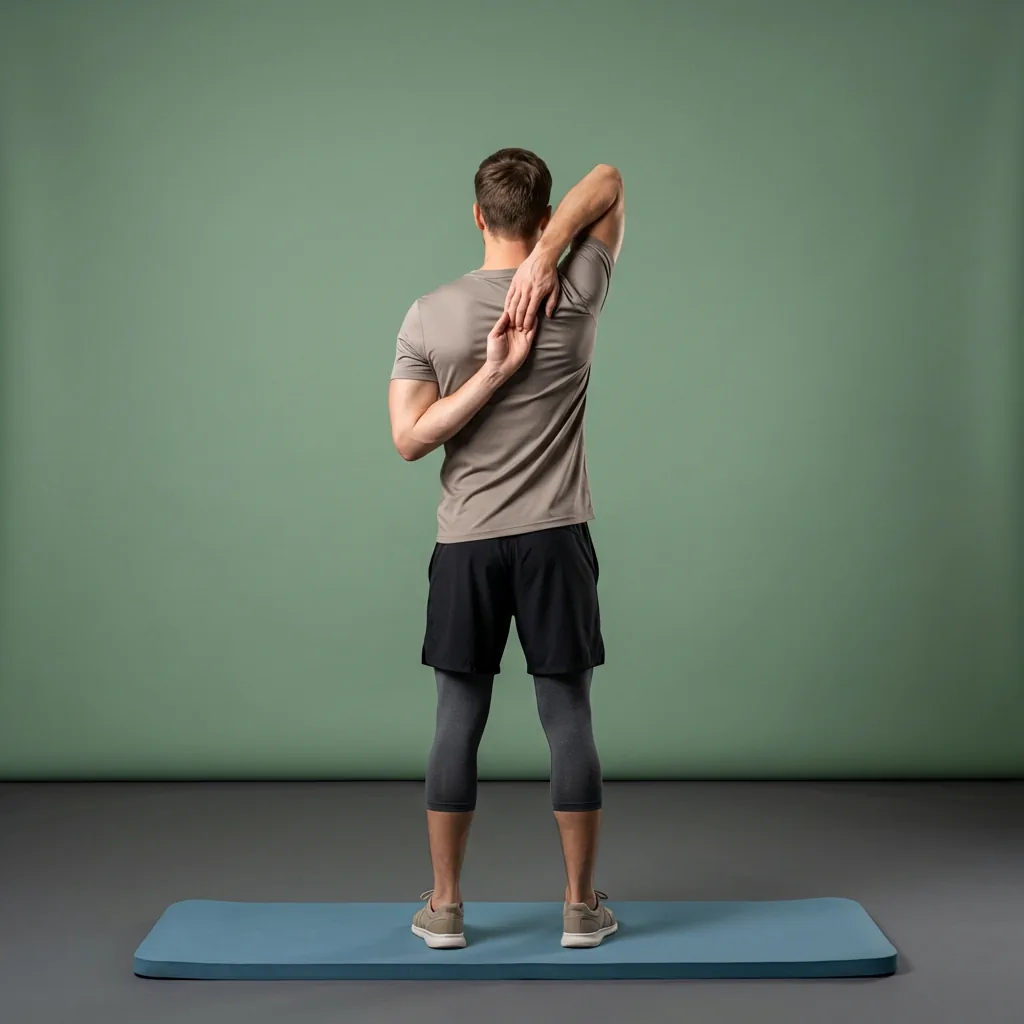
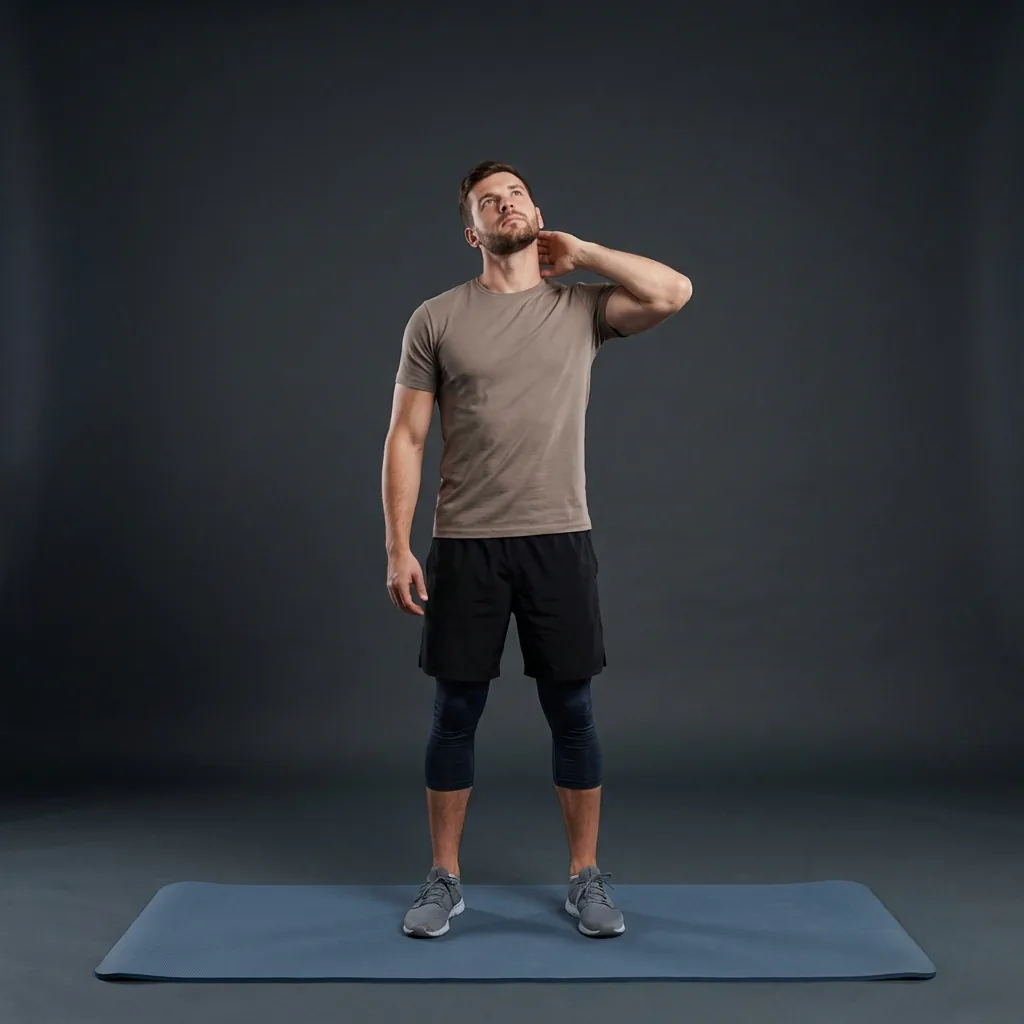
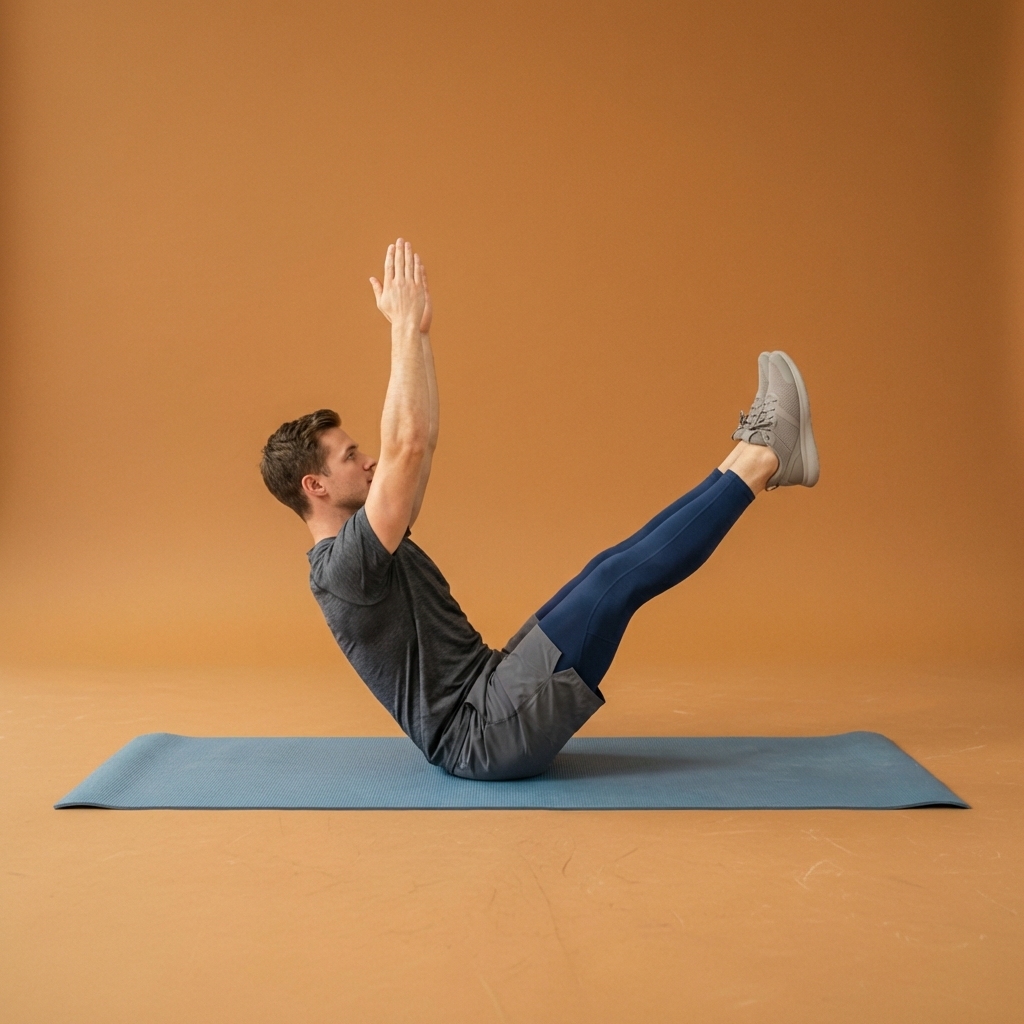
Browse guided Flexor sessions that match this page, then open any routine for steps and cues.































Common questions
Frequently asked questions
Can Flexor remind me to stretch each day?
Yes. Flexor lets you set gentle reminders for stretching, mobility, desk breaks, and daily sessions at the times that suit your day. You choose when they arrive, so a prompt can land after waking, mid-morning, at lunch, or in the evening. The goal is a small nudge at a moment you can act on, which helps turn stretching into a habit rather than something you keep meaning to start. You can adjust, snooze, or turn reminders off whenever your routine changes.
How many reminders should I set?
Usually just one or two to begin with. A couple of well-placed nudges you actually act on are far more useful than many you learn to dismiss, which quickly become background noise. Anchor each reminder to a moment that already exists in your day, see how it fits, and add more only if they genuinely help. If a prompt arrives at an awkward time, move or snooze it rather than ignoring it, so the system stays helpful rather than overwhelming.
Why am I not receiving my stretching reminders?
Reminders rely on your phone's notification settings as well as Flexor's own. If prompts are not appearing, check that notifications are enabled for Flexor in your device settings, and that Do Not Disturb or a focus mode is not suppressing them at the times you chose. Confirm the reminder is switched on and set to the right time inside the app. Once notifications are allowed and the reminder is active, prompts should arrive at the times you have set.
Do reminders track my location or activity?
No. Flexor's reminders are based only on the times and prompts you set yourself, not on tracking your location or watching your movement. There is no background monitoring involved: you decide when a nudge arrives, and you can change or silence reminders at any time. Personalisation elsewhere in the app uses the goals, focus areas, and sessions you tell it about, but the reminder system itself simply sends the gentle, timed prompts you have chosen to help you stay consistent.
Keep exploring
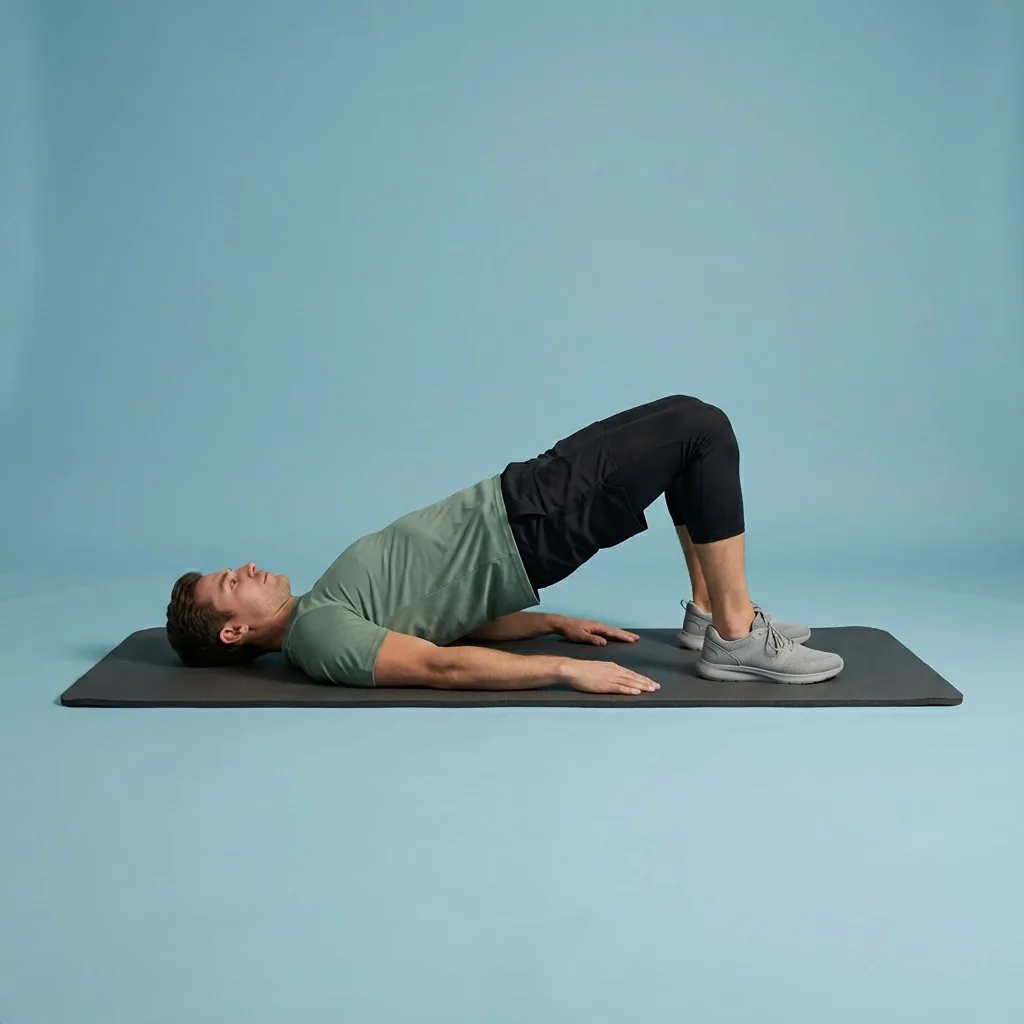
More guides on stretching, mobility, routines, and Flexor features.
Flexor features
Everything the Flexor app does, in one place.
See how the Flexor app works: AI routines, personalised daily recommendations, a custom library, plans, progress, remind...
Read more Daily stretching
Stretch a little every day, without it becoming a chore.
Make stretching easier to maintain with short guided sessions, reminders, progress tracking and personalised recommendat...
Read more Desk stretching
Break up the workday with short, guided desk stretches.
Use quick guided stretches and mobility breaks for the neck, shoulders, back, hips and wrists during long periods of des...
Read more