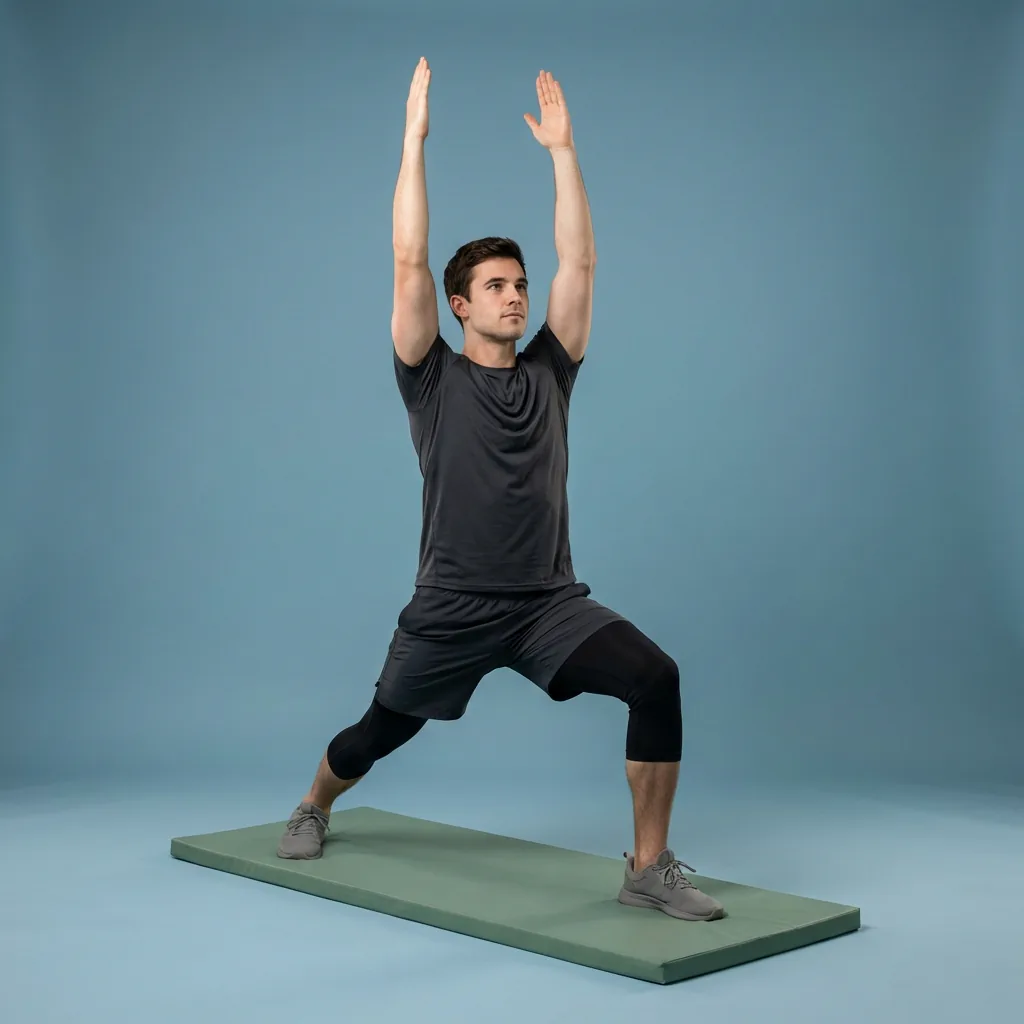
AI routine generator
Describe what you need. Flexor AI drafts the routine.
Flexor AI turns a plain-language request into a guided stretching or mobility routine drawn from Flexor's structured exercise library. You provide the goal, focus areas, time, experience and any constraints; Flexor returns a routine to review, adjust, and save. It helps with discovery and planning—it does not inspect your body, diagnose symptoms, or replace a qualified professional.
You provide
Goals, focus areas, time, experience, and any constraints.
Flexor returns
A guided routine drawn from its structured exercise library.
You decide
Whether the routine, difficulty, and range feel suitable.
Clear limits
AI needs internet and uses monthly credits; it never diagnoses.
What Flexor AI does
Flexor AI is a routine generator, not a chatbot detour. You describe what you want in ordinary language, and it assembles or recommends a guided routine from Flexor's structured library—complete with the same video demonstrations and spoken cues as the ready-made routines. It is there for the moments when a large library is hard to navigate and you would rather describe a goal than scroll.
The wording is intentionally precise: Flexor responds to the preferences and context you supply in the app. No camera, sensor, or clinical assessment is evaluating your movement, and the assistant does not independently pick exercises outside a safe, structured set.
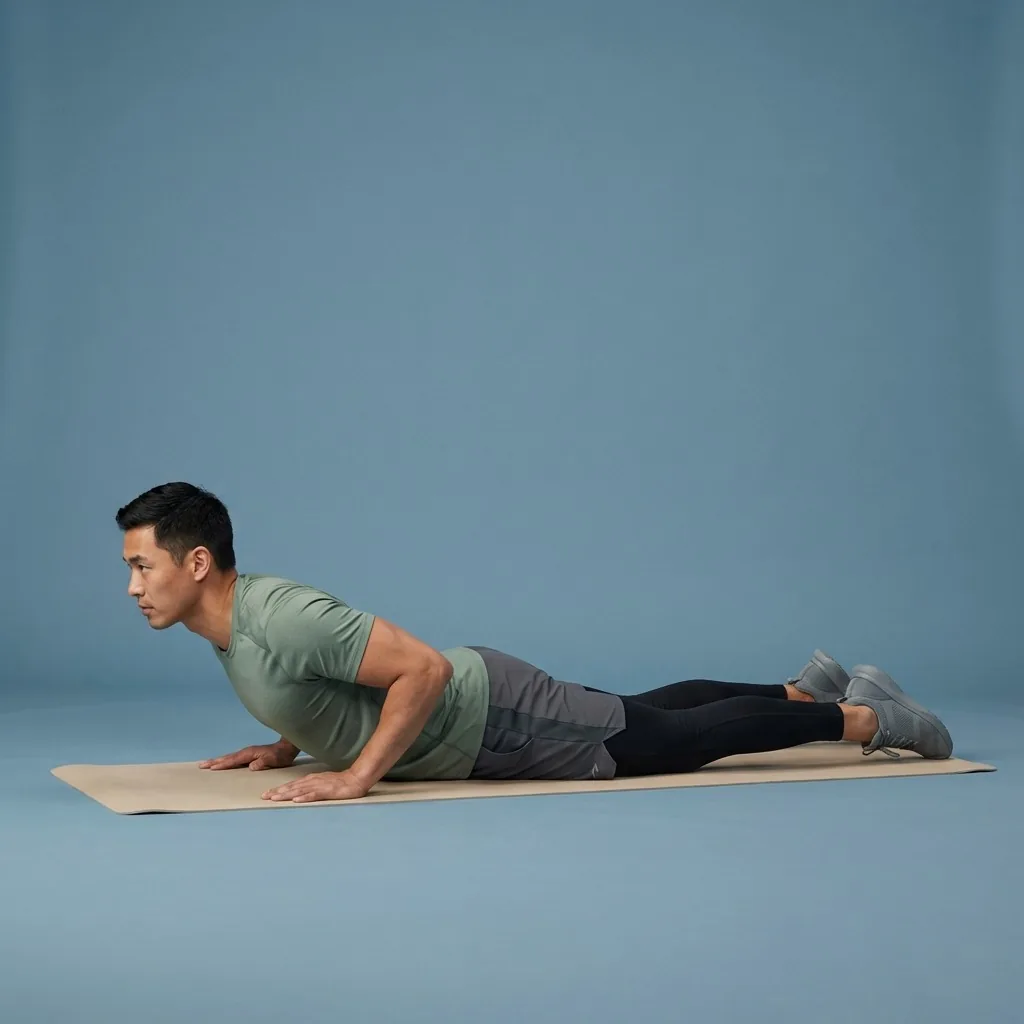
How it works, step by step
A useful request combines purpose, time, focus, and level. From that, Flexor drafts a routine you can review before you start:
- Describe the goal, focus areas, time you have, and your experience.
- Add any constraints so the draft leans toward gentler, suitable options.
- Flexor returns a guided routine assembled from its exercise library.
- Review the difficulty and range, adjust if needed, then start or save it.
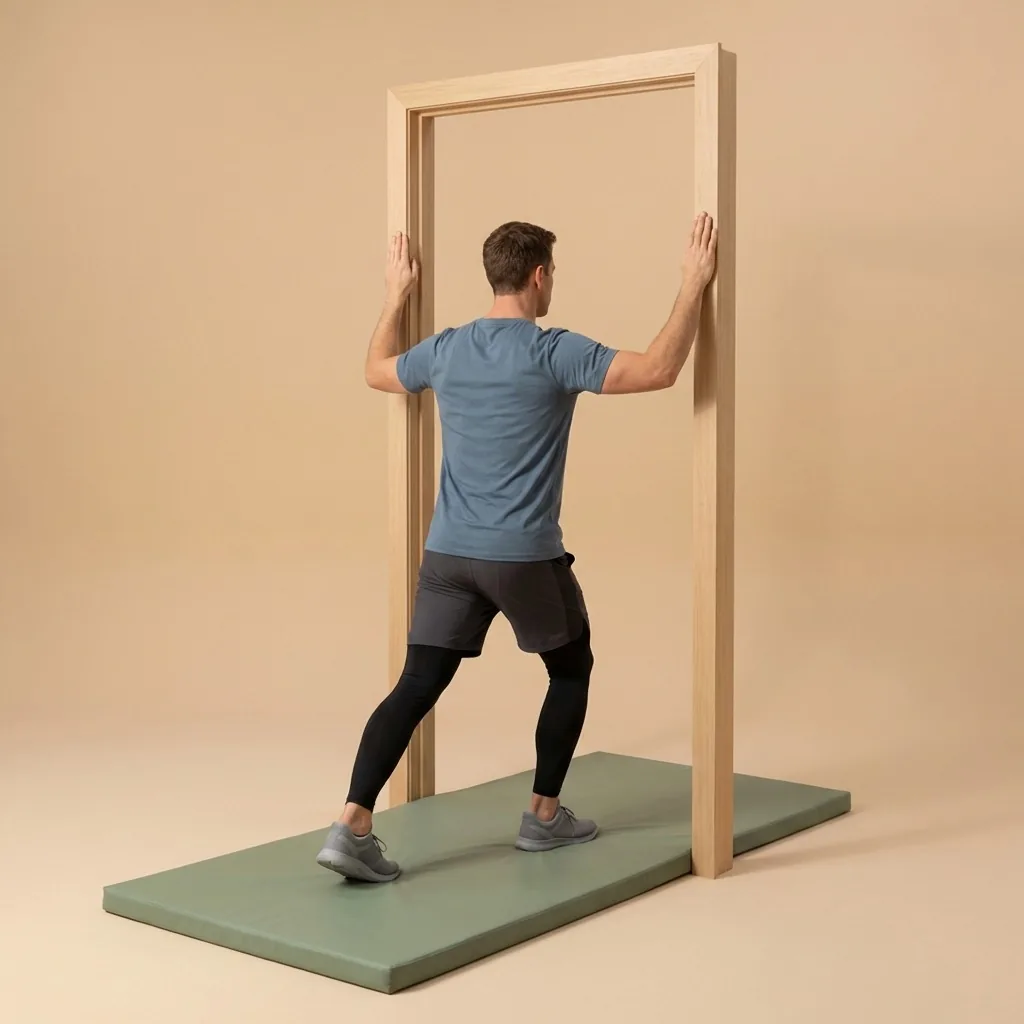
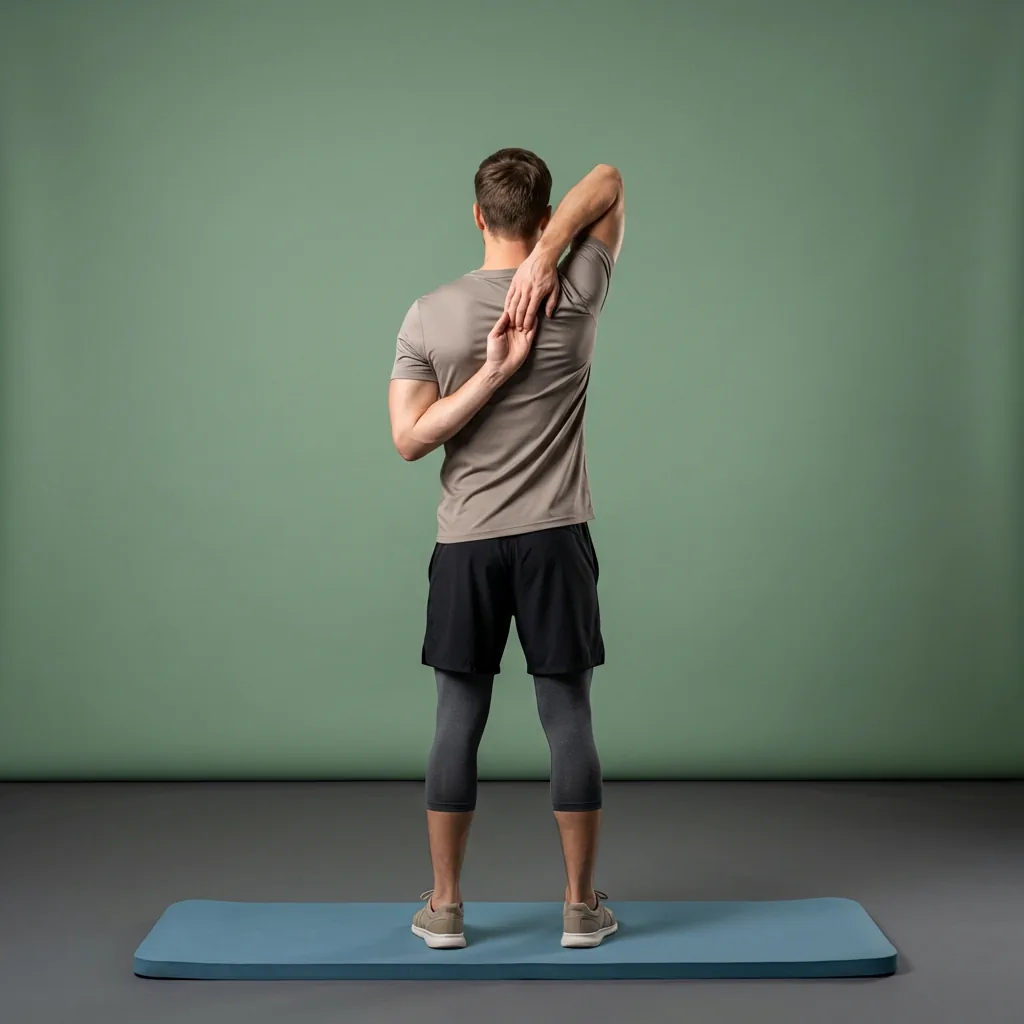
In Flexor: Upper-body openers that fit a small office space.
Example requests
Clear prompts get more relevant routines. For example:
- “A short, beginner-friendly full-body mobility routine before work.”
- “A warm-up for running with a focus on hips, calves, and ankles.”
- “A gentle cool-down after a lower-body workout.”
- “A ten-minute mobility routine after a day at a desk.”
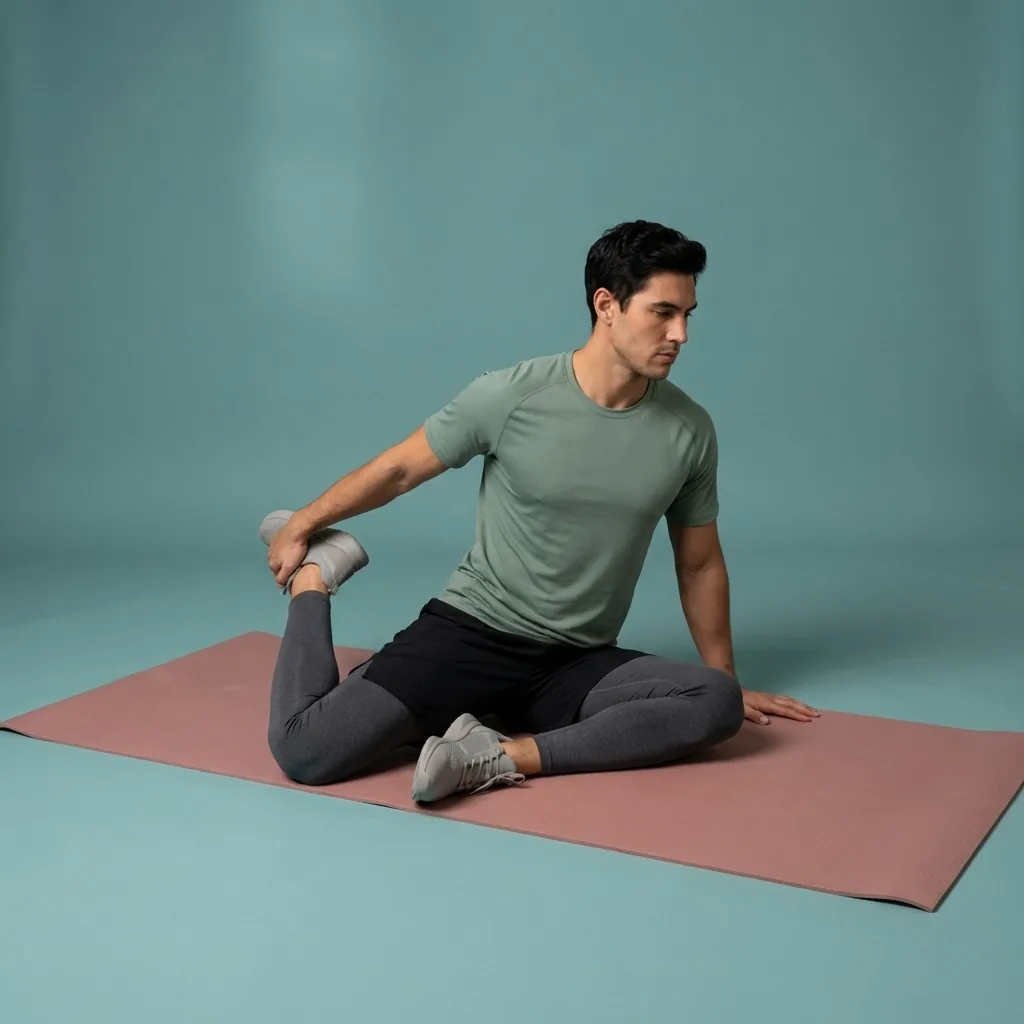

Suggestions shaped to your preferences.
Share a goal and time window—Flexor recommends a session you can start immediately.
Honest limits: credits and internet
AI routine generation is a connected feature. It needs an internet connection to run, and each request uses a Flexor AI credit. The free plan includes a monthly allowance of credits so you can try it at no cost, and Premium adds a larger monthly allowance for people who use it often.
This is different from the rest of Flexor, which works offline. If you are without a connection or have used your credits, you can still browse the full library, follow curated plans, build custom routines, and use your daily recommendations—so you are never blocked from stretching.
Safety is not something to automate away
An AI suggestion cannot know your diagnosis, current injury status, or how a movement feels. Treat every routine as a starting point: use a comfortable range, choose a suitable level, and stop for sharp pain, worsening symptoms, dizziness, numbness, tingling, or other concerning symptoms.
Flexor AI supports general-wellness routine discovery and planning. It does not diagnose, assess injuries, run a mobility assessment, or prescribe treatment, and it is not a substitute for qualified advice when a health condition affects safe participation.
Quick facts
- Feature type
- AI routine generator
- Connection
- Needs internet to generate
- Cost
- Uses monthly AI credits (free allowance included)
- Output
- Guided routine from Flexor's library
- Assessment
- No body scan or diagnosis
How Flexor AI builds a routine
-
Describe what you need
State your goal, focus areas, time and experience in plain language.
-
Add any constraints
Mention anything that should keep the draft gentler or more suitable for you.
-
Flexor drafts the routine
It assembles a guided routine from a safe, pre-filtered set of exercises in its library.
-
Review and adjust
Check the difficulty and range, change what you like, then start or save it.
Where to start
You know exactly which movements you want
Use the custom routine builder for full manual control.
You want a relevant session without asking
Open Today for You for a personalised daily pick.
You are offline or out of AI credits
Browse the library, follow a plan, or use your daily recommendation instead.
How Flexor personalises this
AI generation reads only the goal, focus areas, time, experience and constraints you type into the request. No camera, sensor, or profile of your body is involved, so the routine reflects what you asked for rather than an assessment of how you move.
See daily recommendationsSafety and limits
- Flexor AI does not diagnose, assess injuries, or run a mobility assessment.
- Treat every generated routine as a starting point, not a prescription.
- Choose a comfortable range and a difficulty that suits you.
- Stop for sharp pain, dizziness, numbness, tingling, or worsening symptoms.
AI-generated routines are general fitness and wellness content and are not a substitute for advice from a qualified healthcare professional.
Read the full wellness disclaimerRelated routines
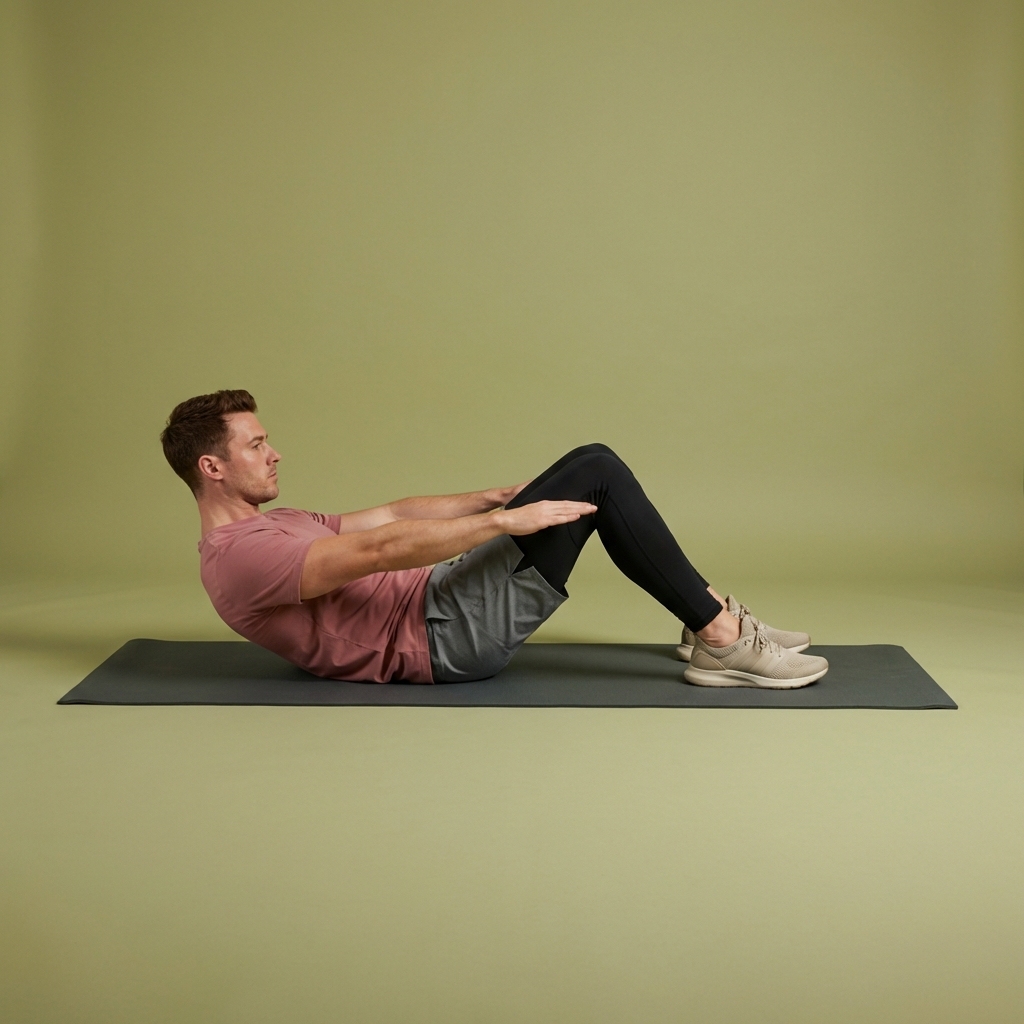
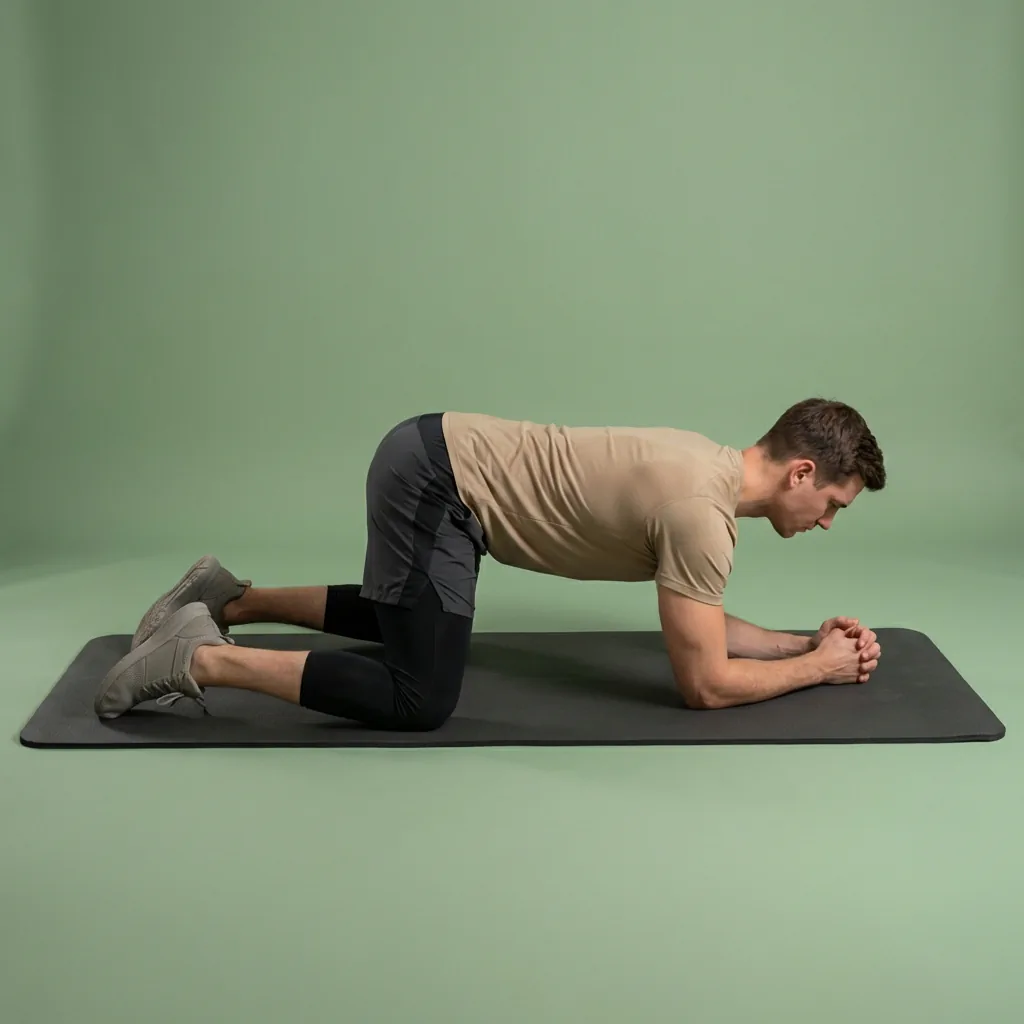
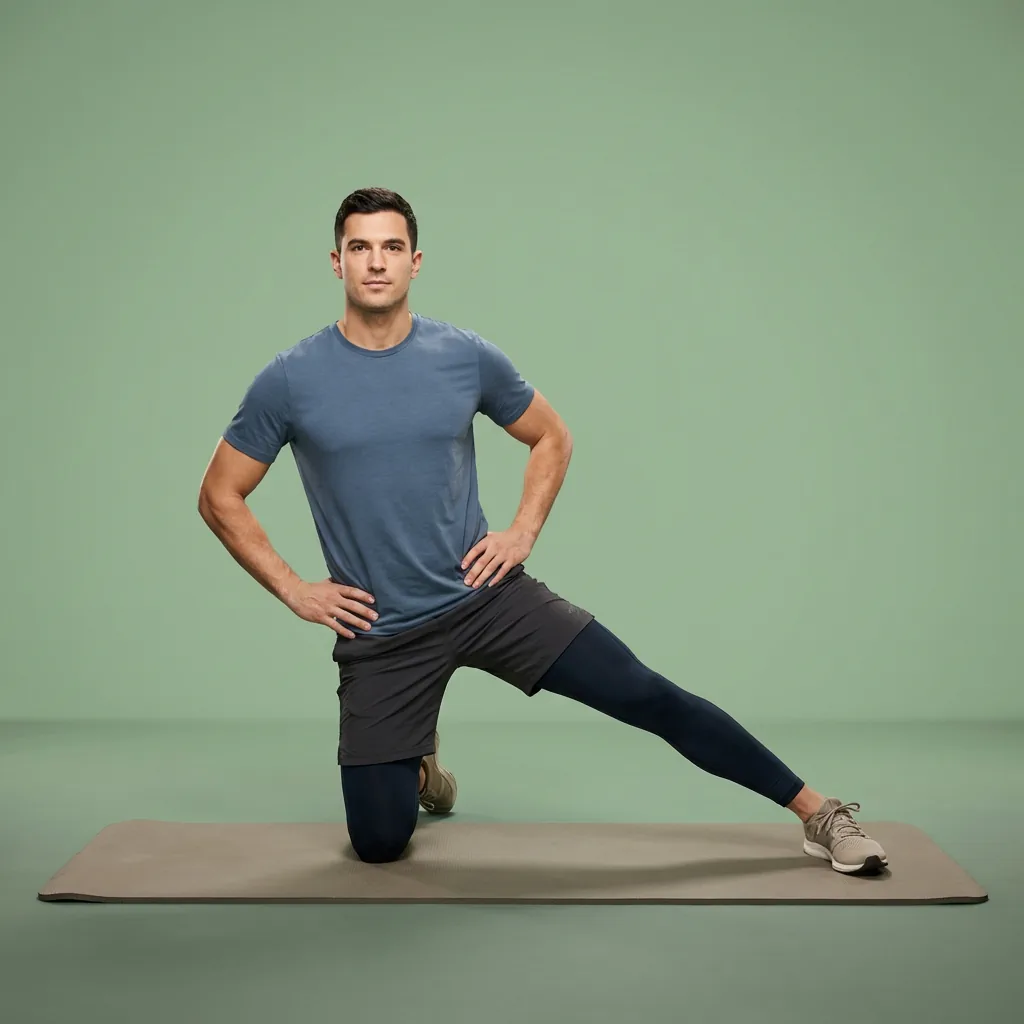
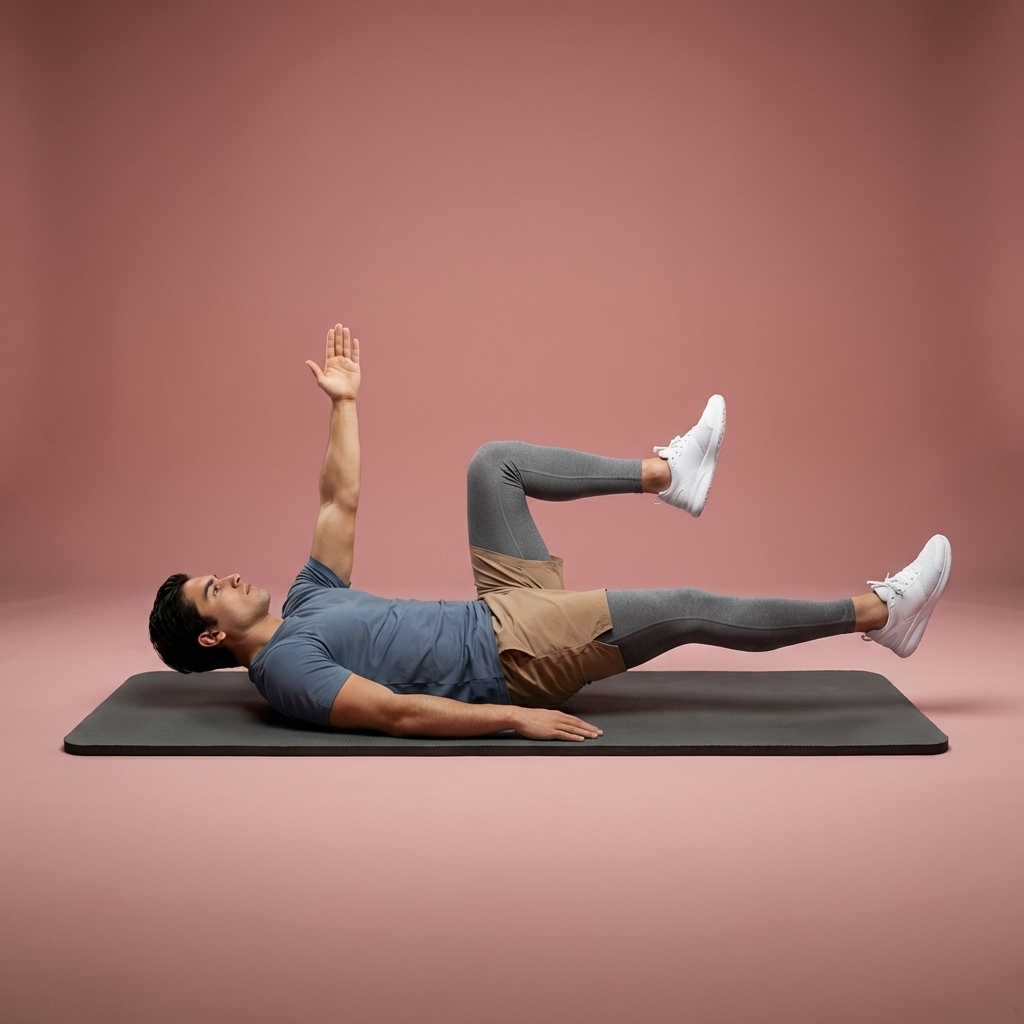
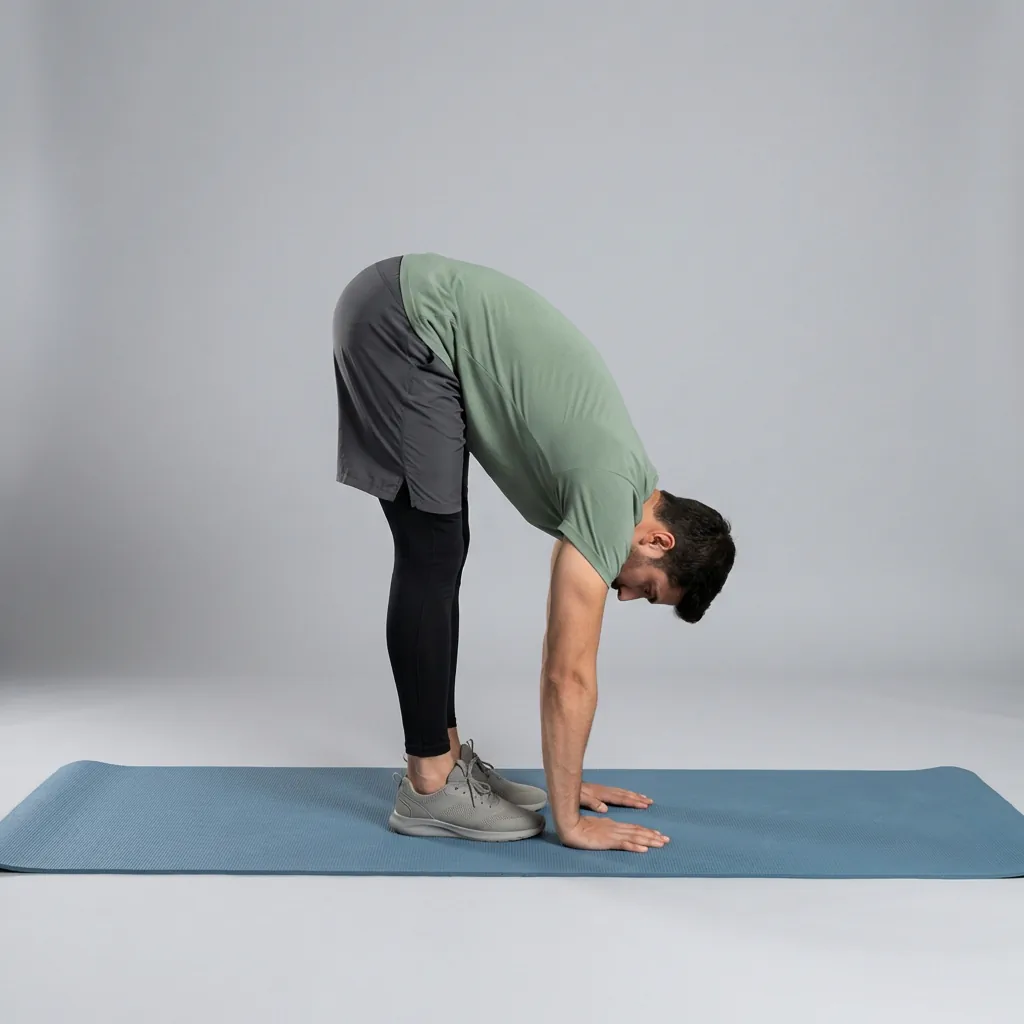
Browse guided Flexor sessions that match this page, then open any routine for steps and cues.





































Common questions
Frequently asked questions
How does Flexor's AI routine generator work?
You describe what you want in plain language—your goal, focus areas, the time you have, your experience, and any constraints—and Flexor assembles or recommends a guided routine from its structured exercise library. The result plays with the same video demonstrations and spoken cues as Flexor's ready-made routines, and you can review the difficulty and range, adjust it, then start or save it. The assistant works over a safe, pre-filtered set of exercises rather than choosing freely from the entire library.
Does Flexor AI need internet, and does it cost credits?
Yes to both. AI routine generation is a connected feature: it needs an internet connection to run, and each request uses a Flexor AI credit. The free plan includes a monthly allowance of credits so you can try it at no cost, while Premium adds a larger monthly allowance. The rest of Flexor works offline, so if you are without a connection or have used your credits, you can still browse the library, follow plans, build custom routines, and use your daily recommendations.
Does Flexor AI diagnose pain or assess my body?
No. Flexor uses AI to help with general-wellness routine discovery and planning, not to diagnose symptoms, assess an injury, or run a mobility assessment. It cannot examine you, determine the cause of discomfort, or prescribe treatment, and it does not use a camera or sensor to scan your body. Treat every suggestion as a starting point: review the routine, choose a comfortable difficulty and range, and seek qualified advice when pain, symptoms, an injury, or a health condition affects safe participation.
Do I have to use AI to get a good routine?
No. AI-assisted discovery is entirely optional. You can browse ready-made routines by body area, goal, sport, difficulty, and duration, follow curated multi-day plans, build your own custom routines, and rely on your personalised daily recommendations without ever asking the assistant to choose for you. This gives you a straightforward, fully offline alternative when you already know what you want, prefer to review the library directly, or have used your monthly AI credits.
Keep exploring
More guides on stretching, mobility, routines, and Flexor features.
AI that helps you start
Tell Flexor what you need. Get a guided routine you can start now.
Describe what you need and let Flexor create or recommend a guided stretching or mobility routine from its structured ex...
Read more Flexor features
Everything the Flexor app does, in one place.
See how the Flexor app works: AI routines, personalised daily recommendations, a custom library, plans, progress, remind...
Read more