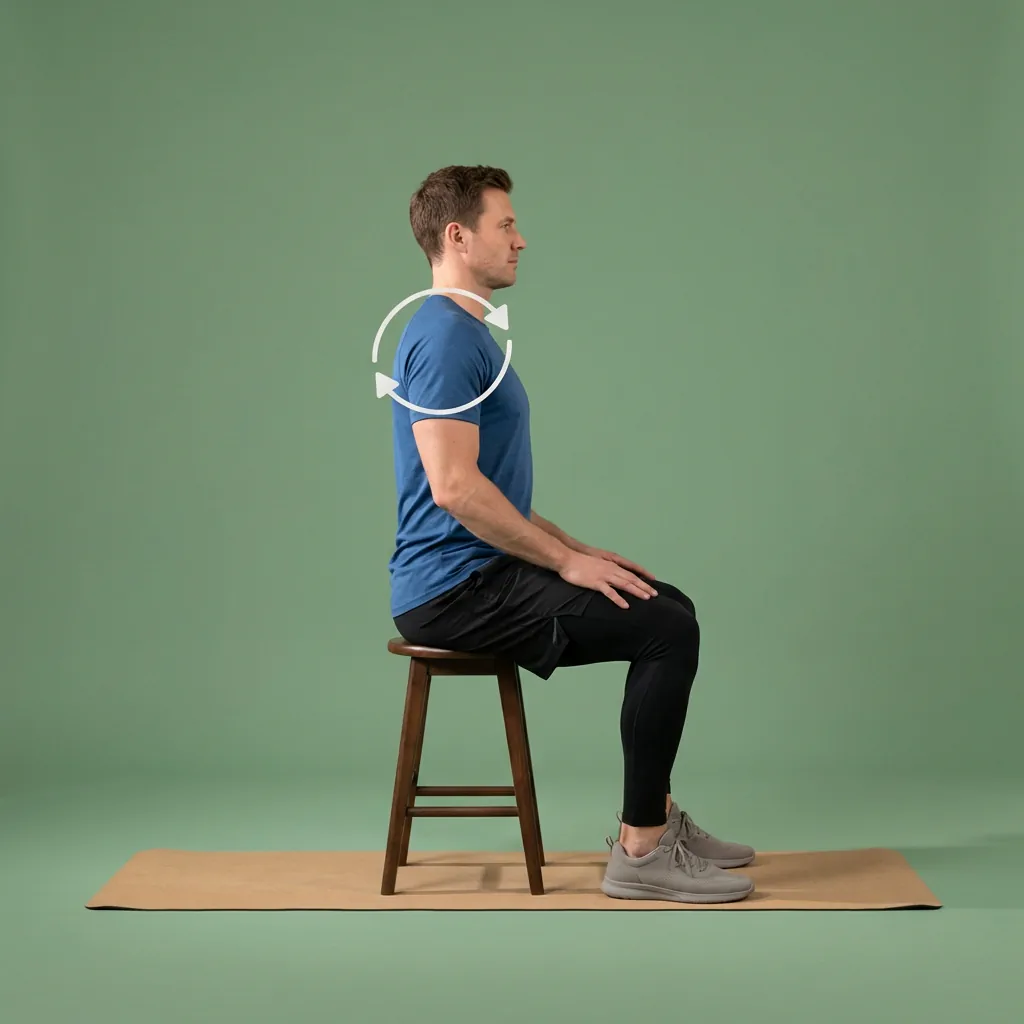
Flexor for desk workers
Stretching and mobility built around a working day at a desk.
Desk work rarely leaves a spare half-hour, but it does leave the neck, shoulders, hips and wrists asking for movement. Flexor is built for that reality: short guided sessions you can slot between tasks, reminders that prompt a break before stiffness builds, and recommendations that adapt to the time you have and the routines you have recently done.
Fits between tasks
Two-minute resets or a longer break when you have one.
Desk-day focus areas
Neck, shoulders, upper back, hips, and wrists covered.
Reminders that stick
Prompts to move before a long sitting spell takes hold.
One app, whole habit
Routines, plans, reminders, and progress in one place.
The desk-work situations Flexor is built for
A working day at a desk creates a predictable set of situations: back-to-back calls that keep you still, an afternoon slump when the shoulders creep up, a commute that adds more sitting, and evenings when you finally want to unwind. Rather than a single generic routine, Flexor lets you meet each of these with something appropriate to the moment.
This is a whole-product view for people who sit to work, not medical advice for a workplace injury. If discomfort is persistent or worsening, an occupational or clinical assessment is the right next step.
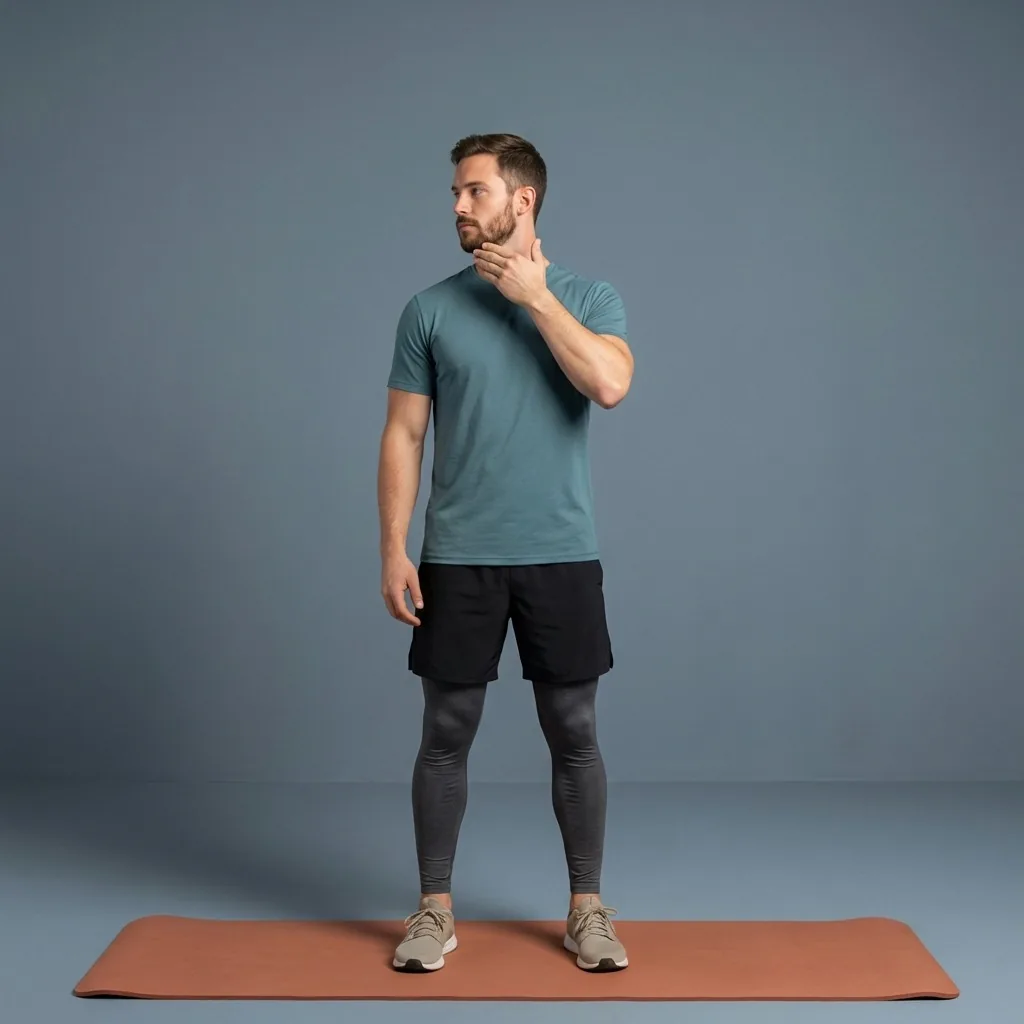
How the pieces fit a working routine
Desk life rewards small, repeatable habits more than occasional big efforts. Flexor's features are designed to make those small habits easy to keep, even on a busy day.
- Reminders prompt a movement break before stiffness sets in.
- Short sessions filter by time so a two-minute gap is enough.
- Daily recommendations vary the focus so you are not always doing necks.
- Plans and progress keep the habit going across the week.
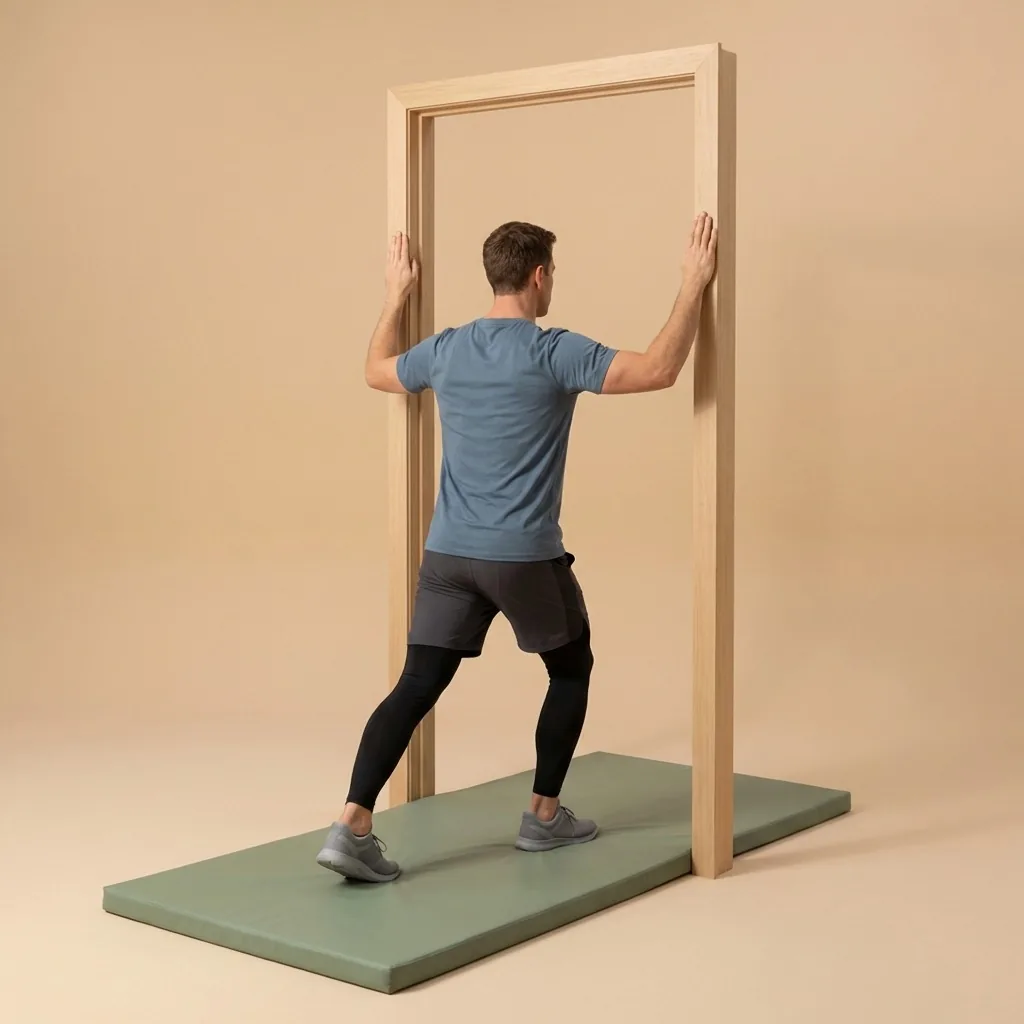
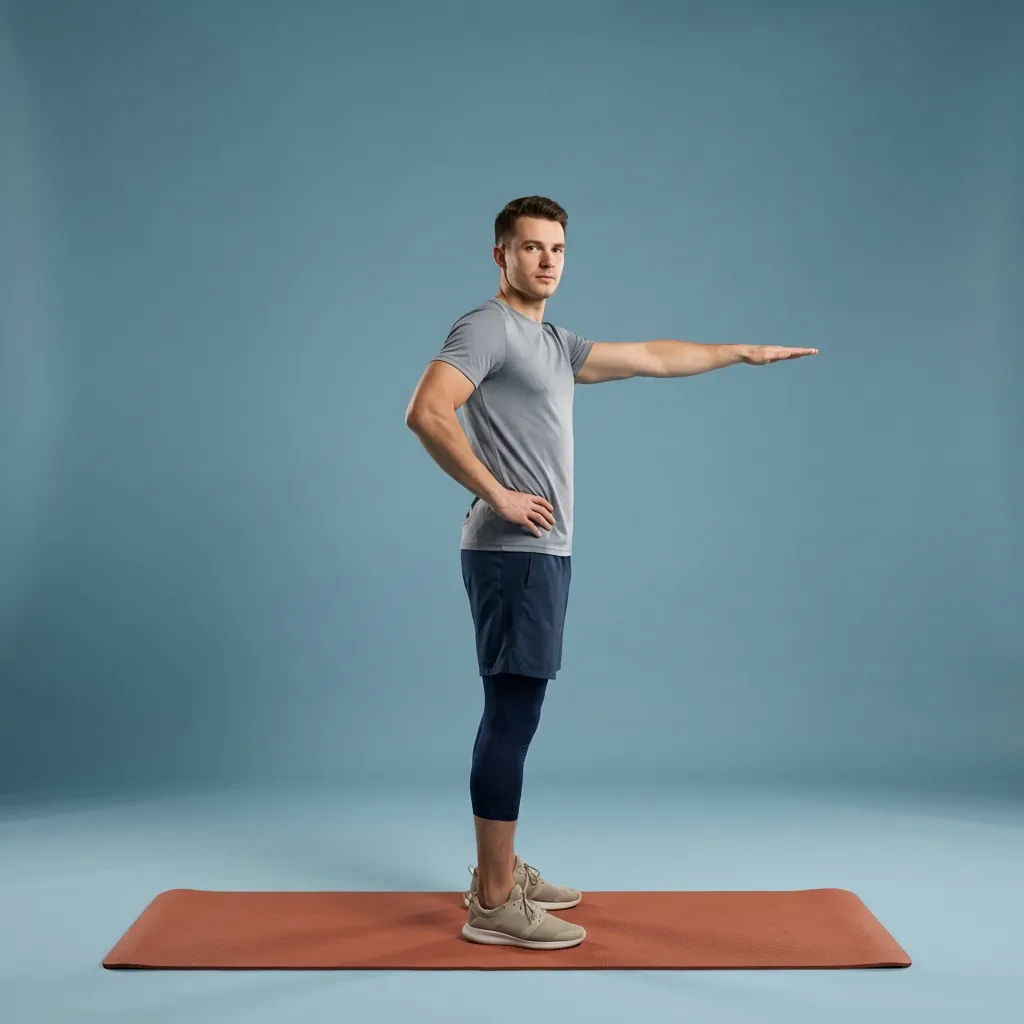
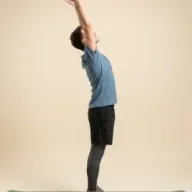
In Flexor: Upper-body openers that fit a small office space.
A realistic day with Flexor
Mid-morning, a reminder nudges a two-minute neck and shoulder reset between meetings. At lunch, you step away for a longer upper-body and hip session. Mid-afternoon, a quick standing break changes your position, and in the evening a slower cool-down helps you switch off. None of it requires equipment or leaving your desk area for long.
Recommendations draw only on what you tell the app—your goals, focus areas, available time and recent sessions. Flexor does not scan your body or assess your posture, so you always choose the range and pace that feel right.
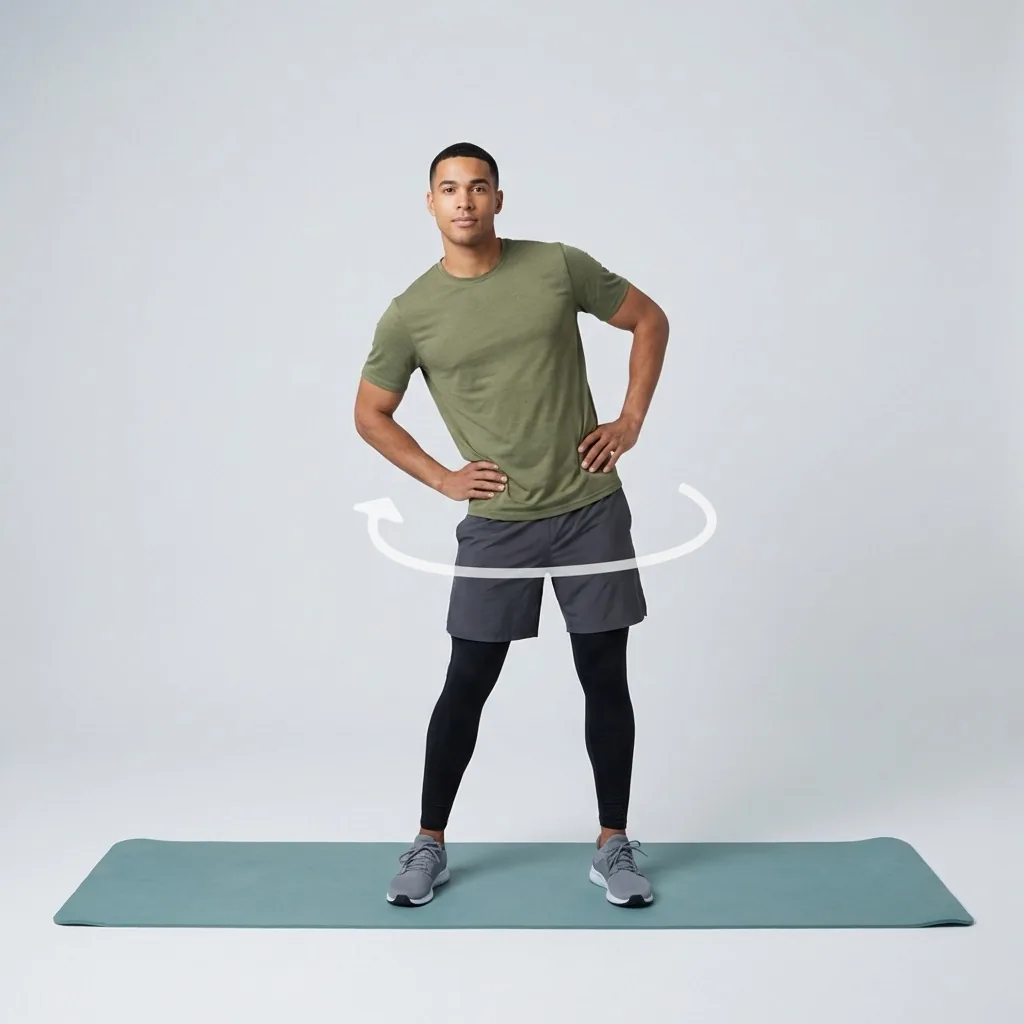
Where to go deeper
If you want the practical routine on its own, the desk-stretching goal page focuses purely on the movement. For a single area, the body-area guides go further—the neck and shoulders for screen tension, the hips and lower back for long sitting, and the wrists and forearms for typing. This page ties them together for people whose main context is desk work.

Movement that fits a working day.
Short guided breaks for the neck, shoulders, hips, and wrists between tasks.
How to choose the right routine today
Start with context rather than choosing the longest session. For desk workers, the useful question is whether today calls for preparation, focused mobility, recovery, or a short consistency session.
Match the routine to the time available, the areas that feel most relevant, and what you did recently. Keep the range comfortable and avoid using a general stretching app to work through sharp, persistent, or worsening pain.
A simple weekly pattern
Use short routines on busy days, a more focused session when time allows, and recovery-led movement after demanding activity. The goal is a repeatable pattern rather than doing every body area every day.
Daily recommendations can vary the focus using your stated goals, available time, experience, focus areas and recent sessions. They do not assess movement quality or replace professional advice.
Common mistakes to avoid
Avoid forcing range, repeating the same area every day, treating discomfort as proof that a stretch is working, or choosing a routine only because it is popular. A suitable session should fit the day and leave you able to continue normal activity comfortably.
Progress comes from sensible repetition and appropriate exercise selection, not from chasing the deepest position. Stop when symptoms are sharp, unusual, worsening, or associated with numbness, weakness, swelling, trauma, or illness.
Sources and further reading
These independent sources support the general guidance on this page. They do not endorse Flexor.
Quick facts
- Best for
- People who sit to work most of the day
- Focus areas
- Neck, shoulders, upper back, hips, wrists
- Session length
- Two-minute resets to a longer lunch break
- Personalises from
- Your time, focus areas and recent sessions
Where to start
You have a two-minute gap between meetings
Filter by time and run a quick neck and shoulder reset.
Your shoulders are creeping up mid-afternoon
Take a short standing mobility break to change position.
You want the routine, not the product tour
Open the desk-stretching goal page for the movement itself.
Reminders and picks that fit a working day
Back-to-back calls keep you still all morning. Flexor uses the time you have, the areas you tell it about, and your recent sessions to suggest a short break that fits between meetings, and reminders can prompt it before stiffness builds. It never scans your body or judges your posture.
See how reminders workSafety and limits
- General fitness and wellness movement, not treatment for a workplace injury.
- Move within a comfortable range at your desk and never force a position.
- Seek an occupational or clinical assessment for persistent or worsening discomfort.
Flexor does not assess your posture or movement and is not a substitute for advice from a qualified professional.
Read the full wellness disclaimerRelated routines
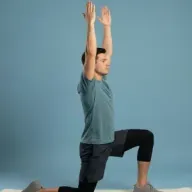
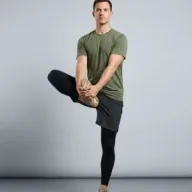
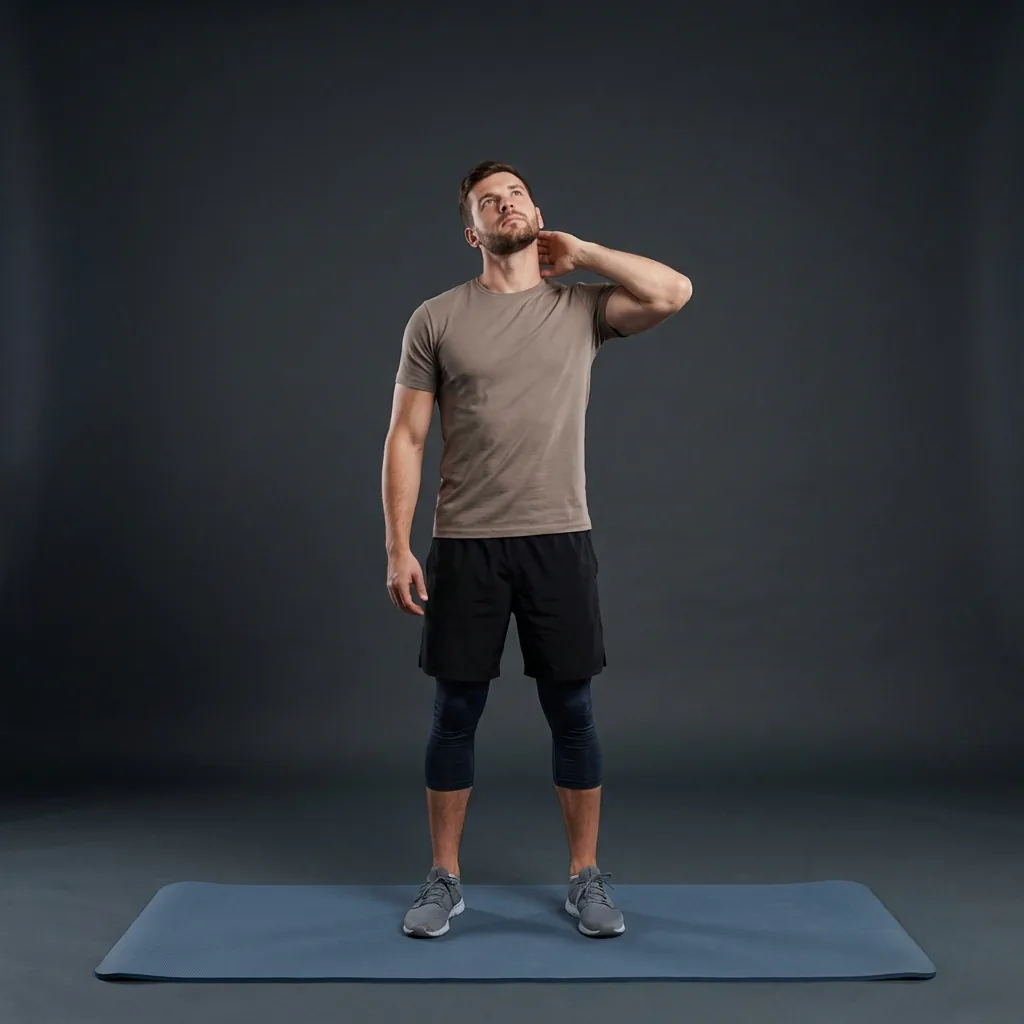
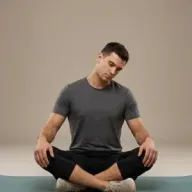
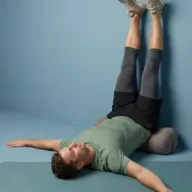
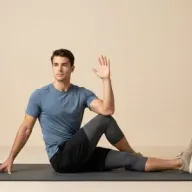
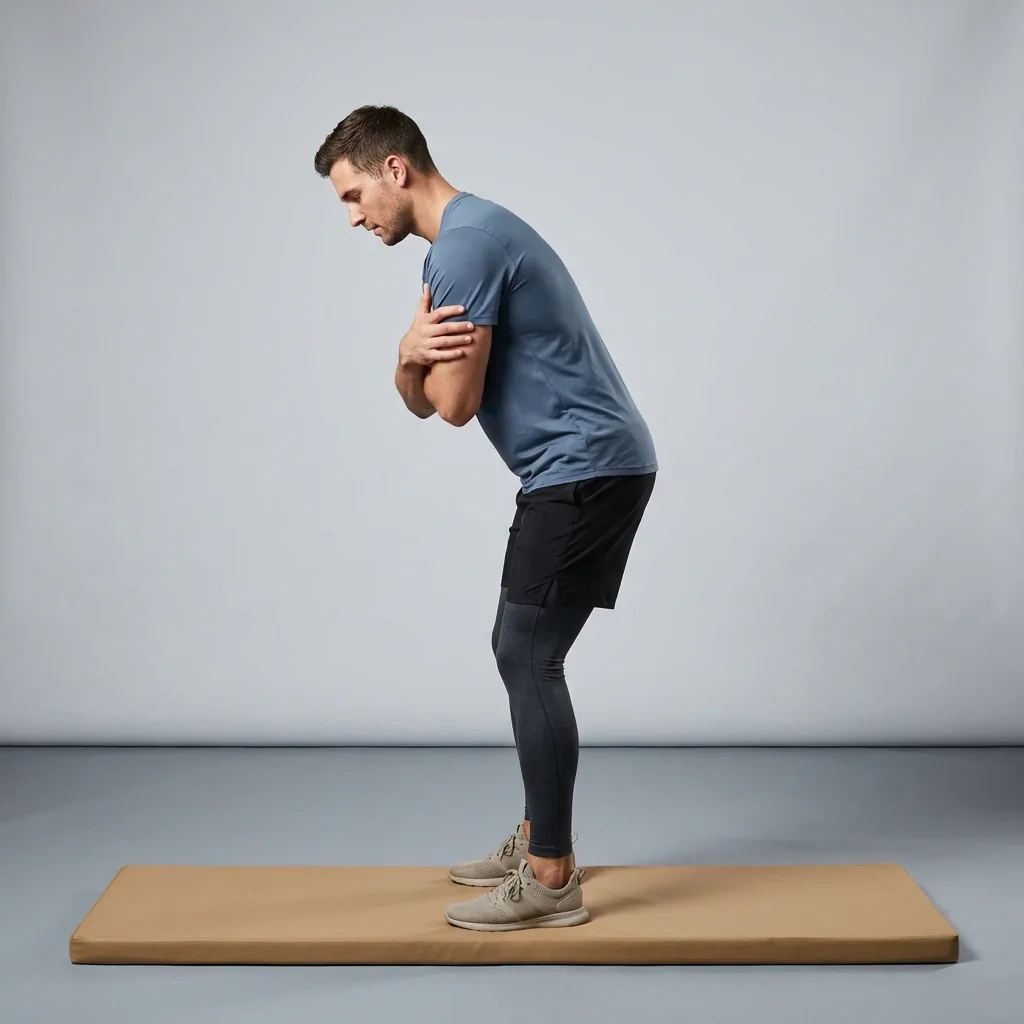
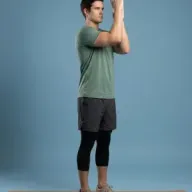
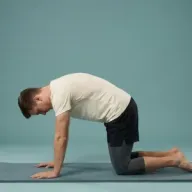
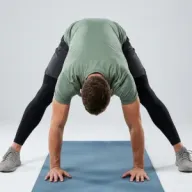
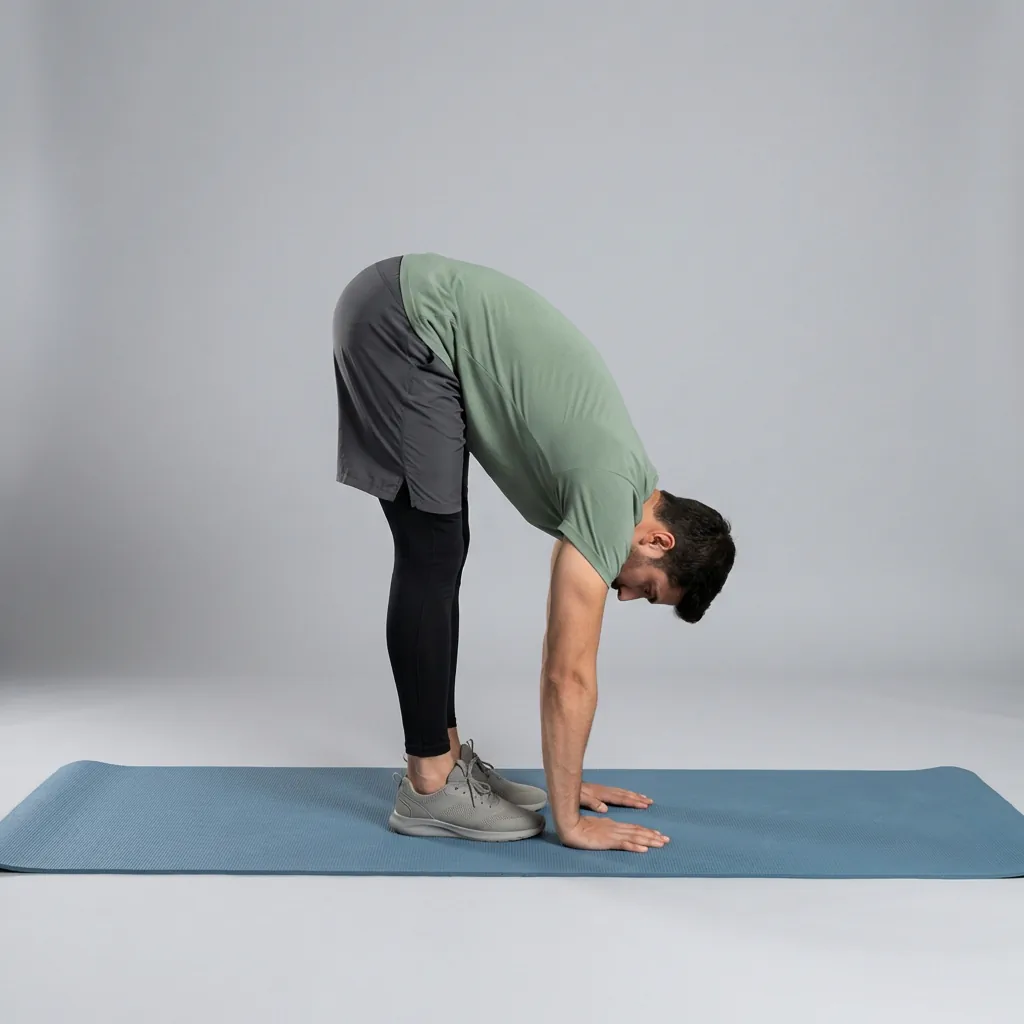
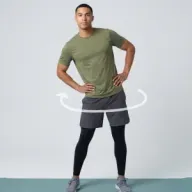
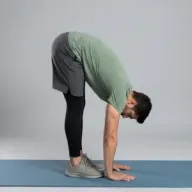
Browse guided Flexor sessions that match this page, then open any routine for steps and cues.
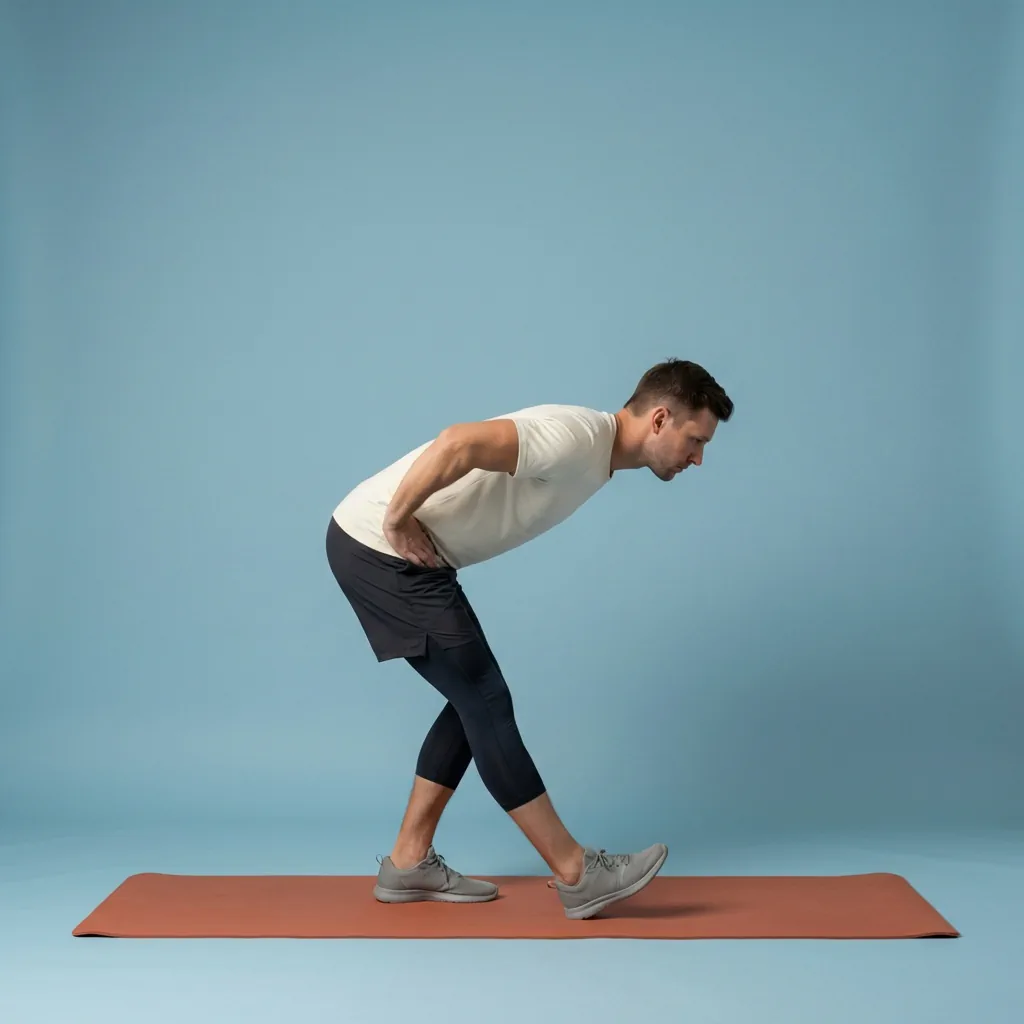
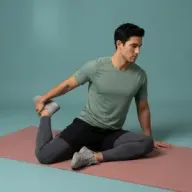
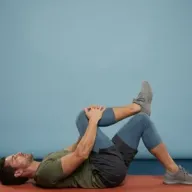
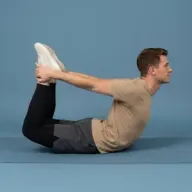
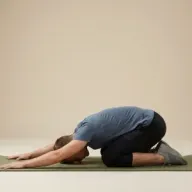

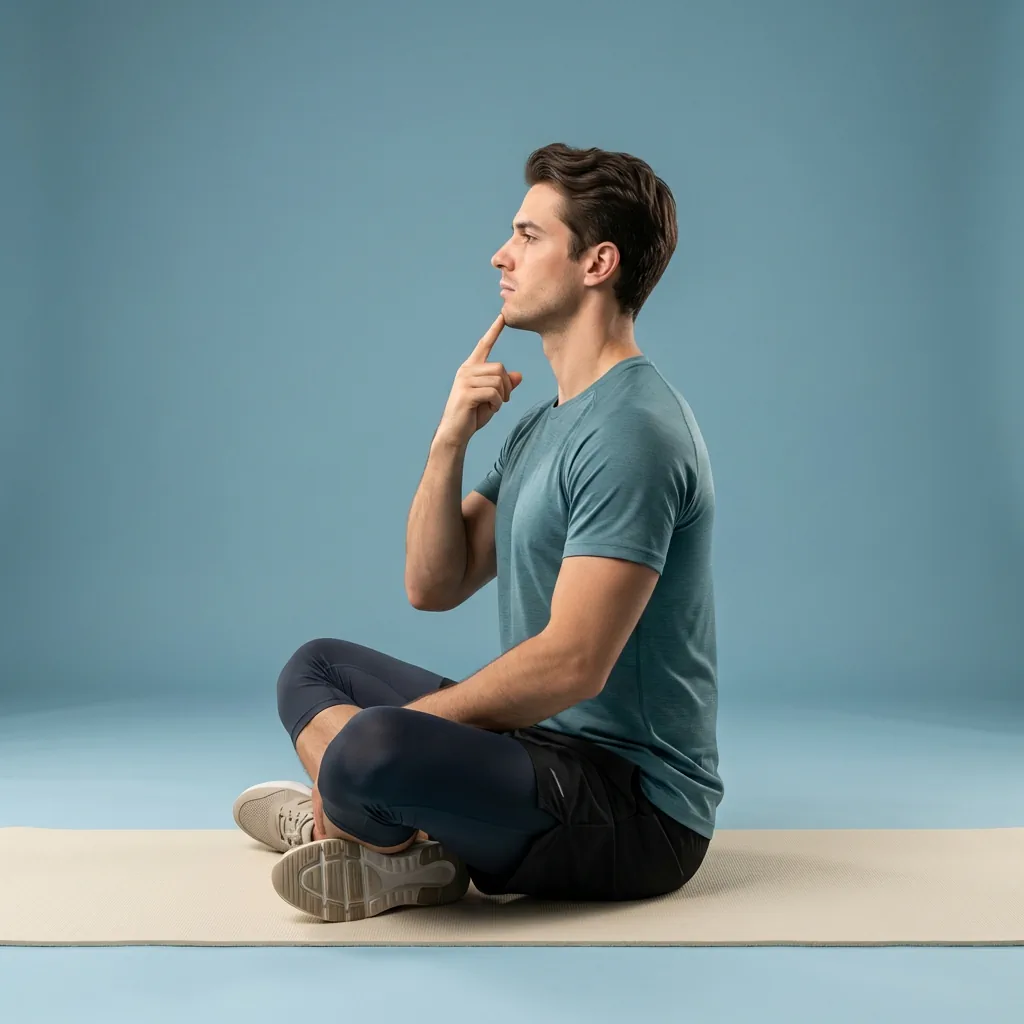
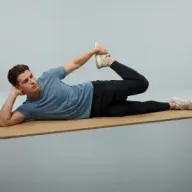

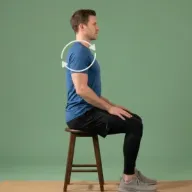



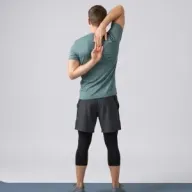
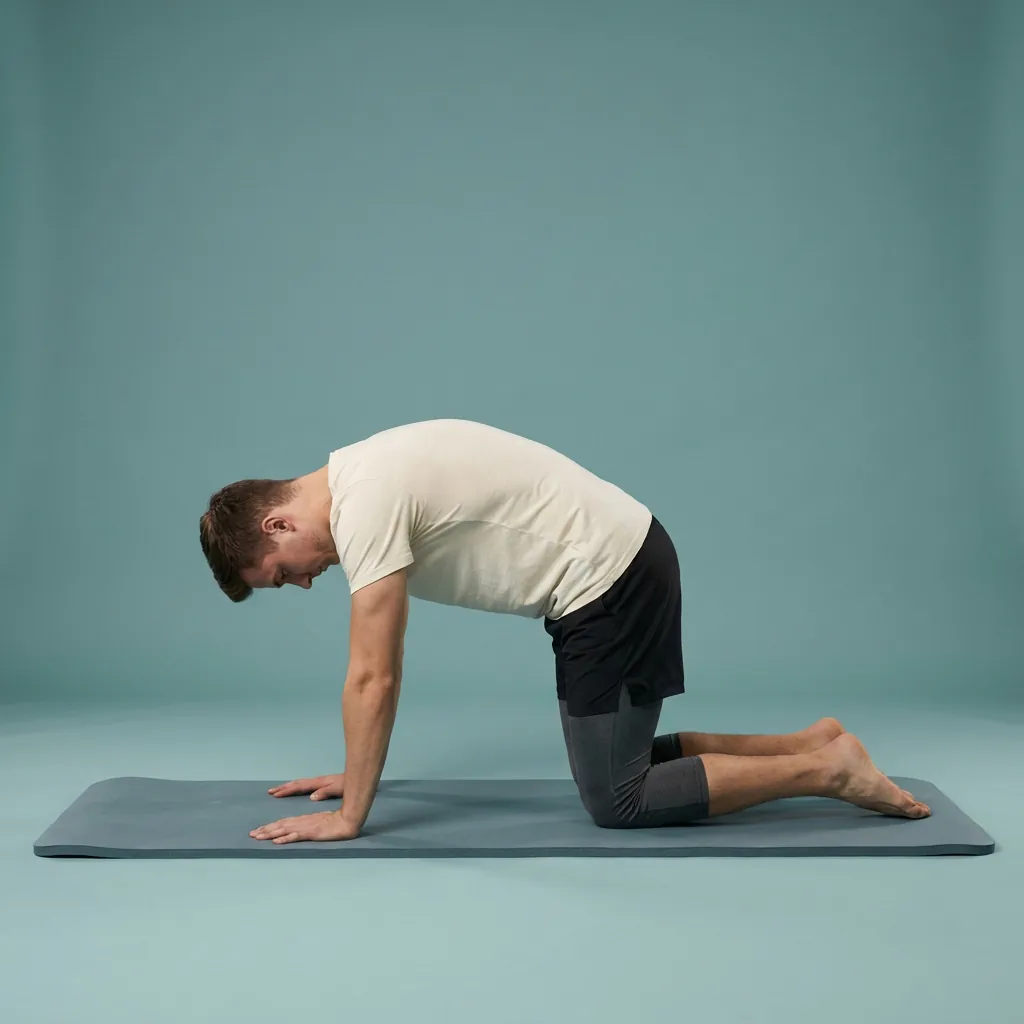



Explore related body areas
Go deeper on a single area with its own exercises, routines, and guidance.
Common questions
Frequently asked questions
How is this different from the desk-stretching page?
The desk-stretching page is a goal focused on the movement itself: the practical habit of stretching during a workday, useful to anyone who sits a lot. This audience page covers the whole Flexor product for desk workers, including how reminders, plans, progress and personalisation fit a working routine. Start with desk stretching if you want the routine, and read this page to see how the app supports desk life more broadly across the day.
Can I really fit stretching into a busy desk day?
That is exactly what Flexor is designed for. Sessions filter by the minutes you have, so a two-minute gap between meetings is enough for a neck and shoulder reset, while a lunch break allows something longer. Reminders prompt a movement break before you get absorbed in work, and daily recommendations vary the focus. Consistent short breaks tend to help more than one long session you rarely find time to complete.
Do I need any equipment at my desk?
No specialist equipment is required. Most desk sessions use only your chair and a little space, with a stable wall or the chair itself for optional support during standing steps. Check each routine's details so you can prepare the space and avoid unstable substitutes. If standing is not appropriate at your workstation, choose a session designed to stay seated and keep the chair steady throughout the movement.
Will Flexor fix posture problems from sitting?
No app can guarantee a posture change or diagnose why an area feels uncomfortable. Flexor helps you move regularly and vary your position across a working day, which is the sensible general aim, rather than promising to correct posture. Adjust your workspace where that helps, take frequent breaks, and seek an appropriate assessment if discomfort is persistent, worsening, or comes with other symptoms rather than relying on stretching alone to resolve it.
How often should desk workers use Flexor?
Use a frequency that is realistic and comfortable. Short sessions several times a week may be easier to sustain than occasional long sessions. Match preparation, mobility and recovery work to your schedule, vary the focus, and reduce or stop if a movement aggravates symptoms.
How do I choose between a short and long routine?
Choose by purpose and available time. A short routine can prepare you for activity, break up sitting, or preserve consistency. A longer routine is more suitable when you have time for several areas and can move without rushing. Longer is not automatically better.
What should I do if a recommended routine does not feel right?
Skip it, reduce the range, or choose another focus. Flexor recommendations use the information you provide and cannot see your movement or symptoms. Stop for sharp, persistent, worsening, or unusual pain and seek appropriate professional advice when needed.
More in Flexor for you
See allKeep exploring
More guides on stretching, mobility, routines, and Flexor features.
Desk stretching
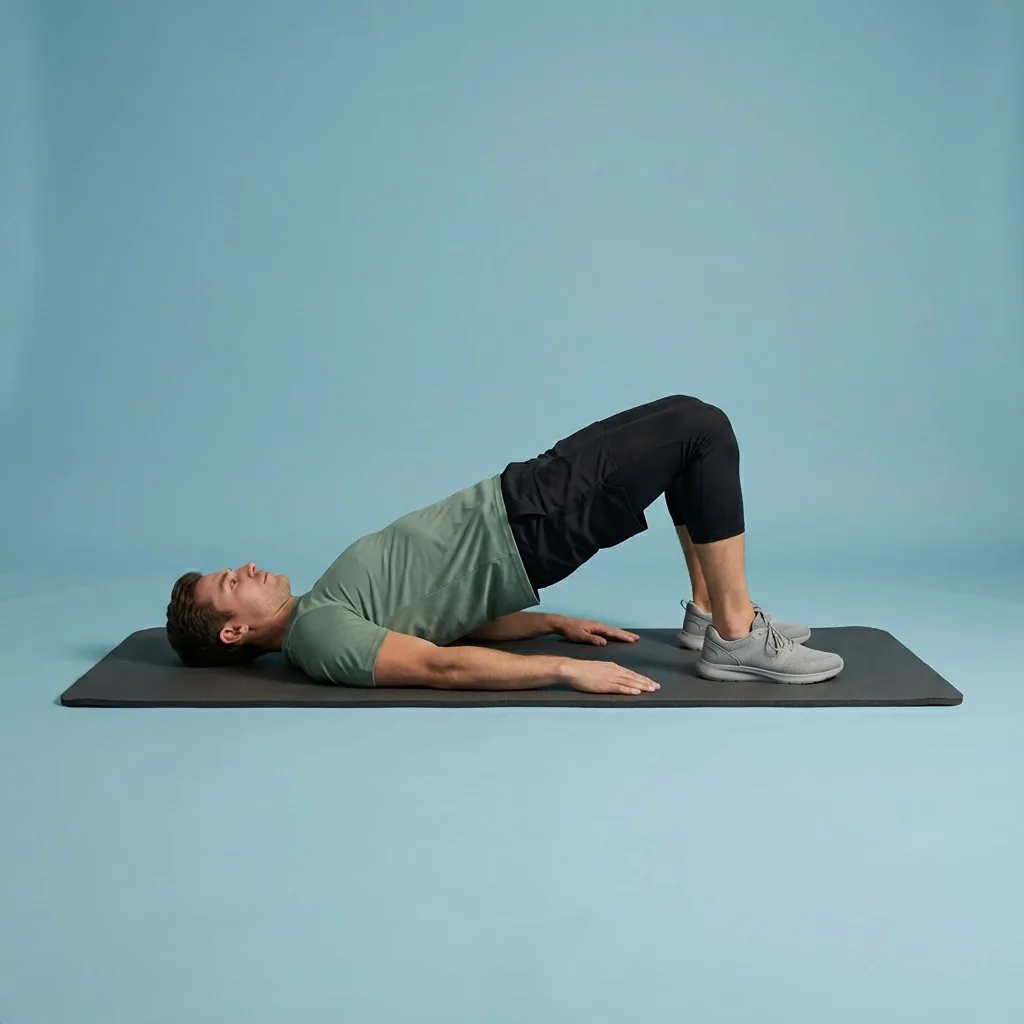
Break up the workday with short, guided desk stretches.
Use quick guided stretches and mobility breaks for the neck, shoulders, back, hips and wrists during long periods of des...
Read more Flexor for you
Stretching and mobility, matched to how you live.
Find guided Flexor stretching and mobility routines shaped for desk workers, seniors, athletes, gym-goers, travellers an...
Read more Mobility for fitness and everyday movement
Build controlled, usable movement—one short guided session at a time.
Improve mobility with guided routines, progress tracking and personalised daily recommendations designed around how you...
Read more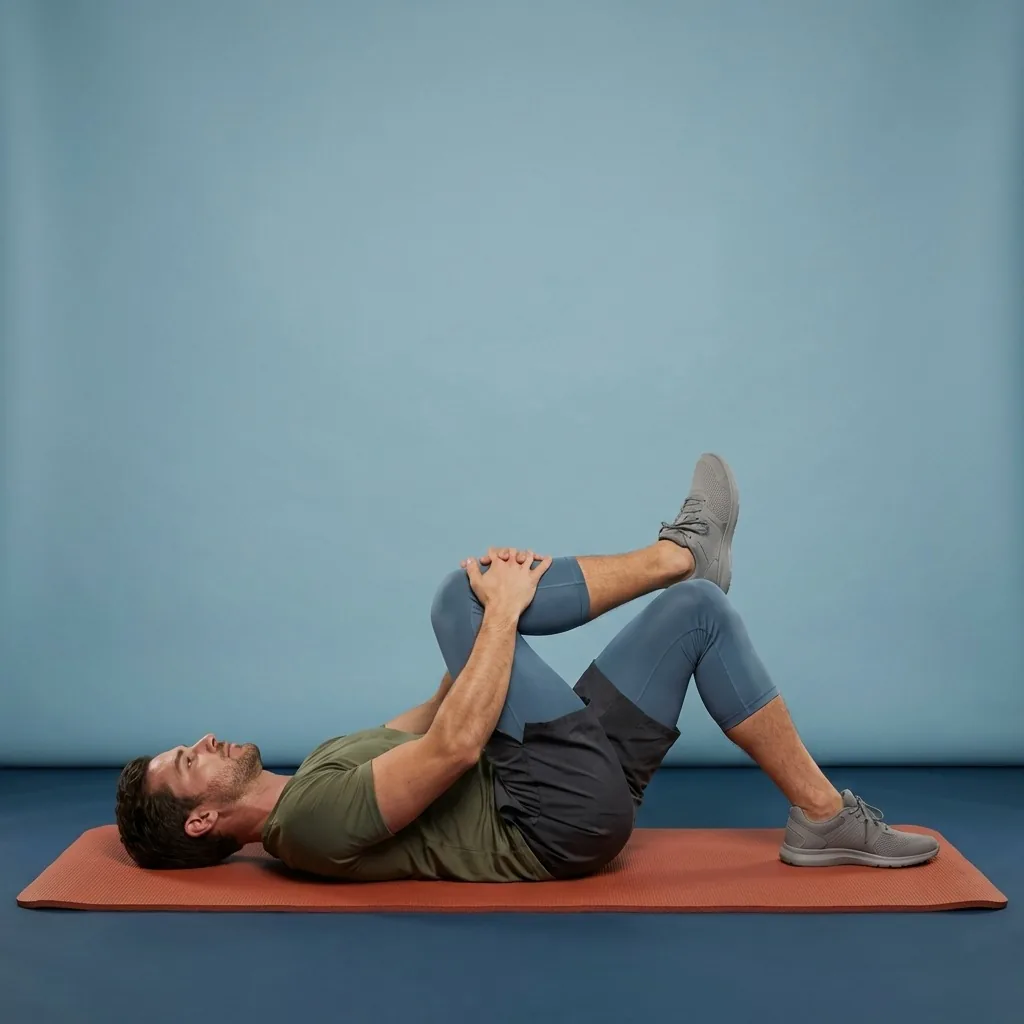
Pain Relief
Gentle stretching and mobility for everyday body comfort.
Pain Relief in Flexor: 35 unique guided routines across eight collections for everyday comfort. General wellness only, n...
Read more