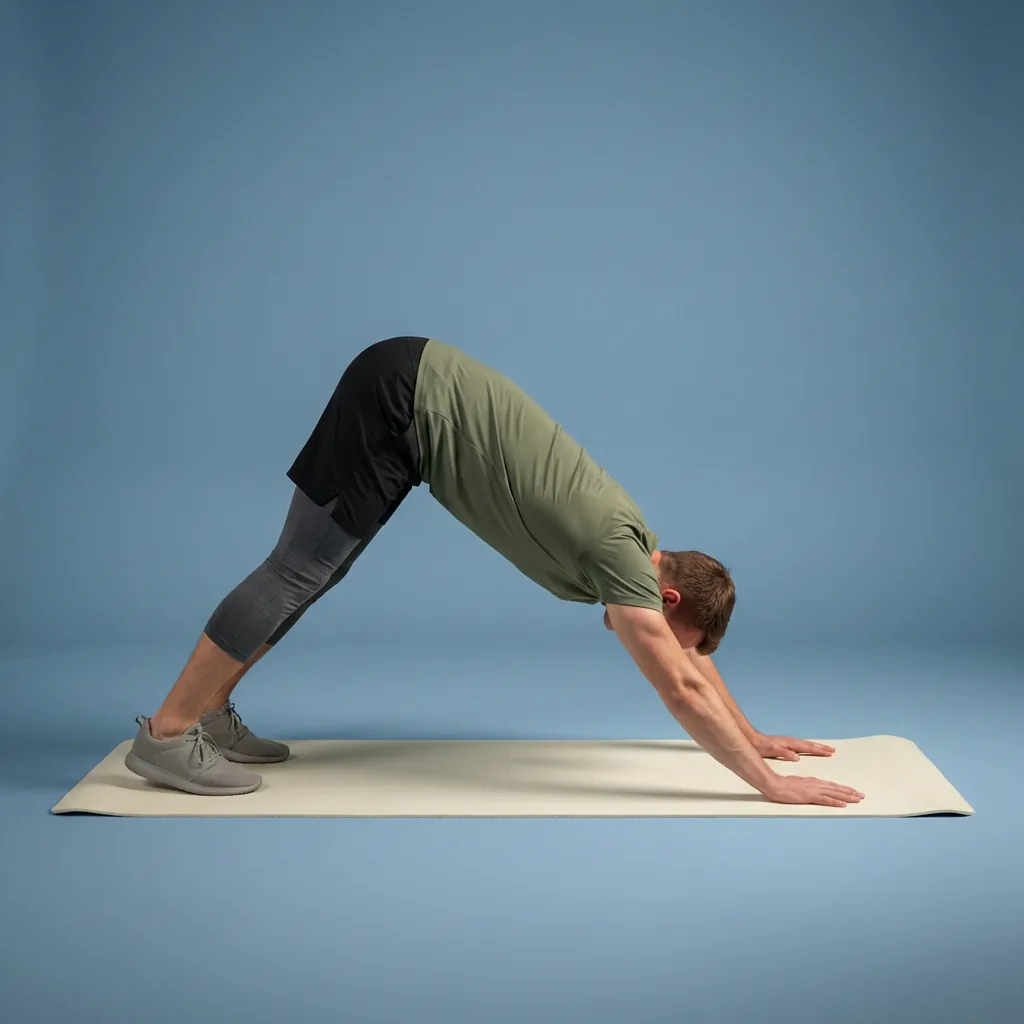
Free guided stretching exercises app
A full stretching and mobility app—free to download, ready to use.
Flexor is free to download with no account required. Open the app, choose a focus and how long you have, and follow guided stretching and mobility sessions with clear video and audio cues—plus plans, custom routines, daily recommendations, reminders, and offline access on the free plan.
Guided exercises
Timed stretching and mobility sessions with clear video demonstrations and spoken cues.
Free full catalogue
Use guided routines, plans, custom routines, favourites, reminders, and offline access without paying.
Personalisation included free
Daily recommendations use your goals, focus areas, available time, and recent sessions—no Premium required.
Premium optional
Upgrade only if you want more AI credits, detailed statistics, or Premium Pain Relief collections.
A complete stretching and mobility app, free—not a locked demo
Flexor's free plan is a full stretching and mobility app, not a trial that expires or a teaser that locks the useful parts. You can download it, skip account creation, and follow guided stretching exercises with video demonstrations and spoken cues from the first session.
Ready-made guided routines cover daily stretching, mobility, warm-ups, cool-downs, recovery, and comfort-focused movement. Each routine gives you an ordered sequence, timing, and movement guidance, so you can open the app and start instead of building a session from scratch.
- Guided stretching, mobility, warm-up, cool-down, and recovery routines.
- Multi-day plans, custom routines, favourites, reminders, and basic progress.
- Free monthly Flexor AI credits for routine suggestions.
- Core routine and exercise content that works offline once on your device.
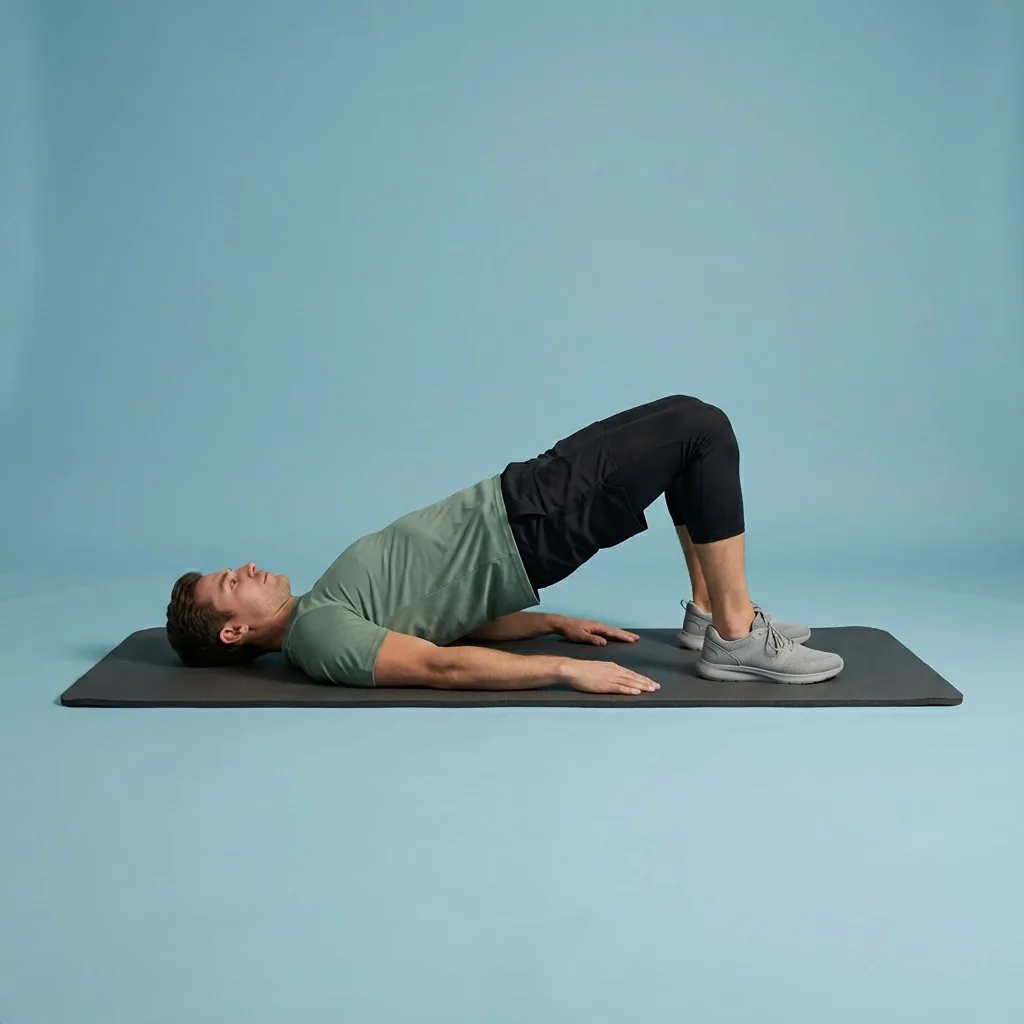
Find the right routine in seconds
The library is organised so you spend your time moving, not searching. Narrow routines by the body area you want to focus on, the goal you have in mind, a sport you play, how challenging you want it to feel, and how many minutes you can spare today.
Prefer to be pointed straight to something? Flexor can create or recommend a routine from the preferences you provide, then let you review it before you begin. You stay in control of the range and intensity that feel right for you.
- Short routines for mornings, work breaks, travel, training, and winding down.
- Body-area focus for hips, shoulders, back, legs, ankles, and full-body movement.
- Warm-up and cool-down sessions kept distinct so they suit their purpose.
- Filters for goal, sport, difficulty, duration, and focus area.
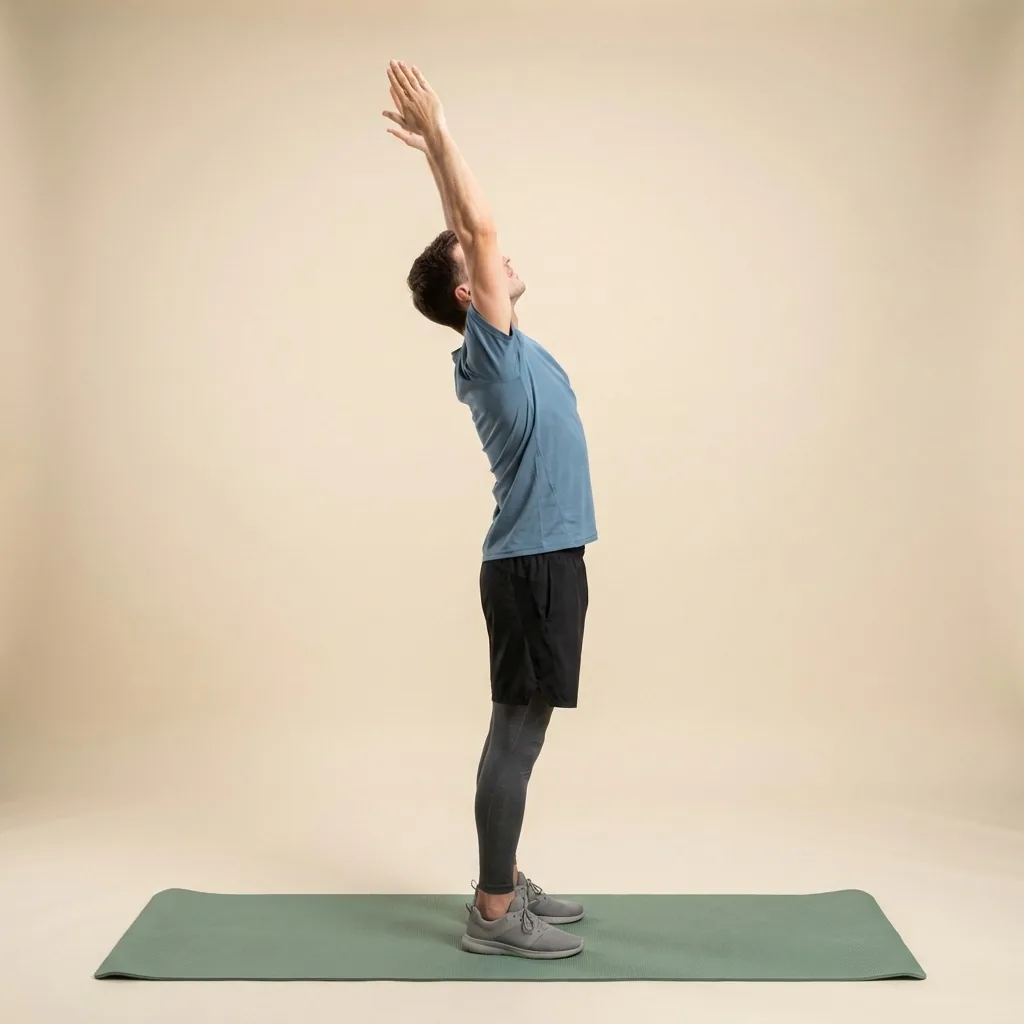
In Flexor: Gentle morning movement to wake up with control.
Personalisation is free—not locked behind Premium
Daily recommendations and preference-based personalisation are part of the free plan. Flexor adapts what it shows you using the goals you set, your experience level, the focus areas you care about, the time you have, and the sessions you have recently completed—so you get a relevant shortlist instead of a generic front page.
You do not need Flexor Premium to use personalisation. Premium adds more AI credits, detailed statistics, and dedicated Pain Relief collections; it does not unlock the basics of tailored daily picks.
Personalisation is built from the information you give the app, not from scanning your body or judging your form. No app can feel how a movement lands in your body, so use a comfortable range, move with control, and stop if something causes pain or concerning symptoms.
- Goals, experience, focus areas, available time, and recent sessions shape what you see.
- Daily recommendations stay available on the free plan.
- Override any suggestion and browse the full library whenever you want.
- No camera, body scan, or mobility assessment—inputs you control only.

The free plan is the whole app.
Full catalogue, plans, custom routines, reminders and offline access—before you pay anything.
Free vs Premium at a glance
Most Flexor features are available on the free plan—including personalisation and daily recommendations. Premium adds optional extras: additional AI credits, detailed statistics, and dedicated Pain Relief collections. Here is how the two compare.
When Premium is worth it (and when it is not)
If you mainly want guided stretching exercises to move consistently, the free plan is likely all you need. Premium becomes useful when you lean on Flexor AI often, want detailed statistics and insights into your sessions, or want the comfort-focused Premium Pain Relief collections.
There is no pressure to upgrade to get moving. Download Flexor, use the free plan for as long as you like, and consider Premium only if those specific extras would genuinely help. Pain Relief collections provide general wellness routines, not medical treatment.
Available across your everyday devices
The iPhone and Android apps share the same routine catalogue, categories, plans, free features, Premium benefits, AI, library, and progress features. The current Apple listing also identifies iPad and Apple Watch compatibility; device requirements and native platform services remain specific to each platform.
Free vs Premium
Everything in the free plan stays free. Premium is optional and adds the following on top.
| Capability | Free | Premium |
|---|---|---|
| Guided routine catalogue | Full catalogue | Full catalogue |
| Multi-day plans | Included | Included |
| Custom routines & favourites | Included | Included |
| Reminders & offline access | Included | Included |
| Personalisation & daily recommendations | Included free | Included free |
| Progress & streaks | Basic progress and streaks | Detailed statistics and insights |
| Flexor AI credits | Free monthly allowance | Larger monthly allowance |
| Premium Pain Relief collections | Not included | Included |
Quick facts
- Price
- Free to download and use, with no account required
- Included free
- Full guided catalogue, plans, custom routines, reminders, offline access, and personalisation
- Personalisation
- Daily recommendations included on the free plan—no Premium required
- Platforms
- iPhone and Android, sharing one routine catalogue
- Free AI
- A monthly allowance of Flexor AI routine suggestions
- Optional Premium
- Adds more AI credits, detailed statistics, and Pain Relief collections
How it works: start guided stretching exercises for free
-
Download and open
No account and no payment needed to begin your first guided session.
-
Set what matters to you
Goals, focus areas, experience, and available time feed free personalisation.
-
Follow a personalised pick—or browse
Use a daily recommendation or filter the full catalogue yourself.
-
Keep the habit going
Save favourites, set reminders, use core content offline, and watch streaks build.
Where to start
You want guided stretching exercises without paying
The free plan is a full app—including personalisation—and is likely all you need.
You want more detail on how personalisation works
Open the personalised stretching app page for a deeper walkthrough of inputs and balance.
You want exact Premium cost and billing details
Use the pricing page before deciding whether the optional extras are worth it.
You care most about active, controlled range
The mobility app page focuses on controlled movement rather than passive holds.
You mainly want to increase reach and flexibility
The flexibility app page leans into longer, controlled stretching work.
You want comfort-focused wellness routines
The pain relief page explains Flexor's non-medical comfort collections.
Personalisation included free
Say you have ten minutes before work and stiff hips from yesterday. On the free plan, Flexor uses your goals, chosen focus areas, available time, and recent activity to surface a short, balanced routine—instead of leaving you to scroll the whole library. Premium is optional; personalisation is not locked behind it.
See how daily recommendations workMove within a comfortable range
- Use a comfortable range and move with control—you never need to match the depth shown in a demonstration.
- Flexor offers general fitness and wellness guidance, not a diagnosis, treatment plan, or mobility assessment.
- Pain Relief collections are comfort-focused wellness routines, not medical treatment.
- Stop if a movement causes pain or concerning symptoms.
If an injury or health condition affects safe movement, check with a qualified professional before starting.
Read the full wellness disclaimerRelated routines
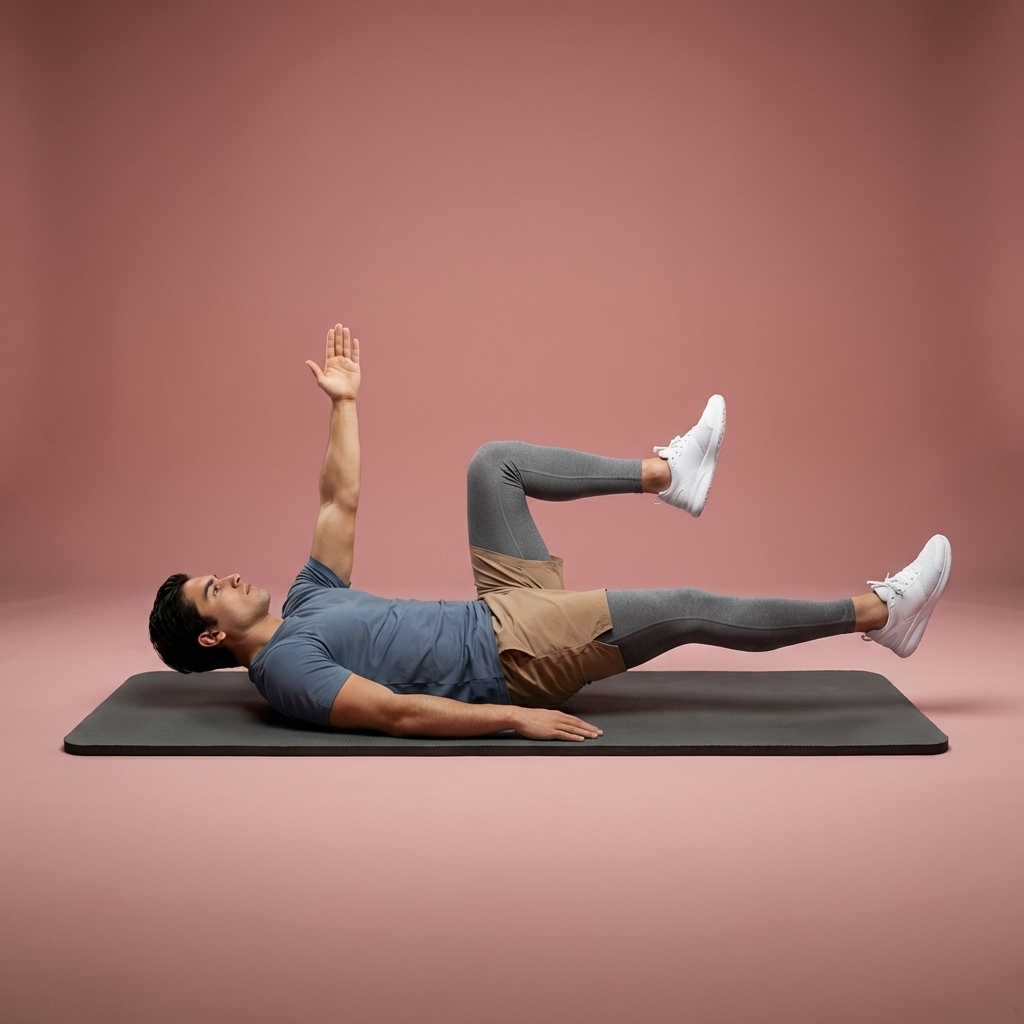
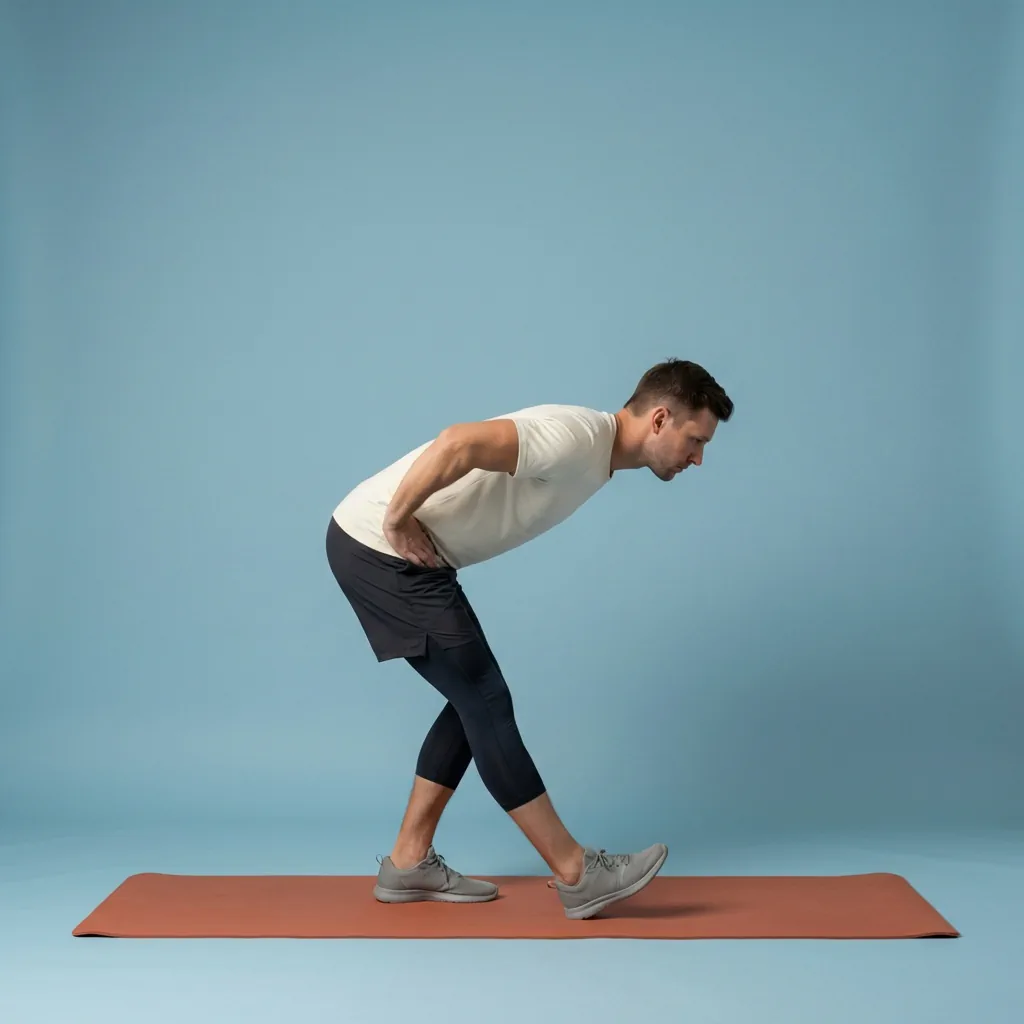
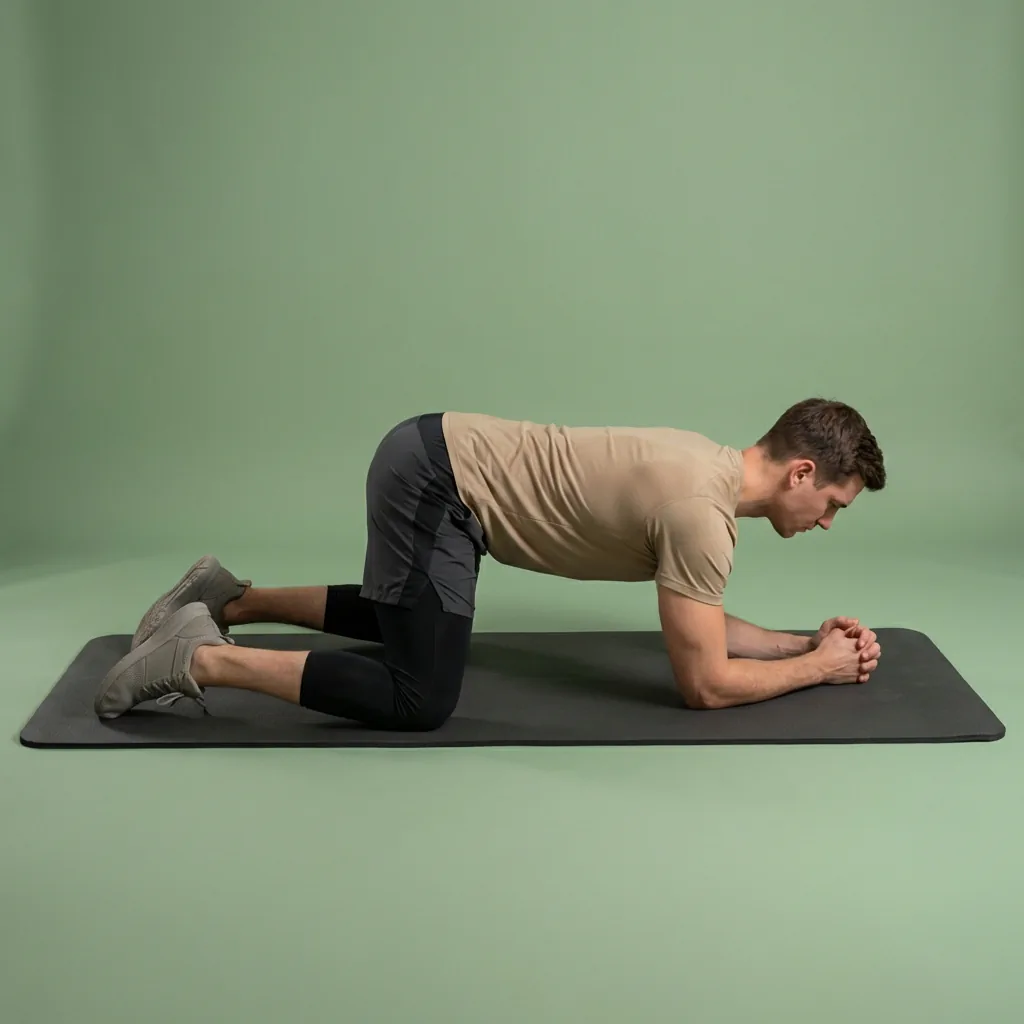
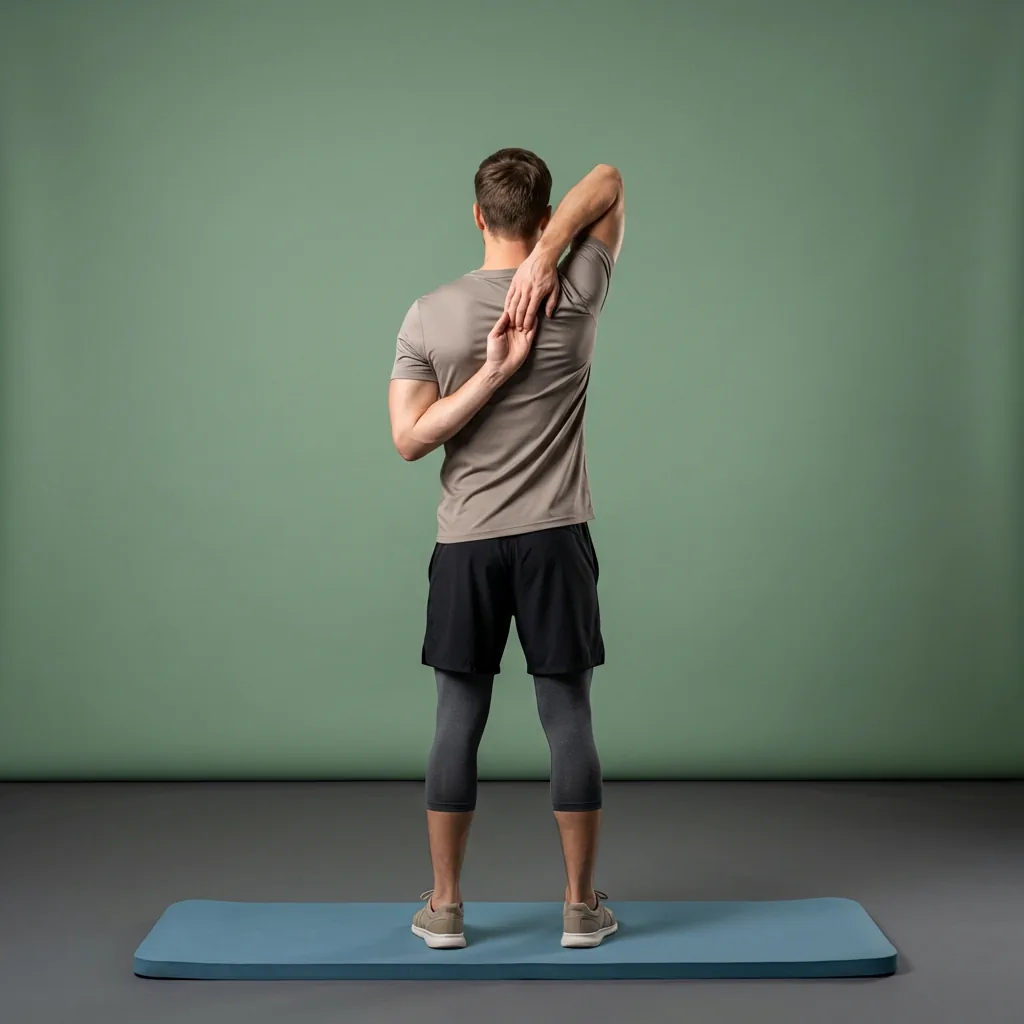
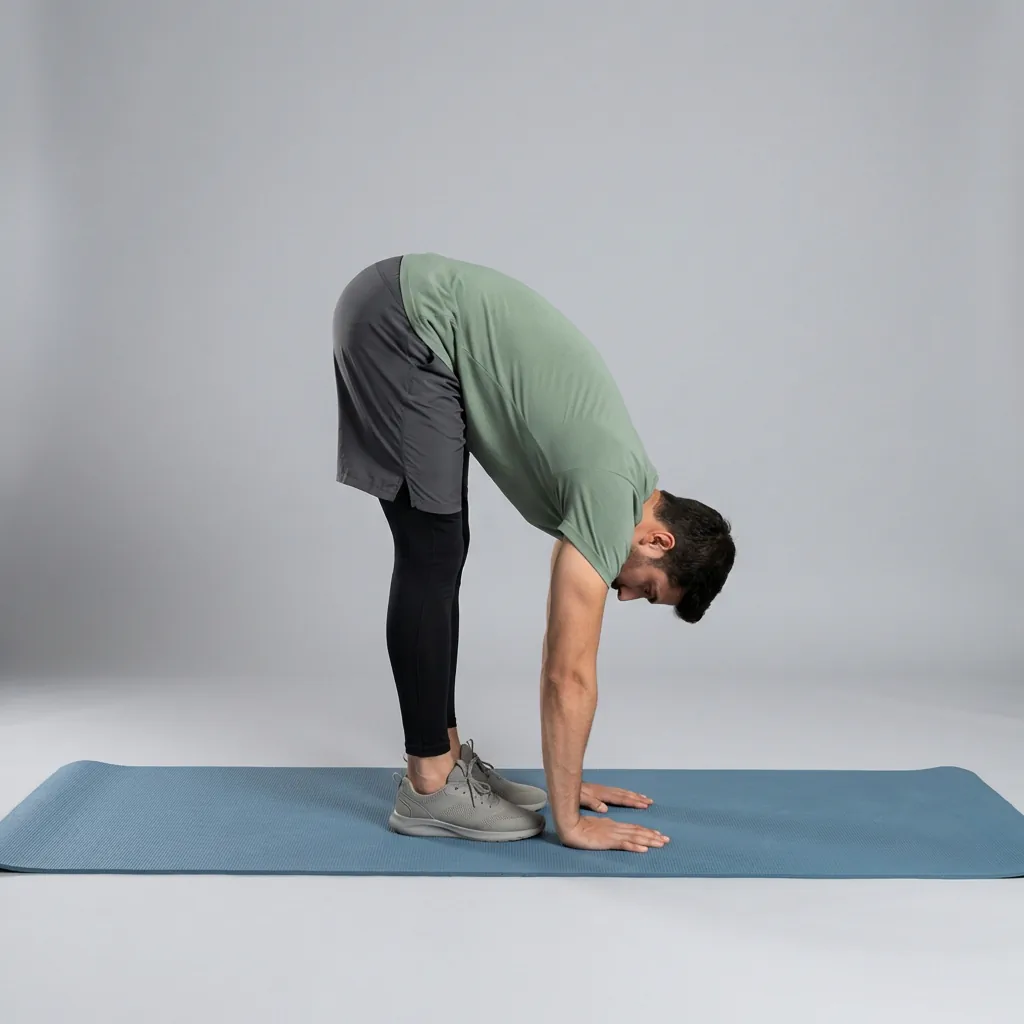
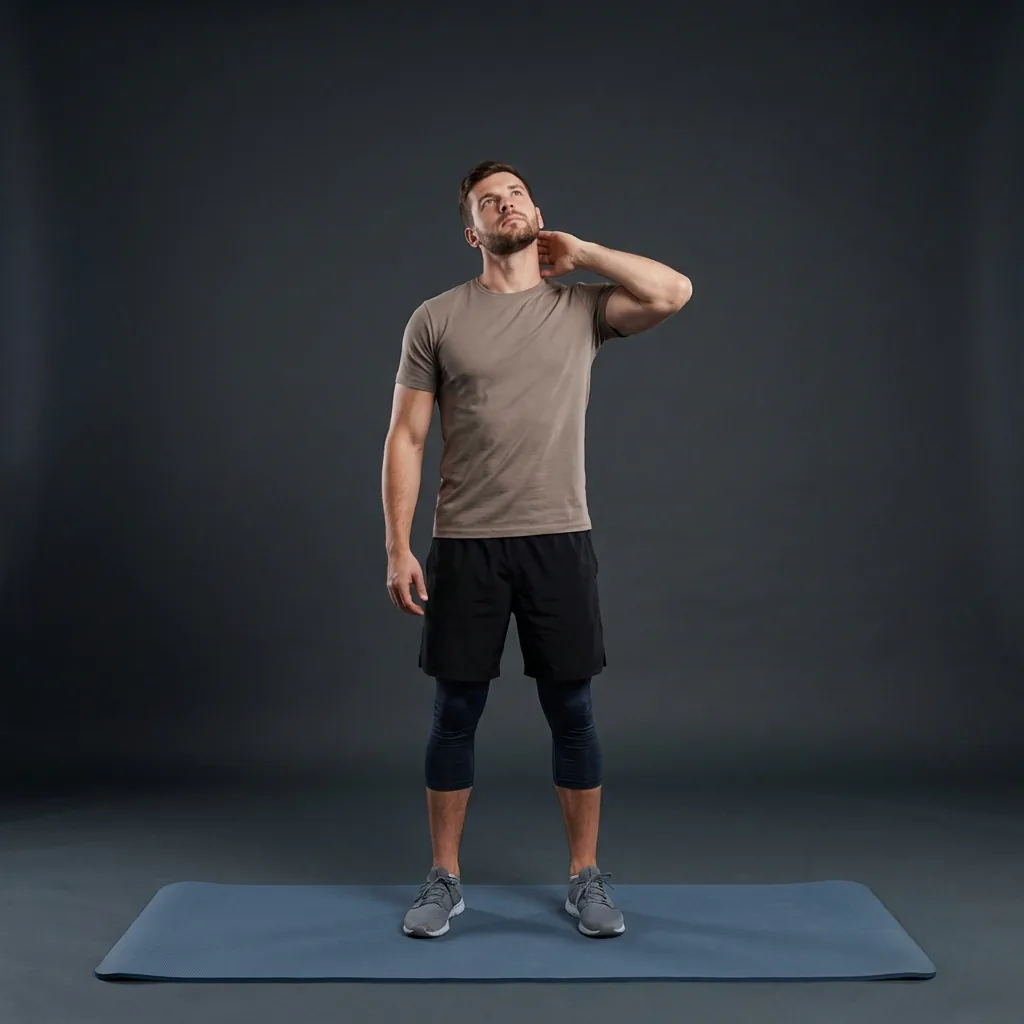
Browse guided Flexor sessions that match this page, then open any routine for steps and cues.

































Common questions
Frequently asked questions
What can the free Flexor stretching exercises app do?
Flexor gives you guided stretching and mobility routines for daily movement, warm-ups, cool-downs, recovery, and comfort-focused sessions. You can filter the library by body area, goal, sport, difficulty, and duration, follow timed steps with video and audio cues, build custom routines, track progress and streaks, and let Flexor create or recommend a routine from the preferences you provide.
Is the free stretching exercises app suitable for complete beginners?
Yes. Flexor includes beginner-friendly routines across a range of difficulty levels, durations, goals, and body focus areas. You do not need to match the range shown in a demonstration: use a smaller comfortable range, move with control, and choose an easier session when you need one. Building a consistent, manageable habit matters far more than forcing any single position.
Does the stretching app work offline?
Yes. The ready-made routines, exercise guidance, multi-day plans, custom routines, library, favourites, reminders, routine player, session recording, basic progress, and streaks all work without a continuous internet connection. Internet is only needed for Flexor AI requests and when purchasing or managing a subscription through the app store, so you can still stretch on a flight or a patchy connection.
Is the Flexor stretching exercises app really free?
Yes. Flexor is free to download and use, and the free plan is a full app rather than a limited trial. You can follow the guided routine catalogue, use multi-day plans, build custom routines, save favourites, set reminders, work offline, use personalisation and daily recommendations, and track basic progress and streaks without paying. A free monthly allowance of Flexor AI routine suggestions is included too.
Is personalisation available on the free plan?
Yes. Personalisation and daily recommendations are included free. Flexor uses your goals, experience, focus areas, available time, and recent sessions to suggest relevant routines—you do not need Premium for that. Premium adds more AI credits, detailed statistics, and Pain Relief collections; it does not gate the core personalisation experience.
Do I need an account to use the free app?
No. You can download Flexor and start following guided routines without creating an account. Skipping sign-up means you can begin stretching immediately, and the free plan still works fully on your device. You only need to sign in if you choose to buy or manage a Flexor Premium subscription, which is handled through your app store rather than requiring a separate Flexor login for everyday use.
What does Flexor Premium add on top of the free plan?
Premium is optional and layers extras onto the free plan rather than unlocking the basics. It adds a larger monthly allowance of Flexor AI credits, detailed statistics and insights into your sessions, and dedicated Premium Pain Relief collections of comfort-focused wellness routines. Everything else—the guided routine catalogue, plans, custom routines, reminders, offline access, personalisation, daily recommendations, and basic progress—stays available for free whether or not you ever upgrade.
Will the free version stop working or expire?
No. The free plan is not a countdown trial, so it does not expire or switch off core features after a set period. You can keep using the guided routines, plans, custom routines, reminders, offline access, and basic progress tracking for as long as you like. Premium simply remains available as an optional upgrade if you later decide the extra AI credits, statistics, or Pain Relief collections would help.
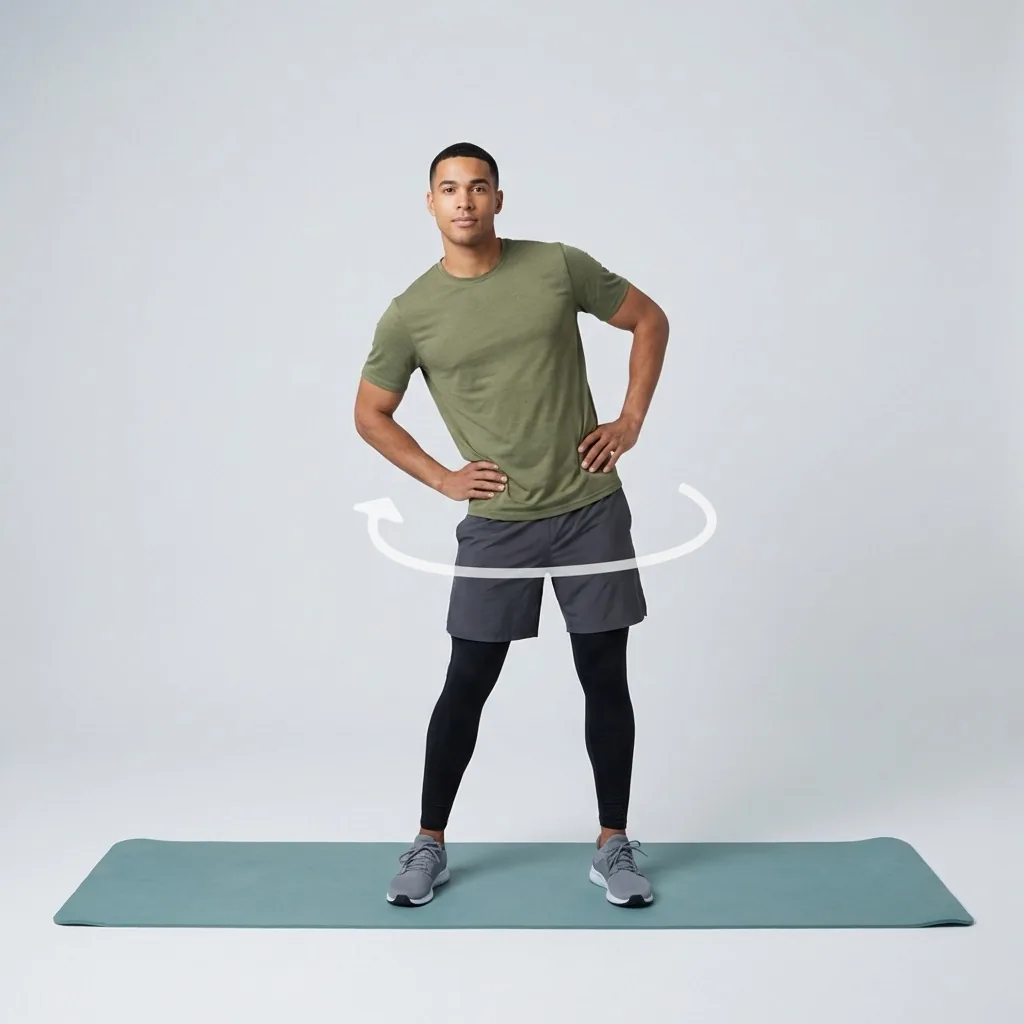
Keep exploring
More guides on stretching, mobility, routines, and Flexor features.
Simple pricing information
Flexor is free to start, with optional Premium.
Flexor is free to use with optional Premium at £9.99 monthly or £24.99 yearly in the UK, with equivalent local-currency...
Read more Personalised to how you move
A stretching app that adapts to you—not the other way around.
Flexor adapts what you see to your goals, experience, available time, focus areas and recent sessions for genuinely pers...
Read more Mobility for fitness and everyday movement
Build controlled, usable movement—one short guided session at a time.
Improve mobility with guided routines, progress tracking and personalised daily recommendations designed around how you...
Read more Flexibility, built gradually
Lengthen, open, and hold—flexibility that improves because you keep showing up.
Build flexibility with guided routines, clear exercise demonstrations, progress tracking and recommendations matched to...
Read more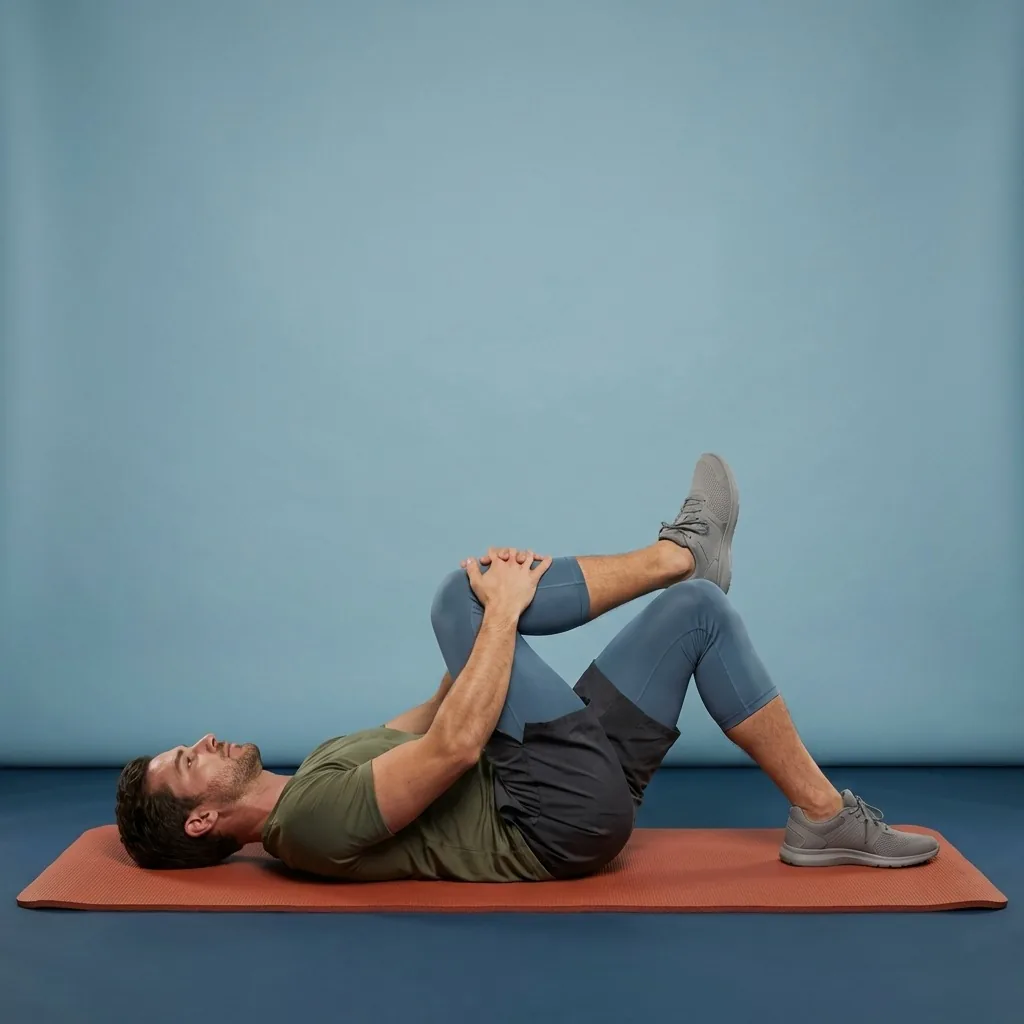
Pain Relief
Gentle stretching and mobility for everyday body comfort.
Pain Relief in Flexor: 35 unique guided routines across eight collections for everyday comfort. General wellness only, n...
Read more