Apple Watch
Keep the routine on your wrist. Keep the detail on your phone.
The current Apple listing identifies Apple Watch compatibility for Flexor, so you can keep a guided session close at hand from your wrist while your paired iPhone does the heavier work. What each surface shows depends on the app version, your devices and watchOS, so this guide keeps clear boundaries between the watch and the phone rather than promising identical features everywhere.
Timing on the wrist
Follow exercise timing and cues without reaching for your phone.
Phone does the heavy lifting
AI routine generation and purchases stay on the paired iPhone.
Platform caveats
Availability depends on app version, watchOS and your devices.
Part of one app
Your routines, plans and progress live in the same Flexor account.
What the wrist is good for
A watch is at its best for glanceable, in-the-moment information. During a stretching or mobility routine, that means following the current exercise, timing, and simple cues from your wrist so you are not repeatedly picking up your phone mid-session. It keeps you moving with less friction, especially for short routines.
This is general fitness and wellness guidance. Flexor does not scan your body or assess your movement from any device, so you still choose a comfortable range and pace, and stop if a movement causes pain or concerning symptoms.
What stays on the paired iPhone
Some things belong on the larger screen and the more capable device. Flexor AI routine generation and any app-store subscription or purchase actions run on the paired iPhone and need an internet connection. Browsing the full library, building custom routines, and reading detailed dashboard statistics are also better suited to the phone.
Because platform services differ, treat the watch as a convenient companion for following a session rather than a full replacement for the phone app. Feature availability can change between app versions and watchOS releases.
In Flexor: Complete routines instead of scattered exercises.
Timing on your wrist.
Follow the routine’s steps and timing from the watch while the paired iPhone keeps the detail.
How it fits the rest of Flexor
Your account ties it together: the routines, plans, and progress you build on the phone are part of the same Flexor experience, so a session you follow on the watch still belongs to the same habit you are building. Reminders can prompt a movement break, and you can start a short routine when it suits you.
If a wrist feature is not where you expect it, check that both devices are updated, that Flexor is up to date, and that the watch and phone are paired and connected, since native platform behaviour depends on those basics.
On the wrist and on the phone
A general guide to where each part of Flexor lives. Exact availability depends on the app version, watchOS and your devices.
| Capability | On Apple Watch | On the paired iPhone |
|---|---|---|
| Following a routine | Exercise timing and simple cues at a glance | Full guided player with video demonstrations |
| AI routine generation | Not on the wrist | Describe a goal and review a generated routine (needs internet) |
| Purchases and subscription | Not on the wrist | Handled on the phone through the App Store |
| Library and custom routines | Best on the phone | Browse the library and build custom routines |
| Detailed statistics | Glanceable progress only | Detailed dashboard statistics (Premium) |
Quick facts
- Feature
- Follow routines on Apple Watch
- On the wrist
- Exercise timing and simple cues
- On the iPhone
- AI, purchases, library and detail
- Availability
- Depends on app version, watchOS and devices
- Assessment
- No body scan on any device
Following a routine from your wrist
-
Keep both devices ready
Pair the watch and iPhone, and keep Flexor and watchOS updated.
-
Start a session
Follow the current exercise, timing and simple cues on the watch.
-
Let the phone do the heavy work
AI generation, purchases and detailed stats stay on the paired iPhone.
-
Troubleshoot if needed
Check both devices are updated, paired and connected if a feature is missing.
Where to start
You want a glanceable session
Follow timing and cues on the watch.
You want to generate or buy
Use the paired iPhone; those need internet.
A wrist feature is missing
Update both devices and confirm they are paired and connected.
Safety and limits
- Flexor does not scan your body or assess movement on any device, including Apple Watch.
- Choose a comfortable range and pace yourself.
- Stop if a movement causes pain or concerning symptoms.
Following a routine on Apple Watch is general fitness and wellness guidance, not a diagnosis, treatment, or substitute for professional advice.
Read the full wellness disclaimerRelated routines
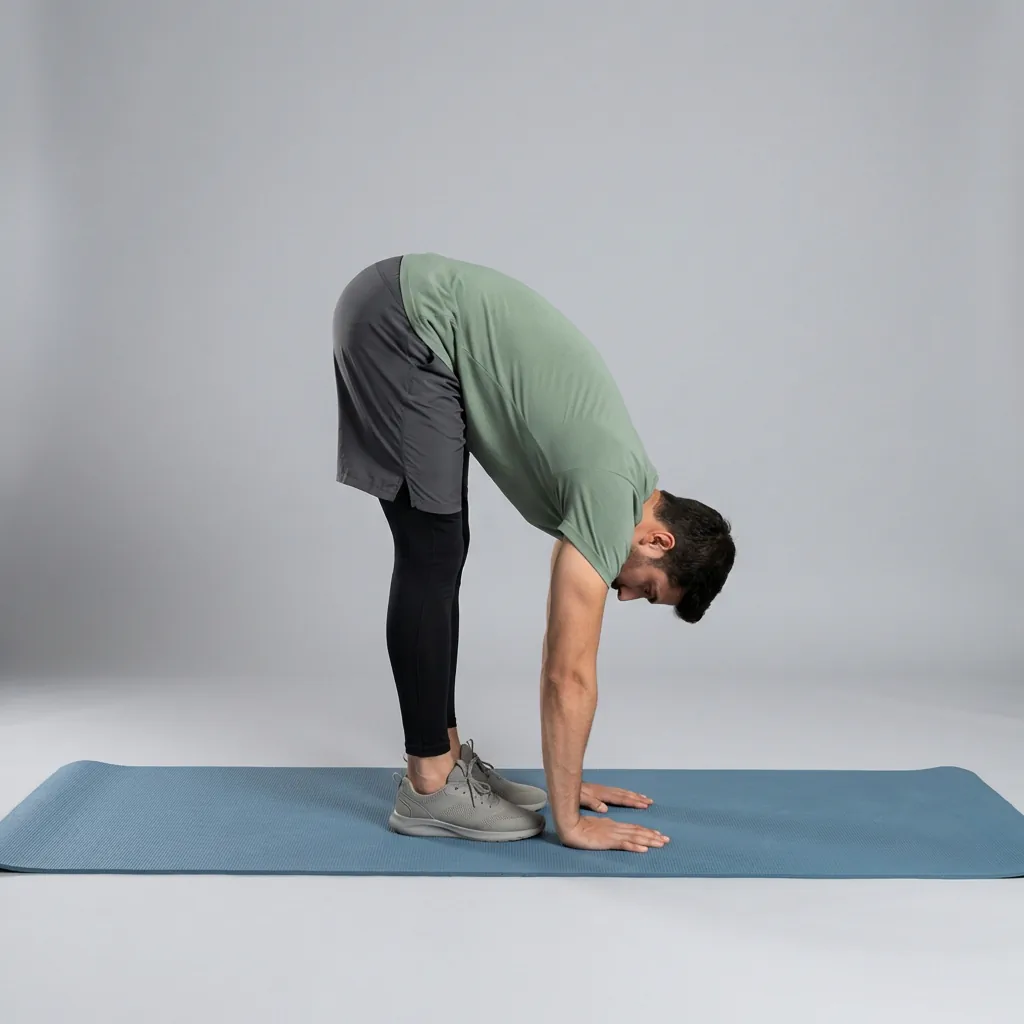
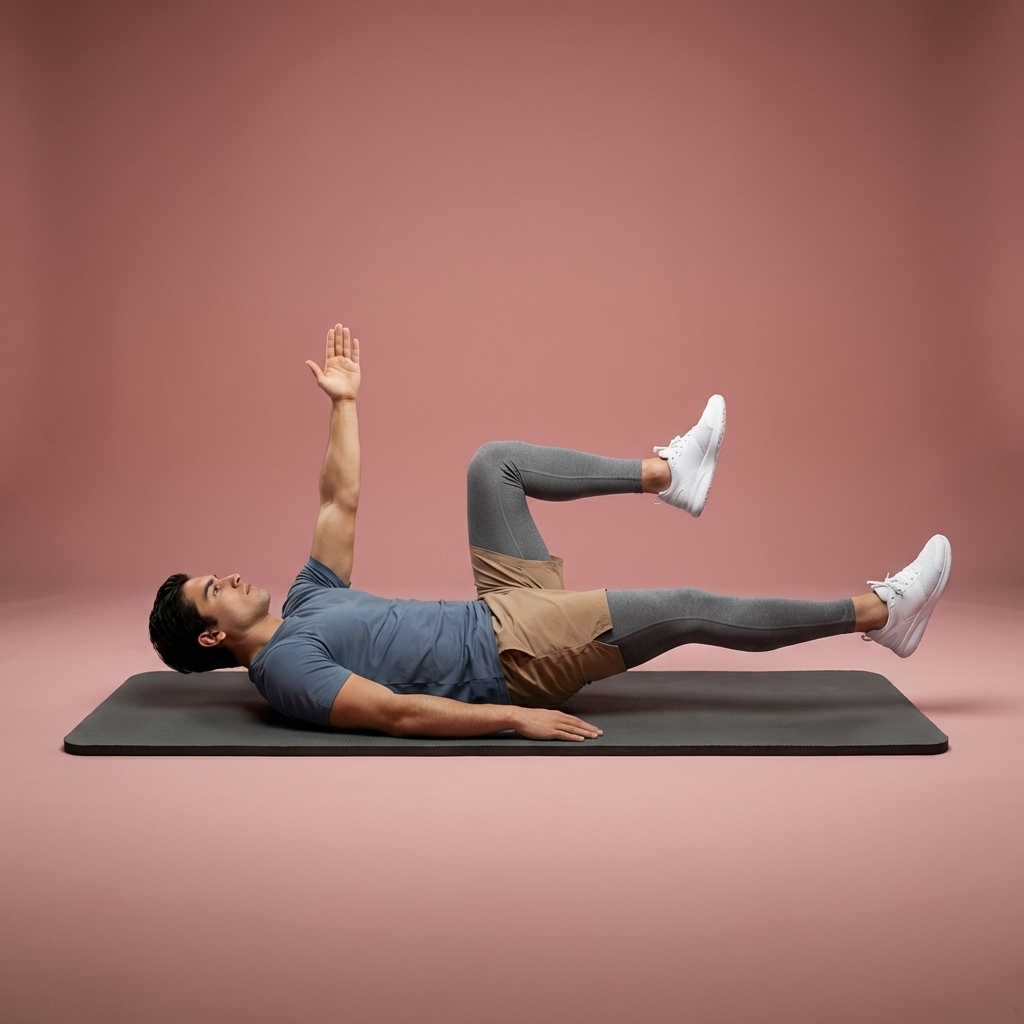
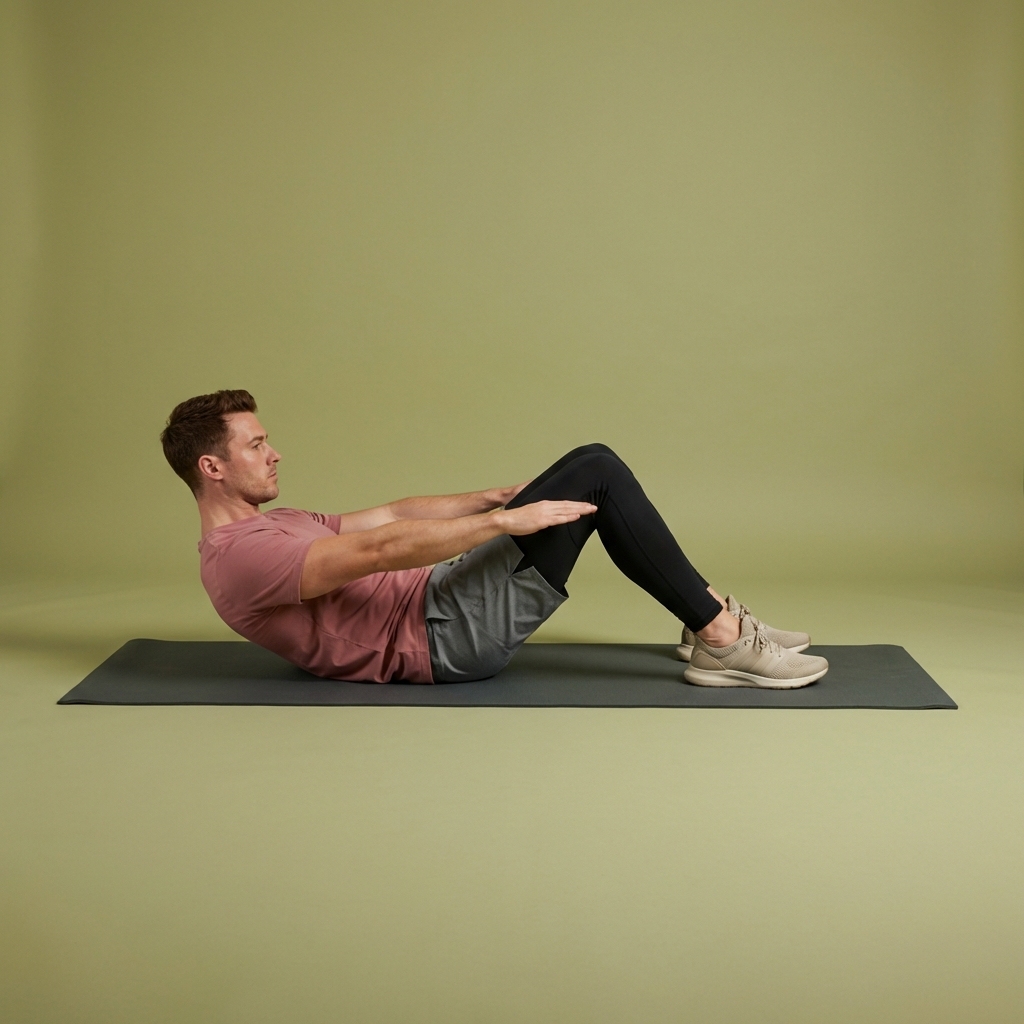
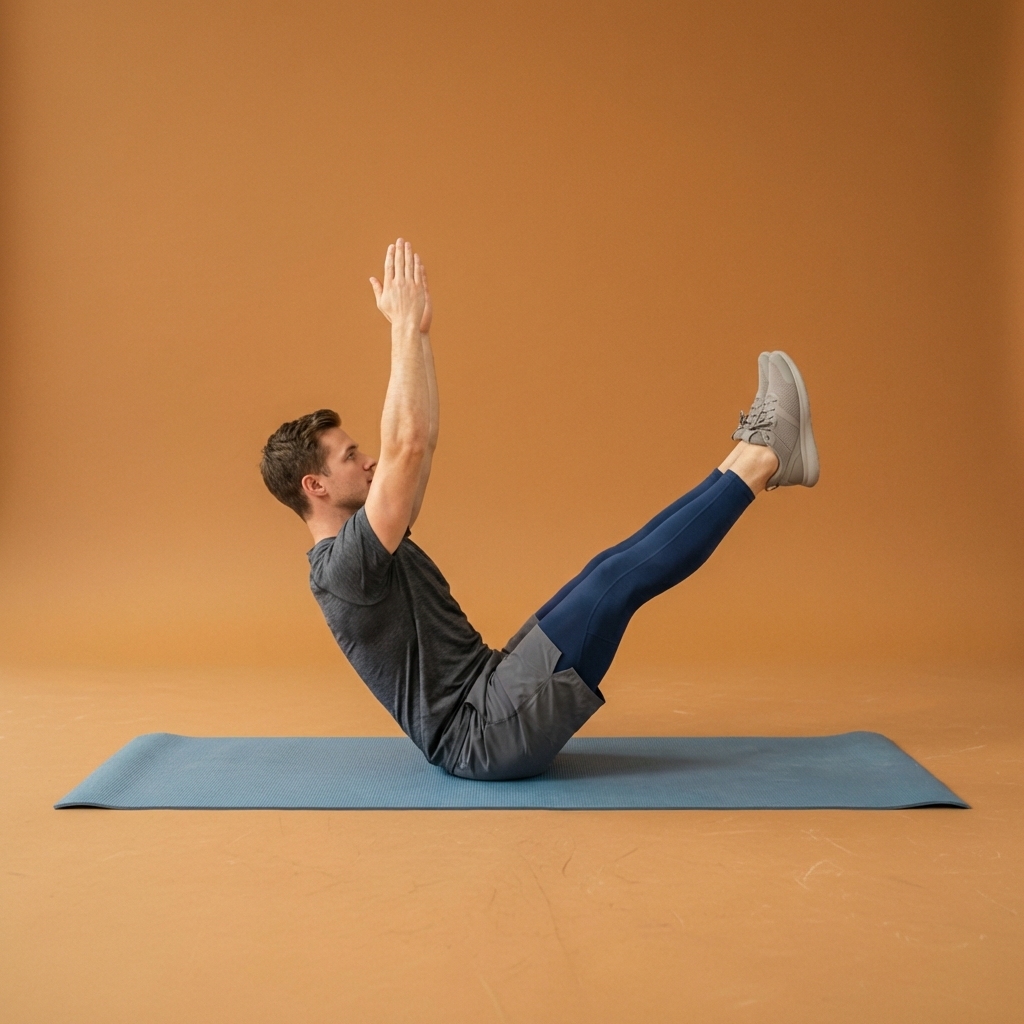
Browse guided Flexor sessions that match this page, then open any routine for steps and cues.





















Common questions
Frequently asked questions
Does Flexor work on Apple Watch?
The current Apple listing identifies Apple Watch compatibility for Flexor, so you can keep a guided session close at hand from your wrist, following exercise timing and simple cues without reaching for your phone. Exactly what appears depends on the app version, watchOS, and your devices, so treat the watch as a convenient companion for following a routine rather than a full replacement for the iPhone app. Keep both devices updated and paired for the best experience.
What can I do on the watch versus the phone?
The watch is best for glanceable, in-the-moment information—following the current exercise, timing, and simple cues during a session. The paired iPhone handles the heavier work: Flexor AI routine generation, app-store purchases and subscriptions, browsing the full library, building custom routines, and reading detailed dashboard statistics. Because platform services differ, Flexor keeps clear boundaries between the two rather than promising identical features on every surface, and availability can change between app and watchOS versions.
Do I need my iPhone with me to use Flexor on Apple Watch?
For the fullest experience, yes. Flexor AI and any purchase or subscription actions run on the paired iPhone and need an internet connection, and detailed browsing and statistics are better on the phone. The watch is designed as a convenient way to follow a session from your wrist rather than a standalone product. If a feature is missing, check that both devices are updated, that Flexor is current, and that the watch and phone are paired and connected.
Does Flexor assess my movement on Apple Watch?
No. Flexor does not scan your body or assess your movement on any device, including Apple Watch. It provides general fitness and wellness guidance built from the information you give it, such as your goals, focus areas, and available time. On the watch you follow the routine's timing and cues, choosing a comfortable range and pace yourself, and stopping if a movement causes pain or concerning symptoms. It is not a diagnosis, treatment, or a substitute for professional advice.
Keep exploring
More guides on stretching, mobility, routines, and Flexor features.
Flexor features
Everything the Flexor app does, in one place.
See how the Flexor app works: AI routines, personalised daily recommendations, a custom library, plans, progress, remind...
Read more Follow-along, start to finish
Guided stretching that leads each session—not just a list of moves.
Follow timed stretching sessions with clear video demonstrations, spoken guidance and smooth exercise transitions at hom...
Read more