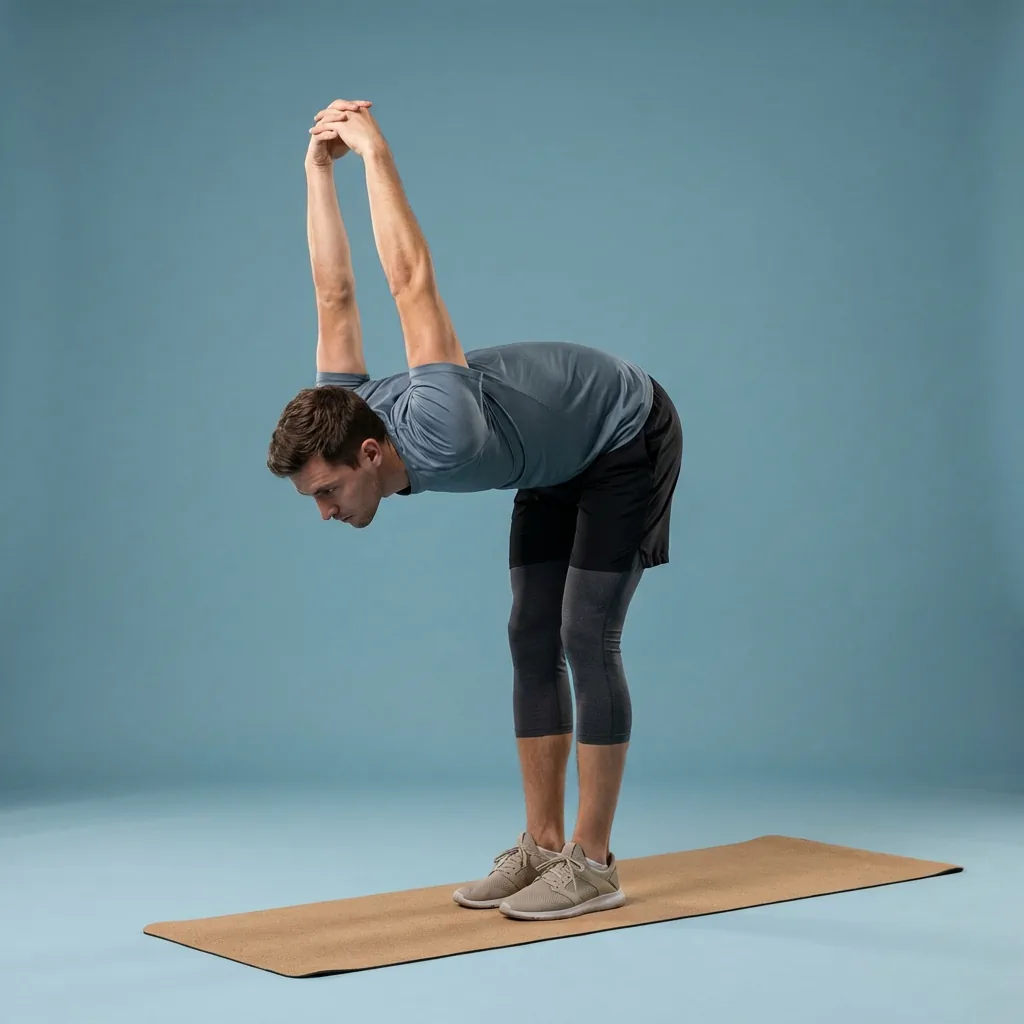
The Flexor home stretching app
Turn a corner of your home into a guided stretching studio.
Home is where most stretching actually happens—before work, between chores, or while something cooks. Flexor is built for that: guided stretching and mobility routines you can follow in a small clear space, with no specialist equipment, matched to the time you have and how experienced you are.
No equipment
Just enough clear floor space and, optionally, a wall or chair.
Any room, any time
Short sessions that fit a bedroom, living room, or hallway.
Guided throughout
Ordered steps with timing, video demonstrations, and spoken cues.
Works offline
Core routines and the player run without a live connection.
A whole stretching app designed for home
You do not need a gym membership, a mat wall, or a spare hour to stretch well. Flexor gives you ready-made guided routines that assume the reality of home practice: a modest amount of floor space, ordinary surroundings, and time that comes in small windows. Open the app, pick a session that fits, and follow the ordered steps rather than improvising a sequence yourself.
This is general fitness and wellness movement you can do at home, not a substitute for professional advice. If a movement is uncomfortable or a health concern applies, adjust the range, choose an easier session, or seek proper guidance.
- Full guided catalogue covering mornings, desk breaks, warm-ups, cool-downs, and winding down.
- Sessions filtered by focus area, difficulty, and the minutes you can spare.
- Optional support from a stable wall or chair, called out in the routine details.
- Core routines, the library, and the guided player available offline.
No equipment, and no clutter to store
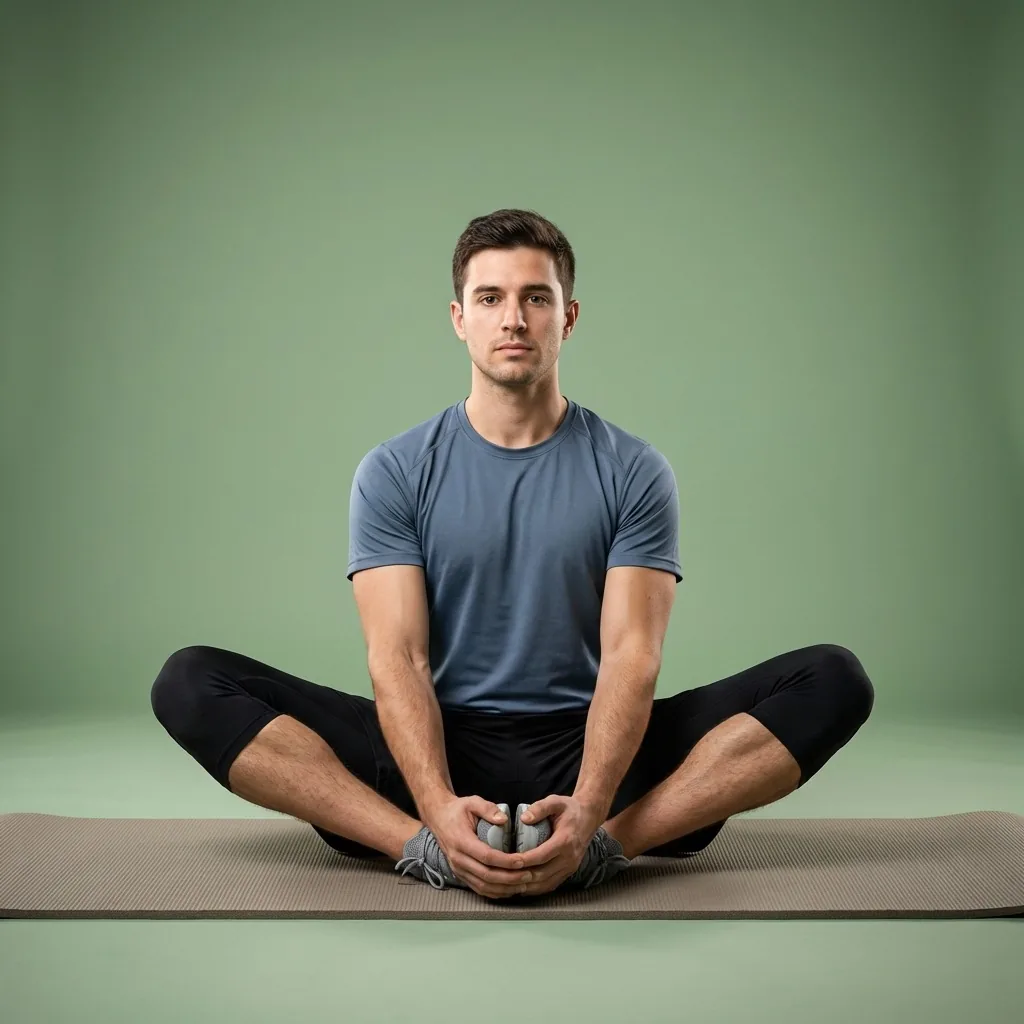
Almost everything in Flexor is designed to work with body weight and a little space. Where a movement can use light support—a wall for balance, a chair for a seated option—the routine says so, so you can set up in seconds and avoid unstable substitutes.
That keeps home stretching low-friction: nothing to buy, nothing to store, and no reason to skip a session because a piece of kit is missing. If floor space is tight, filter for seated or standing routines that stay compact.
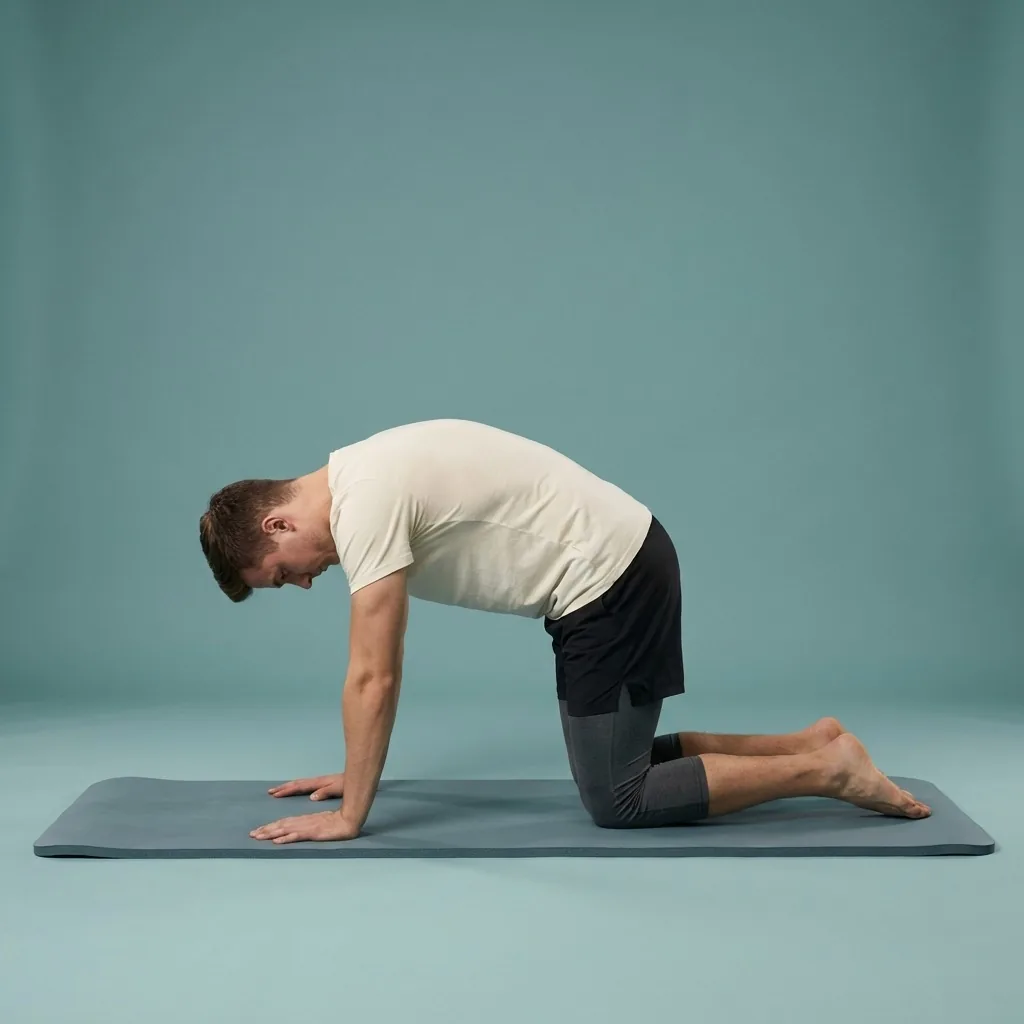
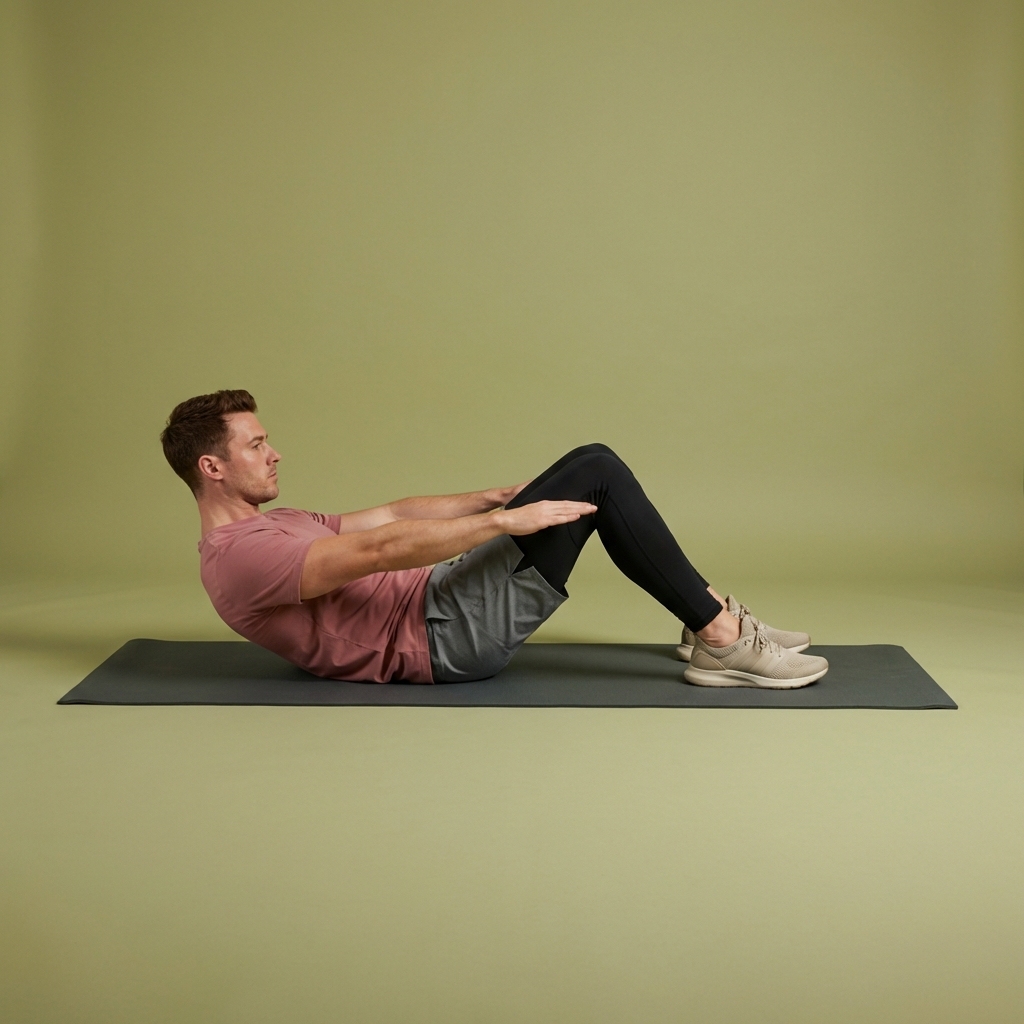
In Flexor: Spinal mobility to counter long periods of sitting.
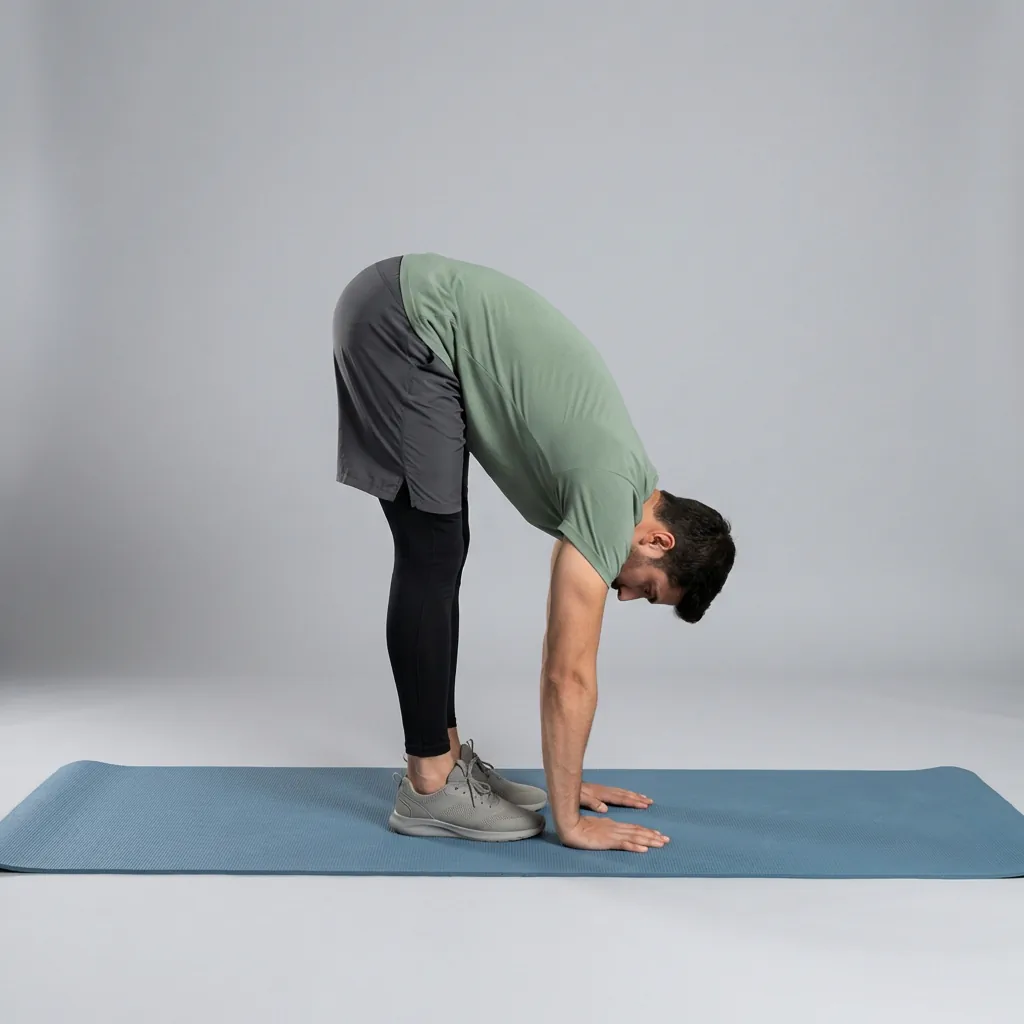
A mat’s worth of space is enough.
Every routine is designed for the floor space you already have, with no specialist equipment.
How Flexor keeps a home habit going
Choose your focus, difficulty, and time, then follow the guided steps with clear cues. Reminders can prompt a session at the times you tend to be at home, and daily recommendations vary the focus so your practice does not become the same three moves every day. Progress and streaks offer quiet encouragement.
Personalisation is built from what you tell the app—your goals, experience, focus areas, available time, and recent sessions. Flexor never scans your body or judges your form, so you always choose the range and pace that feel right at home.
Home app or home routine?
This page is about Flexor as a whole product for people who mainly stretch at home—its features, free plan, and how it fits domestic life. If you just want the practical movement itself, the stretching-at-home goal page focuses purely on no-equipment routines and how to fit them into your space. Start here to see the app; visit that page for the routine.
Sources and further reading
These independent sources support the general guidance on this page. They do not endorse Flexor.
Quick facts
- Space
- A small clear area is enough for most routines
- Equipment
- None required; optional wall or chair, called out per routine
- Guided
- Ordered steps with timing, video demonstrations, and spoken cues
- Offline
- Core routines and the player work from your device without a connection
- Fits home
- Short sessions for the windows you actually get at home
Set up a home session in seconds
-
Clear a small space
Enough room to move safely; tidy any trip hazards nearby.
-
Filter to your space and time
Pick seated, standing, or floor routines and the minutes you can spare.
-
Follow the guided steps
The session plays with timing, demonstrations, and cues—no equipment to fetch.
-
Keep it going
Reminders prompt sessions when you are usually home; streaks show consistency.
Where to start
You want the whole app tailored to home practice
The home stretching app covers features, the free plan, and daily life at home.
You just want no-equipment routines to follow
The stretching-at-home goal page focuses purely on the movement.
You want a general product overview
The stretching app page covers Flexor end to end.
A home session that varies with you
You have a spare ten minutes in the living room between chores. Flexor uses your goals, focus areas, available time, and recent sessions to suggest a compact routine that fits the space—varying the focus so home practice does not become the same three moves.
See how daily recommendations workStretch safely at home
- Give yourself clear space, keep any chair steady, and avoid unstable substitutes for support.
- Adjust the range, choose an easier session, or seek guidance if a movement is uncomfortable.
- Stop if a movement causes pain or concerning symptoms.
This is general fitness and wellness movement, not a substitute for professional advice. If a health concern affects safe movement, seek proper guidance.
Read the full wellness disclaimerRelated routines
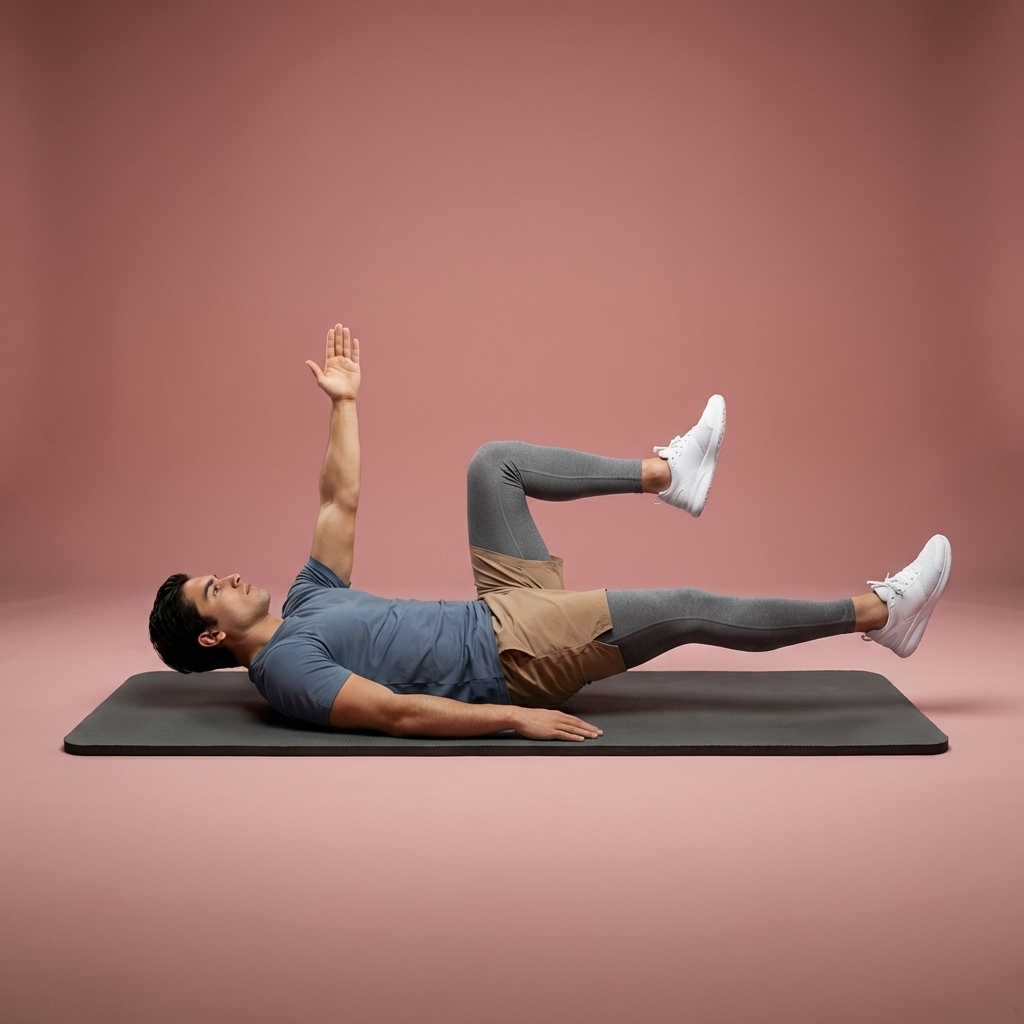
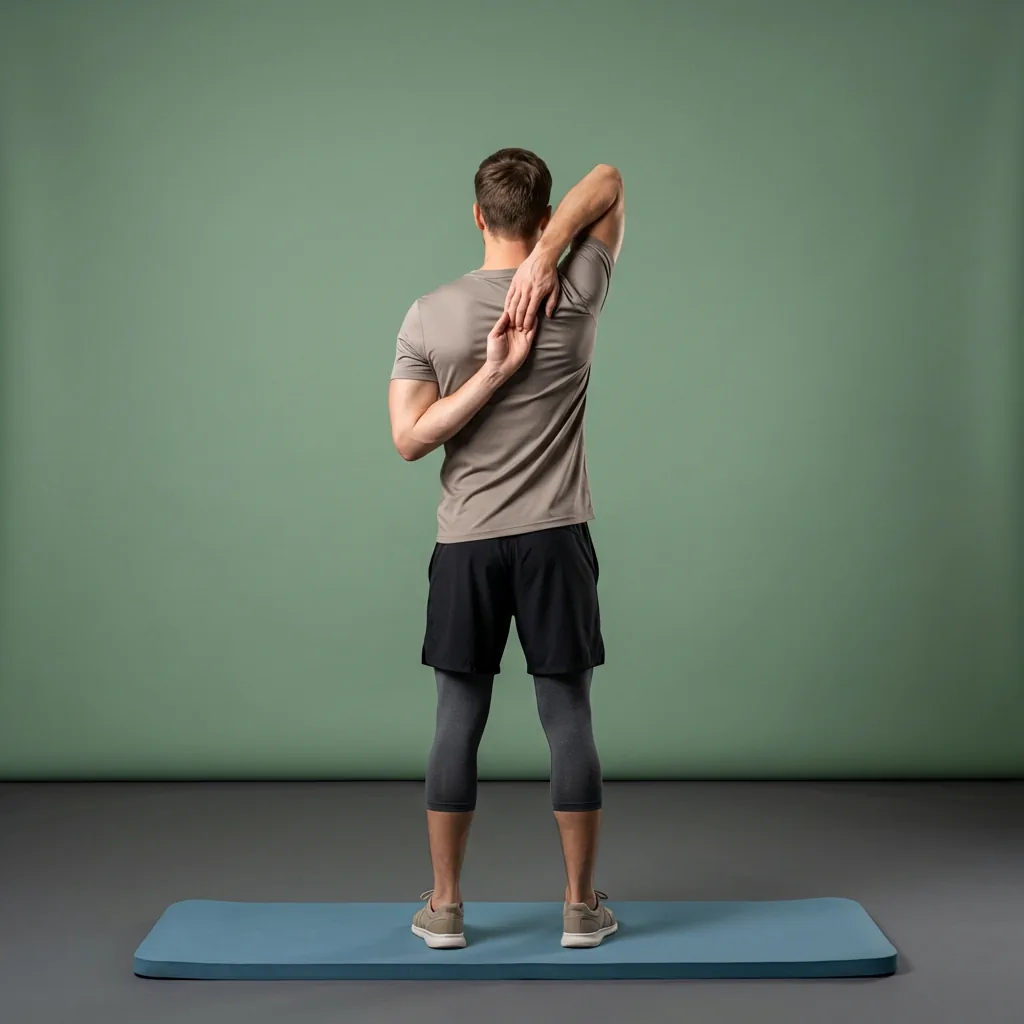
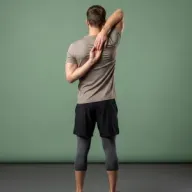
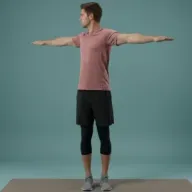
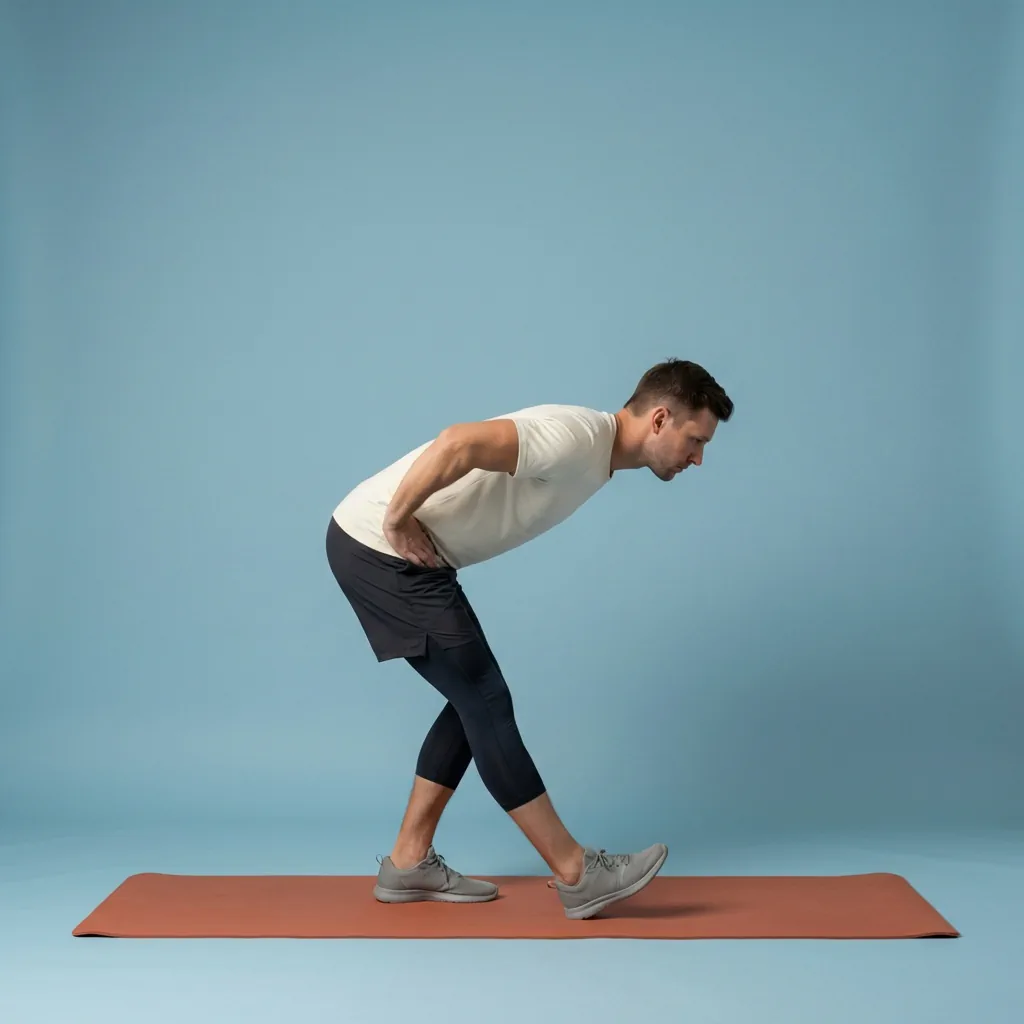
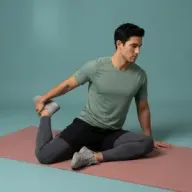
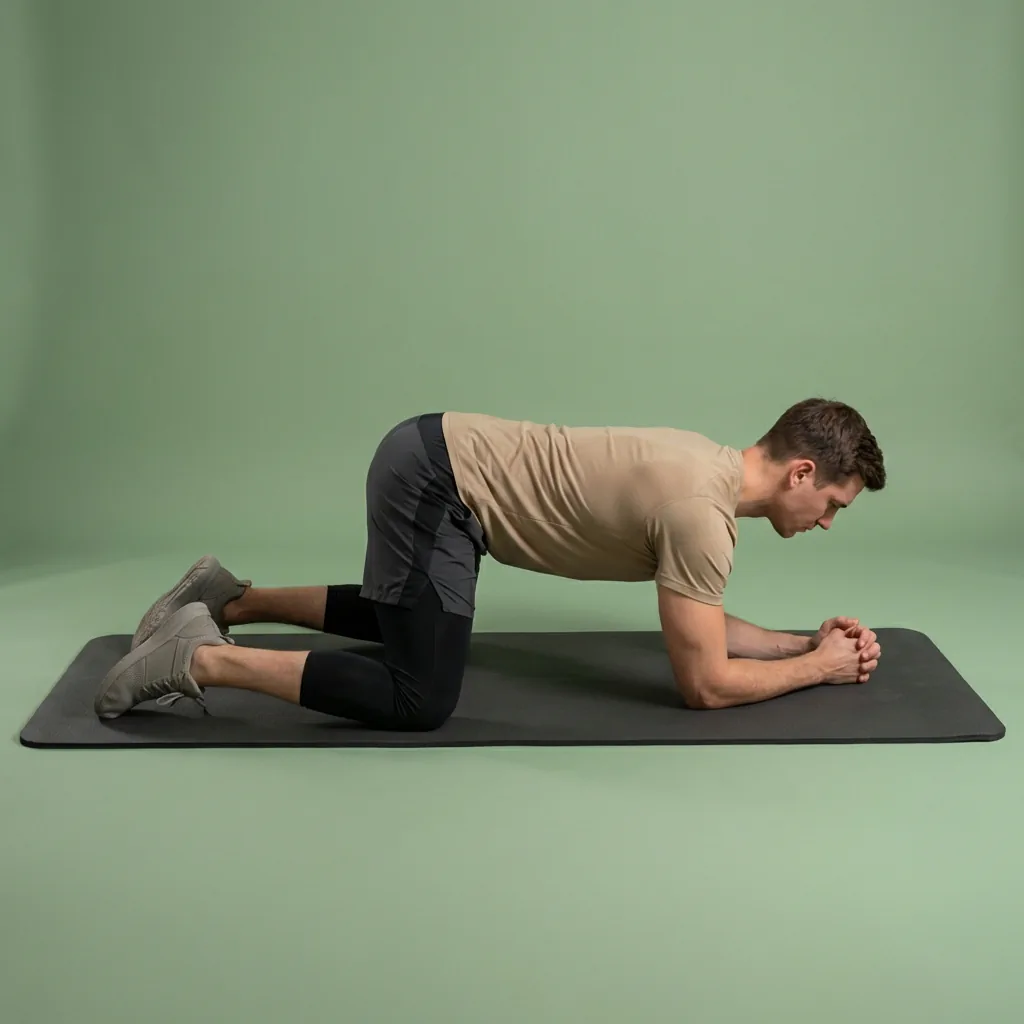
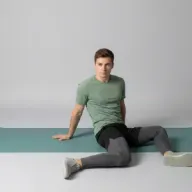
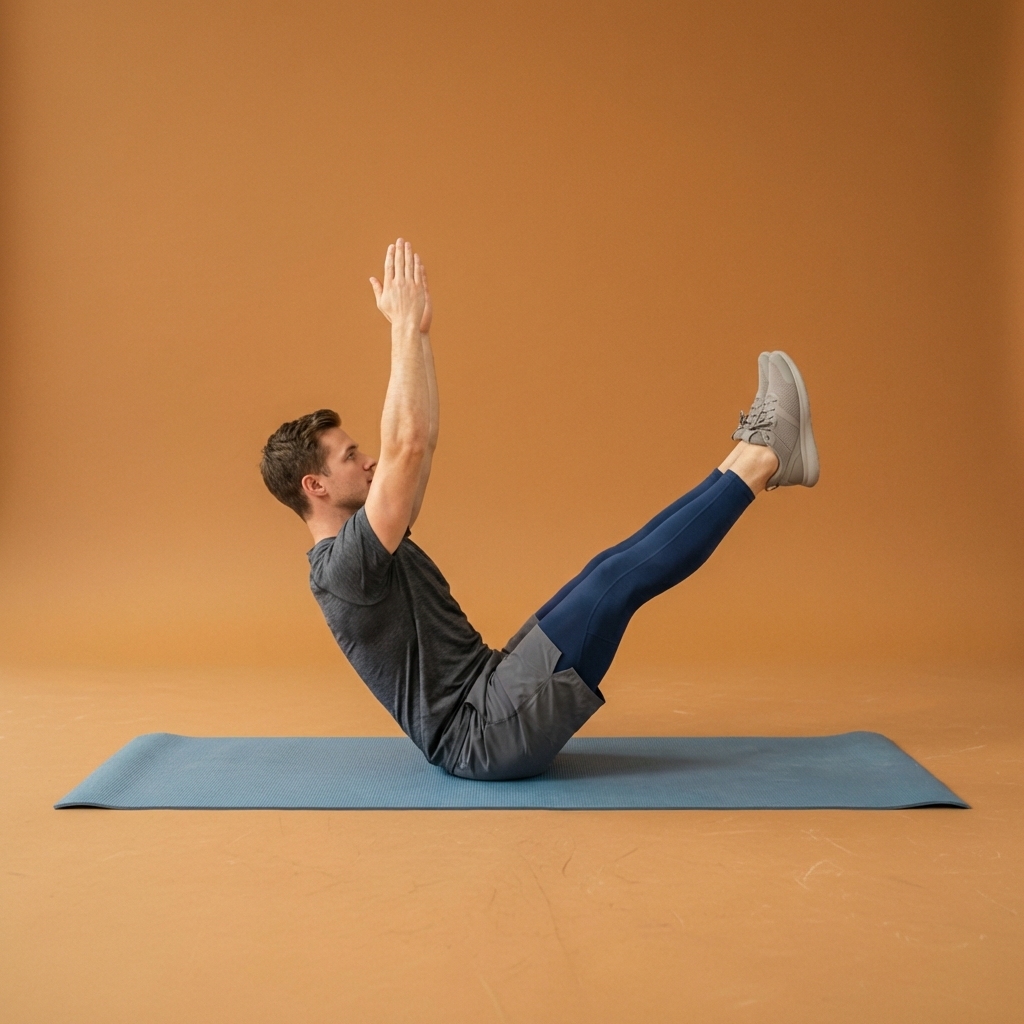
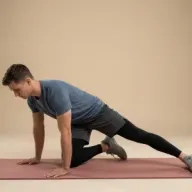
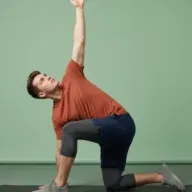
Browse guided Flexor sessions that match this page, then open any routine for steps and cues.




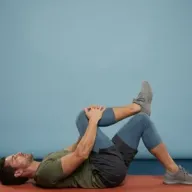
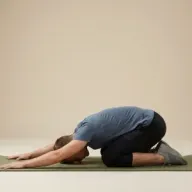
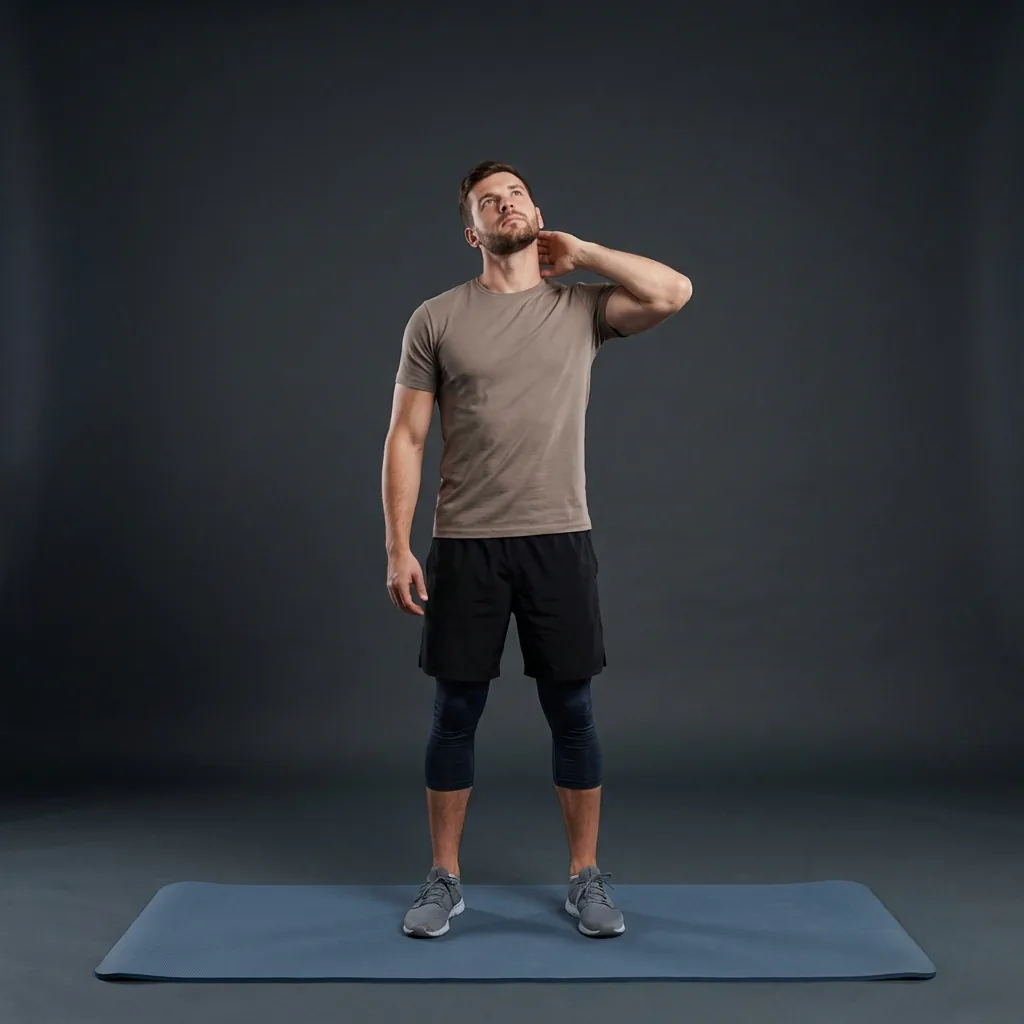
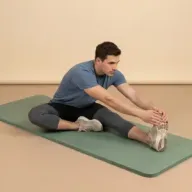


Common questions
Frequently asked questions
Do I need any equipment to use Flexor at home?
No specialist equipment is required for most Flexor routines. You mainly need enough clear space to move safely, and some sessions use optional support such as a stable wall or a chair for balance or a seated option. Each routine's details list anything it expects, so you can prepare the space and avoid unstable substitutes. If space is tight, filter for seated or standing routines that stay compact and still play as fully guided sessions.
How much space do I need to stretch at home?
Enough to lie down and extend your arms and legs is comfortable for most floor routines, but many sessions work in a smaller footprint. Standing and seated routines need only room to move without hitting furniture, so a bedroom, living room, or hallway is usually fine. Clear trip hazards, keep any chair steady, and give yourself a little margin around you. If a movement feels cramped, pick a more compact session rather than forcing it into the space.
Does the home stretching app work without internet?
Yes. Flexor's ready-made routines, exercise guidance, plans, the library, and the guided player all work offline once content is on your device, which suits home use on patchy home Wi-Fi. A connection is only needed for Flexor AI requests and for managing a subscription through the app store. The core experience of choosing and following a guided routine at home does not depend on staying connected throughout the session.
How is this different from the stretching-at-home page?
This page covers Flexor as a whole product for people who mainly stretch at home, including its features, free plan, reminders, and how personalisation fits domestic life. The stretching-at-home page is a goal focused on the movement itself: practical no-equipment routines and how to fit them into your space. Read this page to understand the app, and open the goal page when you simply want the routine to follow today.
Keep exploring
More guides on stretching, mobility, routines, and Flexor features.
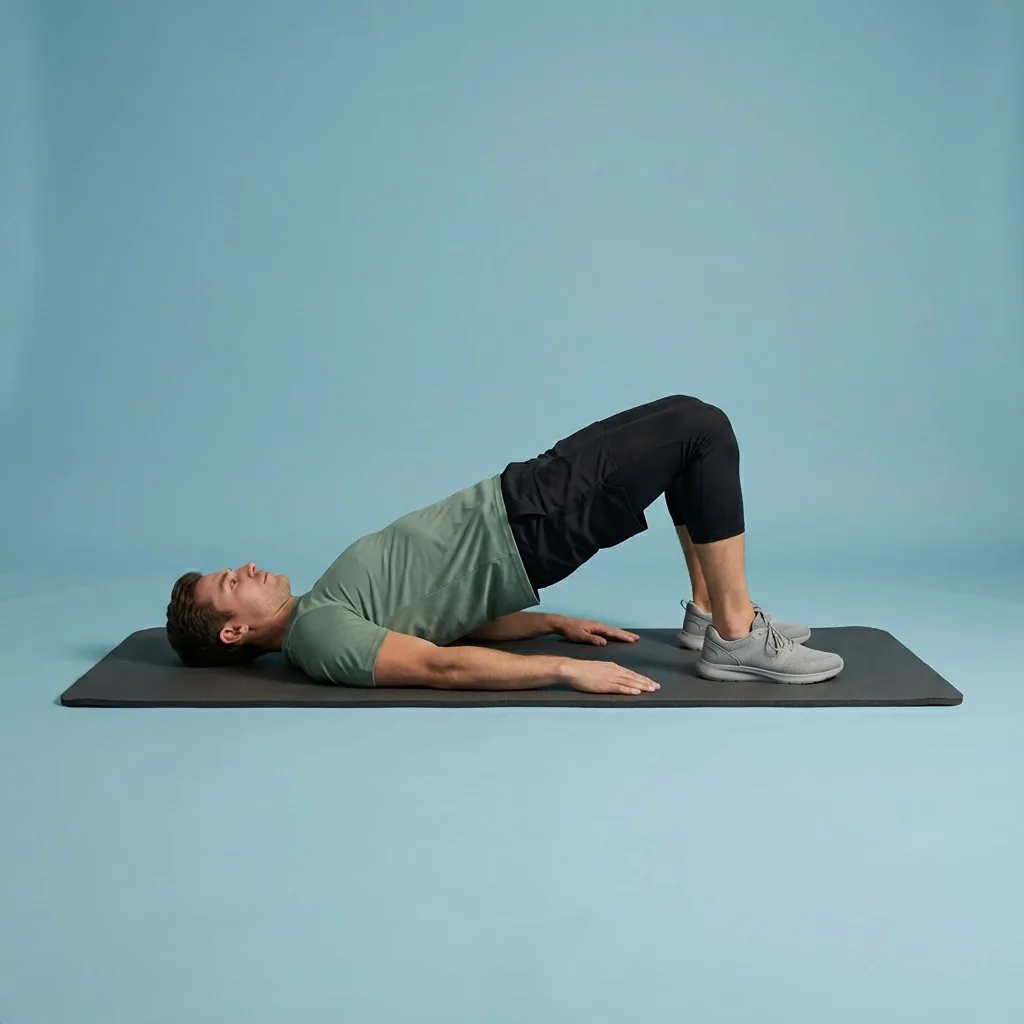
Stretching at home
Stretch at home with simple, guided, no-equipment routines.
Follow simple stretching and mobility routines at home using clear demonstrations, flexible durations and no specialist...
Read more Free guided stretching exercises app
A full stretching and mobility app—free to download, ready to use.
Download Flexor free—guided stretching routines, multi-day plans, daily recommendations, reminders, and offline access....
Read more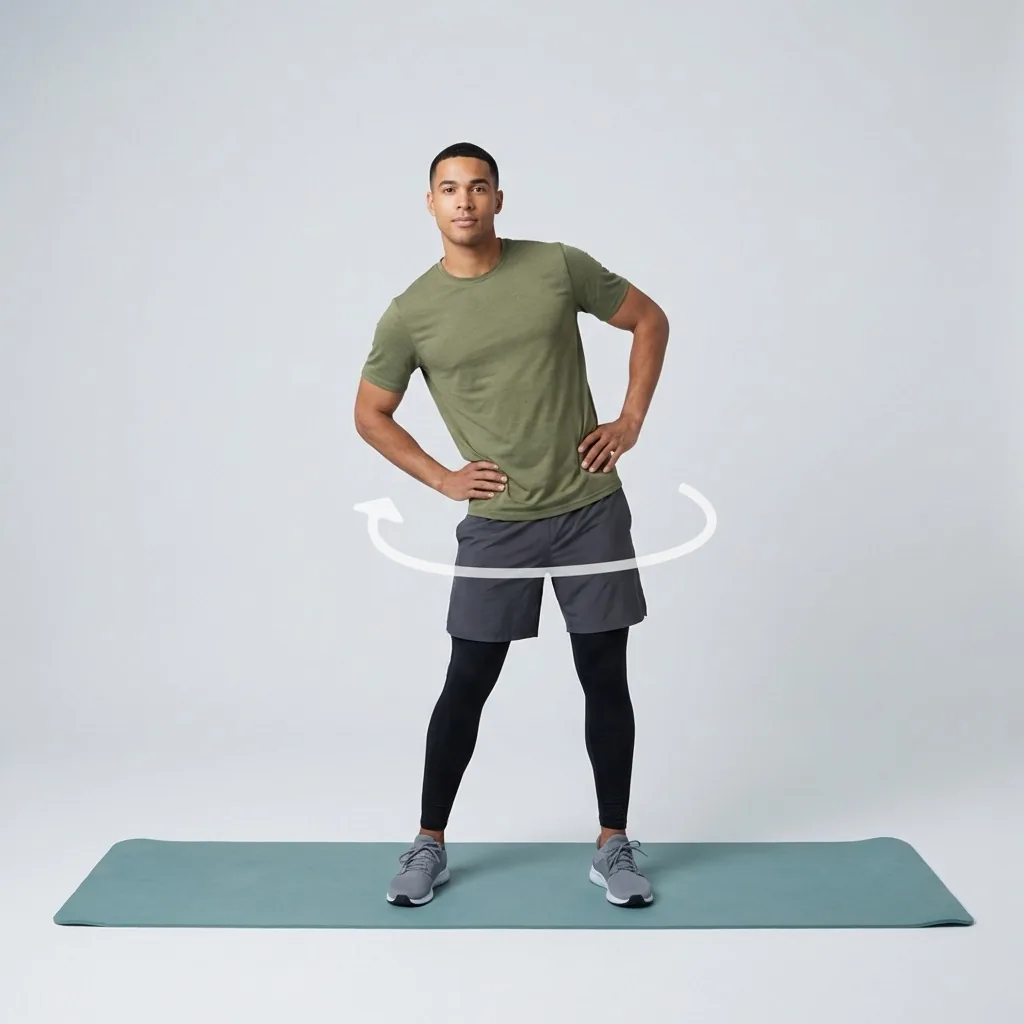
Mobility for fitness and everyday movement
Build controlled, usable movement—one short guided session at a time.
Improve mobility with guided routines, progress tracking and personalised daily recommendations designed around how you...
Read more