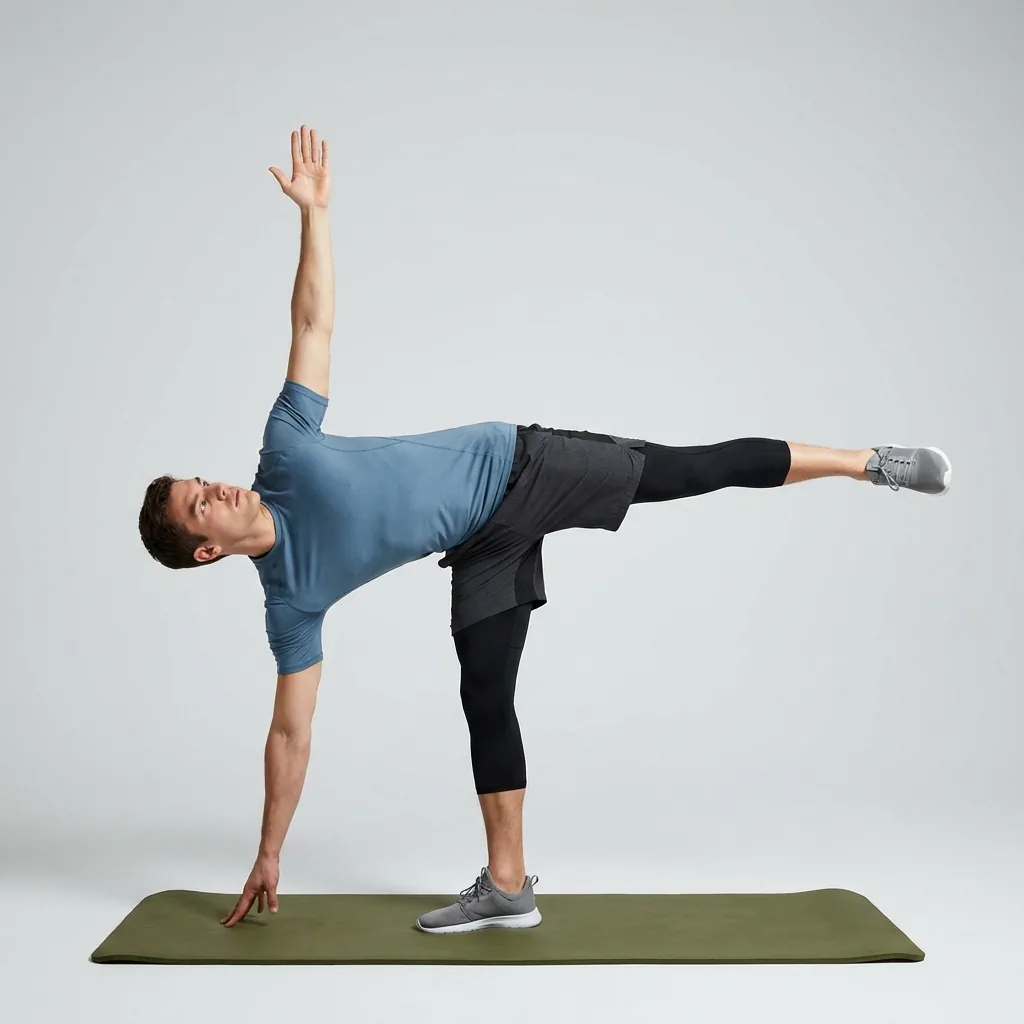
Personalised to how you move
A stretching app that adapts to you—not the other way around.
Generic routines ignore what makes your week different. Flexor personalises what it shows you from your goals, experience, the time you actually have, the areas you care about, and the sessions you have recently done—so opening the app feels like it already knows where to point you.
Today, for you
A relevant session suggested from your goals and recent activity.
Fits your time
Short or longer routines matched to the minutes you have now.
Balances your focus
Nudges toward areas you have been skipping, not just repeats.
Grows with you
Difficulty and recommendations shift as your experience changes.
Personalisation you can actually feel
Most apps call themselves personalised but hand everyone the same front page. Flexor's home surface changes based on you: what you set out to work on, how experienced you are, how much time you have, the body areas you have chosen, and what you completed recently. The result is a shortlist worth doing rather than a catalogue to scroll.
This matters because the sessions you skip are usually the ones you had to hunt for. When the right routine is already in front of you, consistency stops depending on willpower.
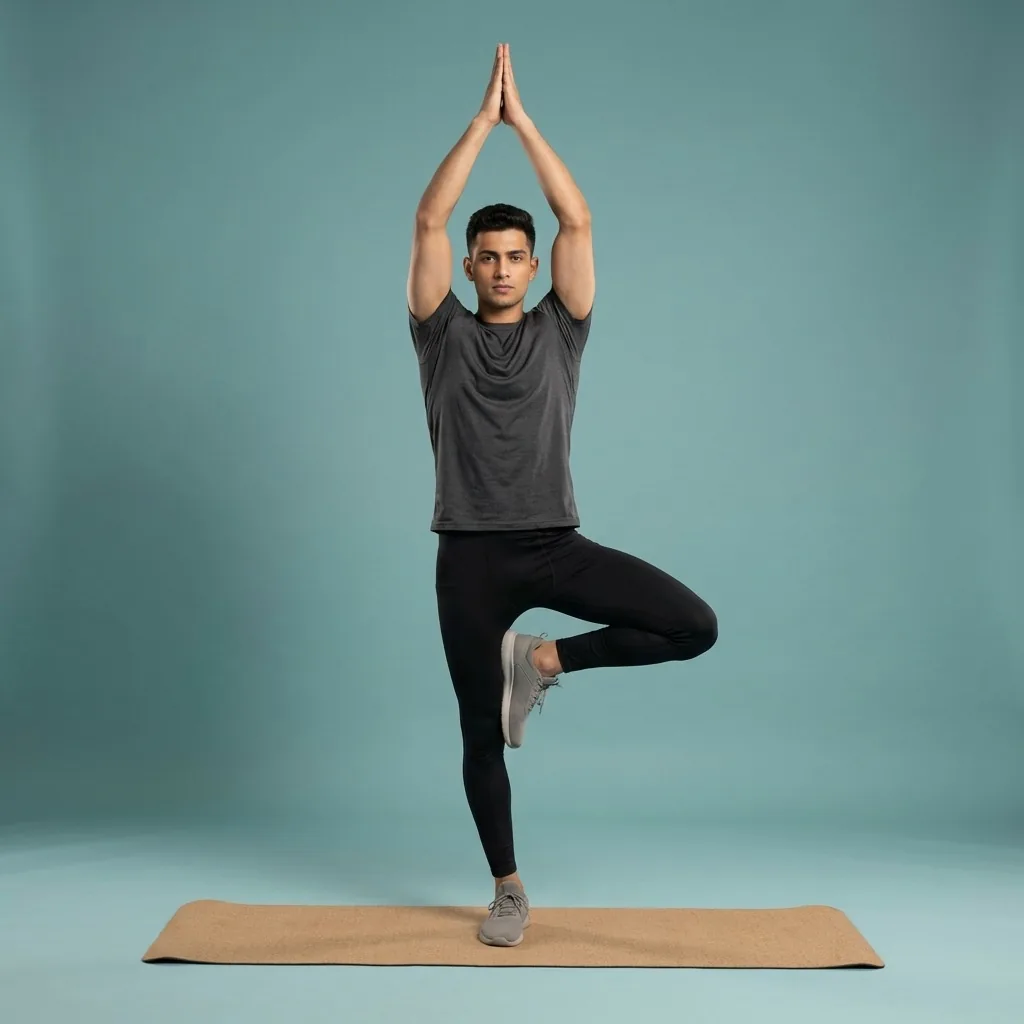
What Flexor uses to adapt
Personalisation is built entirely from inputs you provide and control:
- Your goals—daily movement, flexibility, mobility, warm-up, cool-down, or recovery.
- Your experience level, so difficulty starts and progresses sensibly.
- The time you have today, from a few minutes to a longer session.
- The focus areas you care about, and the sessions you have recently completed.
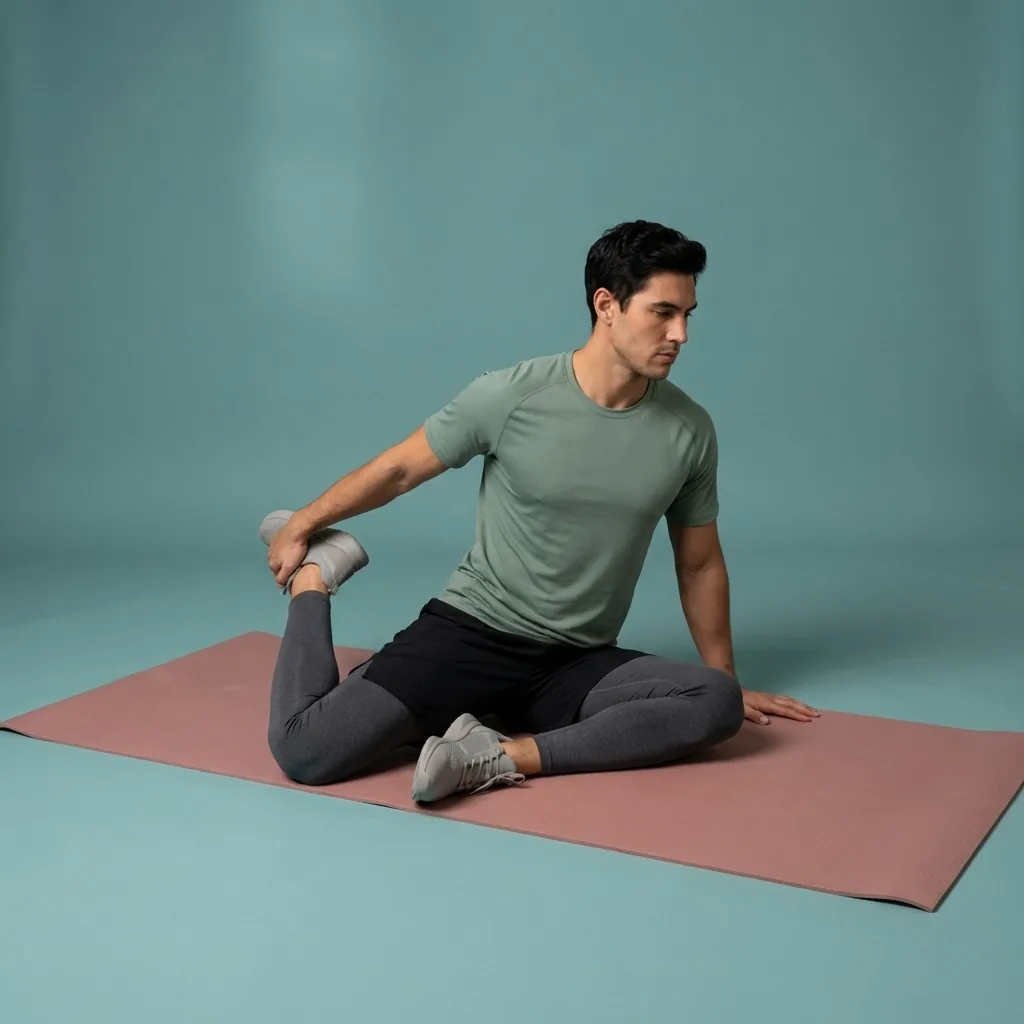
In Flexor: Hip-focused mobility for desk days and training.
Shaped by what you tell it.
Goals, experience, focus areas, time, and recent sessions. No camera, no body scan, no form grading.
It keeps your training balanced
Left to our own devices, we all repeat our favourites. Flexor notices when you have hit the same areas repeatedly and can suggest under-trained ones, so your week stays balanced instead of lopsided toward whatever felt good on Monday.
You are always free to override it. The recommendations are a helpful default, not a cage—browse the full library by body area, goal, sport, difficulty, and duration whenever you want to choose for yourself.
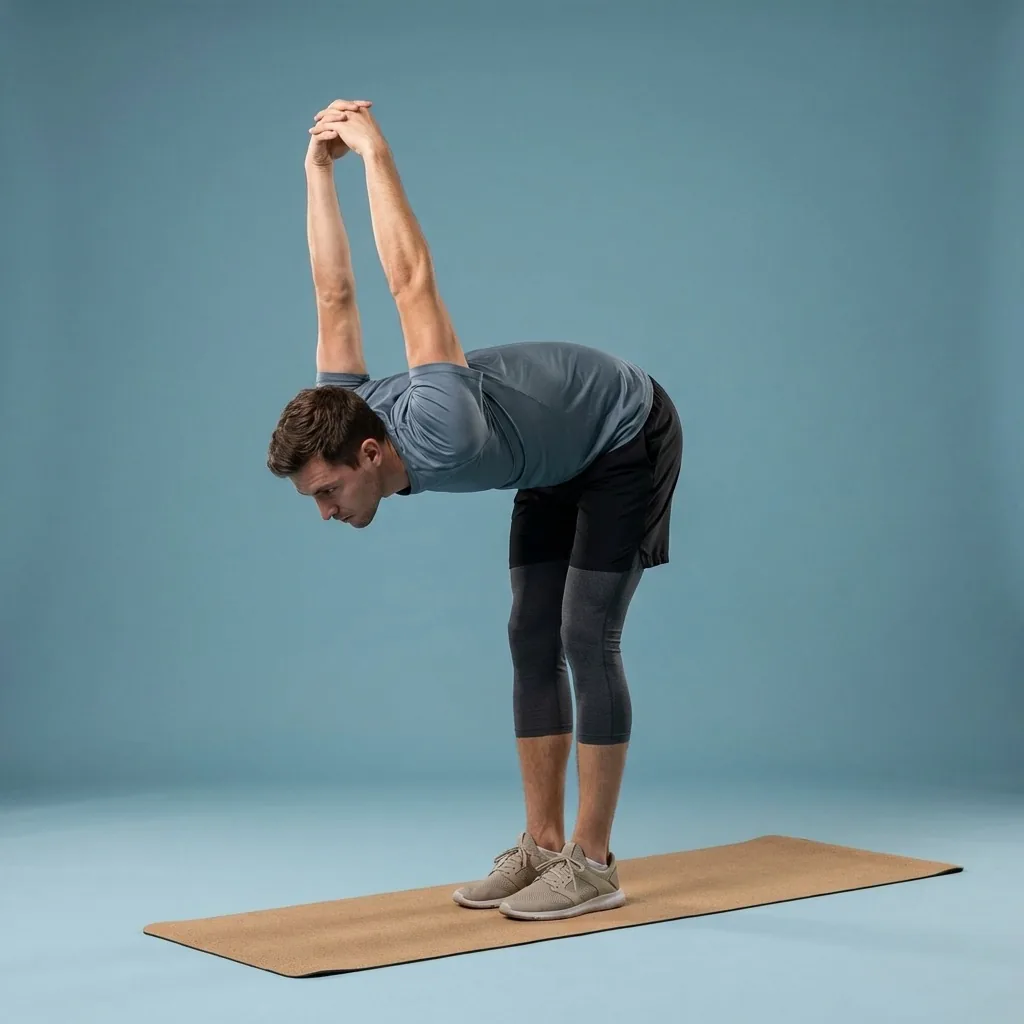
Personalisation from inputs, not from watching you
Flexor adapts using the information you give it. It does not use a camera or sensor to scan your body, grade your posture, or run a mobility assessment, and it does not tailor movement to a medical condition.
That keeps you in charge of range and intensity. No app can feel how a stretch lands, so use a comfortable range, move with control, and stop if a movement causes pain or concerning symptoms. This is general wellness guidance, not medical care.
Quick facts
- Basis
- Your goals, experience, available time, focus areas, and recent sessions
- No body tracking
- No camera, sensor, or mobility assessment
- Balance
- Nudges you toward areas you have been skipping
- Control
- Override anytime and browse the full library yourself
- Grows with you
- Difficulty and recommendations shift as your experience changes
How personalisation takes shape
-
Set goals and experience
Tell Flexor what you want to work on and how experienced you are.
-
Choose focus areas and time
Pick the body areas you care about and how long you usually have.
-
Open to a tailored shortlist
The home surface suggests a relevant session for today rather than a full catalogue.
-
Override whenever you like
Browse everything by body area, goal, sport, difficulty, and duration.
Where to start
You want the app to quietly tailor what you see
The personalised stretching app does this from your profile and recent sessions.
You want to actively request a routine on demand
The AI stretching app builds one from a plain-language request.
You want a repeatable daily habit loop
The daily stretching app focuses on one relevant session each day.
What a personalised home surface feels like
It is Wednesday, you have twenty minutes, and you have leaned on hips all week. Flexor combines your profile with recent activity to put a balanced, right-length session in front of you—so consistency stops depending on willpower.
See how daily recommendations workPersonalised from inputs, not from watching you
- Personalisation uses information you provide, not a camera, sensor, or body scan.
- Flexor does not tailor movement to a medical condition—you stay in charge of range and intensity.
- Use a comfortable range, move with control, and stop if a movement causes pain or concerning symptoms.
This is general wellness guidance, not medical care. Seek professional advice if an injury or health condition affects safe movement.
Read the full wellness disclaimerRelated routines
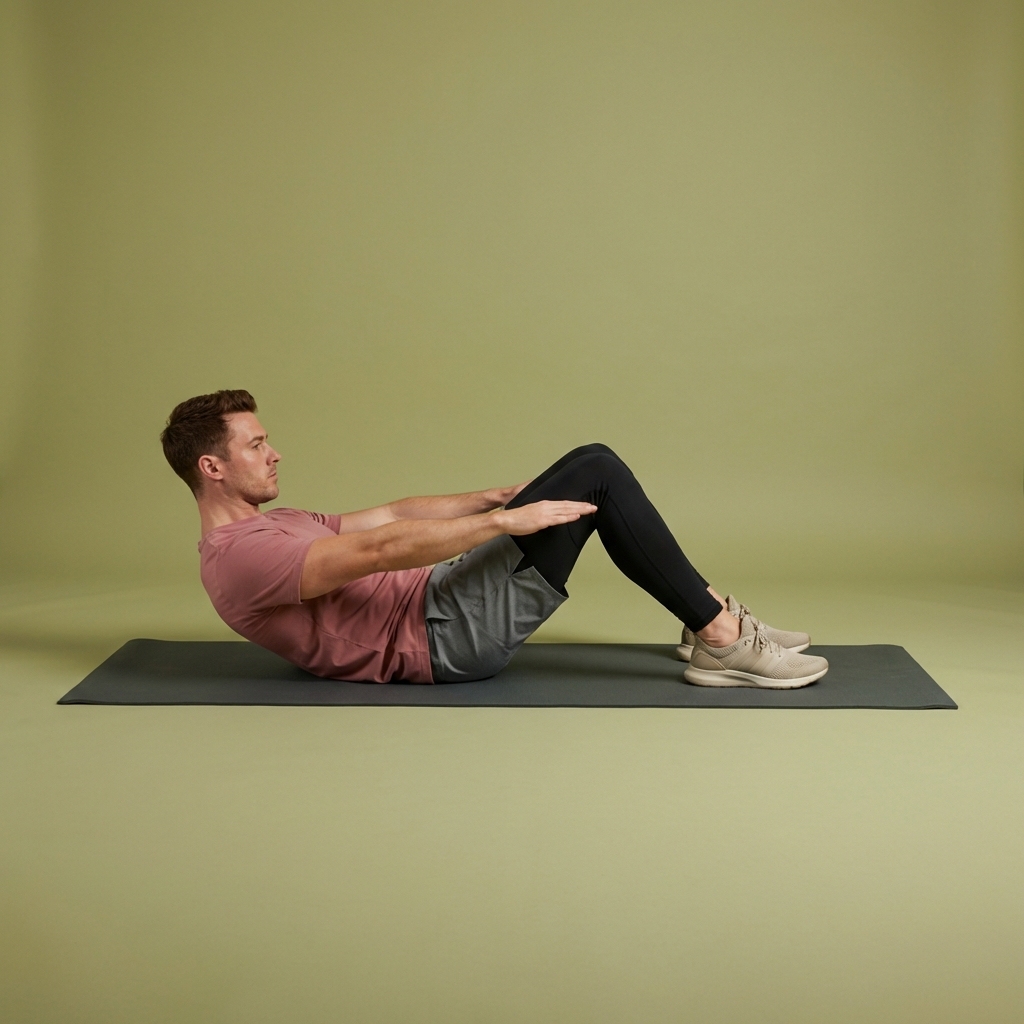
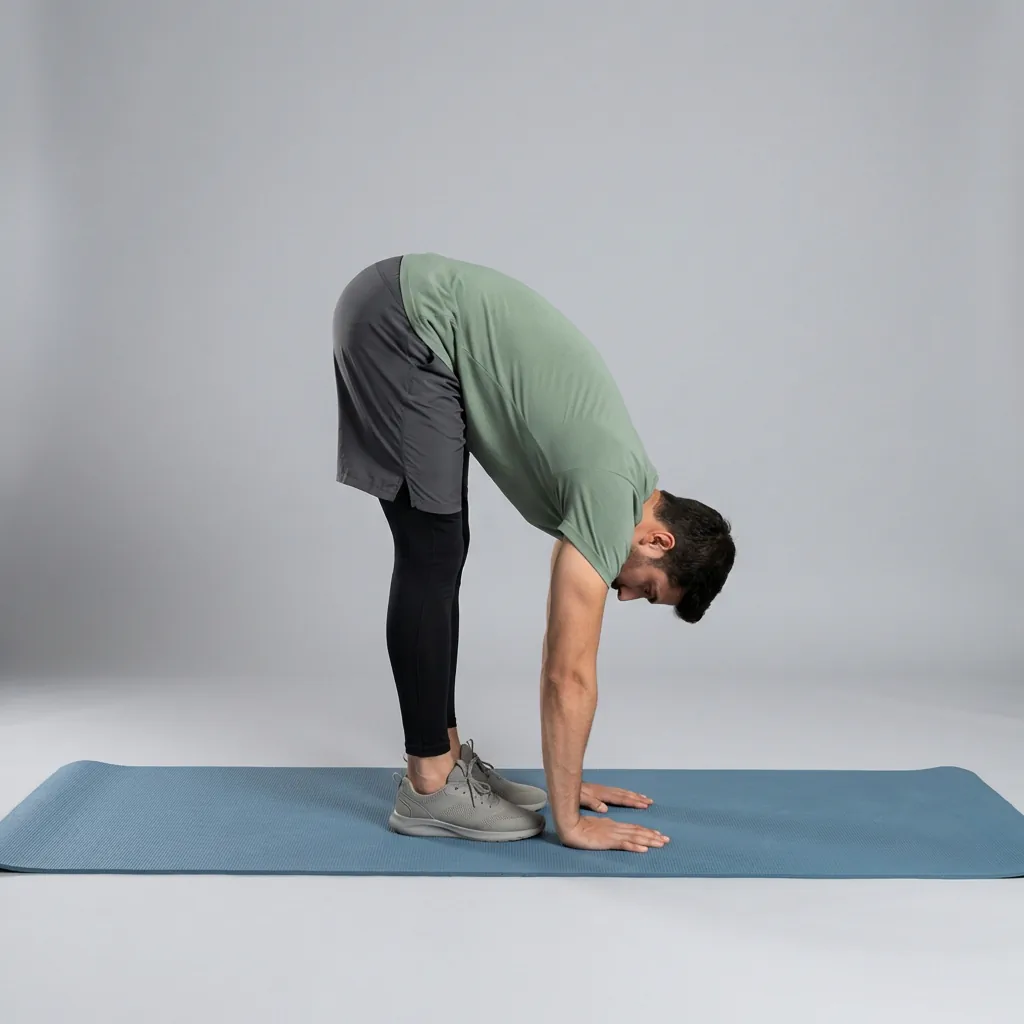
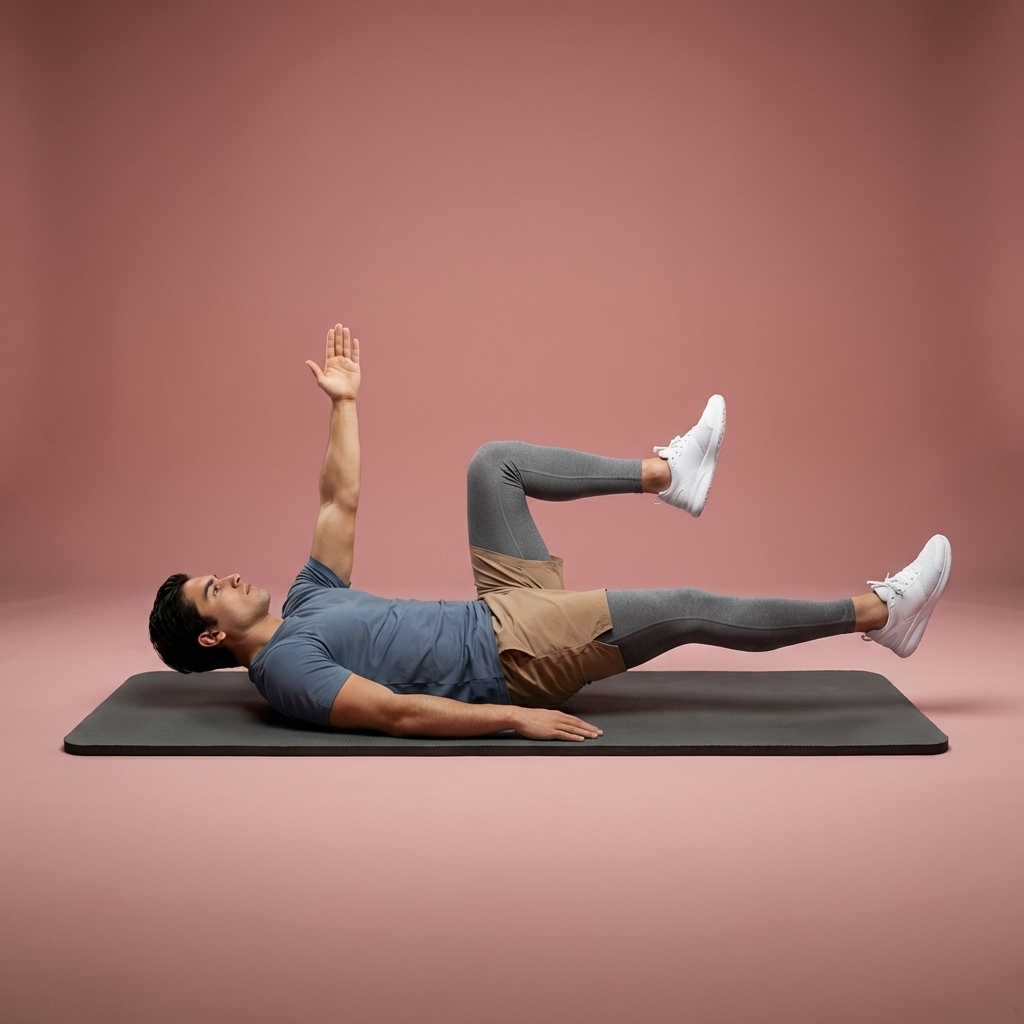
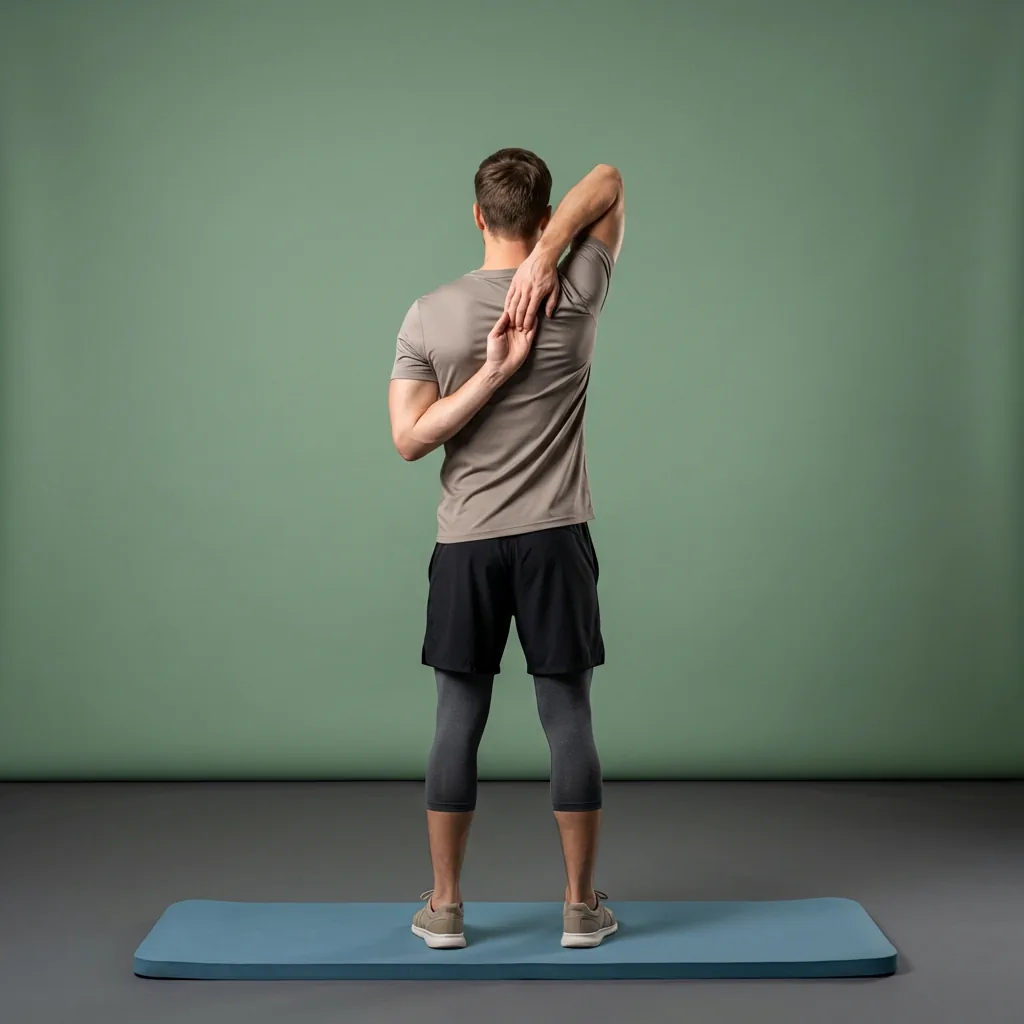
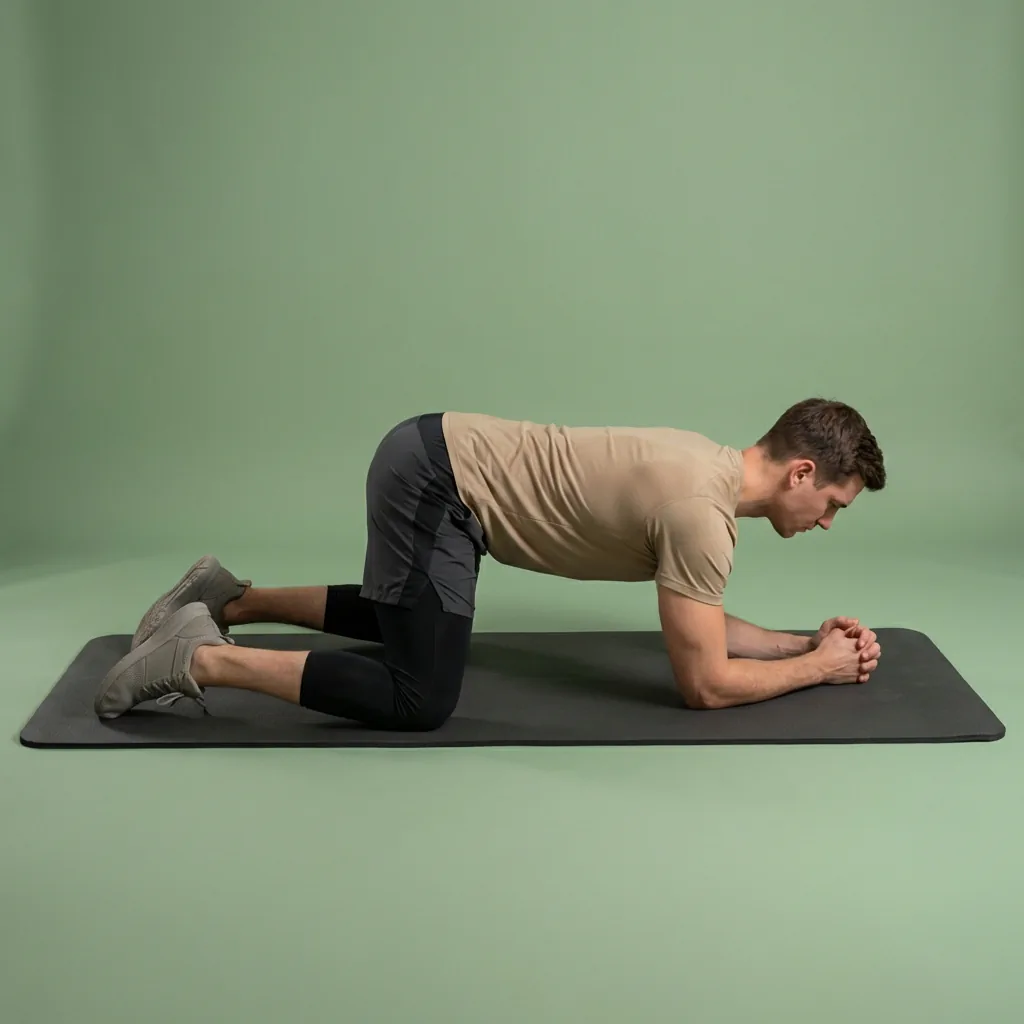
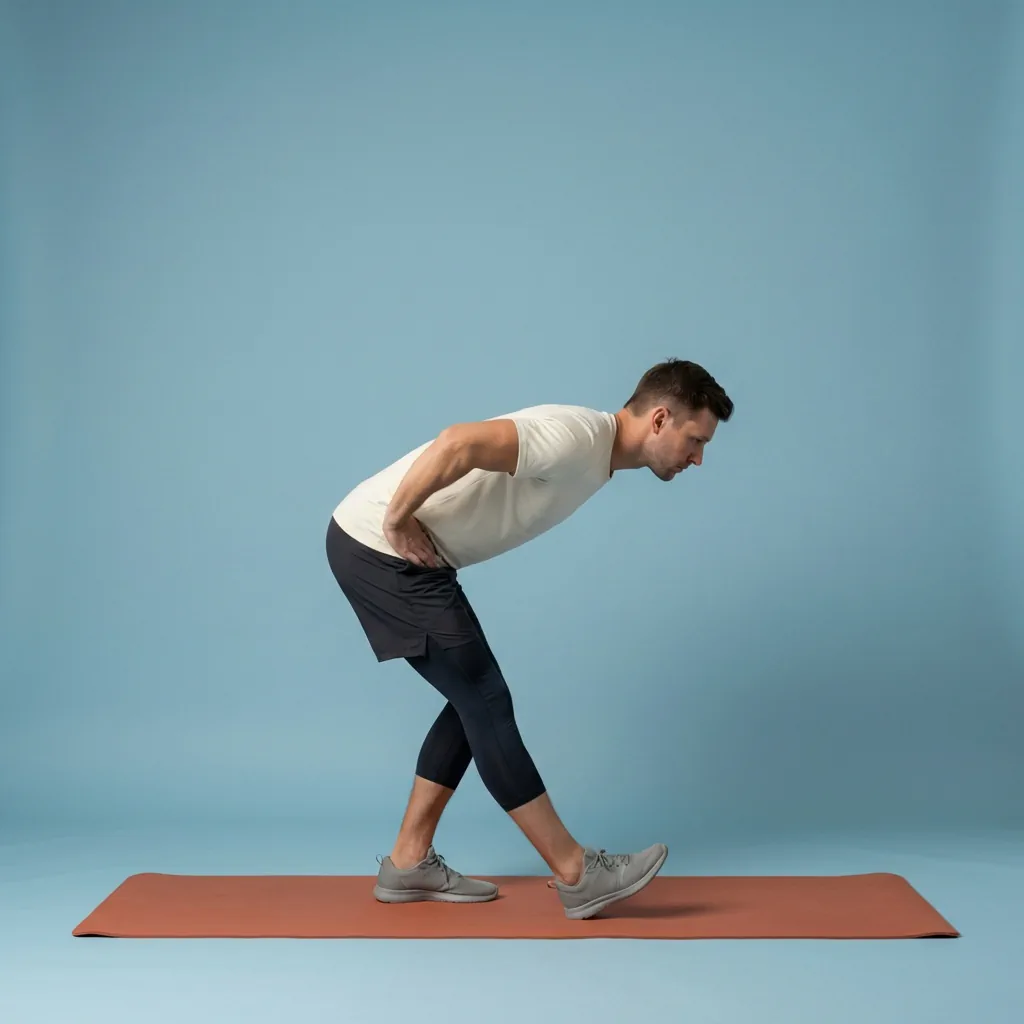
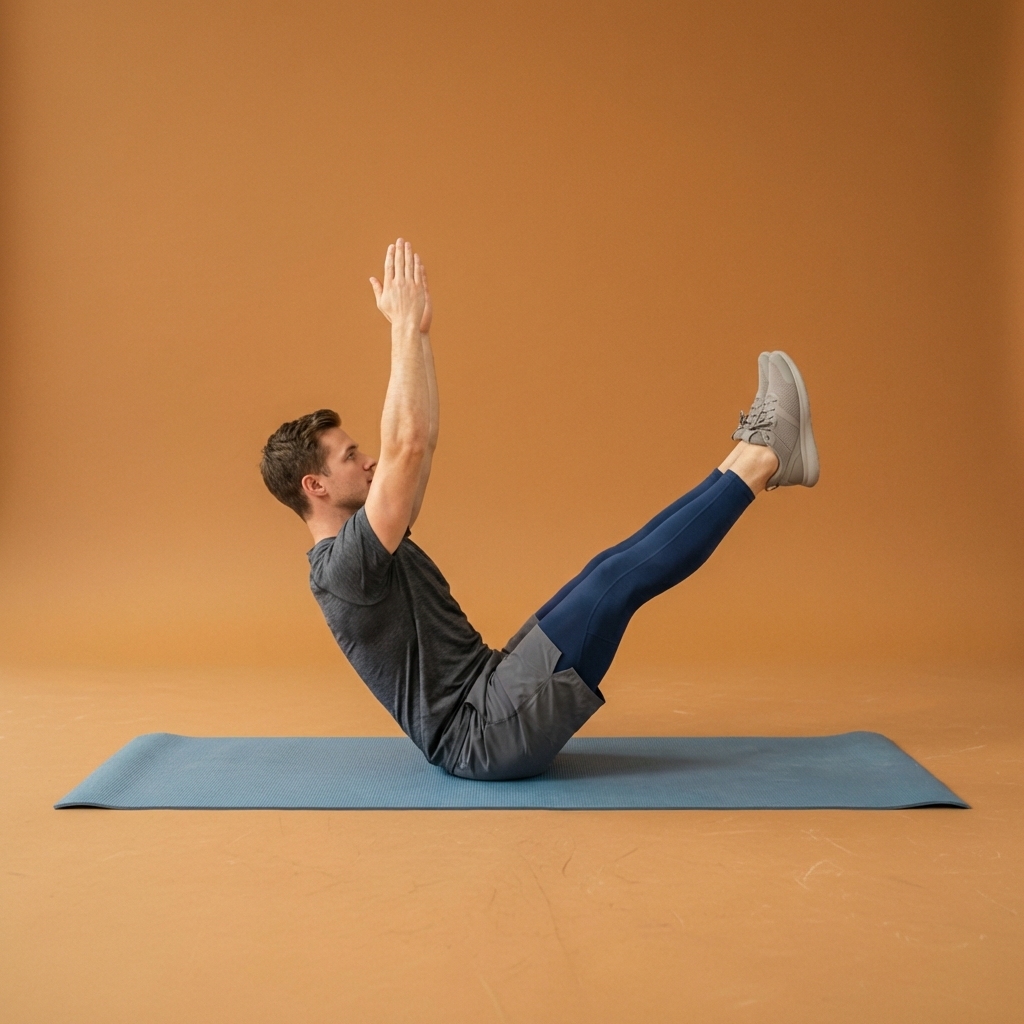
Browse guided Flexor sessions that match this page, then open any routine for steps and cues.






























Common questions
Frequently asked questions
How does Flexor personalise what it shows me?
Flexor uses the information you provide: your goals, experience level, available time, chosen focus areas, and the sessions you have recently completed. It combines those to suggest a relevant session for today and to keep the library ordered around what you are trying to achieve. The more you use it, the more your recent activity shapes recommendations. You can always ignore the suggestions and browse everything manually whenever you prefer to choose yourself.
Does personalisation mean Flexor tracks my body or posture?
No. Personalisation is built from inputs you give the app, not from observing you. Flexor does not use a camera or sensor to measure your body, grade your form, or assess your mobility, and it does not tailor routines to a medical condition. This keeps you in control of the range and intensity you use. Because no app can feel how a movement lands, move within a comfortable range and stop if anything causes pain or concerning symptoms.
Can I turn off recommendations and just choose my own routines?
Yes. The personalised suggestions are a convenient default, not a requirement. You can browse the full routine library by body area, goal, sport, difficulty, and duration, save favourites, build custom routines, and follow curated multi-day plans without ever using a recommendation. Personalisation simply makes the app quicker to open and act on when you do not feel like deciding, while leaving full manual control available at any time.
How is this different from the AI stretching features?
Personalisation quietly shapes what Flexor shows you based on your profile and recent sessions, so the home surface stays relevant without you asking. The AI features are something you actively invoke—describe a routine you want and Flexor creates or recommends one from its library. They work well together: personalisation keeps everyday browsing tailored, and AI steps in when you want a specific session built to order rather than picked from a list.
Keep exploring
More guides on stretching, mobility, routines, and Flexor features.
AI that helps you start
Tell Flexor what you need. Get a guided routine you can start now.
Describe what you need and let Flexor create or recommend a guided stretching or mobility routine from its structured ex...
Read more A stretch worth doing, every day
The daily stretch you'll actually keep doing.
Get a relevant stretching session each day based on your goals, focus areas, constraints, experience and previous Flexor...
Read more Your digital stretching coach
Structure, guidance, and consistency—without a live coach.
Use Flexor as a digital stretching coach with guided routines, reminders, personalisation and progress features that sup...
Read more AI routine generator
Describe what you need. Flexor AI drafts the routine.
Create or find a stretching and mobility routine from your goals, focus areas, time, experience and constraints using Fl...
Read more Free guided stretching exercises app
A full stretching and mobility app—free to download, ready to use.
Download Flexor free—guided stretching routines, multi-day plans, daily recommendations, reminders, and offline access....
Read more