
AI that helps you start
Tell Flexor what you need. Get a guided routine you can start now.
The hardest part of stretching is deciding what to do. Flexor's AI removes that friction: describe your goal, focus, and the time you have, and it creates or recommends a guided routine from a structured library of real exercises—ready to follow, not a wall of options to sift through.
Describe it plainly
“Short hip and hamstring stretch before work” is enough to begin.
Get a real routine
Built from Flexor's structured library, with timing and guidance.
You stay in control
Review, swap, or adjust before you start—and browse manually anytime.
Free to try
A monthly allowance of Flexor AI credits is included at no cost.
Why an AI stretching app is worth it
A big library is only useful if you can find the right thing in it. Most people open a stretching app, feel unsure what to pick, and default to the same three moves—or close it. Flexor's AI solves the decision problem: you say what you want in plain language, and it returns a coherent guided routine instead of a list you still have to assemble.
That is the real value. Not novelty, but momentum—turning “I should stretch” into a session that is already sequenced, timed, and ready to follow.

Built from a structured library, not invented on the spot
Flexor's AI draws on the same catalogue of real exercises and routines you can browse yourself, each with demonstrations, timing, and cues. It selects and orders movements to match your request rather than fabricating unfamiliar poses, so what you get is grounded in vetted content.
You can ask it to create something new for a specific need or to recommend an existing routine that already fits. Either way, you can review the result, swap pieces you do not like, and save it for next time.

In Flexor: Full-body sessions with clear stand-out shapes.
Describe the session. Then start it.
Flexor AI turns a plain-language request into a guided routine with ordered steps, timing, and cues.
What it uses—and what it does not
Flexor personalises from what you provide: your goal, focus areas, experience level, available time, and any constraints you mention. The more specific your request, the more relevant the routine.
It does not scan your body, judge your form, diagnose pain, or assess an injury. AI here is a discovery and planning aid for general wellness movement—not a clinician. Treat every suggestion as a starting point, use a comfortable range, and stop if a movement causes pain or concerning symptoms.
AI is optional, and the free plan lets you try it
You never have to use the assistant. You can browse routines by body area, goal, sport, difficulty, and duration, build custom routines, and follow multi-day plans without asking it anything. AI is there for the moments you do not want to decide.
The free plan includes a monthly allowance of Flexor AI credits so you can try it at no cost, and optional Premium adds a larger allowance for people who lean on it often. Want the mechanics? The AI routines feature page explains exactly how a request becomes a routine.
Quick facts
- What it does
- Turns a plain-language request into a guided routine
- Source
- Built from Flexor's structured library of real exercises
- Control
- Review, swap, and adjust before you start
- Cost
- A free monthly AI allowance; a larger allowance in Premium
- Limits
- No body scan, form judgement, or diagnosis
From a request to a routine
-
Describe what you need
State your goal, focus areas, experience, and the time you have.
-
Flexor builds or recommends
It selects and orders real exercises from the library to match your request.
-
Review and adjust
Swap anything you do not like and set a comfortable difficulty.
-
Save and follow
Start the guided session and keep it for next time.
Where to start
You want to describe a session and have one built to order
The AI stretching app is exactly that.
You want the app to quietly tailor everyday browsing
The personalised stretching app shapes the home surface from your profile.
You want the underlying mechanics explained
The AI routines feature page walks through request-to-routine.
How Flexor's AI tailors a routine
You type “short hip and hamstring stretch before work”. Flexor reads your goal, focus, and time, then assembles a coherent, timed routine from vetted content you can review before you begin.
See how AI routines workAI suggestions are a starting point
- Flexor's AI aids discovery and planning for general wellness movement—it is not a clinician.
- It does not scan your body, judge your form, diagnose pain, or assess an injury.
- Treat each suggestion as a starting point, use a comfortable range, and stop if a movement causes pain or concerning symptoms.
Seek advice from a qualified professional when pain, an injury, or a health condition affects whether it is safe for you to take part.
Read the full wellness disclaimerRelated routines
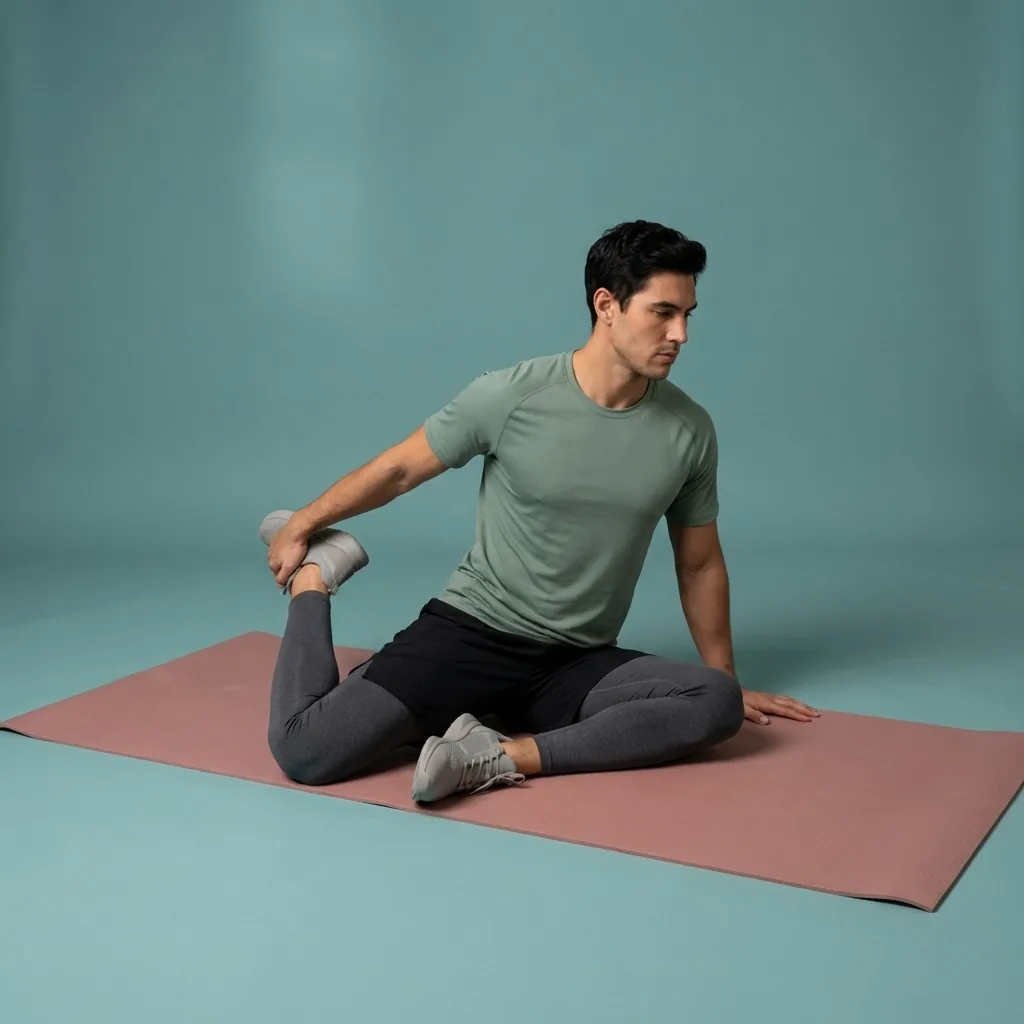
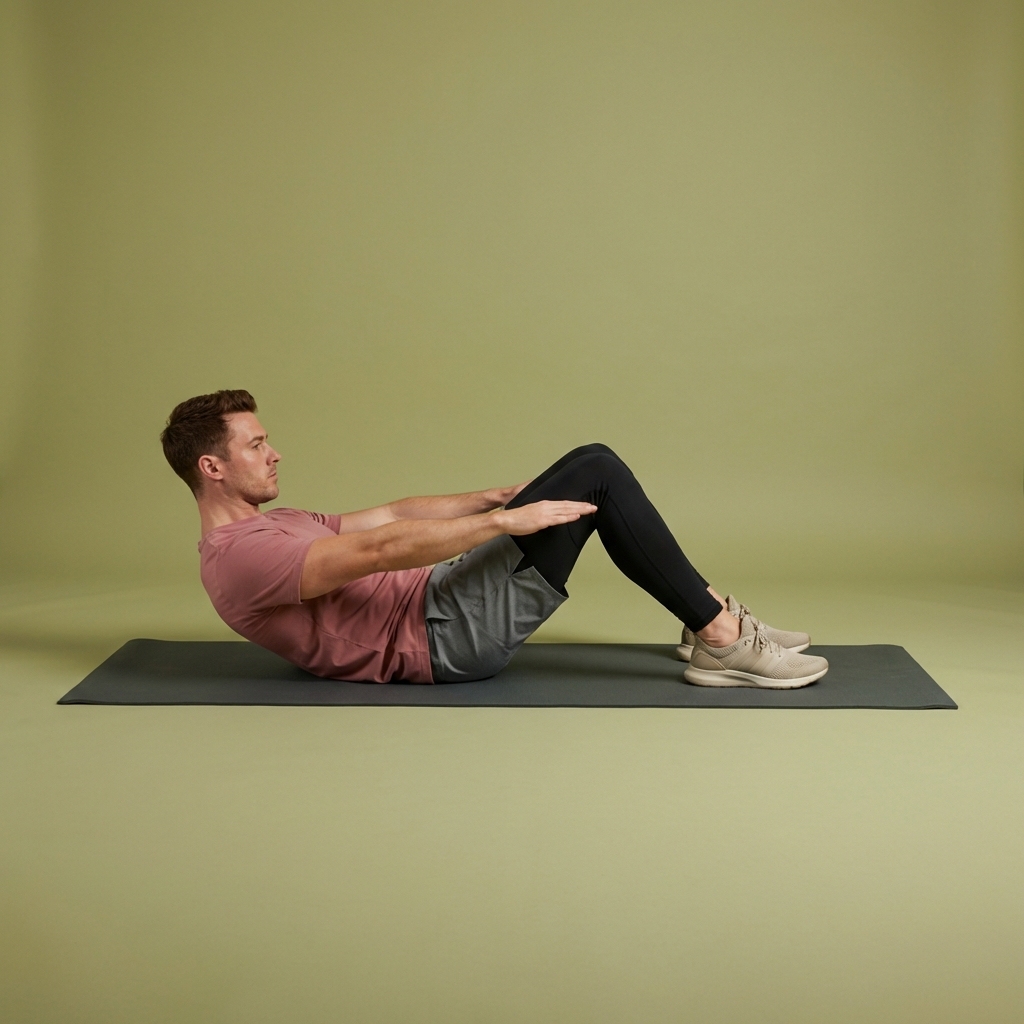
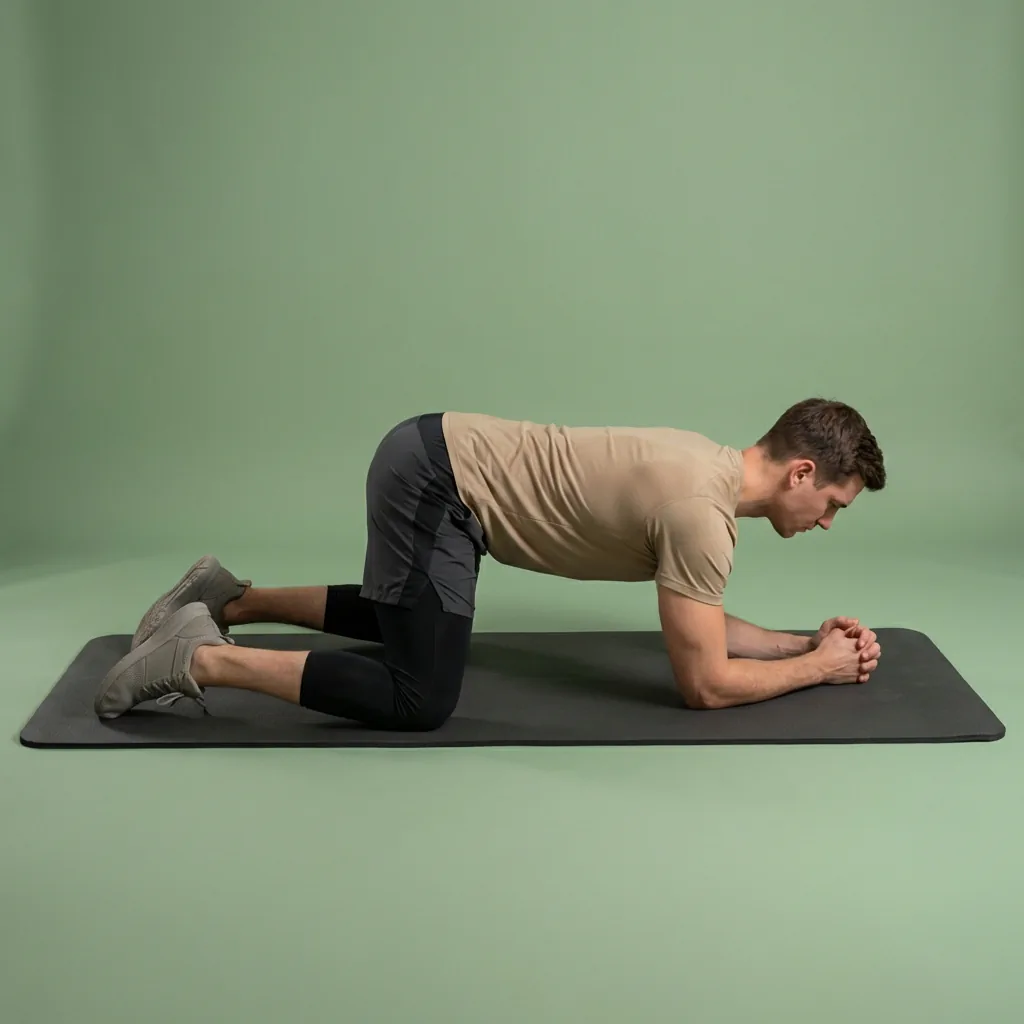
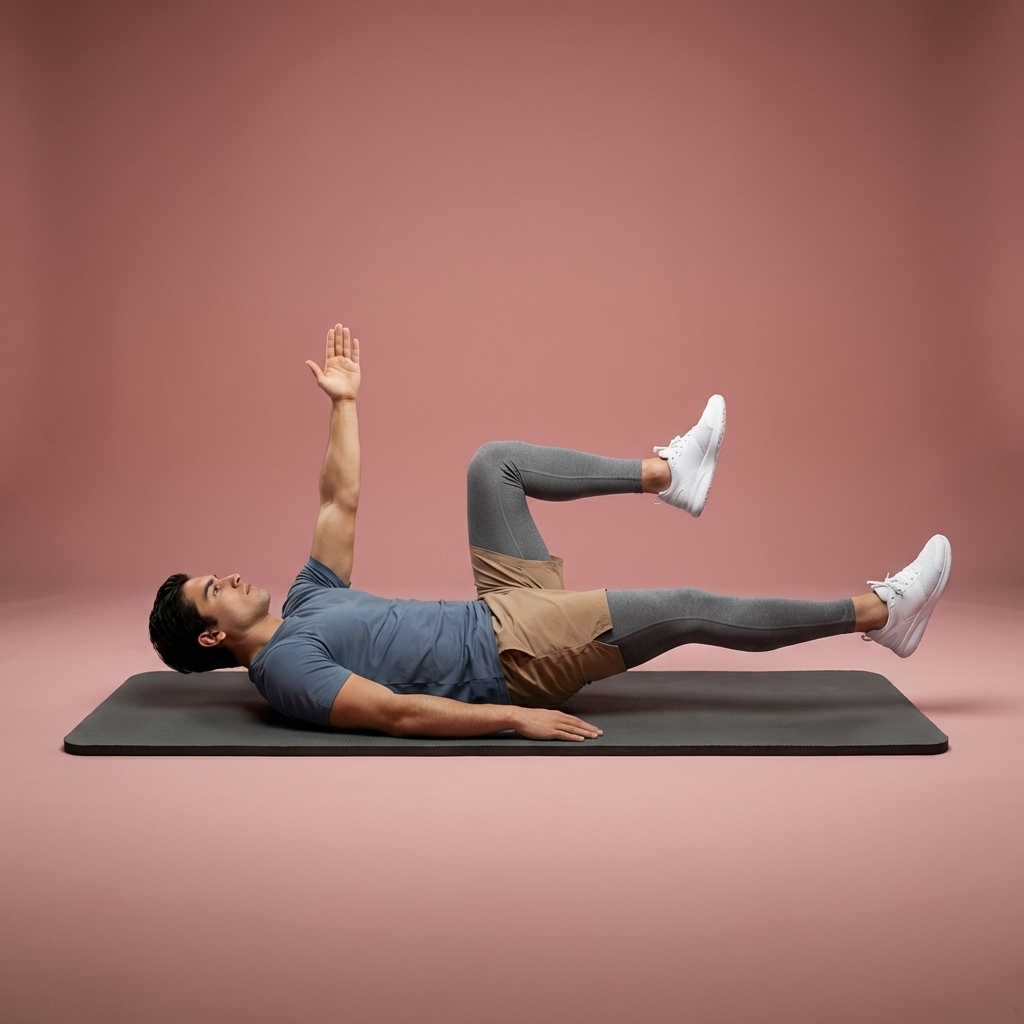
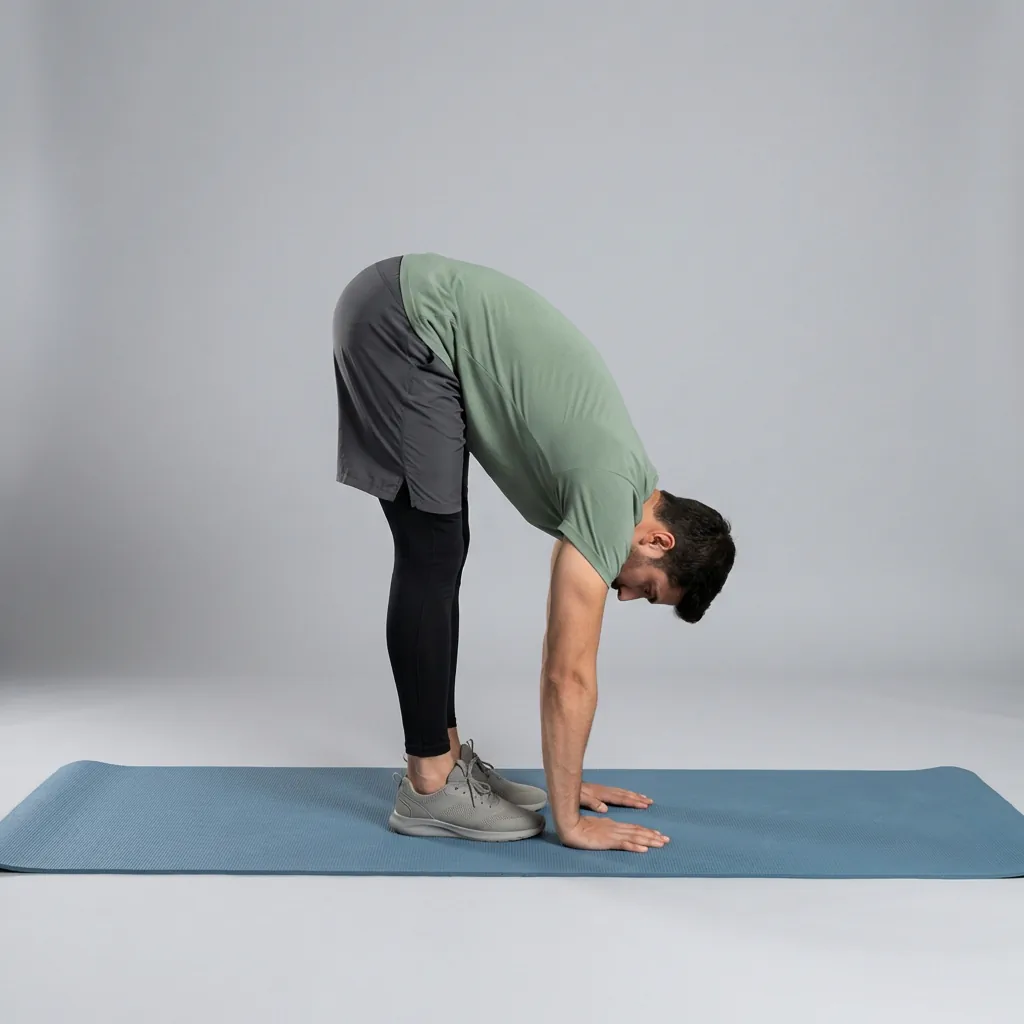
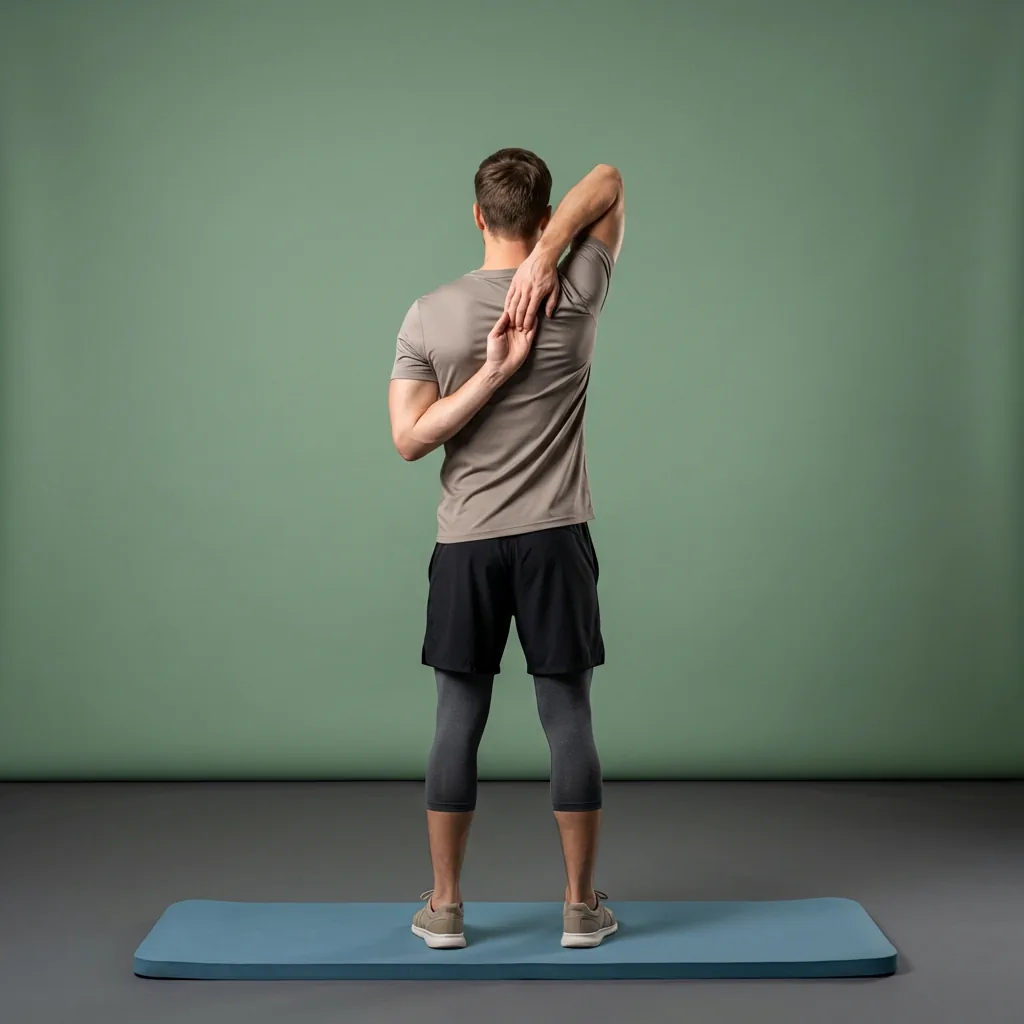
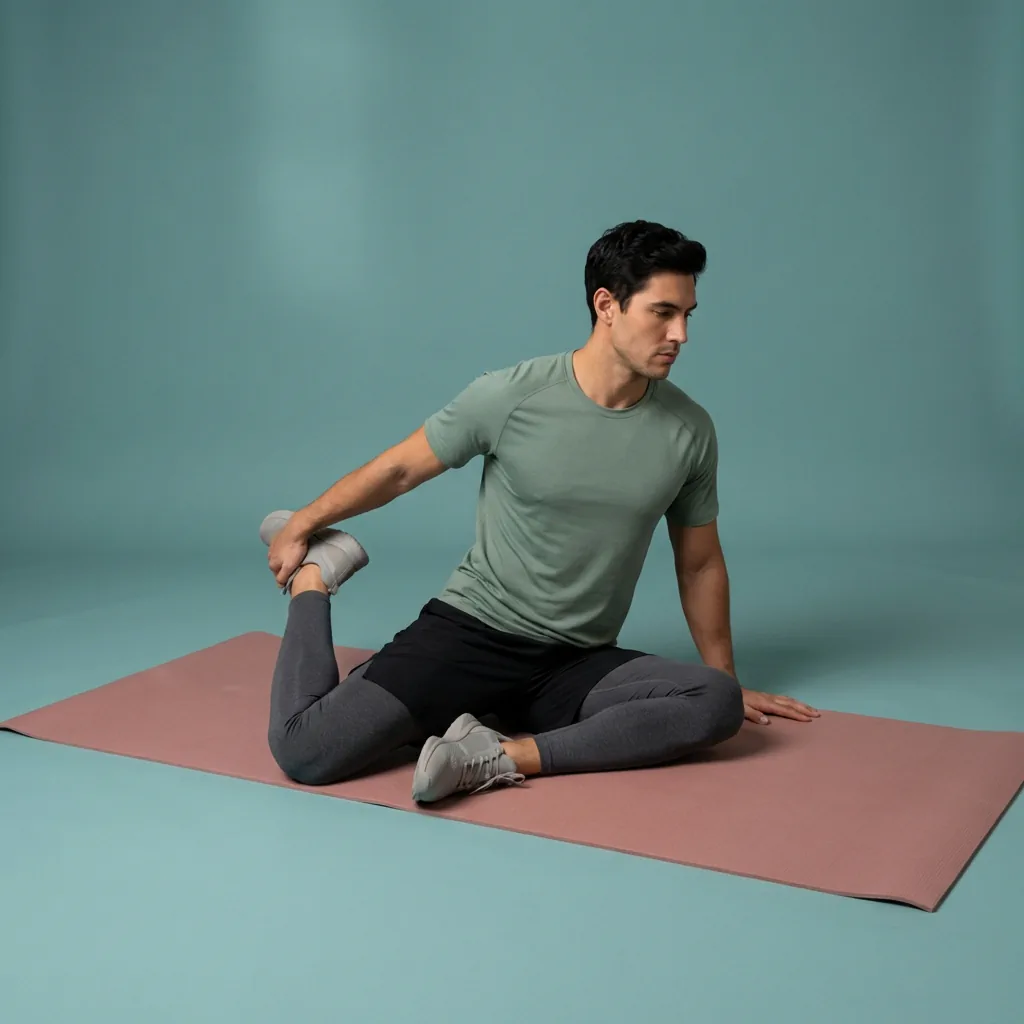
Browse guided Flexor sessions that match this page, then open any routine for steps and cues.




































Common questions
Frequently asked questions
How does an AI stretching app actually build a routine?
You describe what you want—your goal, focus areas, experience, available time, and any constraints—and Flexor selects and orders real exercises from its structured library to match. It is not inventing unfamiliar poses on the fly; it assembles vetted content into a coherent, timed session with demonstrations and cues. You then review the result, adjust anything you like, and start. The feature page walks through the full request-to-routine flow if you want the detail behind it.
Does Flexor's AI diagnose pain or assess my mobility?
No. Flexor's AI helps with general-wellness routine discovery and planning only. It cannot examine you, measure your movement, determine the cause of discomfort, or prescribe treatment, and it never uses a camera or sensor to grade your form. Every suggestion is a starting point: review it, choose a comfortable difficulty and range, and seek advice from a qualified professional when pain, an injury, or a health condition affects whether it is safe for you to take part.
Do I have to pay to use the AI features?
No. The free plan includes a monthly allowance of Flexor AI credits, so you can try creating and recommending routines at no cost and without a subscription. Optional Premium adds a larger monthly allowance for people who use the assistant frequently. Everything else—the guided routine catalogue, custom routines, plans, reminders, and offline access—stays available for free whether or not you ever use an AI credit or upgrade.
Can the AI create a personalised multi-day plan for me?
Flexor's AI focuses on creating or recommending individual guided routines from your request. The multi-day plans in Flexor are curated sequences the team has designed, with clear next steps and progress tracking, rather than day-by-day schedules generated by AI. In practice you can use the AI for a session whenever you want one and follow a curated plan when you prefer structure over several days—the two complement each other rather than competing.
Keep exploring
More guides on stretching, mobility, routines, and Flexor features.
AI routine generator
Describe what you need. Flexor AI drafts the routine.
Create or find a stretching and mobility routine from your goals, focus areas, time, experience and constraints using Fl...
Read more Personalised to how you move
A stretching app that adapts to you—not the other way around.
Flexor adapts what you see to your goals, experience, available time, focus areas and recent sessions for genuinely pers...
Read more Free guided stretching exercises app
A full stretching and mobility app—free to download, ready to use.
Download Flexor free—guided stretching routines, multi-day plans, daily recommendations, reminders, and offline access....
Read more