

Upper body
Gentle neck mobility and release.
The neck balances the weight of the head on a stack of small, mobile joints, letting you nod, turn and tilt while keeping your eyes level. That mobility comes with sensitivity, so the neck rewards a slow, gentle approach.
Rather than deep stretching, effective neck work uses small, controlled movements and easy holds that ease the upper traps and restore comfortable range — the kind of thing that feels good after a long screen session.
Start here
A short, guided starting point for Neck — begin gently and stay within a comfortable range.
posture reset

Neck Rotation
turn

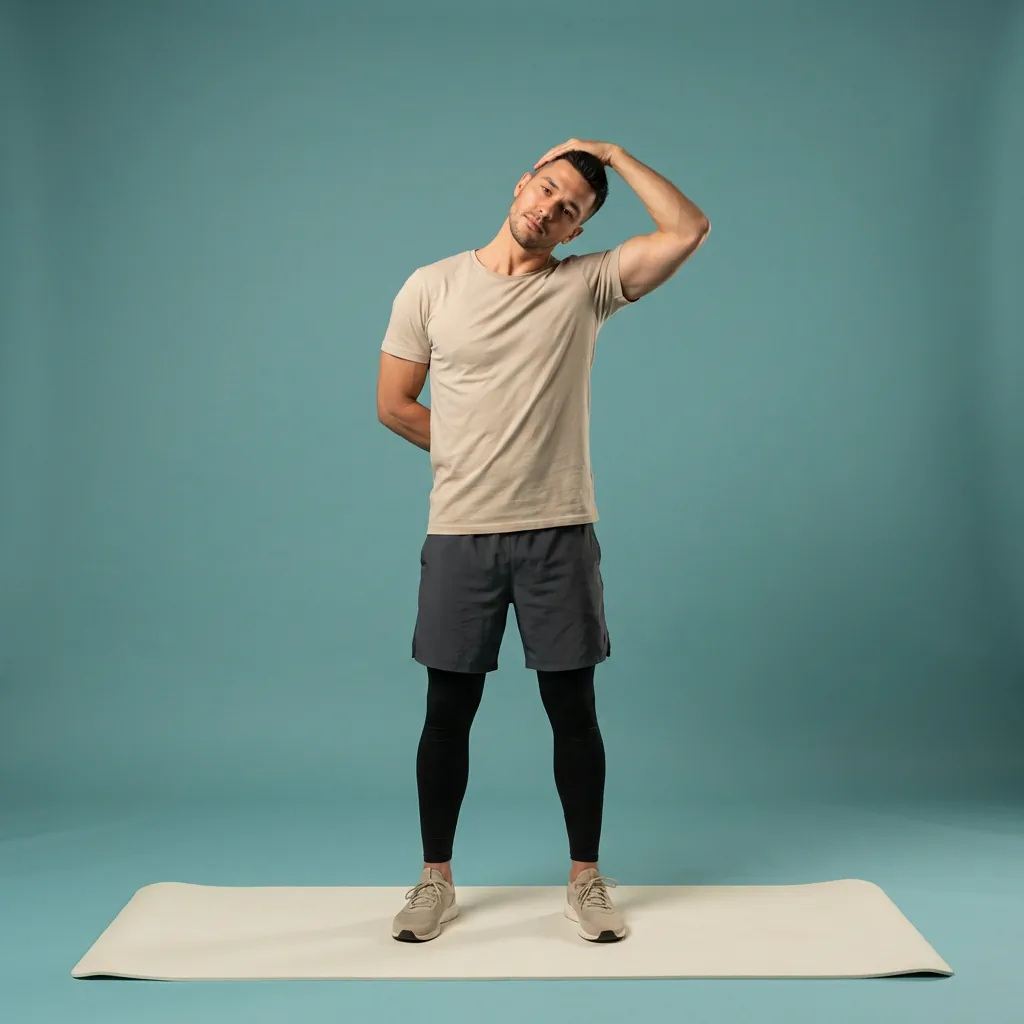
Ear-to-Shoulder
side release
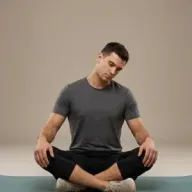
Neck Circles
gentle mobility

Scalene Stretch
deeper side

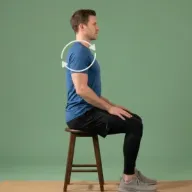
Scapula Stretch
upper-back link
Guided routines to start with
-
 12 min Intermediate
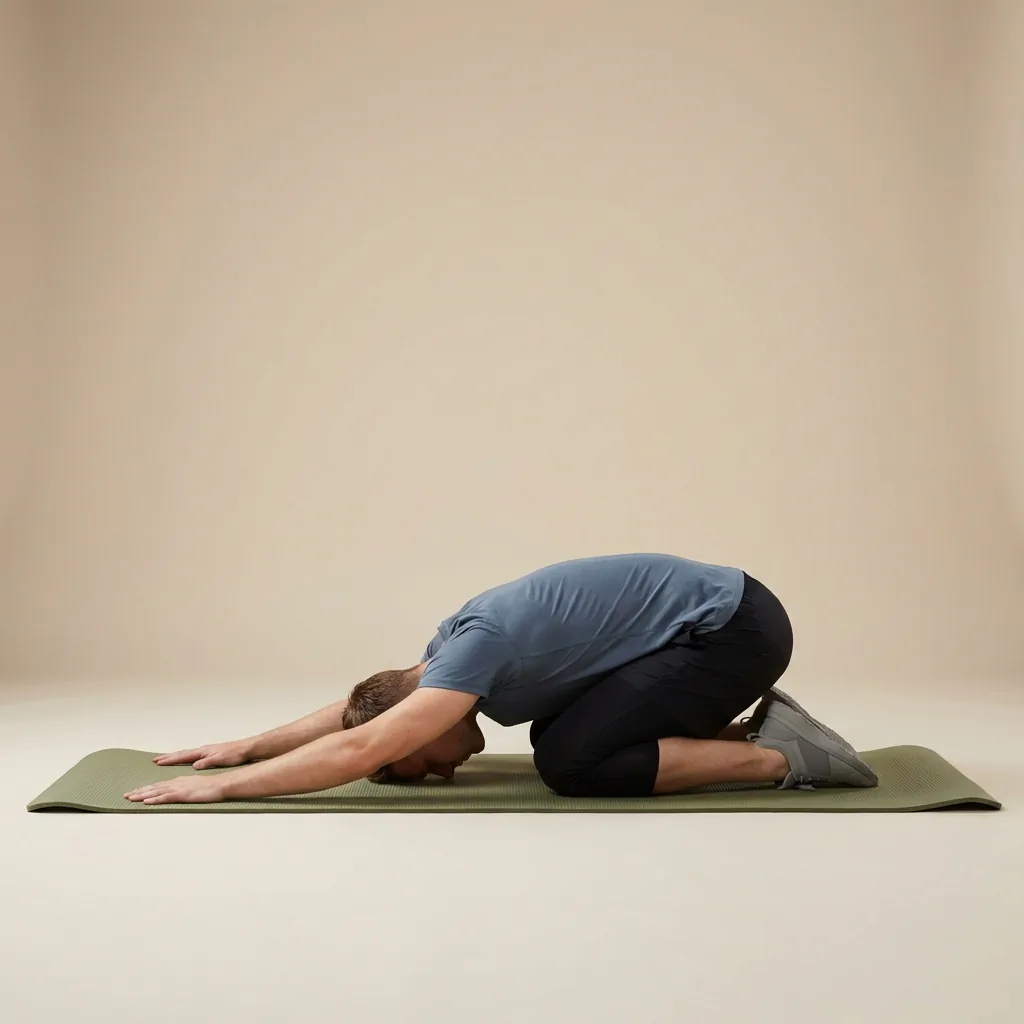
Gentle Neck Release
A slower 12-move neck session — ear-to-shoulder, neck laterals, and child's pose for low-intensity scalene and upper-trap release.
-
-
-
-
-
- +7
-
-
 10 min Beginner
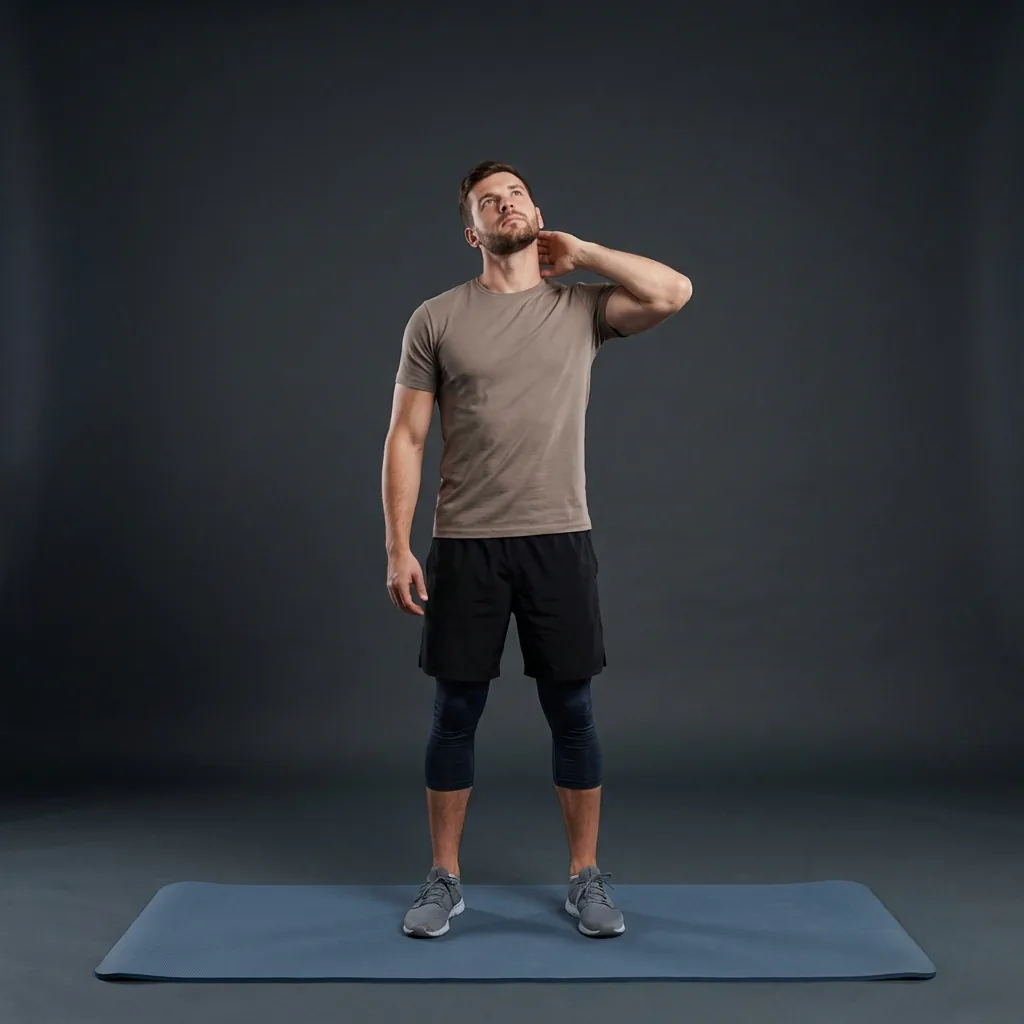
Express Neck Release
A fast 10-move neck routine — chin retractions, neck circles, and scalene stretches for when cervical stiffness hits mid-day.
-
-
-
-
-

- +5
-
-
 16 min Intermediate
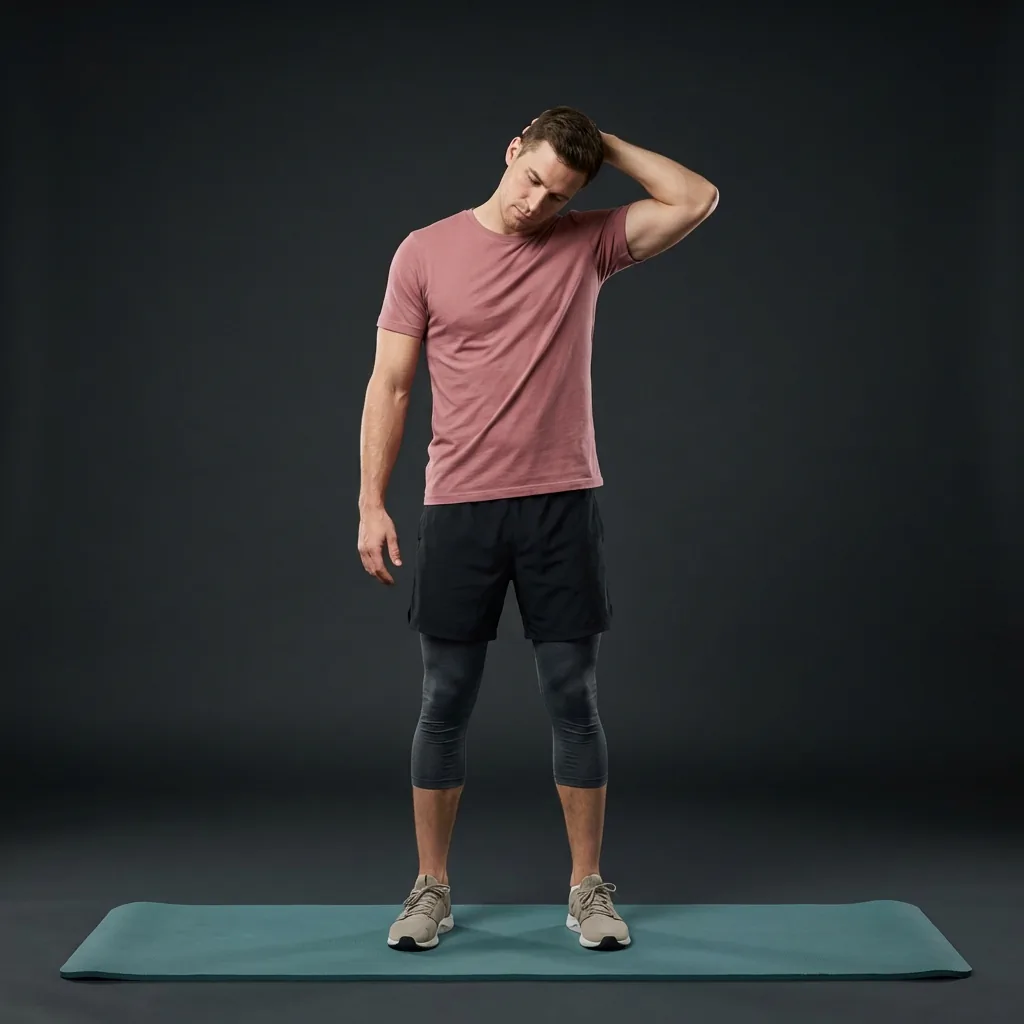
Upper Trap Unwind
A 16-move neck-and-shoulder flow — doorway pecs, eagle arms, and ear-to-shoulder for persistent upper-trap and cervical tension.
-
-
-
-
-
- +11
-
About the Neck
The cervical spine is seven small vertebrae supported by deep stabilising muscles and the larger upper trapezius and levator that run into the shoulders.
It orients the head so you can see and hear around you, which means it holds a static load whenever you look down at a screen or book.
Neck comfort is closely tied to the upper back and shoulders, so easing those areas often eases the neck too.
Ways to work this area
Stretching
Ear-to-shoulder and scalene positions gently lengthen the sides of the neck and upper traps.
Mobility
Slow rotations and small circles keep the cervical joints moving through a comfortable arc.
Control
Chin retractions retrain the deep muscles that support the head over the shoulders.
Activation
Light scapular work steadies the base of the neck so the small joints do less of the work.
When people reach for this
Screen and phone strain
Looking down for hours loads the neck, so chin retractions and gentle turns help it feel less gripped.
Desk WorkersUpper-trap tension
When the tops of the shoulders feel bunched, side bends and scalene stretches ease the load.
Neck Tension ReliefA quick desk break
A minute of small circles and retractions resets the neck between tasks.
Desk StretchingExercises for Neck
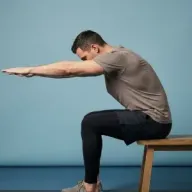

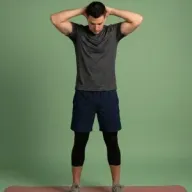
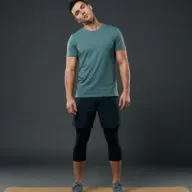
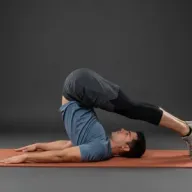
A gentle neck reset
Small, slow movements to ease tension — keep everything comfortable and unforced. · about 4 min
- 1 Chin Retractions — draw the head back, level chin 30 sec
- 2 Neck Rotation — turn slowly, each side 40 sec
- 3 Ear-to-Shoulder — gentle side tilt, each side 45 sec
- 4 Scalene Stretch — ease into the side, no force 40 sec
- 5 Neck Circles — small, comfortable arcs 40 sec
- 6 Scapula Stretch — release the upper back 40 sec
Routines for Neck
-
10 min Beginner
Express Neck Release
A fast 10-move neck routine — chin retractions, neck circles, and scalene stretches for when cervical stiffness hits mid-day.
-
-
-
-
-
- +5
-
-
12 min Intermediate
Gentle Neck Release
A slower 12-move neck session — ear-to-shoulder, neck laterals, and child's pose for low-intensity scalene and upper-trap release.
-
-
-
-
-
- +7
-
-
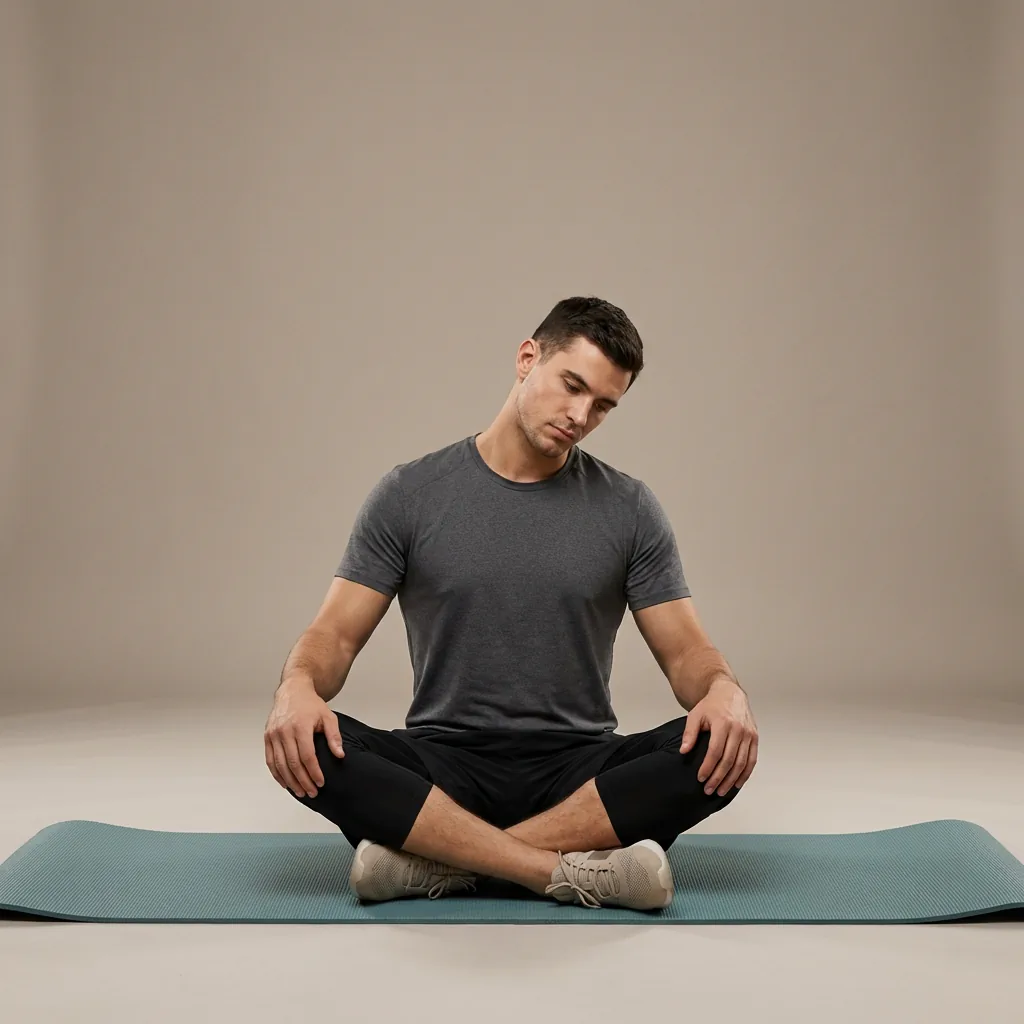 10 min Beginner
Neck and Upper-Body Ease
A gentle neck, shoulder, and upper-back routine for comfortable movement after screen time, travel, or a busy day.
-
-
-
-
-
- +5
-
-
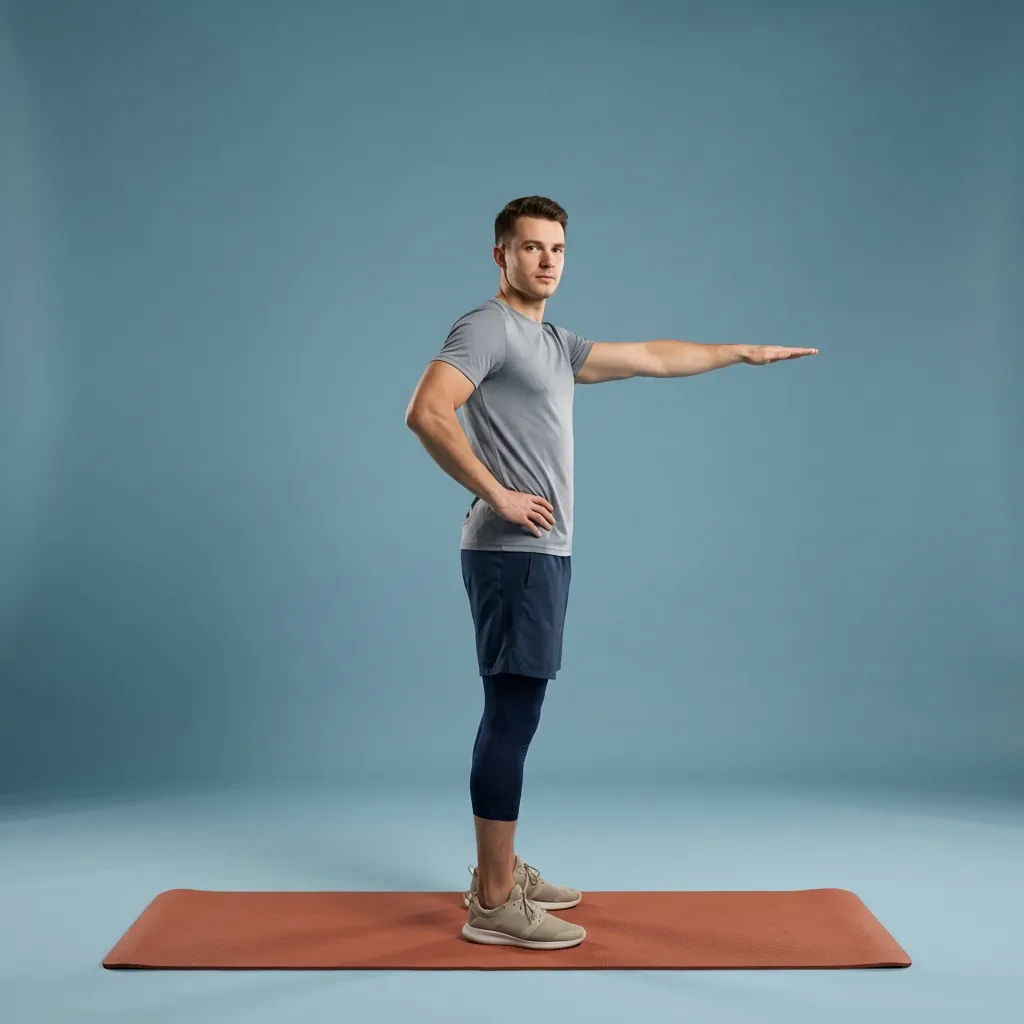 10 min Beginner
Neck Mobility Recharge
A beginner 10-move neck recharge — rotation, extension, wall arms, and child's pose to support comfortable cervical range.
-
-
-
-
-
- +5
-
Where to start
- Neck feels stiff after screens
- Start with chin retractions and slow rotations before any side stretch.
- The upper traps feel bunched
- Use ear-to-shoulder and scalene stretches, keeping the shoulder relaxed down.
- Anything feels sharp or gives symptoms
- Stop, stay within pain-free range, and seek professional advice.
Technique and comfort
Helpful cues
- Move slowly and stay well within a comfortable range — the neck responds to gentleness.
- Let the opposite shoulder relax down as you tilt the head away.
- Keep the chin level during retractions rather than tipping it up or down.
Ways to make it easier
- Do everything seated with support if standing feels unsteady.
- Reduce the range of any movement that feels at all pinchy.
Common mistakes
- Rolling the head backwards through a full circle, which can compress the joints.
- Pulling hard with a hand to force a deeper side stretch.
Breathing
Slow, easy breaths throughout; never hold your breath or push through a movement.
Related body areas
- Upper Back
The base of the neck sits on the upper back, so the two ease together.
- Shoulders
Relaxed shoulders take load off the upper traps and neck.
- Spine
The neck is the top of the spine and shares its posture habits.
How Flexor personalises this
If you flag long screen days, Flexor keeps your neck work gentle and frequent, favouring small resets over deep stretching.
Set stretching remindersExplore related pages
Move comfortably
- Move slowly and stay within a comfortable, pain-free range at all times.
- Avoid forcing rotation or dropping the head into a full backward roll.
- Do not pull hard on the head; let gravity and gentle reach do the work.
- Stop immediately if you feel sharpness, dizziness, tingling or pain into the arms.
The neck is sensitive; this is general fitness guidance, not treatment. Seek advice from a qualified professional for persistent neck pain, headaches, dizziness or symptoms that travel into the arms.
Read the full wellness disclaimerWritten by Flexor editorial Last reviewed July 2026
Common questions
How can I relieve neck tension from computer work?
Gentle, frequent movement usually helps most: chin retractions to reset head position, slow rotations, and easy side tilts. Keep everything comfortable and unforced, and take short breaks through the day rather than one long stretch.
Are neck circles safe?
Small, slow circles within a comfortable range are generally fine, but avoid rolling the head all the way backwards, which can compress the joints. If any part of the circle feels pinchy, keep to gentle turns and side tilts instead.
How often should I stretch my neck?
Little and often works well — a minute or two several times a day is gentler on a sensitive area than one intense session. Consistency matters more than depth for the neck.
Why does my neck feel worse when I look down at my phone?
Holding the head forward and down loads the neck and upper traps for as long as you stay there. Raising the phone toward eye level and adding regular chin retractions usually helps it feel less strained.
When should I see a professional about neck pain?
See a qualified professional for neck pain that persists, is severe, or comes with headaches, dizziness, or tingling or weakness travelling into the arms. Gentle mobility is general fitness guidance and is not a substitute for assessment by a clinician.
