8 Desk Stretches to Do After Sitting All Day
Simple movements for the neck, shoulders, back, wrists, hips and legs to break up long stretches of sitting.
Long periods of sedentary time are associated with health risks, and staying in one position can also leave the neck, shoulders and hips feeling stiff. The most useful habit is simple: move more often. These eight stretches take a few minutes and can be spread across the day rather than done all at once. To be clear, stretching does not undo everything about prolonged sitting - the bigger win is breaking up stillness regularly.
Who this suits
Office and remote workers, students, drivers - anyone whose day involves long spells in a chair. Most can be done at or beside a desk.
The eight stretches
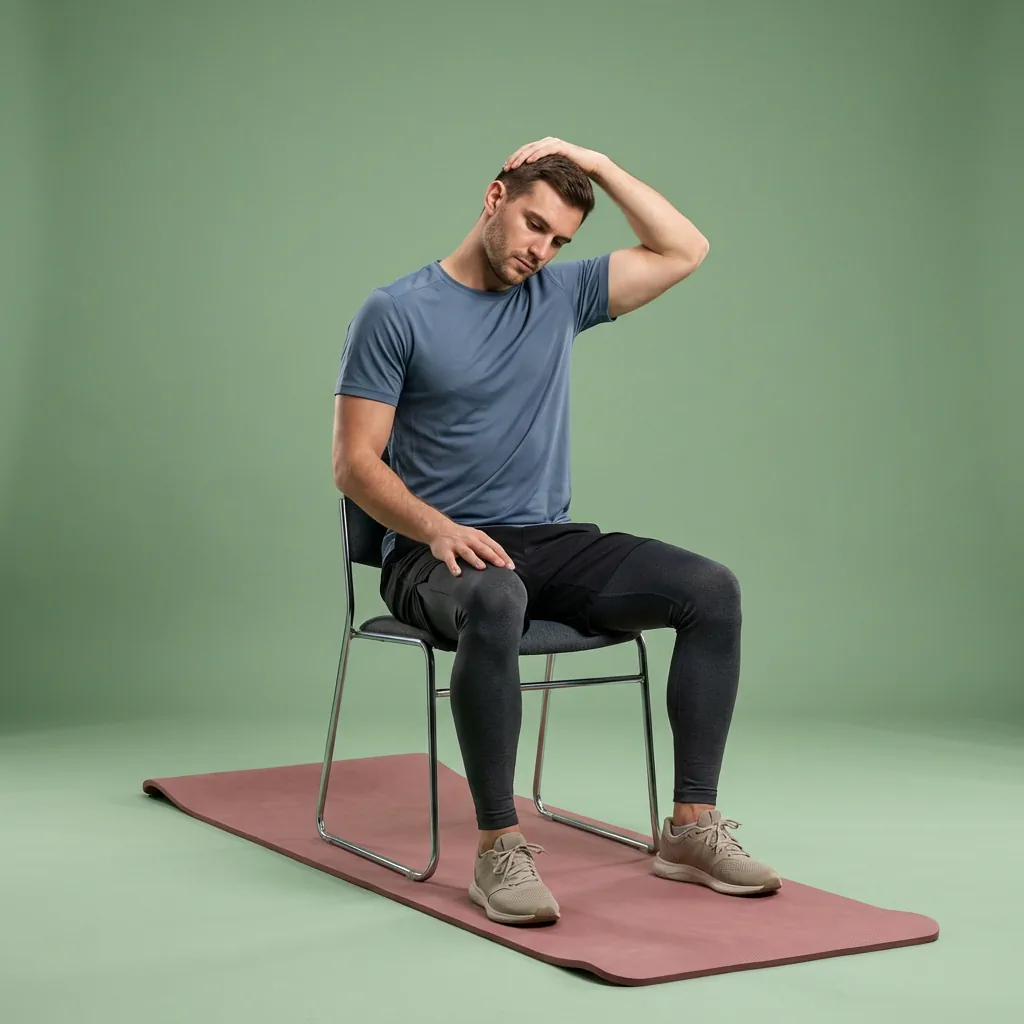
- Neck: neck laterals. Tilt one ear gently towards the shoulder, hold for around 20 seconds, then swap sides.
- Neck and upper back: neck rotation. Slowly turn to look over each shoulder, keeping the movement small and smooth.
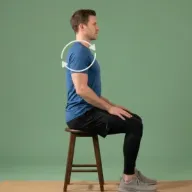
- Shoulders: shoulder rolls. Roll the shoulders backwards several times to release the tops of the shoulders.
- Chest and upper back: cactus arms. Open the arms wide with elbows bent, drawing the shoulder blades together to counter a hunched position.
- Spine: seated twist. Sitting tall, rotate towards one side using the chair for a gentle guide, then the other.
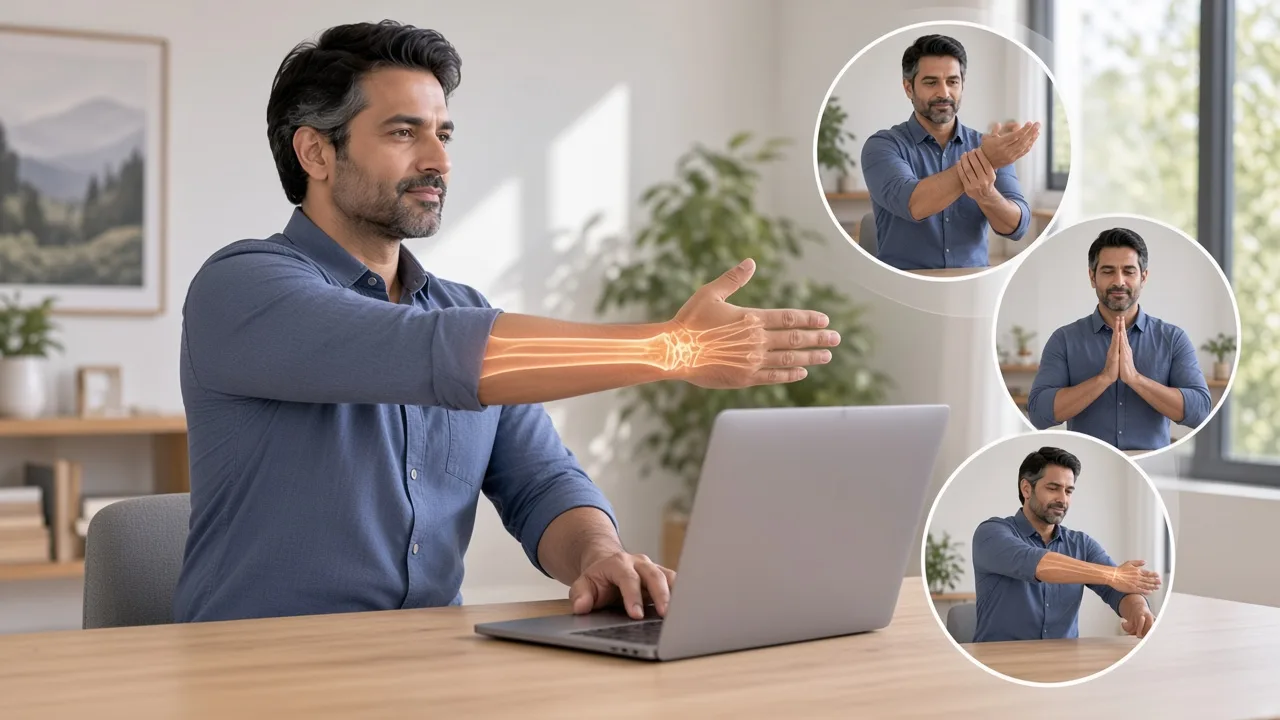
- Wrists: wrist circles. Circle the wrists in both directions, then gently extend and flex the hands to ease typing tension.
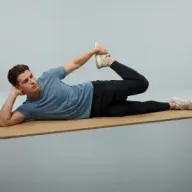
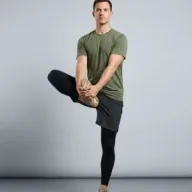
- Hips: standing hip openers. Stand and circle each hip to open the front of the hips after sitting.
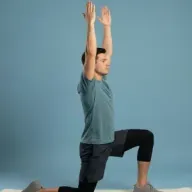
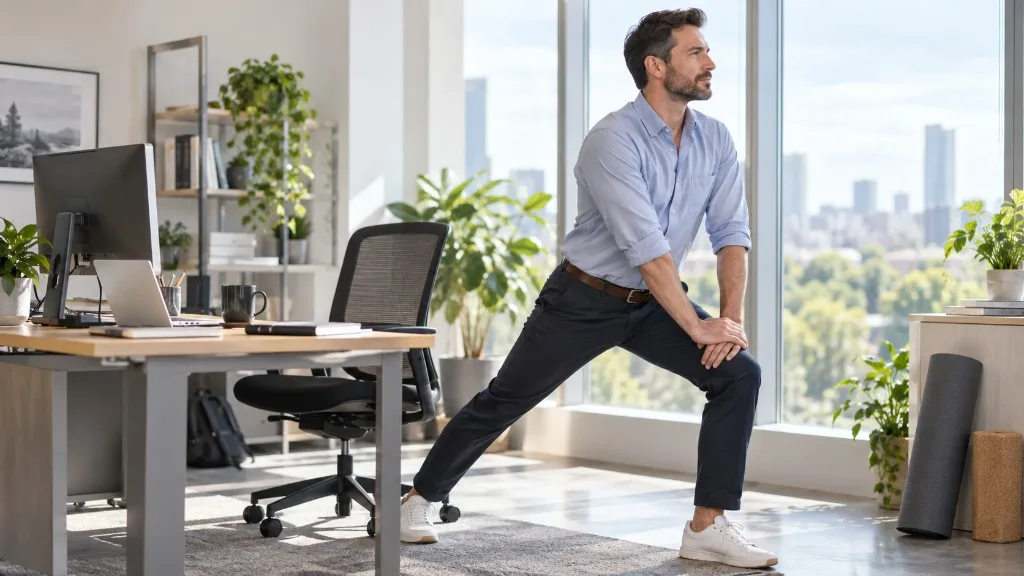
- Legs: calf stretch. Step one foot back and ease the heel down to lengthen the calf, then swap.
Movement breaks matter more than any single stretch
A practical rhythm is to stand or walk for a minute or two every half hour to hour, and to pick two or three of these stretches whenever you get up. Little and often keeps things comfortable better than one big session at the end of the day.
Comfortable desk setup changes
- Set the screen roughly at eye level so you are not looking sharply down.
- Keep forearms supported and wrists fairly neutral while typing.
- Vary your position: there is no single perfect posture, and changing position often is part of the answer.
Common mistakes
- Forcing the neck into a big range; small and gentle is enough.
- Only stretching once you already ache, rather than pre-empting stiffness.
- Treating stretches as a substitute for getting up and moving.
When to stop
Ease off if a movement causes sharp pain, tingling into the arms or hands, or dizziness. Persistent numbness in the hands, or pain that does not settle, is worth discussing with a GP.
A simple hourly rhythm
Rather than trying to remember eight stretches at once, build a light rhythm into the day. A practical pattern: stand up every 30 to 60 minutes, and each time pick one or two movements from the list above. Over a working day that adds up to plenty of movement without ever feeling like a workout. Pairing a stretch with an existing trigger - the end of a call, refilling your water, a screen break - makes it far more likely to happen.
Why variety beats a single "correct" position
Comfortable sitting is less about finding one perfect posture and more about changing position often. The best posture, as the saying goes, is your next one. Alternating between sitting upright, leaning back, and standing - if you have a sit-stand desk - spreads the load and keeps things comfortable more effectively than holding any single "ideal" position rigidly for hours.
Don't forget the eyes and the breath
Long screen sessions load the eyes as well as the neck. Every so often, look at something in the distance for twenty seconds or so to give the eyes a break, and take a couple of slow breaths while you roll the shoulders. Small resets like these are easy to fit around work and help the whole upper body feel less braced.
Related routines
For a guided break, Quick Desk Reset and Recovery: 9-5 Reset are built for the working day. If you have been sitting a very long time, an anti-sitting routine covers more ground.
Sources
Put the guide into practice
Related Flexor routines
These guided routines are linked to the article topic. Review the difficulty and exercise list before starting.