
An honest first-party look
Is Flexor the best stretching app for you? Here's an honest look.
“Best” depends on what you need. Rather than claim a crown, this is a first-party evaluation: the criteria worth judging any stretching app on, where Flexor is genuinely strong, and where it is limited—so you can decide whether it fits before you download.
Clear criteria
Judge any app on guidance, library, personalisation, and price.
Real strengths
Guided routines, AI discovery, offline use, and a full free plan.
Stated limits
No form correction, no medical claims, some analytics need Premium.
You decide
A first-party view—compare it against your own priorities.
How to judge a stretching app
Before ratings or marketing, a stretching app is worth judging on a few practical questions. Getting these right matters more than any single flashy feature, and they apply whether you end up with Flexor or something else.
- Does it guide the session, or just list exercises you have to sequence yourself?
- Is the library organised so you can find the right routine quickly?
- Does it adapt to your goals, time, and experience—or show everyone the same thing?
- Is there a genuinely useful free plan, and is the pricing clear?

Where Flexor is genuinely strong
Flexor is built around guided, timed routines with video demonstrations and spoken cues, so you follow a session rather than assemble one. The library is organised by body area, goal, sport, difficulty, and duration, and AI can create or recommend a routine when you would rather not choose.
Personalisation adapts the home surface to your goals, experience, time, and recent sessions. Core content works offline, you can cast to a TV, and the free plan is a full app—catalogue, plans, custom routines, reminders, offline access, basic progress and streaks, plus free monthly AI credits.
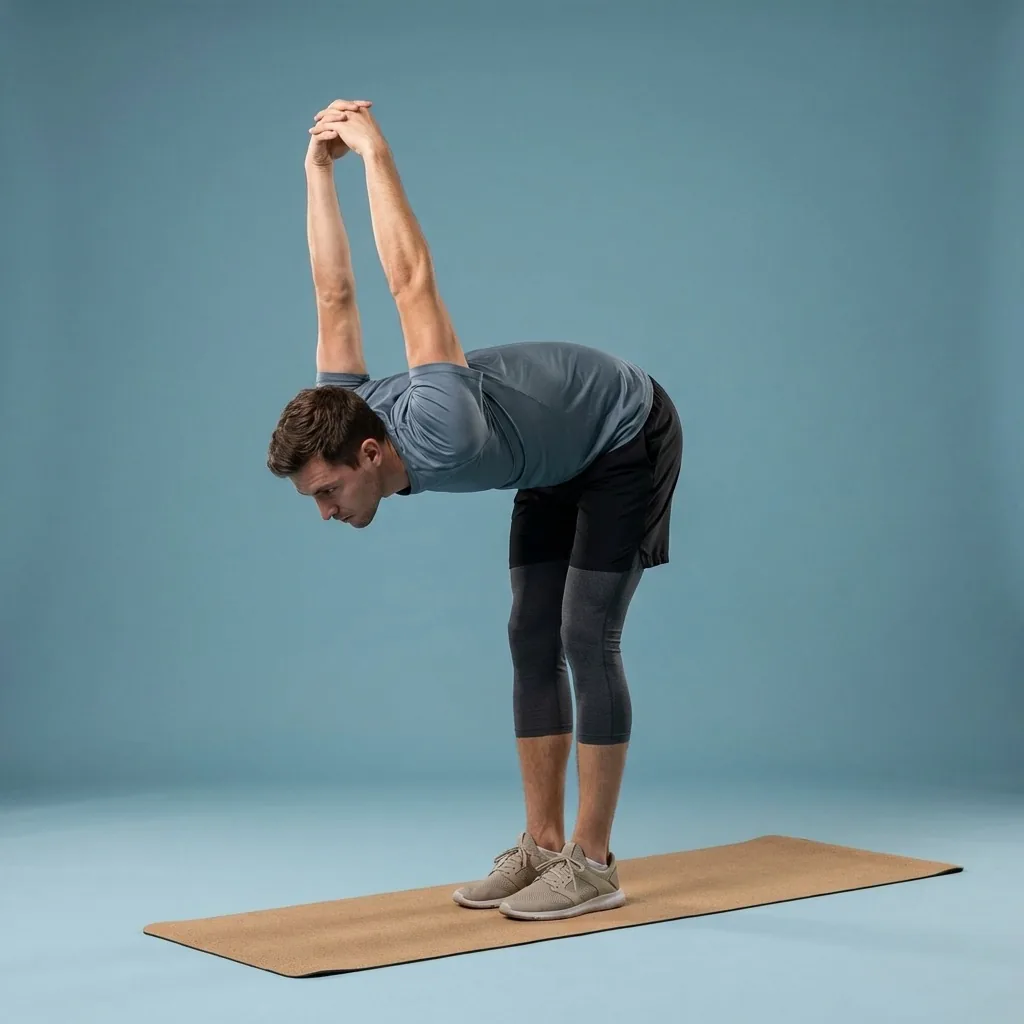
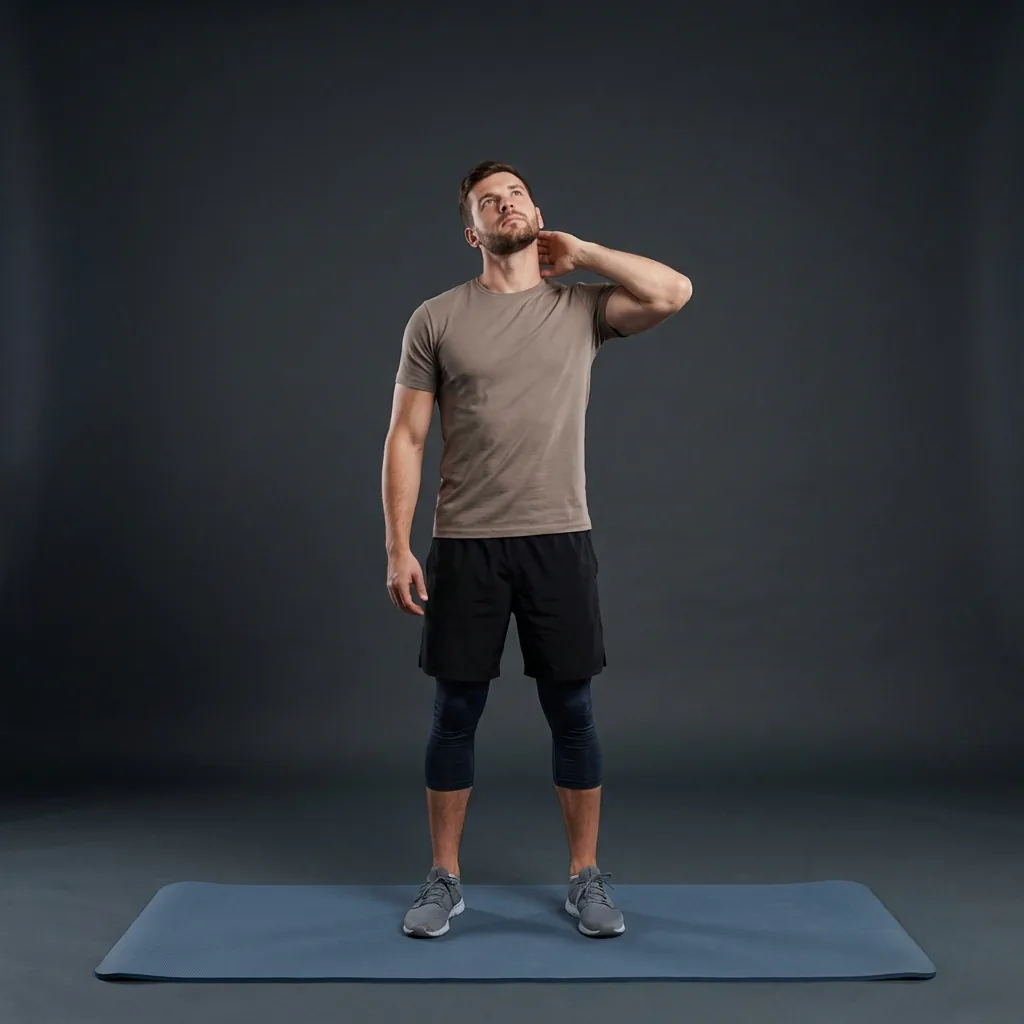
In Flexor: Guided stretching sequences with clear shape and timing.
Where Flexor is limited
No honest evaluation is all upside. Flexor cannot see you or correct your form—guidance means demonstrations, cues, and timing, not live feedback. It is a general fitness and wellness app, so it does not diagnose, treat, or assess injuries, and Pain Relief collections are comfort-focused, not medical care.
Some things sit behind Premium: detailed statistics and insights, a larger monthly AI allowance, and the Premium Pain Relief collections. If you want live posture analysis or clinical rehab, a different tool is the right call.
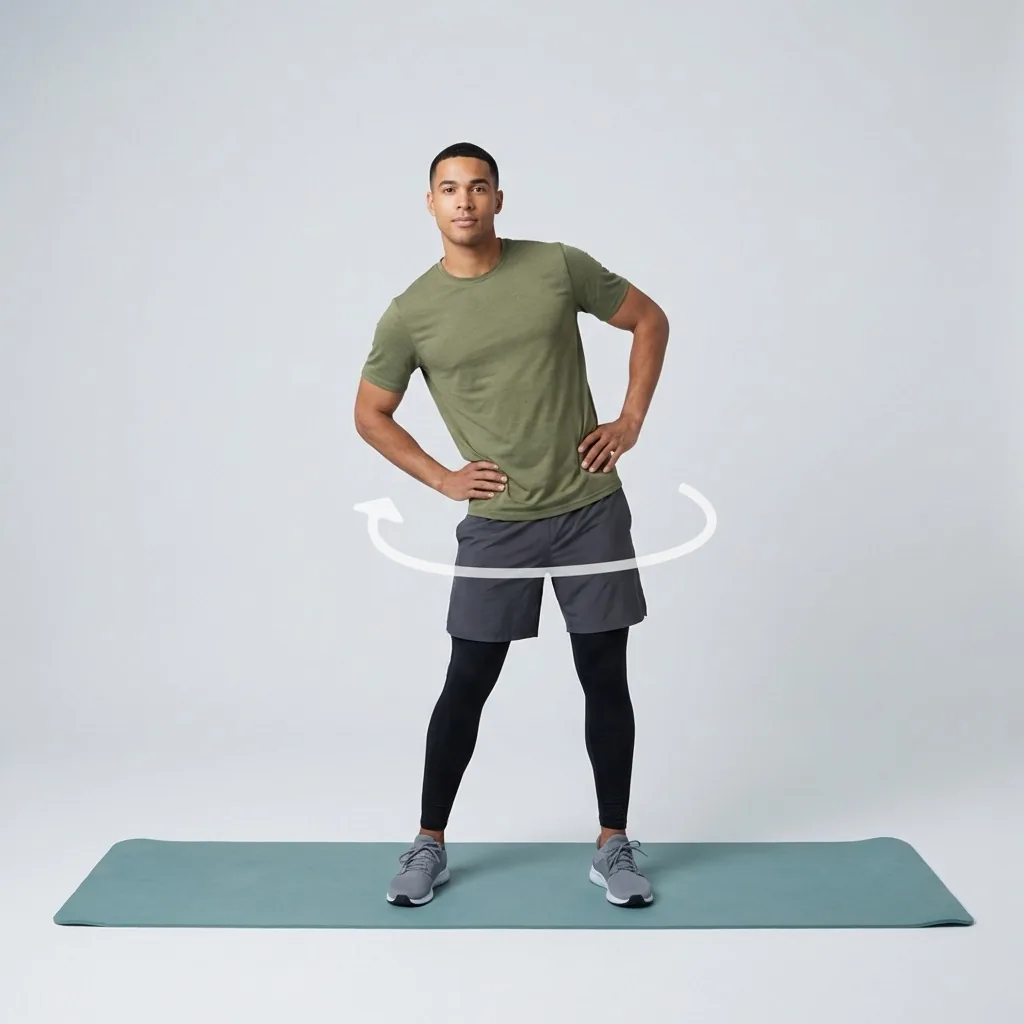
Judge it on the free plan.
Almost everything Flexor does is available before you spend anything, including the full routine catalogue.
How Flexor measures up, at a glance
Set against the criteria above, here is a candid summary of what Flexor does well and what to keep in mind.
The comparison keeps product facts, plan limits, and current availability visible so readers can verify which option actually fits their priorities.
Who Flexor suits—and who might look elsewhere
Flexor is a strong fit if you want guided daily stretching and mobility, value a real free plan, and like the idea of AI and personalisation removing the “what should I do?” friction. It suits beginners through to experienced movers because you control range and difficulty.
If your priority is camera-based form scoring, sport-specific coaching from a human, or medical rehabilitation, Flexor is not designed for that. The best stretching app is the one that matches your priorities—use the criteria above and try the free plan before deciding.
Strengths and honest limitations
A first-party summary against the criteria that matter, including the trade-offs.
| Capability | What Flexor does well | What to keep in mind |
|---|---|---|
| Guided sessions | Timed routines with video demonstrations and spoken cues | No live form correction—the app cannot see you move |
| Library and discovery | Organised by area, goal, sport, difficulty, and time, with AI help | A large catalogue takes a little exploring to learn |
| Personalisation | Adapts to your goals, experience, time, and recent sessions | Built from your inputs, not body scanning or assessment |
| Free plan | Full catalogue, plans, custom routines, offline, free AI credits | Detailed stats and larger AI allowance need Premium |
| Health scope | Comfort-focused wellness routines with clear safety framing | Not medical care; no diagnosis, treatment, or rehab claims |
Quick facts
- Approach
- A first-party evaluation, not an independent ranking
- Strengths
- Guided routines, AI discovery, offline access, and a full free plan
- Limits
- No live form correction and no medical claims
- Premium
- Detailed statistics, a larger AI allowance, and Pain Relief collections
- Reviews
- No invented ratings—check the App Store and Google Play listings
Where to start
You want guided daily stretching with a genuinely useful free plan
Flexor is a strong fit—try the free plan before deciding.
You want camera-based form scoring or medical rehabilitation
A different, purpose-built tool is the right call.
You want a side-by-side roundup of competing apps
A dedicated comparison page with dated sources suits that better.
Where personalisation earns its place
If you tend to abandon apps because deciding what to do is the hard part, Flexor's personalisation matters most: it uses your goals, experience, time, and recent sessions to put a relevant session in front of you rather than a catalogue to sift.
See how daily recommendations workWhat Flexor is and is not
- Flexor is a general fitness and wellness app—it does not diagnose, treat, or assess injuries.
- Guidance means demonstrations, cues, and timing, not live feedback on your form.
- Pain Relief collections are comfort-focused, not medical care; stop if a movement causes pain or concerning symptoms.
Seek advice from a qualified professional when an injury or health condition affects safe participation.
Read the full wellness disclaimerRelated routines
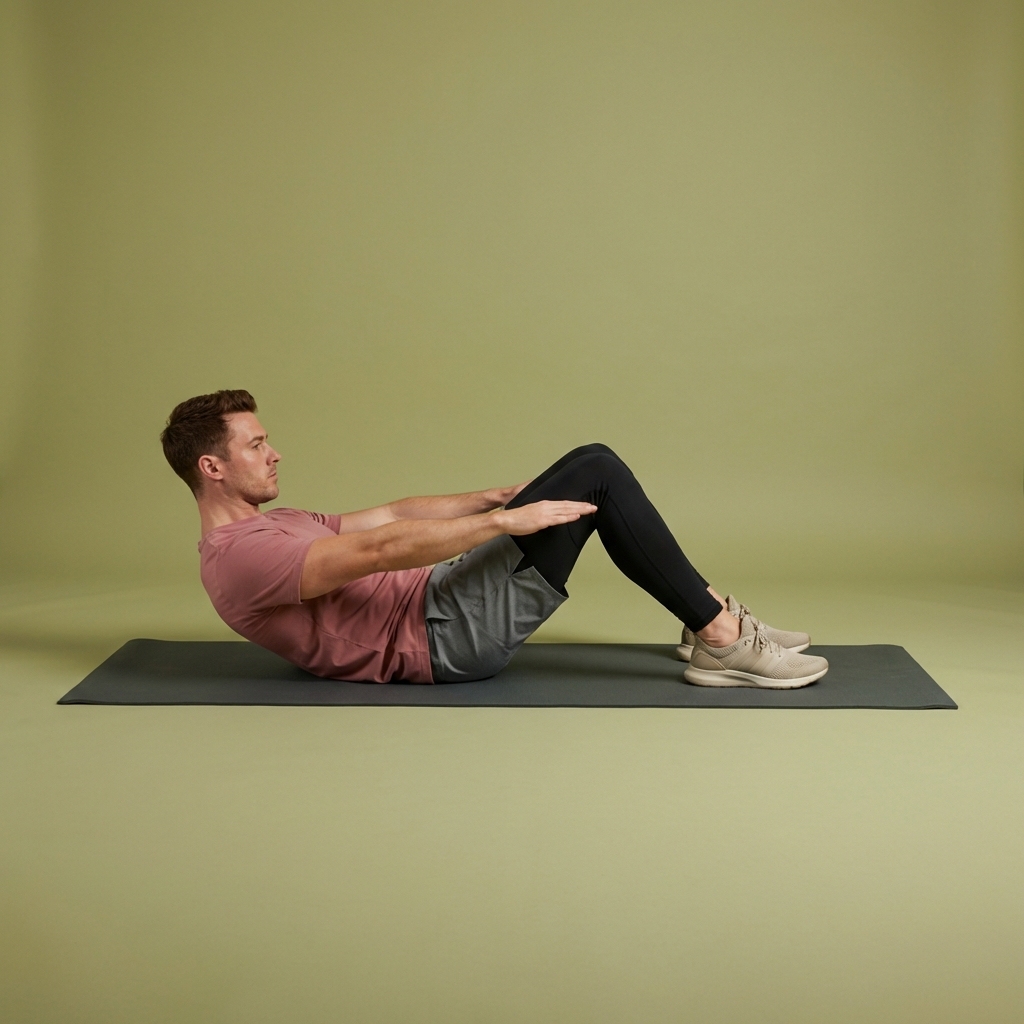
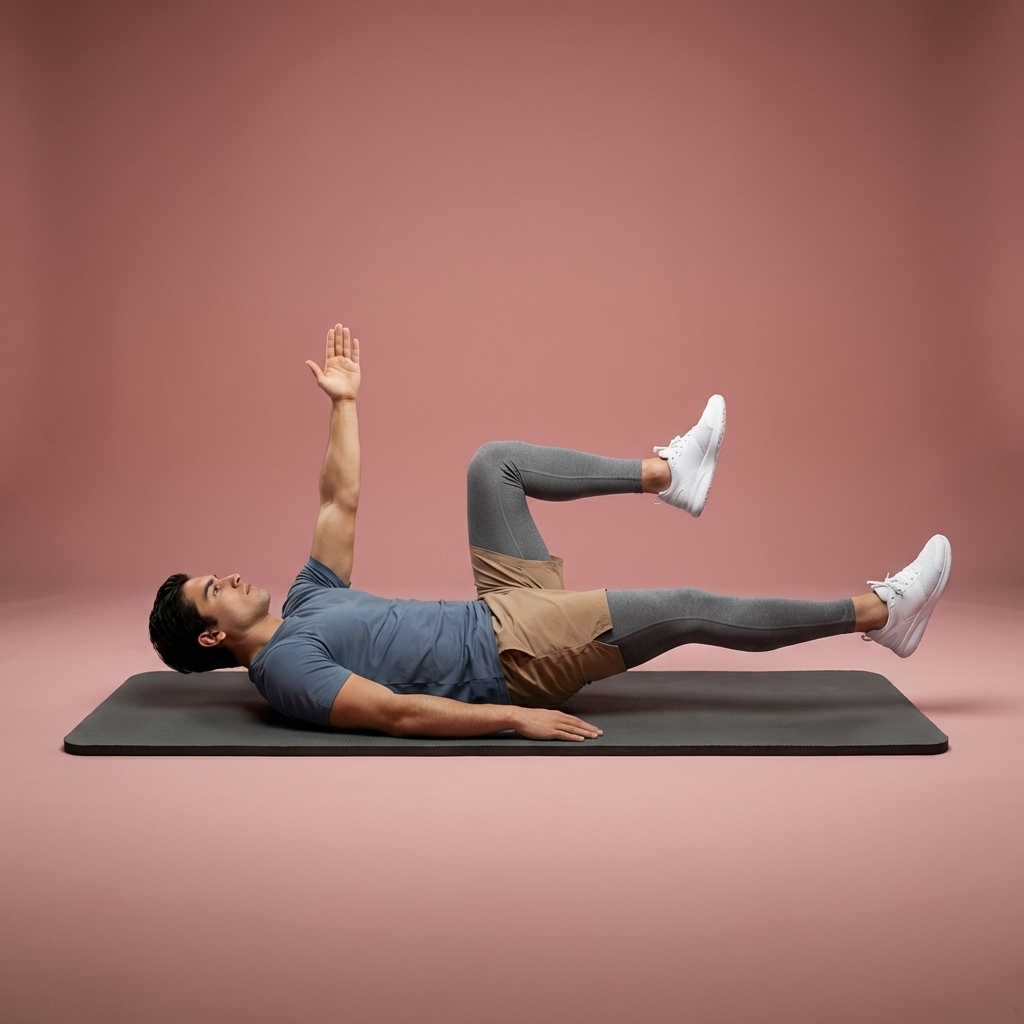
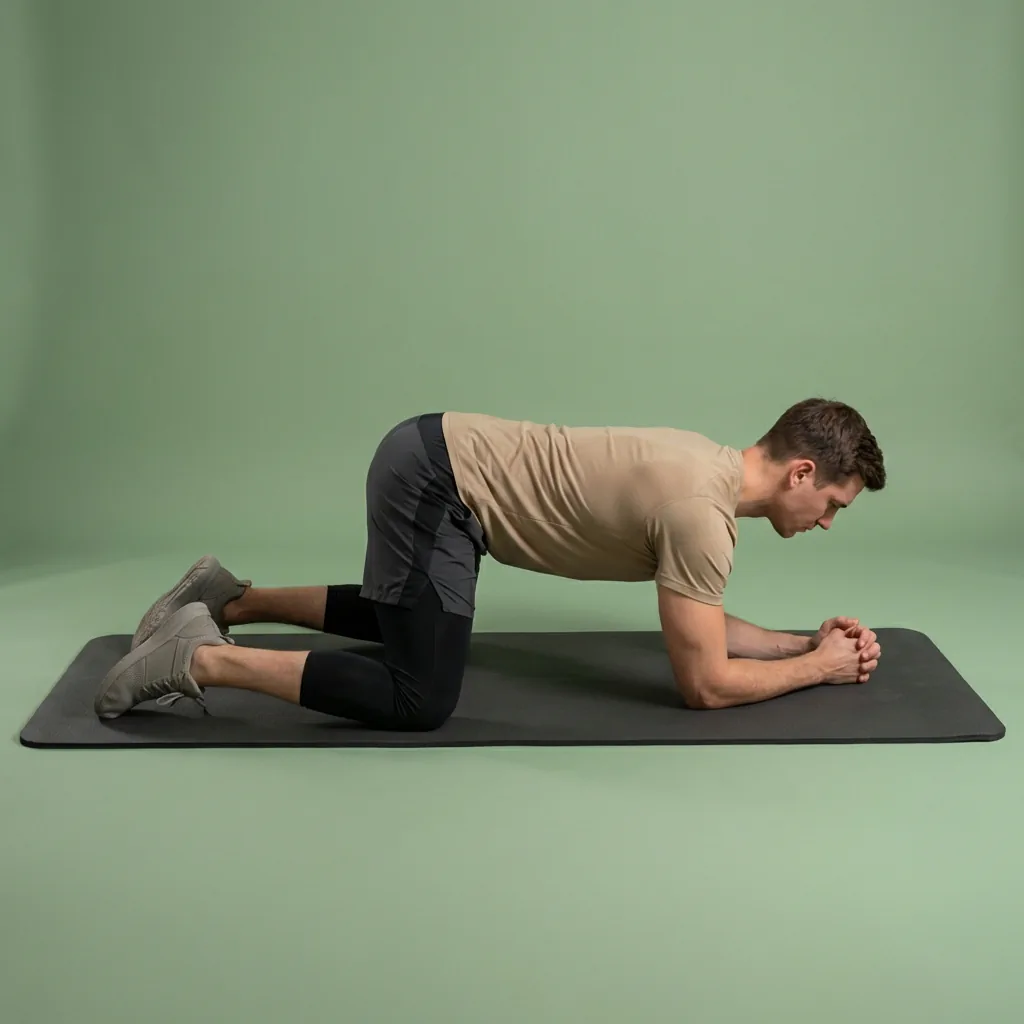
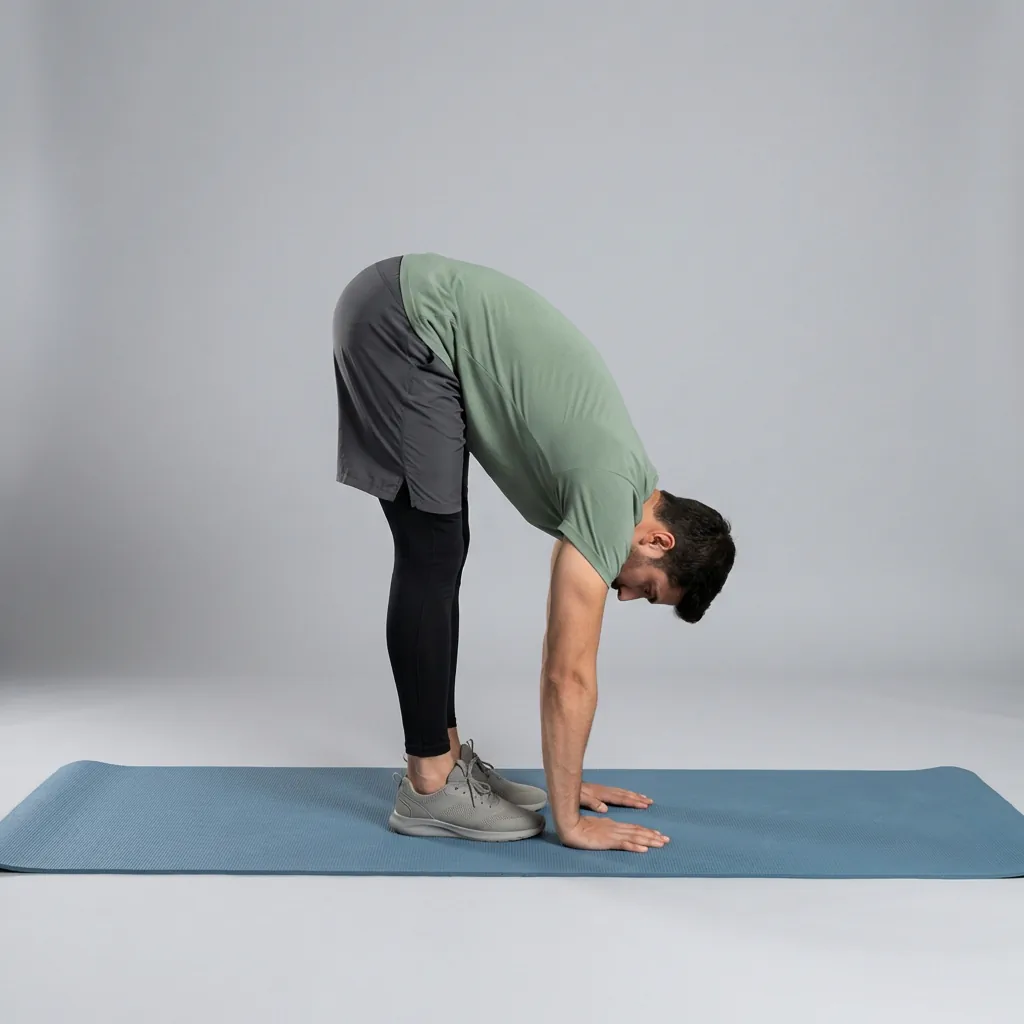
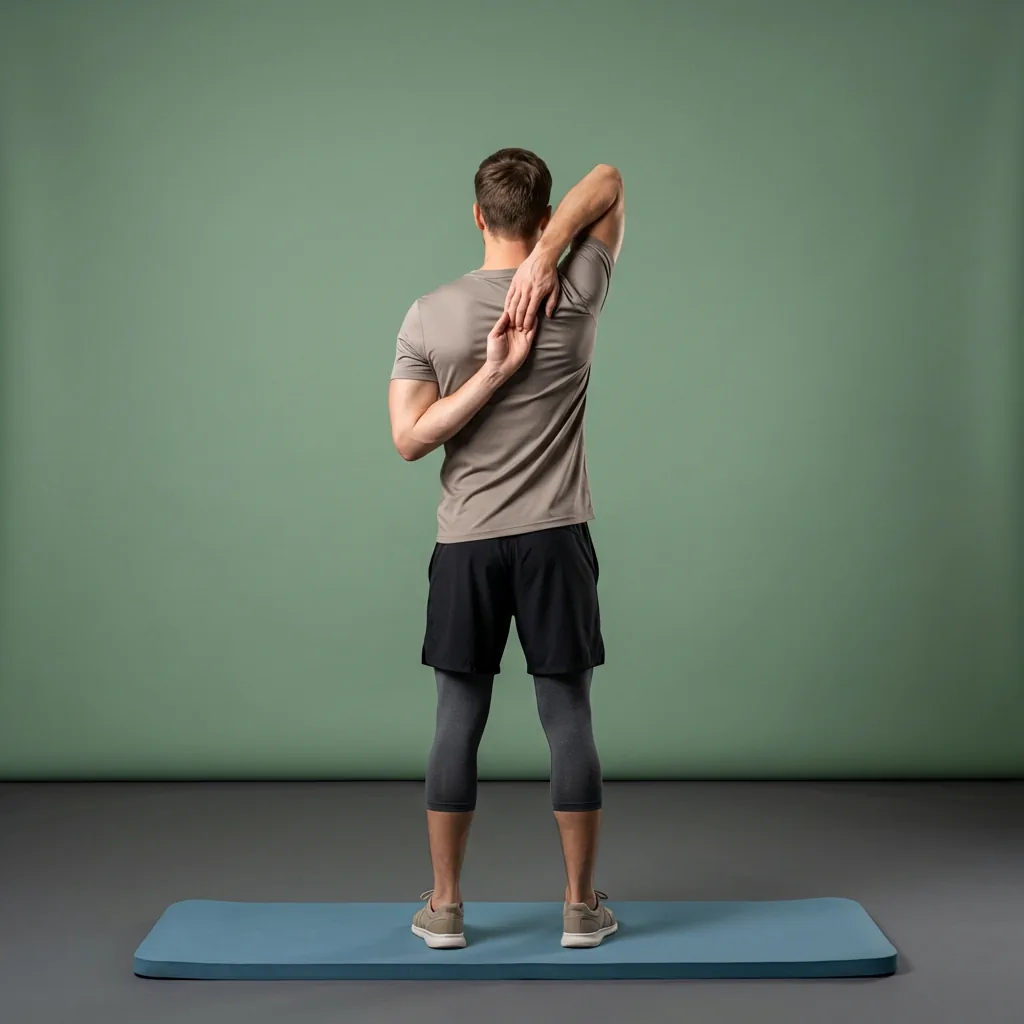
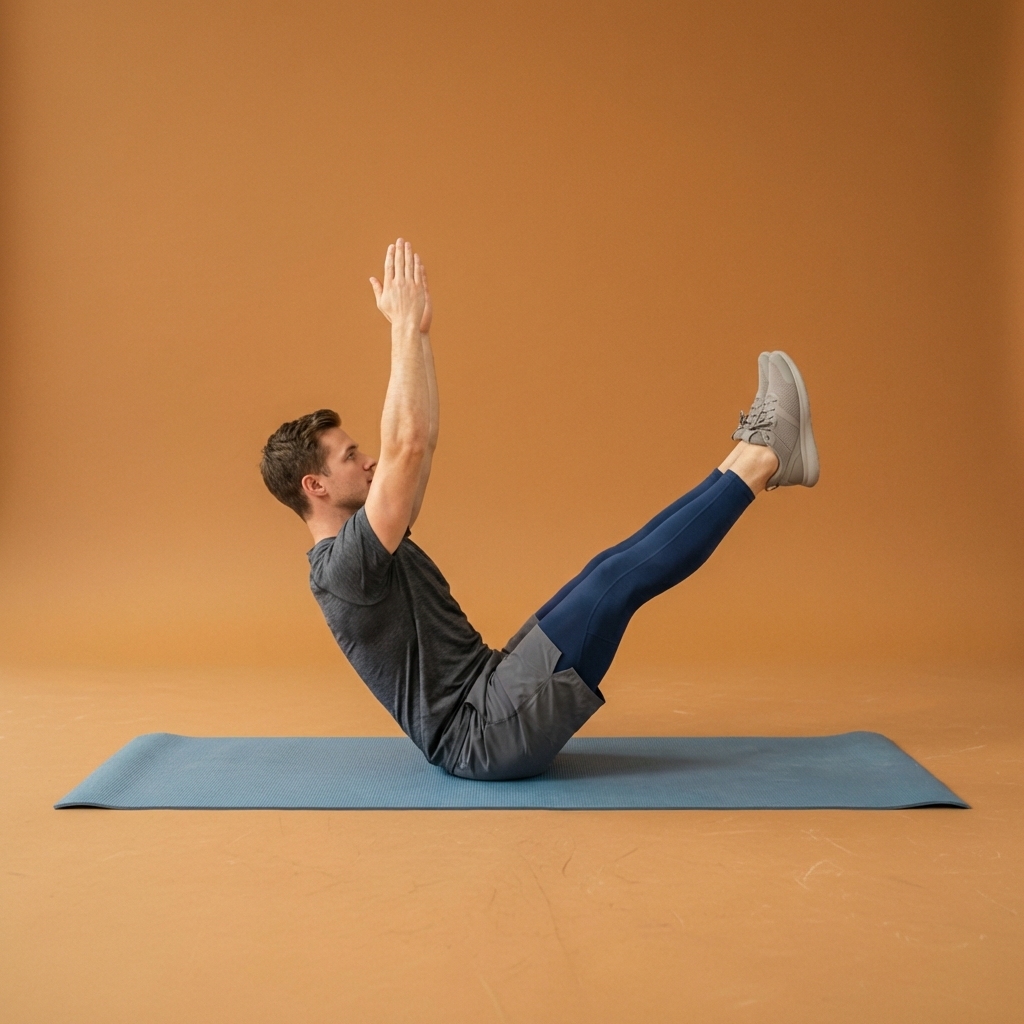
Browse guided Flexor sessions that match this page, then open any routine for steps and cues.



































Common questions
Frequently asked questions
Is Flexor really the best stretching app?
That depends on what you need, and this is a first-party view rather than an independent ranking. Flexor is a strong choice if you want guided daily stretching and mobility, a genuinely useful free plan, and AI and personalisation that reduce decision friction. It is not built for camera-based form scoring or medical rehabilitation. The most useful approach is to judge it against clear criteria—guidance, library, personalisation, and price—and try the free plan yourself.
What are the main downsides of Flexor?
The honest limitations are worth knowing up front. Flexor cannot watch you or correct your form, so guidance means demonstrations, cues, and timing rather than live feedback. It is a general wellness app, not medical care, so it avoids diagnosis and treatment claims. Some features—detailed statistics, a larger AI allowance, and Premium Pain Relief collections—require Premium.
How is this different from a comparison of stretching apps?
This page is a first-party evaluation of Flexor against general criteria, including where it falls short. It is not a multi-app roundup that ranks competitors side by side. A dedicated comparison approach—with dated sources and balanced methodology—belongs on separate comparison pages. Here the goal is transparency about Flexor's own strengths and limits, so you can weigh it against your priorities rather than take a marketing claim about being the single best option at face value.
Does Flexor use fake reviews or ratings to look better?
No. Flexor does not invent star ratings, review counts, or testimonials. Where marketing surfaces show ratings or selected store reviews, they come from verified App Store or Google Play listings. This evaluation still focuses on what the app actually does and where it is limited, rather than treating social proof as a substitute for product facts.
Keep exploring
More guides on stretching, mobility, routines, and Flexor features.
Free guided stretching exercises app
A full stretching and mobility app—free to download, ready to use.
Download Flexor free—guided stretching routines, multi-day plans, daily recommendations, reminders, and offline access....
Read more AI that helps you start
Tell Flexor what you need. Get a guided routine you can start now.
Describe what you need and let Flexor create or recommend a guided stretching or mobility routine from its structured ex...
Read more
Pain Relief
Gentle stretching and mobility for everyday body comfort.
Pain Relief in Flexor: 35 unique guided routines across eight collections for everyday comfort. General wellness only, n...
Read more