
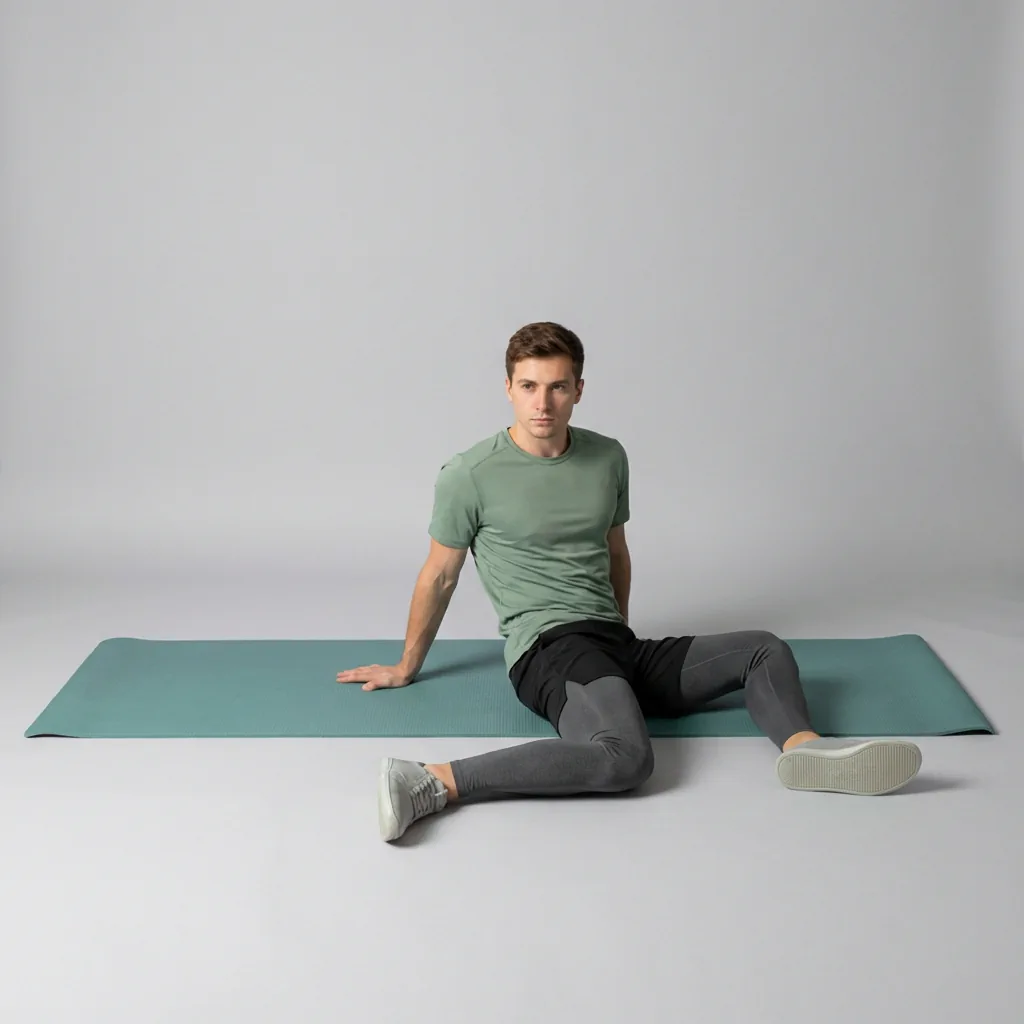
90/90 Hip Switch
Seated drill that sweeps both knees through 90/90 positions to train smooth hip internal and external rotation.
Overview
90/90 Hip Switch is a dynamic seated drill on Flexor. You drop both knees to one 90/90 side, then rotate the pelvis to sweep them through the middle and down to the other side in one smooth arc.
What 90/90 Hip Switch targets
You'll feel it through the hip adductors, gluteus maximus, and iliopsoas as the pelvis rotates. Hands behind you can help at first; reduce support as control improves.
Why add 90/90 Hip Switch to your routine
Smooth hip rotation supports squat depth, running gait, and comfortable floor sitting. Move slowly enough to feel each side load without forcing range.
- Alternates both hip rotation directions in one drill.
- Floor-based with no equipment needed.
- Scales by reducing range or using hand support.
Who it's for
Beginners building hip rotation awareness and anyone whose hips feel stiff when changing seated positions.
When to do it
Best as a warm-up or mid-session mobility reset. Alternate sides for 30–60 seconds total.
From a seated start, drop both knees to one 90/90 side, then rotate the pelvis to sweep them through centre to the other side. The goal is controlled hip rotation, not speed.
Setup cue
Sit on the floor with both knees bent and feet on the ground, hands behind you for support. Drop both knees to one side to form a comfortable 90/90 position.
Practice notes
In Flexor, 90/90 Hip Switch is typically prescribed as about 1 min per round, 1 rep, and 1 set. Adjust the dosage to what feels sustainable, breathe steadily, and ease off if anything feels sharp or unsafe.
Guidance
How to perform, tips, mistakes, safety notes, and benefits for 90/90 Hip Switch.
Follow these cues in order. Move with control and stay in a comfortable range.
- Sit on the floor with both knees bent and feet on the ground, hands behind you for support.
- Drop both knees to one side to form a comfortable 90/90 position (front and back knees bent, shins roughly at right angles).
- Without forcing range, rotate your pelvis and sweep both knees through the middle to the other side.
- Move with control and stay controlled—aim for smooth hip rotation, not speed.
- Continue alternating sides for the prescribed reps.
Cues that help the movement stay smoother and more controlled.
- Move with control and keep breathing steadily.
- Maintain stable posture; avoid compensating with other joints.
- Glide through the switch slowly enough that you feel each hip glide in its socket.
Patterns to watch for so the shape stays clearer.
- Using momentum to fling the knees rather than rotating from the pelvis.
- Leaning the torso far back instead of staying centred over the hips.
- Rushing the transition through the middle where control matters most.
Keep things comfortable and stop if something feels wrong.
- Hip openers can feel intense—avoid forcing rotation; use props/support and keep knees comfortable.
- Stop if you feel sharp pain, numbness, tingling, dizziness, or symptoms that radiate.
- Stay within a comfortable, controlled range; muscular effort or mild stretch tension should not become pain.
- Move smoothly without bouncing, jerking, or forcing the range.
Why people include this movement in their practice.
- Trains hip rotation through both internal and external ranges in one flowing pattern.
- Builds control at the pelvis for squatting, lunging, and ground transitions.
Similar movements to explore next
-
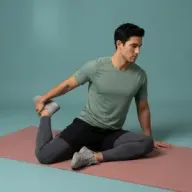
90/90
Seated hip opener with both knees at 90°; hinge forward over the front shin to stretch inner thighs and glutes.
-
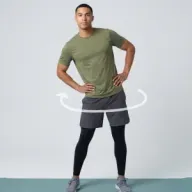
Hip Circles
Stand tall and draw slow circles with the pelvis to mobilize the hips in both directions.
-
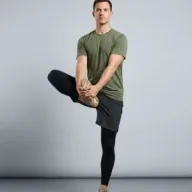
Standing Hip Openers
Balance on one leg and open the lifted knee out to the side to mobilize hip external rotation.
-
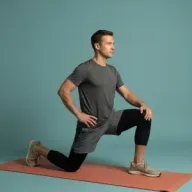
90/90 Hip Switch Extension
90/90 hip switch with a forward hinge and tall-spine lift to combine hip rotation with thoracic extension.
-
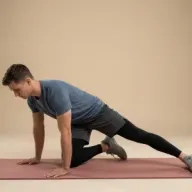
Adductor Rocks
Press hips back from all fours with one leg extended sideways to hold a gentle inner-thigh adductor stretch.
-
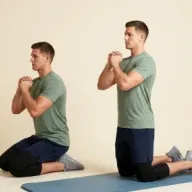
Kneeling Hip Hinge
From tall kneeling, send hips back toward your heels then drive forward to stand tall, rehearsing hip extension without loading the spine.
-
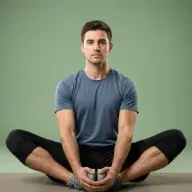
Butterfly
Seated soles-together hip opener that gently presses the knees toward the floor.
-
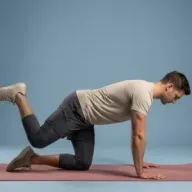
Kneeling Hip Circles
On hands and knees, lift one knee to the side and circle the thigh from the hip to open rotation without twisting the lower back.
Common questions
How is the 90/90 hip switch different from a static 90/90?
The hip switch keeps you moving: you rotate your pelvis to sweep both knees from one 90/90 side to the other, training active hip rotation. The static 90/90 holds a single position for a stretch. The switch is a good next step once the seated 90/90 feels comfortable.
Should I do the 90/90 hip switch with or without hands?
Use your hands for support while you learn the movement. The no-hands version raises the challenge by making your core and hips control the rotation and balance, so move to it once you can switch sides smoothly without wobbling.
Which body areas does 90/90 Hip Switch target?
90/90 Hip Switch is a mobility movement that mainly targets your adductors, hips, and glutes. Move within a comfortable range and skip it if it does not feel suitable for you.
Which muscles does 90/90 Hip Switch work?
Primary muscles associated with 90/90 Hip Switch include hip adductors, gluteus maximus, and iliopsoas. Flexor presents this as general wellness guidance, not a clinical assessment.
Is 90/90 Hip Switch suitable for beginners?
90/90 Hip Switch is listed as beginner in Flexor. Choose a smaller range of motion, fewer repetitions, or an easier variation whenever you want more control.
How long should you hold 90/90 Hip Switch?
In Flexor, 90/90 Hip Switch runs for about 1 min per round. Adjust the time to what feels sustainable, breathe steadily, and ease off sooner if anything feels sharp.
Is this medical advice?
No. Flexor provides general fitness and wellness guidance. It does not diagnose, treat, or prevent medical conditions. Speak with a qualified professional about injuries, persistent pain, or health concerns.
